




Question:
Recently purchased a new Topdon Phoenix Smart diagnostic scanner, not even a month old. I’m trying to find a lock screen option? You know, when its not in use, someone has to input a code to unlock the screen.
Is this not an option on Topdon? It’s not a deal breaker, just would like a little piece of mind in securing my tools in that regard.
Here is the tip to set up the lock screen for Topdon Phoenix series scanners:
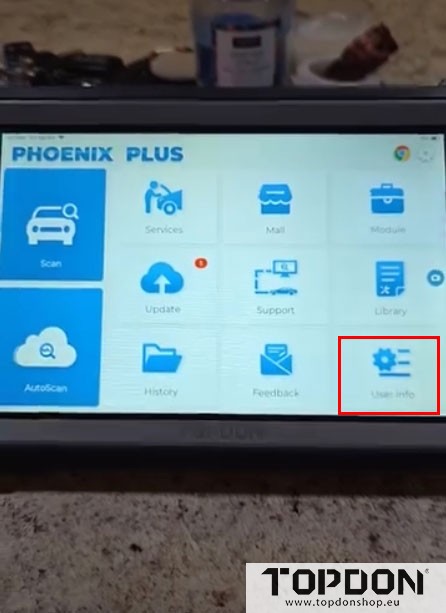
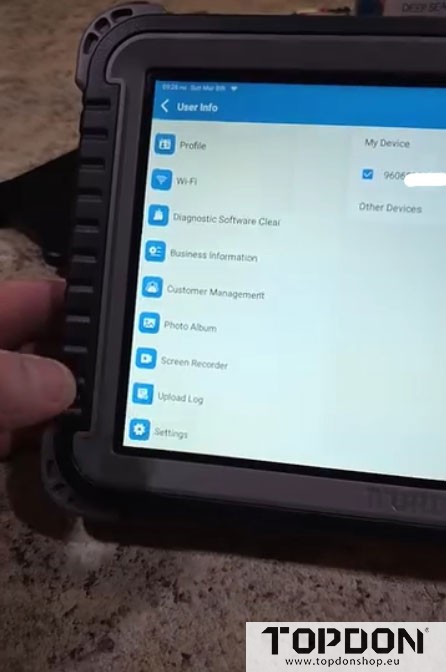
In Home menu, go to “User Info”- “Settings”- “Lock Screen”.
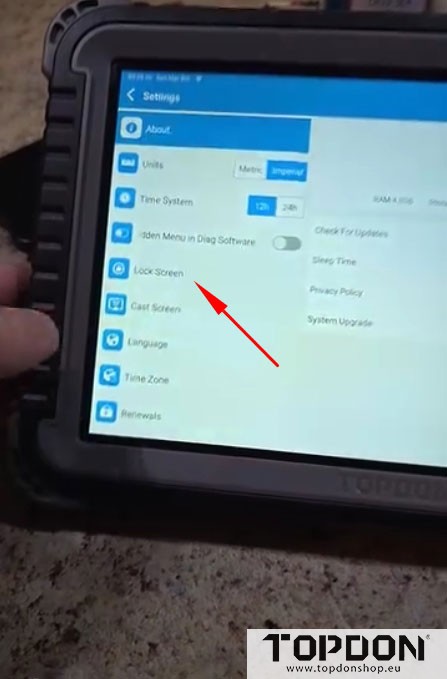
Select “Screen lock”.
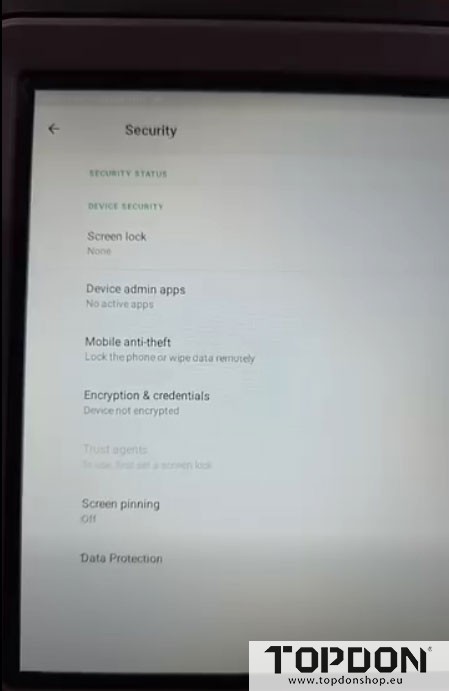
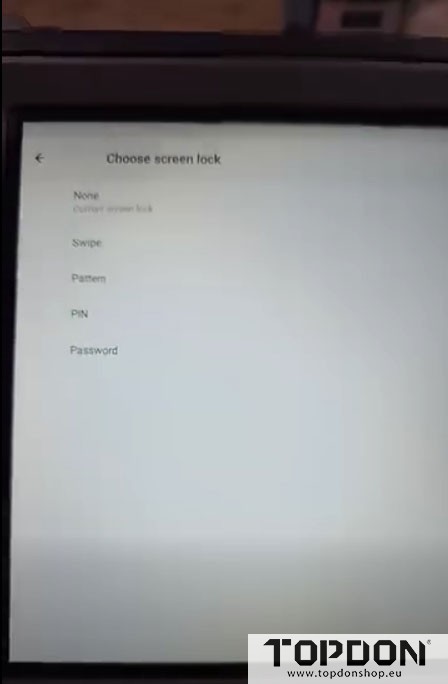
Now you can set screen lock type: swipe, pattern, PIN or pasword.