

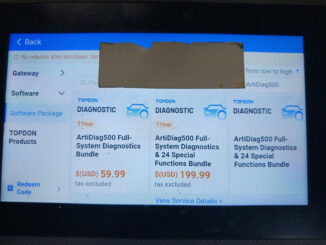
How to Update Todpon Artidiag500 to Full System Diagnostics?
Topdon Artidiag500 OBD2 scanner comes with 4-system diagnostics by default. How to update to a full-system diagnostic scanner? Purchase AD500 full system diagnostic software […]

Topdon Artidiag500 OBD2 scanner comes with 4-system diagnostics by default. How to update to a full-system diagnostic scanner? Purchase AD500 full system diagnostic software […]
Problem: Try to update Topdon Artidiag500 scanner software, but failed to connect to WiFi. Any solution? Solution: The device storage is full. Delete car brands […]
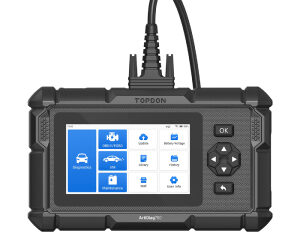
What is the difference among Topdon Artidiag700, Artidiag600S and Artidiag500 diagnostic scanners? Check the table comparison below Item Artidiag700 Artidiag600S Artidiag500 Hardware CPU 4-Core 1.8GHz […]
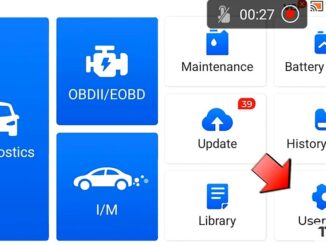
How to Clear App Cache for Topdon Artidiag500 (AD500) and Artidiag600 (AD600S, AD600 Elite, AD600 Pro) Series Scanners? Go to User Info-Settings. Tap the […]
How to Upload Logs for Topdon Artidiag500 (AD500)/Artidiag600S (AD600S)? Click “Data” on the main menu Select “Feedback” DiagFeedback>>Choose the software to analyze Select the […]
Copyright © 2026 | WordPress Theme by MH Themes