




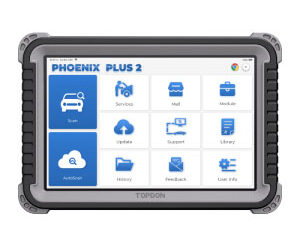
Topdon Phoenix Plus 2 vs Topdon ONE
What is the difference between Topdon Phoenix plus 2 and Topdon one? Topdon Phoenix Plus 2 is a mid-to-upper level professional bidirectional diagnostic scanner […]

What is the difference between Topdon Phoenix plus 2 and Topdon one? Topdon Phoenix Plus 2 is a mid-to-upper level professional bidirectional diagnostic scanner […]
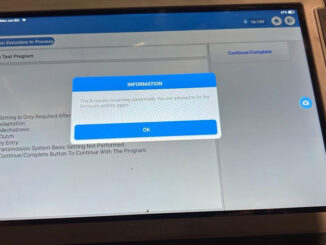
Problem: After replacing mecatronic and i used Topdon Phoenix Plus 2 and t-ninja box to clone the mecatronic but I can’t get it to do […]
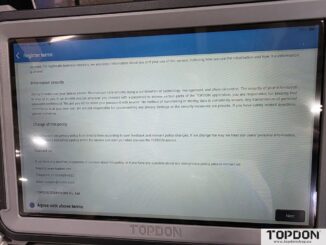
Problem: Received a new Topdon Phoenix Plus 2 diagnostic scanner, unit will not proceed past “agree to terms” screen. Have tried 2 different WIFI networks […]
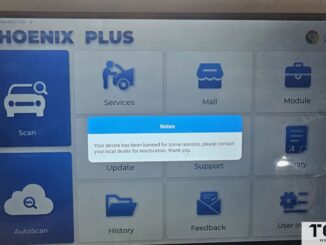
Problem: The Topdon Phoenix Plus diagnostic scanner reported an error, “The device has been banned for some reasons”. How to solve and unlock device? Solution: […]

Question: I have a Topdon Phoenix Plus 2 diagnostic scanner. Is it possible to add the Topdon oscilloscope and use it without a subscription? I’d […]

Question: Do we have screen brightness control on the Topdon Phoenix Plus 2 or other Phoenix scanners? I can’t find it. I am looking for […]
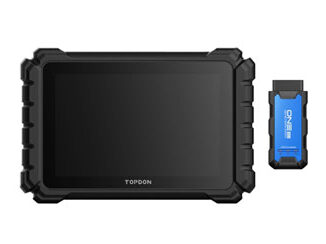
Looking to grab a topdon to add to the collection. Question is phoenix lite 3, one plus or phoenix plus 2? Here comes a […]

Topdon Phoenix Nano, Phoenix Xlink, Phoenix Plus 2, Phoenix Elite, Phoenix Lite 3, Phoenix Smart, Phoenix Remote, Phoenix Max, Topdon ONE series are compatible with ADAS add-on module. […]
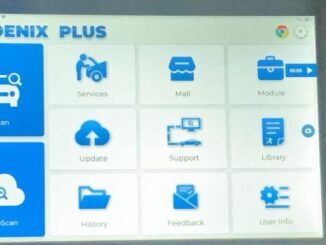
Is it possible to install software from the google play store on Topdon phoenix plus 2 tablet? You can install the Apps. The tablet […]
As titled, where to find the Topdon Phoenix Plus 2/Phoenix Plus screenshot button? Go this way: First home screen then pull down from top […]
Copyright © 2026 | WordPress Theme by MH Themes