




TOPDON has announced a licensing agreement with Volkswagen that allows their tools to officially unlock SFD secure gateway technology. This isn’t just another workaround – it’s an authorized solution that ensures compliance with manufacturer security requirements while giving technicians the access they need.
How to get and set up SFD unlocking on VW vehicles, see the operational changes after unlocking, and verify a successful SFD unlock using the TOPDON ONE series (Topdon ONE Lite/ONE/ONE Plus etc).
How the Subscription Works
The SFD unlocking capability is available as an annual subscription purchased directly through the TOPDON Mall on your compatible device. Here’s what you need to know:
- One-year subscription: Purchase grants access for 365 days
- Multi-tool compatibility: The subscription links to your TOPDON account, working across all your TOPDON tools logged in with the same credentials
- Pricing: Available in USD (check your local mall for exact pricing)
- Availability: Compatible with Phoenix series tools and the TOPDON ONE series
Step-by-Step: Purchasing Your SFD Subscription
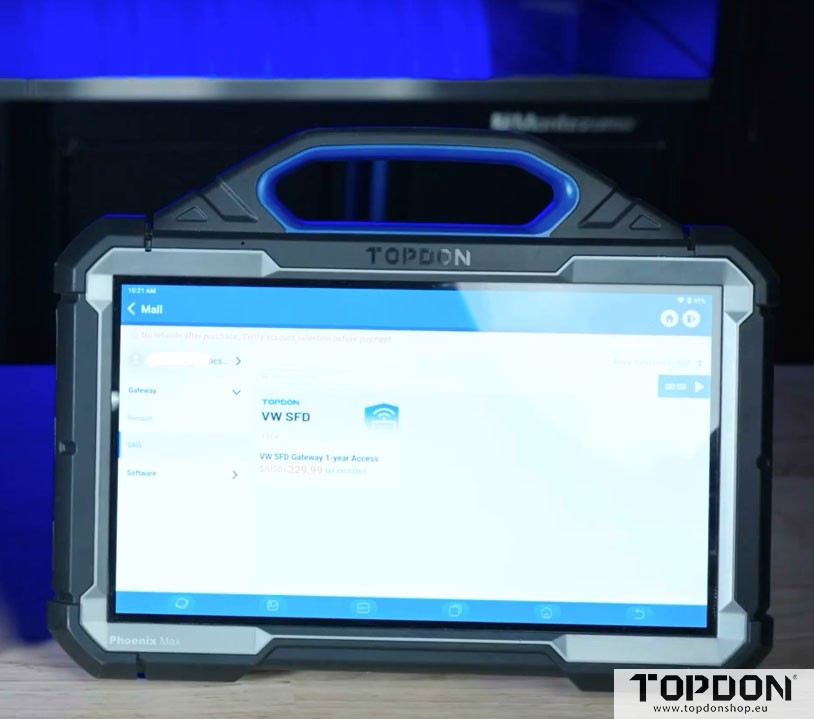
On Phoenix Series Tools:
Navigate to the main screen and open the Mall
Access the Gateway menu
Search for “VAG” (Volkswagen Auto Group)
Select VW/SFD Gateway Unlocking
Complete the purchase (ensure you’re logged into your account)
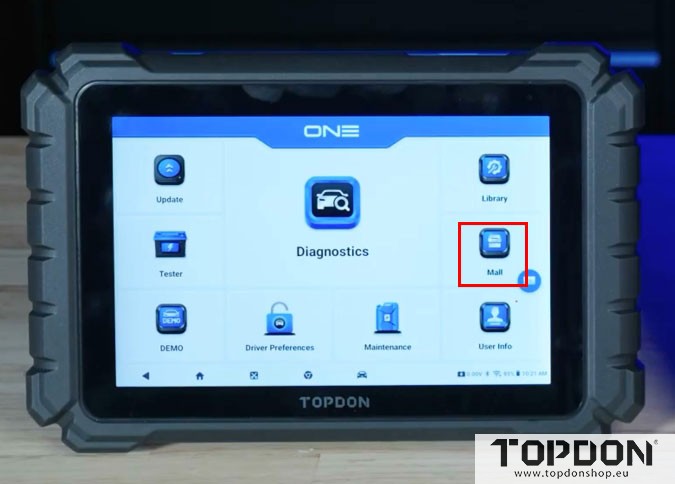
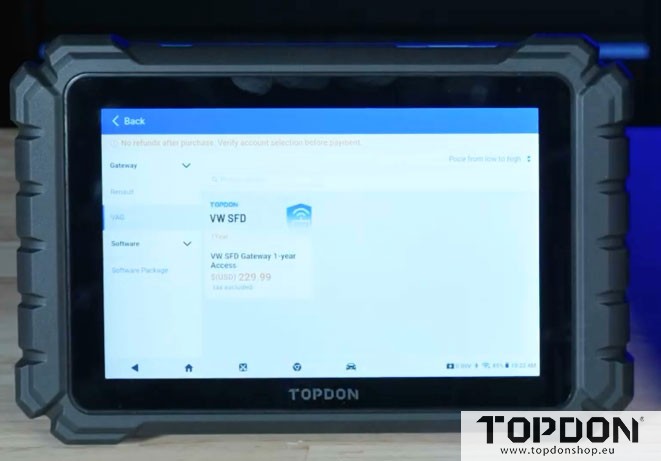
On TOPDON ONE:
The process is virtually identical – access the Mall, find the Gateway menu, locate VAG, and purchase the VW/SFD subscription.
Setting Up SFD Unlocking for the First Time
The initial setup requires several authentication steps, but once completed, future unlocks are streamlined.
Prerequisites:
- Active SFD subscription
- TOPDON account logged in
- Google Authenticator app installed on your smartphone
- Valid government ID (driver’s license or passport)
- Stable internet connection
The Setup Process:
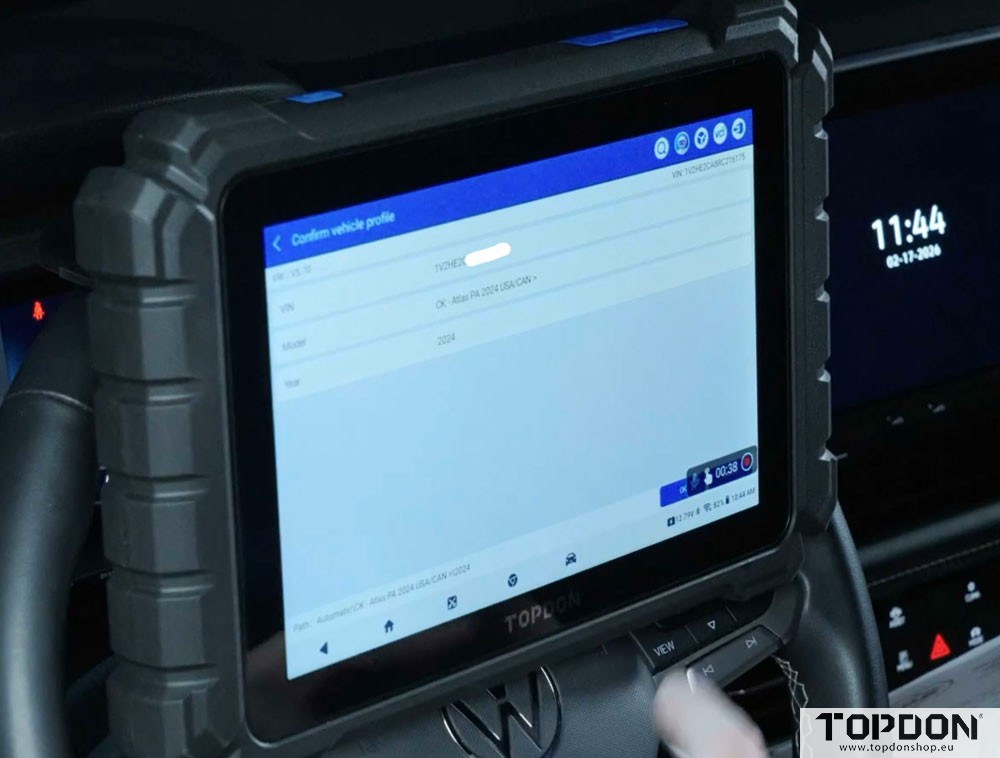
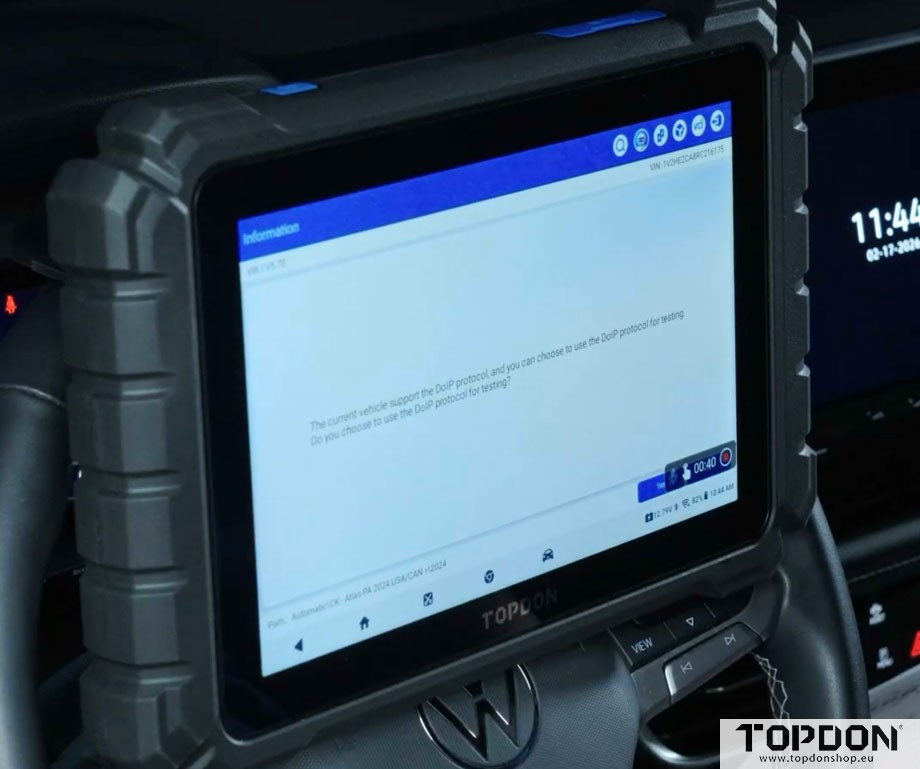
1. Vehicle Connection
Auto-VIN the vehicle
Select the correct vehicle model
2. Initial Authentication
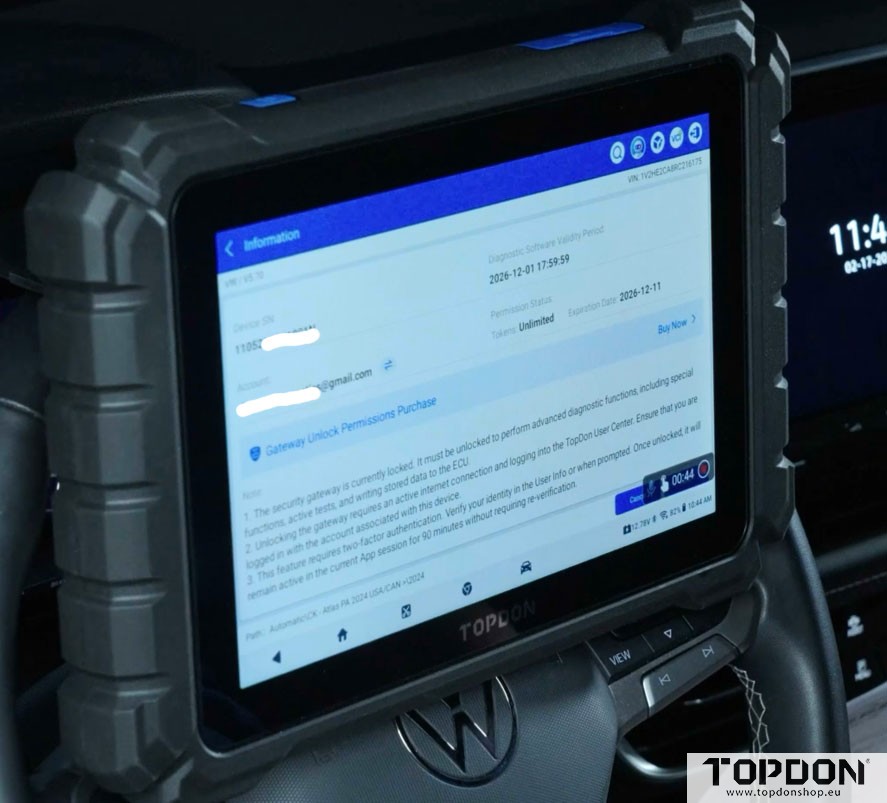
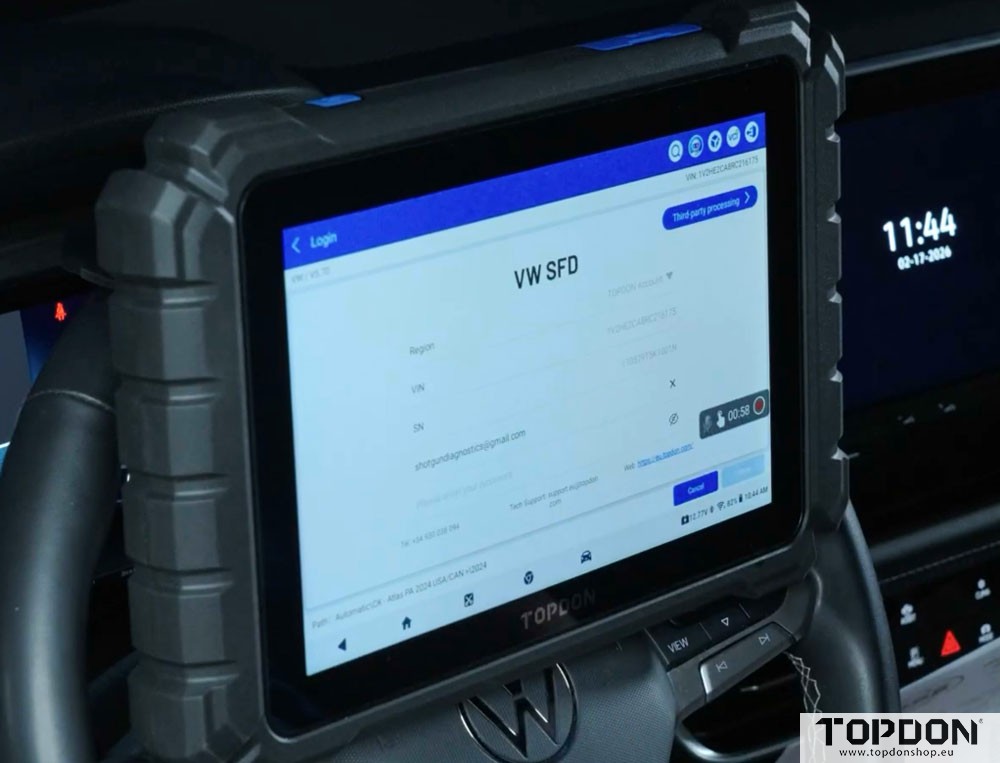
Enter your TOPDON account password
Click the “Unlock” button
Note that first-time setup requires two-factor authentication
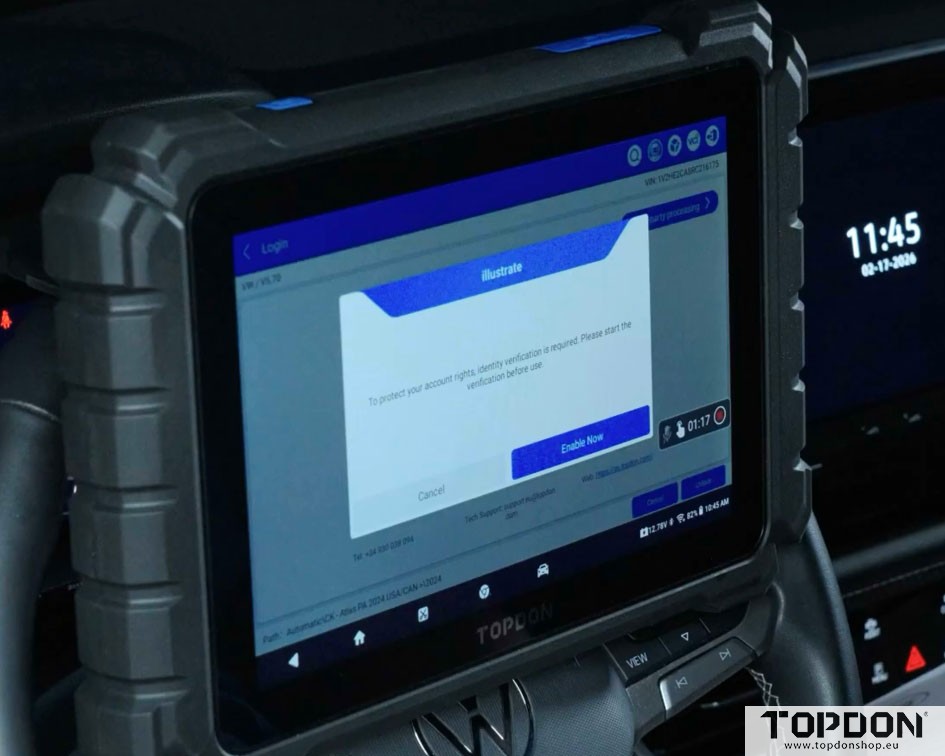
3. Google Authenticator Setup
Open Google Authenticator on your phone.
Add a new code by scanning the QR code displayed on your TOPDON tool.
Allow camera access when prompted.
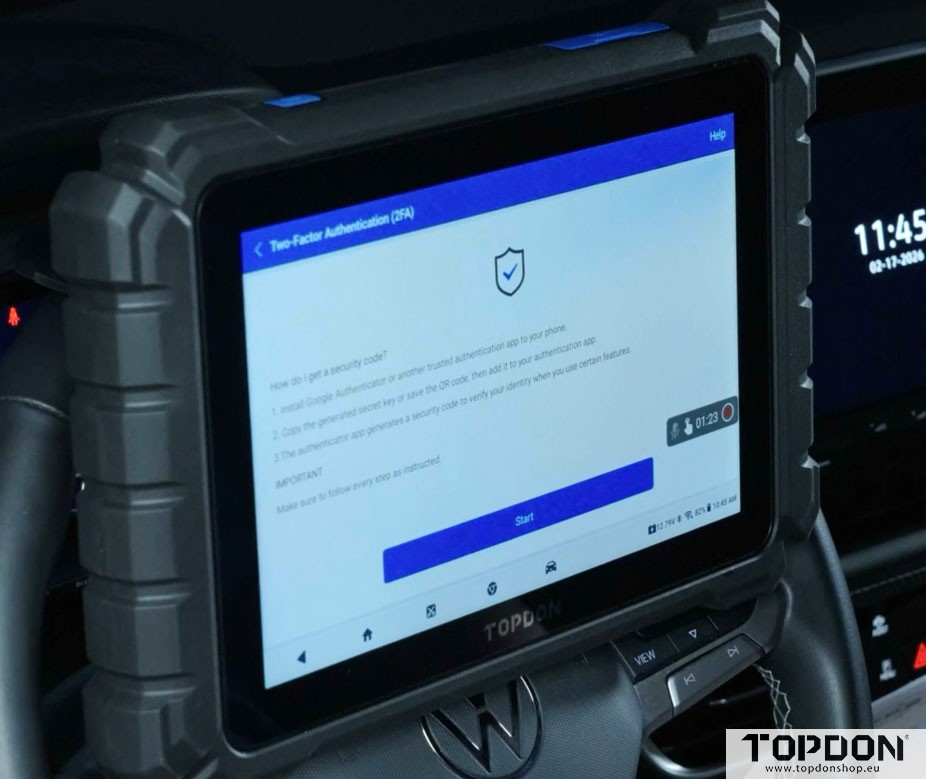
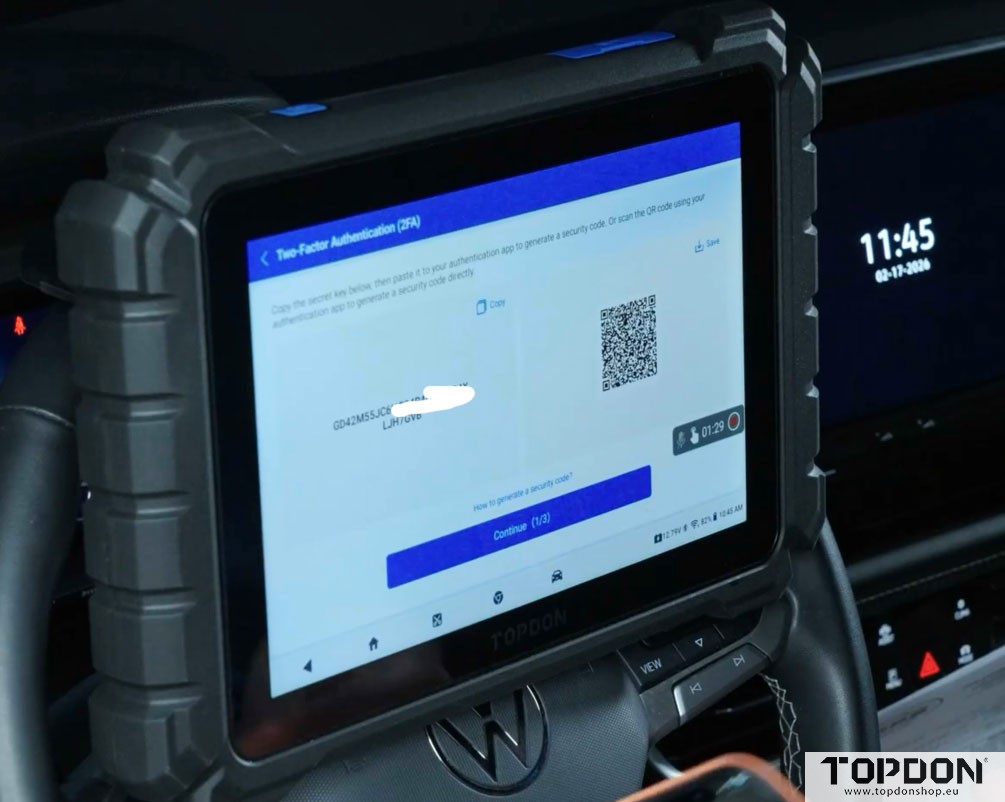
4. Code Entry
Enter the rolling code from Google Authenticator.
Codes expire quickly, so work efficiently.
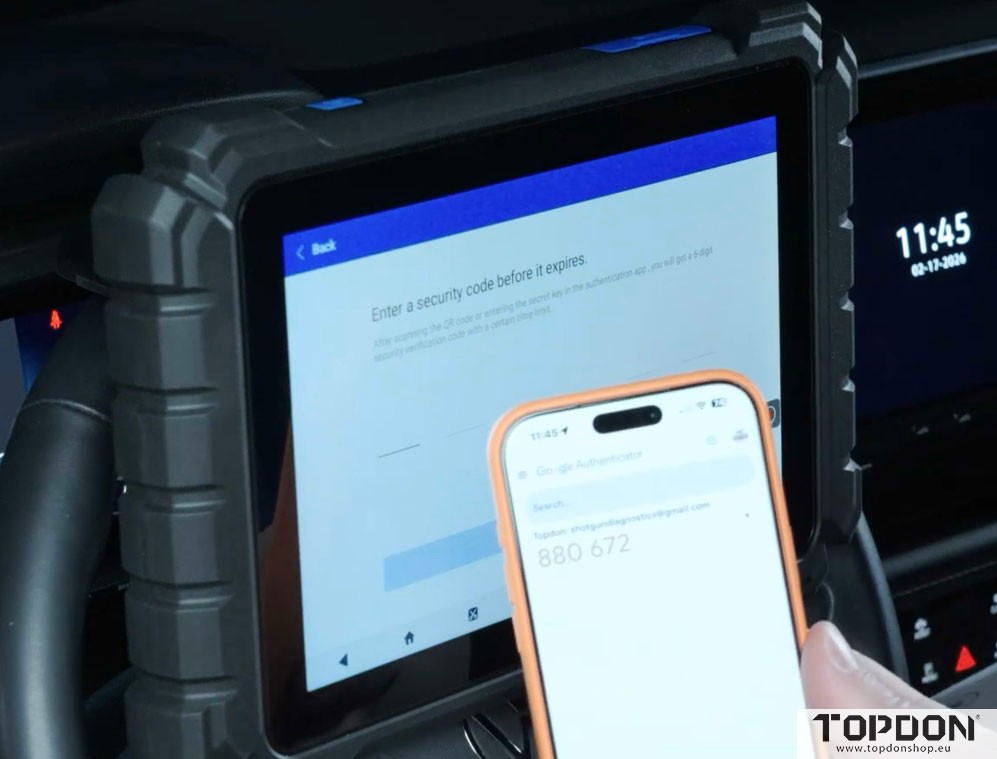
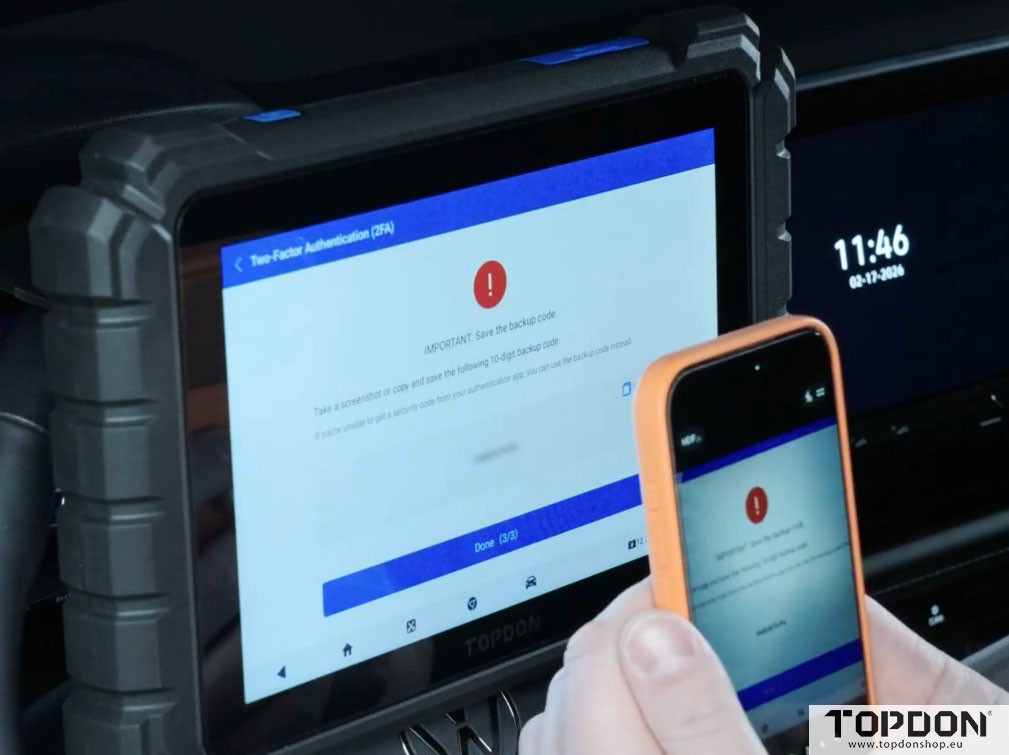
5. Backup Code Generation
The system will display a 10-digit backup code.
IMPORTANT: Take a screenshot and save this code securely (Google Keep, notes app, or physical copy).
This backup code is essential if you lose access to your authenticator app.
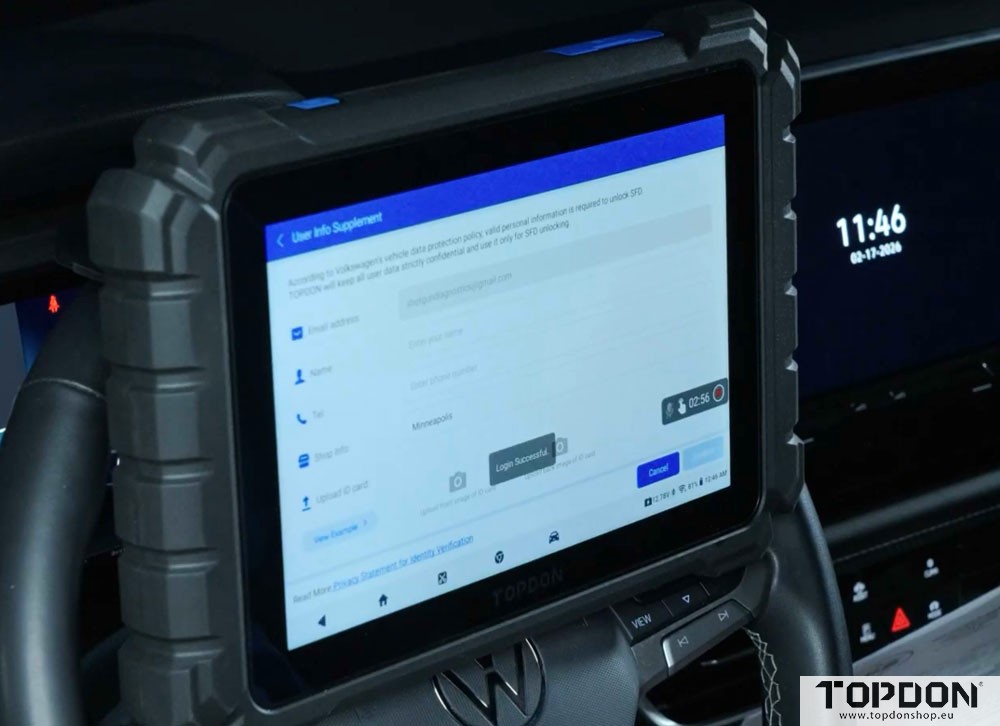
6. User Information
Complete your user details (name, contact information)
Upload a photo of your driver’s license or passport
Confirm the information
Verifying Successful SFD Unlocking.
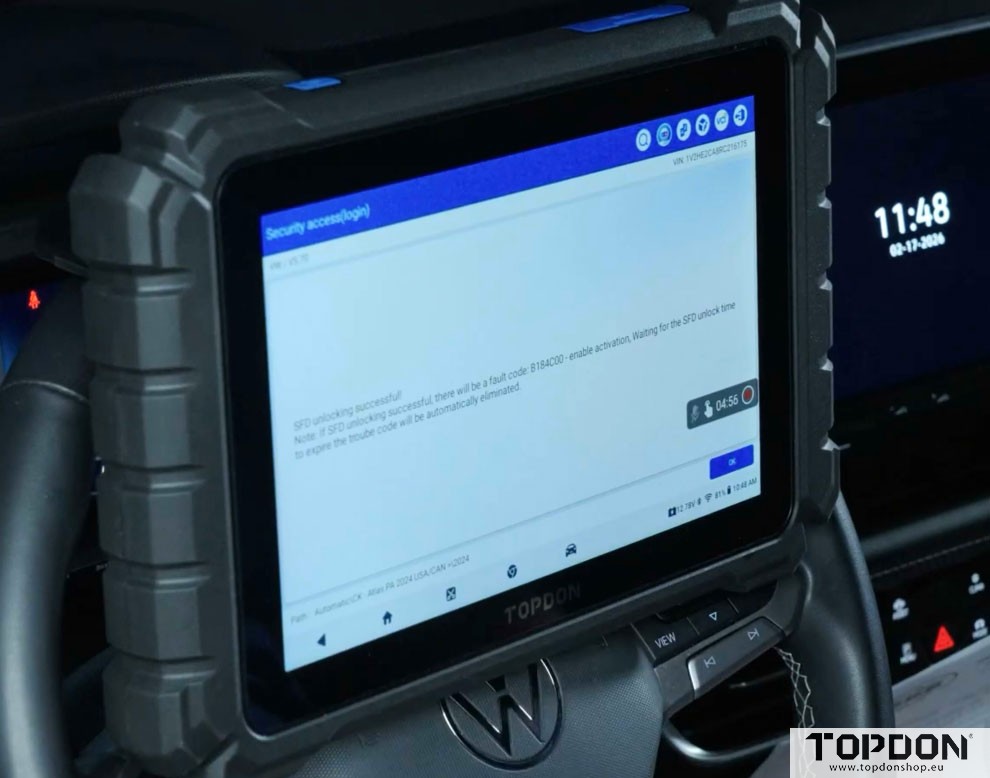
Once the process is complete, you can verify successful unlocking in two ways:
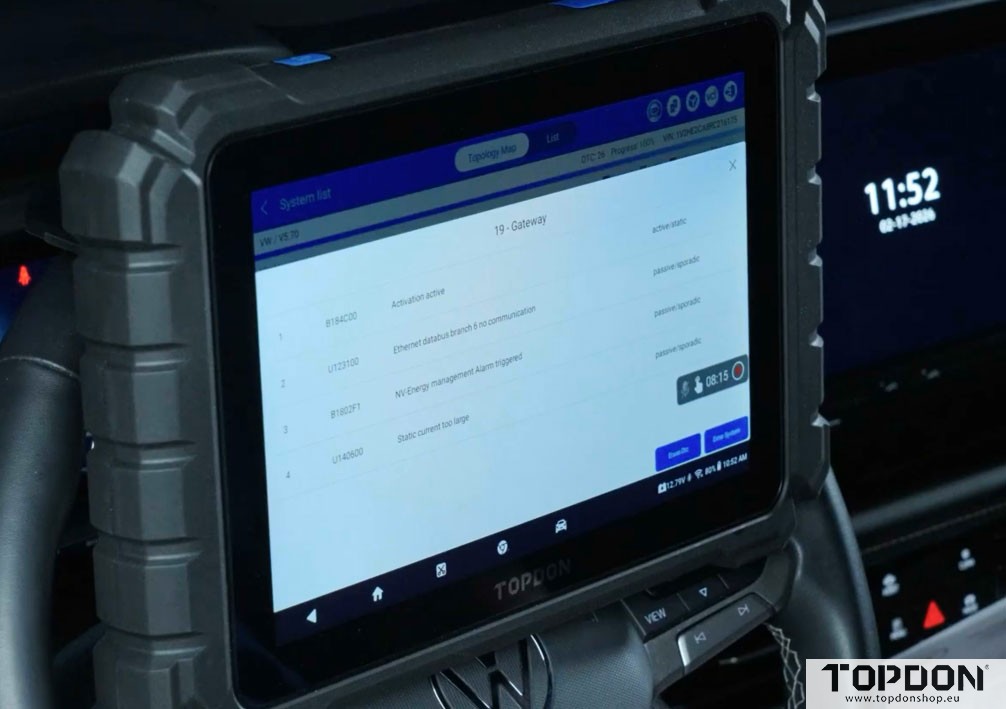
Method 1: Fault Code Verification
After successful SFD unlocking, the gateway module will display a specific fault code:
B184C00 – This indicates the SFD has been successfully unlocked.
Counterintuitively, this “fault code” confirms success, not a problem.
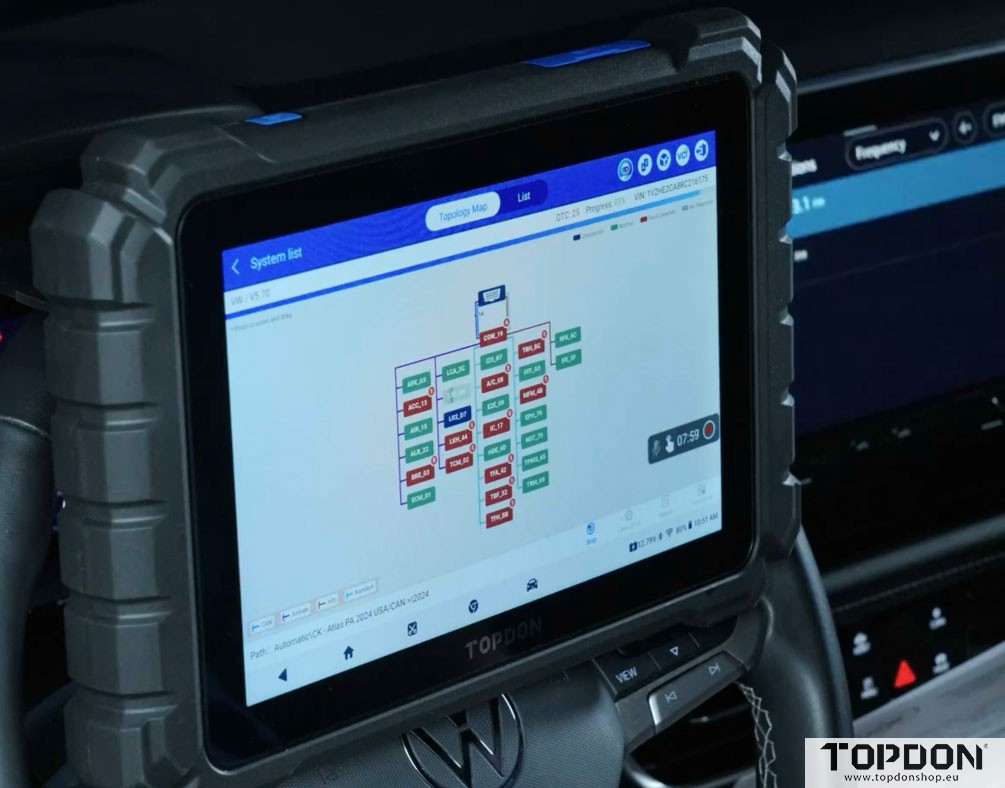
Method 2: Live Data Verification
Navigate to the Gateway module (address word 19)
Access Data Stream
Search for “SFD” using the magnifying glass icon
Review SFD-related parameters:
Current operating mode
Short-time controlled unlocking state
Active countdown timer showing remaining unlock time
What You Can Do After SFD Unlocking
With SFD successfully unlocked, you can perform:
- Basic settings adjustments
- Adaptations on various modules
- Coding changes
- Code reading and clearing (where applicable)
- Full vehicle diagnostics on SFD-protected modules
Important Considerations
Time Limitations
SFD unlocking is temporary. The gateway module maintains an active countdown timer showing how long the unlock remains valid. Once expired, you’ll need to reinitialize the unlocking process.
Internet Connection Requirement
An active internet connection is mandatory throughout your diagnostic session. This is a manufacturer requirement, not a TOPDON limitation.
Account Synchronization
Because the subscription links to your TOPDON account, you can use multiple TOPDON tools without purchasing separate subscriptions – just log in with the same credentials.
Why Official SFD Access Matters
Using an authorized solution like TOPDON’s SFD unlocking offers several advantages:
- Legitimacy: Full compliance with Volkswagen security requirements
- Reliability: Tested and approved by the manufacturer
- Support: Official channels for troubleshooting
- Updates: Continued compatibility with new vehicle models
- Professional credibility: Demonstrates commitment to proper procedures
Conclusion
TOPDON’s partnership with Volkswagen represents a significant step forward for the automotive diagnostic industry. Instead of forcing technicians to seek unauthorized workarounds, it provides a legitimate, secure, and user-friendly path to accessing SFD-protected vehicles.
The process, while requiring several authentication steps initially, becomes routine after the first setup. The investment in the annual subscription pays dividends in capability, reliability, and peace of mind – knowing you’re working with manufacturer-approved technology rather than potentially risky alternatives.
Whether you’re a professional technician or an advanced enthusiast, TOPDON’s SFD unlocking solution ensures you can service modern Volkswagen Group vehicles correctly, safely, and in full compliance with security protocols.