





A Dodge Ram ProMaster with the 3.0L diesel engine arrived at the shop with cooling fan issues. The diagnostic path seemed straightforward enough: use a scan tool to command the fan relays on and off, verify circuit operation, and isolate the fault. Simple, right?
Not quite.
After cycling through four different brands of aftermarket scan tools, the results were consistently disappointing. None of them offered bi-directional control for the cooling fan relays. Frustrating, but not entirely surprising—aftermarket tools sometimes miss certain OEM-specific functions.
Turning to the Factory Solution
When aftermarket tools fall short, the logical next step is OEM software. The team had a Topdon ONE VCI, which functions as a J2534 interface, and obtained a subscription to the factory software (wiTech 2.0). This should have been the answer.
It wasn’t.
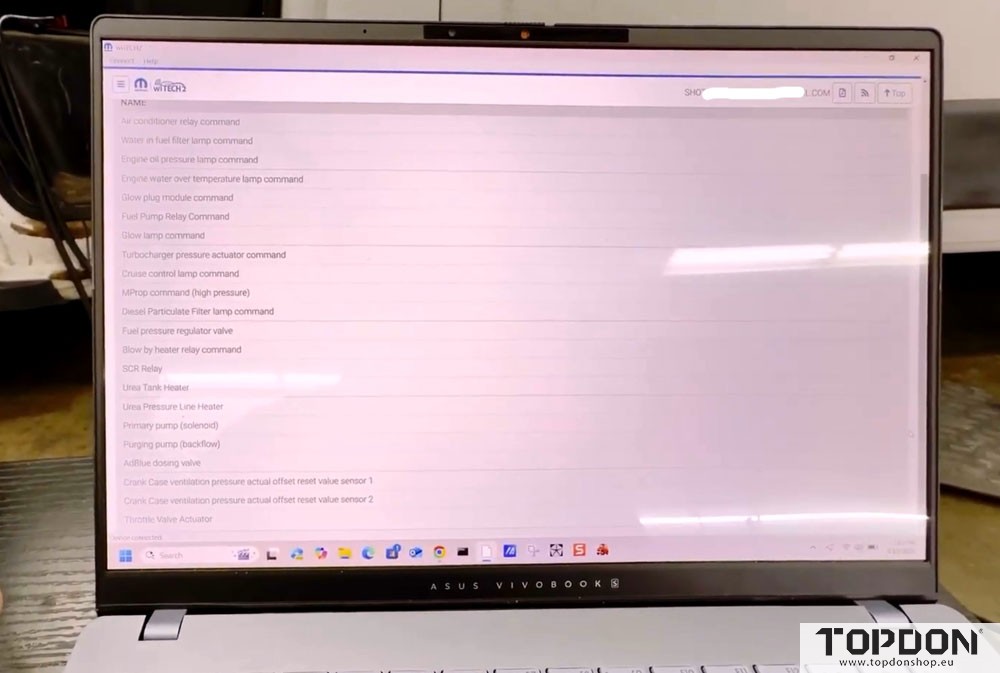
Navigating to the actuators section in wiTech revealed a surprising gap: no cooling fan relay controls whatsoever. The OEM software simply didn’t include this function for this particular vehicle. This explained why the aftermarket tools also lacked it—they were likely mirroring the limitations of the factory diagnostic capabilities.

A Creative Workaround
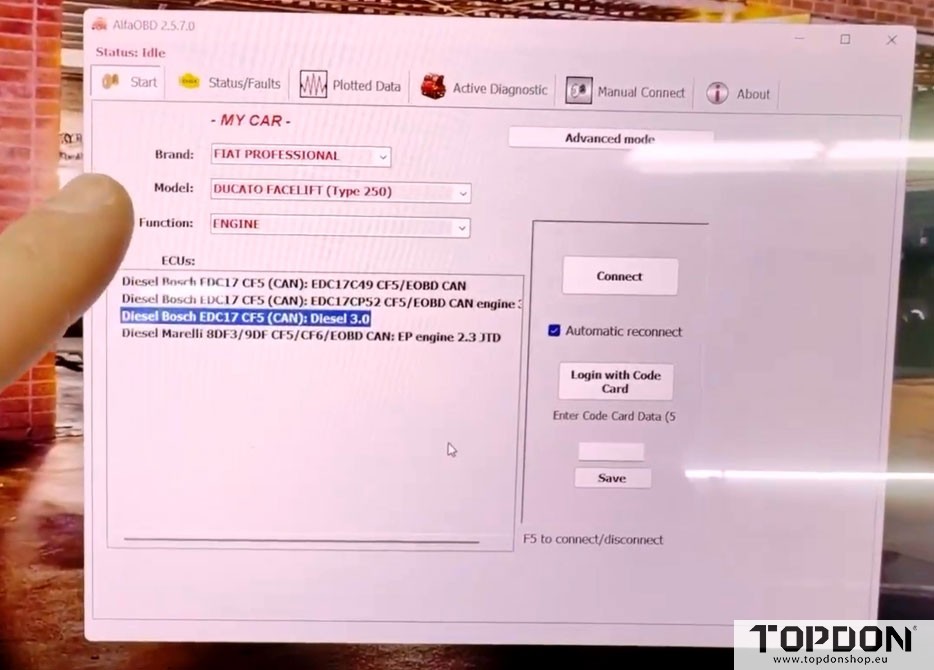
Here’s where the story takes an interesting turn. The Ram ProMaster diesel shares its platform architecture with the Fiat Ducato—they’re essentially mechanical twins. This kinship opened up a different diagnostic pathway.
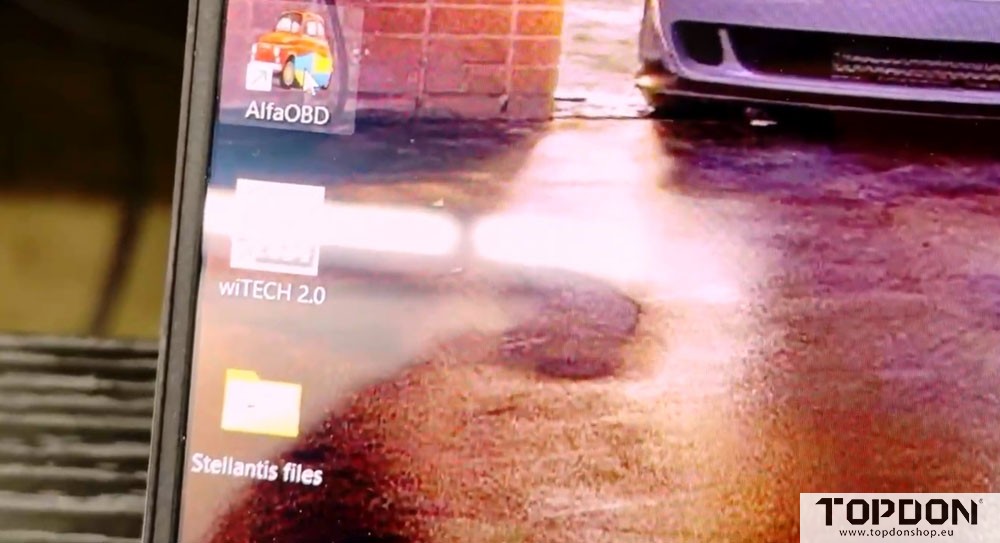
AlphaOBD, an aftermarket diagnostic software, supports both the RLink interface and the Topdon ONE VCI. By leveraging this compatibility, the team could approach the vehicle from a different angle—connecting to it as if it were a Fiat Ducato.
Success at Last
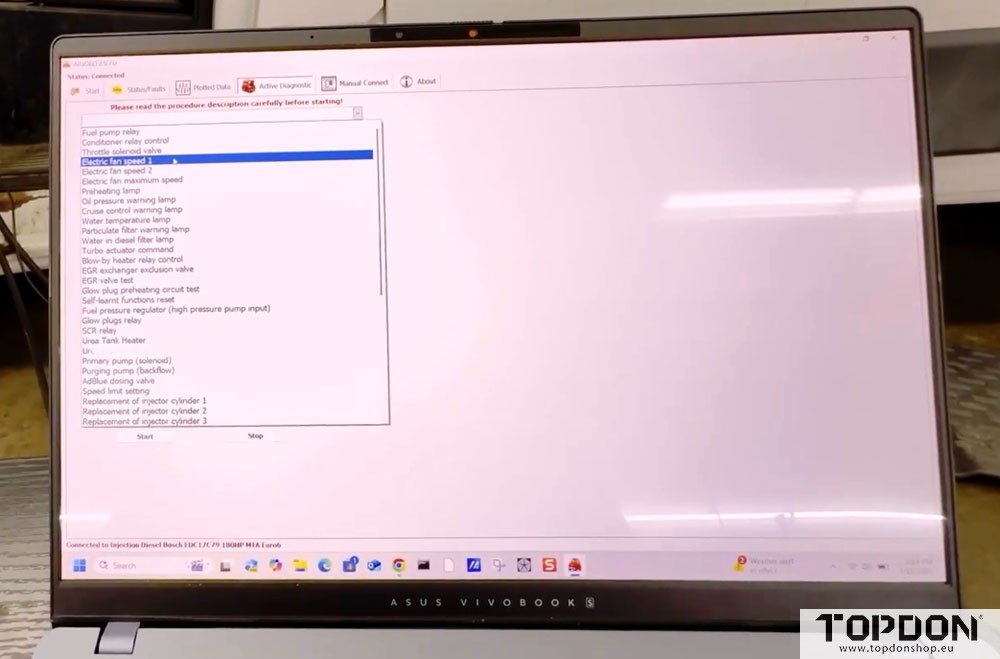
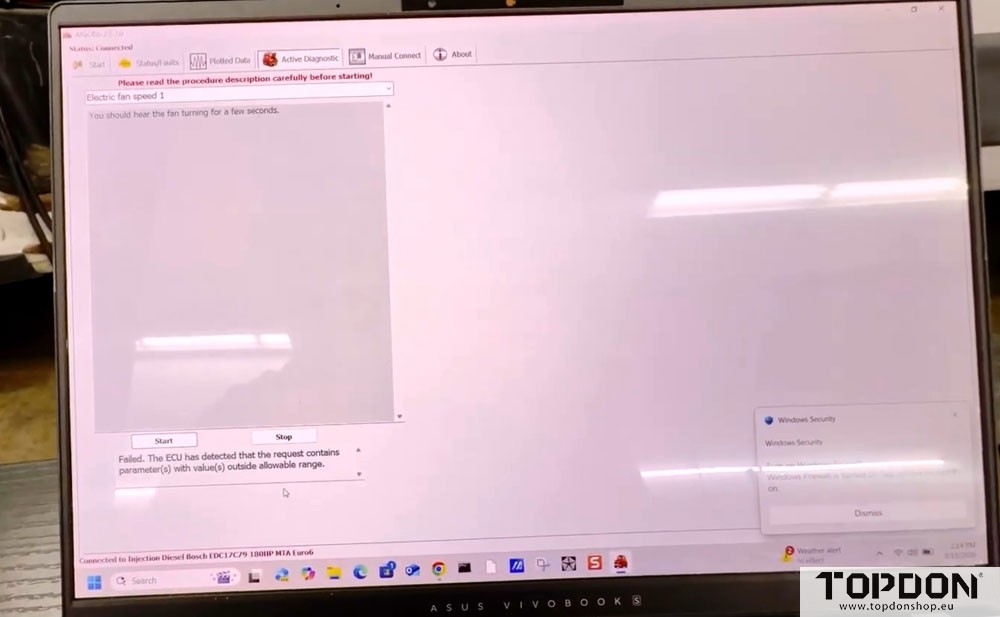
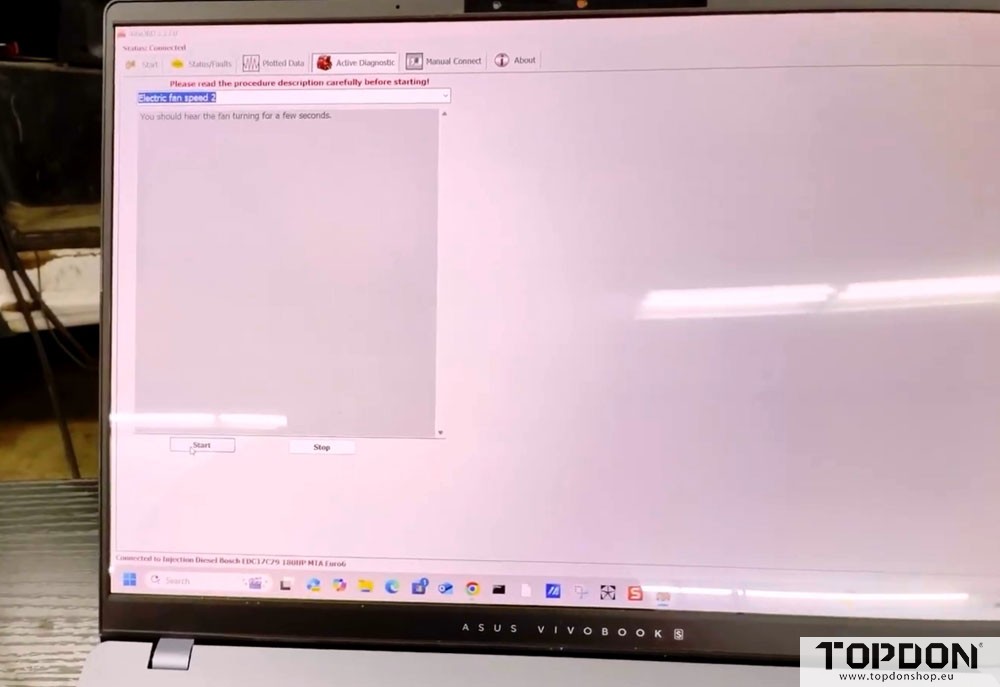
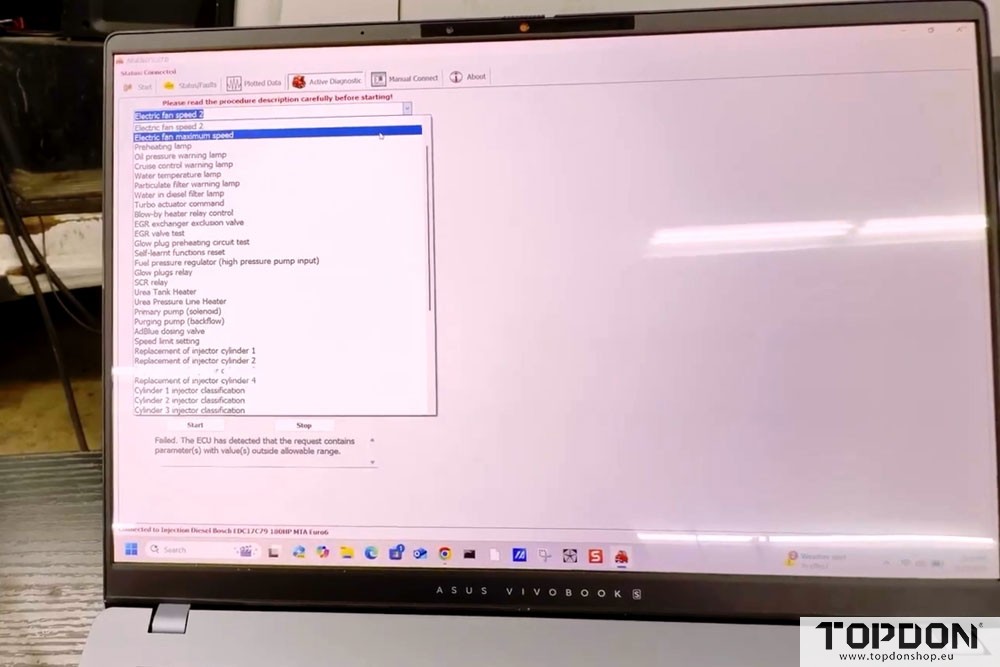
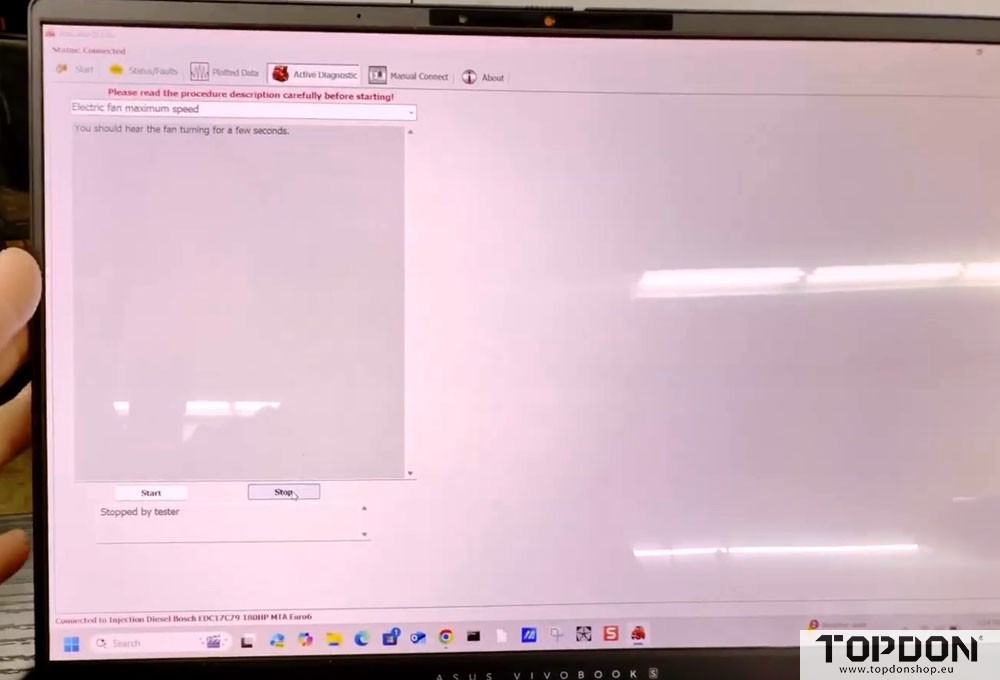
With AlphaOBD running through the Topdon ONE VCI, the actuator menu finally revealed what had been missing: electric fan speed controls. Fan speed 1 initially returned an ECU refusal—likely due to the existing circuit fault they were trying to diagnose. But fan speed 2 and maximum speed commands successfully activated the fans, confirming that the bi-directional control function worked perfectly.
The Takeaway
This diagnostic journey offers several valuable lessons:
1. OEM software isn’t always complete. Despite being the factory solution, wiTech 2.0 lacked functionality that third-party software provided. The “pinnacle of capabilities” isn’t always what it seems.
2. Platform sharing creates diagnostic opportunities. Understanding vehicle platform relationships (like ProMaster/Ducato) can open alternative pathways to access systems and functions.
3. Tool versatility matters. The Topdon ONE VCI‘s ability to work with both J2534 OEM software AND aftermarket applications like AlphaOBD proved essential. That multiple compatibility transformed a diagnostic dead-end into a successful repair.
4. Sometimes you need multiple solutions. No single tool or software package covers every scenario. Having options—and knowing how to combine them—separates effective diagnosticians from those who get stuck.
Conclusion
As vehicles grow increasingly complex, the lines between OEM and aftermarket diagnostic capabilities continue to blur. This ProMaster cooling fan diagnosis reminds us that the best approach is often a hybrid one—using the right combination of hardware and software to solve the problem at hand.
The Topdon ONE VCI’s broad compatibility made this creative solution possible, proving that sometimes the most effective diagnostic path isn’t the most obvious one. When factory software falls short, thinking outside the OEM box—while using tools that bridge both worlds—can get the job done.