


Tutorial: Download, register and update Topdon CarPal obd2 scanner App.

Download the App
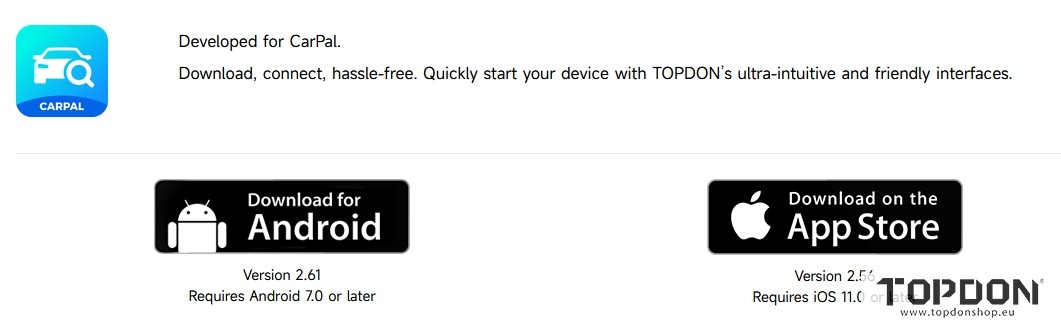
Search for “TOPDON CarPal” in App Store or Google Play to download and install.
Note:
This app is compatible with iOS 11.0 or later / Android 7.0 or later
Register & Log In
Open the app and log in to your TOPDON account.
If you do not have an account, enter your email to register an account.
If you have an account, tap Login with Password to log in to your TOPDON account with the Email and password.

Add the VCI
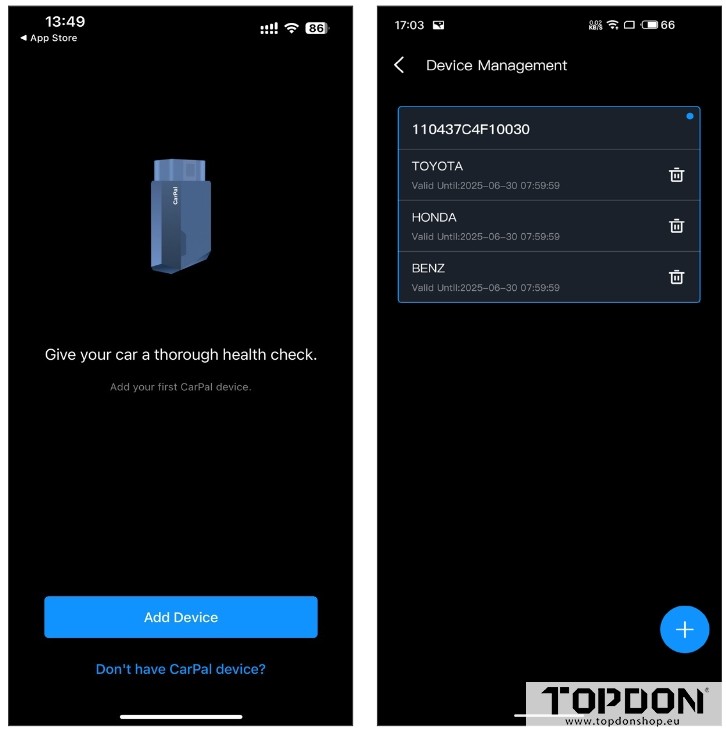
To add a device for the first time, tap Add Device.
If you need to add more devices, tap Me > Device Management >+ icon.
There are two ways of adding a device, the one is via Bluetooth connection and the other is via QR code scanning.
1). Add Devices via Bluetooth Connection
Operate according to the instructions presented step by step and then connect the CarPal device to your phone via Bluetooth.
Plug the CarPal into the Vehicle’s DLC.
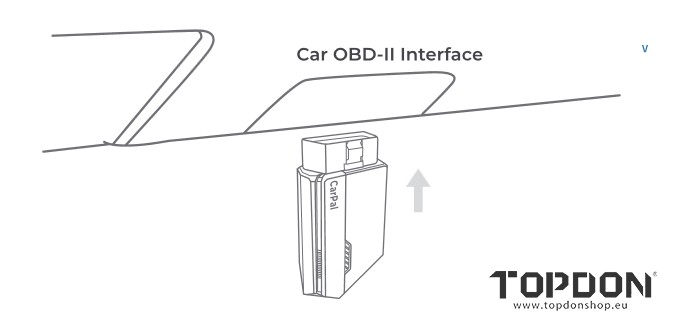
Follow the on-screen instructions to plug the CarPal into the vehicle’s OBD-II port. Then tap Next.
Note: Make sure the ignition is OFF before plugging in the unit.
Turn On the Ignition.
Bluetooth Connectiom
When the LED light is solid green, you can begin the Bluetooth connection. Tap Next. Then tap Connect Now to connect to the
Bluetooth device on your phone settings.
When connection is established, the LED light on the device will turn solid blue, and the VCI will be activated automatically.

2). .Add Devices via QR Code Scanning
Tap Scan to Activate on the Add Device interface or through Me >Device Management to access the code scanning interface.
Align the QR code on your CarPal device with the code scanner shown on the app screen, making sure it’s centered in the scanning frame. After scanning, confirm the serial number and then tap
Activate to finish the process.
Note: Before starting any diagnosis procedure, please complete Bluetooth connection.
Download Vehicle Software in Advance
After adding a device, you are allowed to select at most 3 vehicle makes and download the corresponding software prior to performing diagnosis.
Note: If you want to replace the previously selected makes, please delete the old makes before adding new ones via Me > Device Management.
Update Topdon CarPal
The vehicle-specific software will be updated automatically if a new version is available.
For firmware upates, tap Me-Firmware Update to update the firmware if a new version is available.