


How to activate 1 year additional software update renew card on Topdon Phoenix series diagnostic scanners?
To use a TOPDON renew card, you’ll need to
first purchase the renew card and receive an activation code, then go to the “Update” or “Renewals” section on your device’s home screen and enter the code to extend your software subscription.
This process activates your one-year subscription, providing new vehicle coverage, software updates, and access to online functions.
How to Activate Topdon Software Renew Card on Phoenix Series?
Step 1: Purchase the renewal card
You must purchase the physical or digital renewal card from TOPDON website.
After purchasing, you will receive an activation PIN or code, often sent via email or available after a few days.
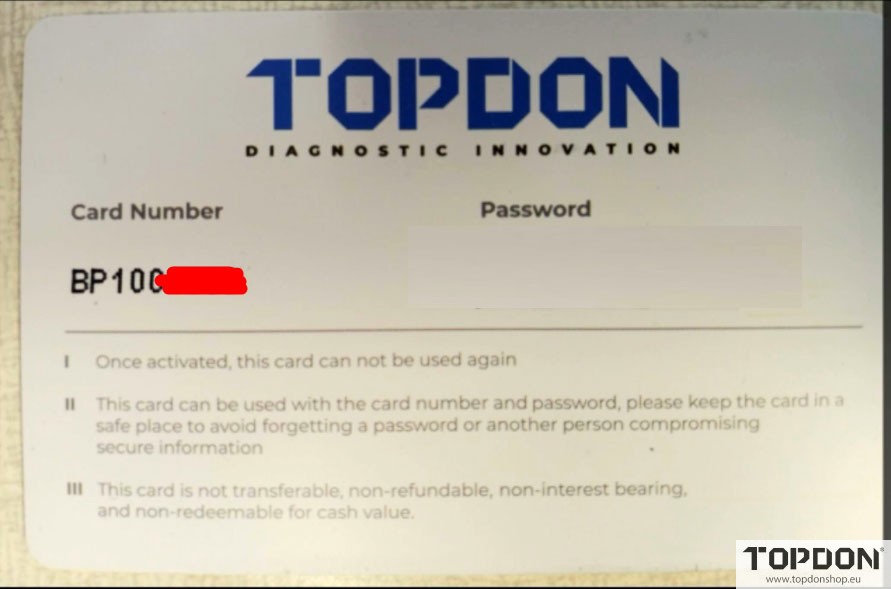
Step 2: Activate the renewal on your device
On your TOPDON device’s homepage, look for an “Update” or “Renewals” option.
Navigate to the renewals section and enter the activation code from the card or email.
The process can also be initiated by clicking the software expiration banner on the app’s home screen.
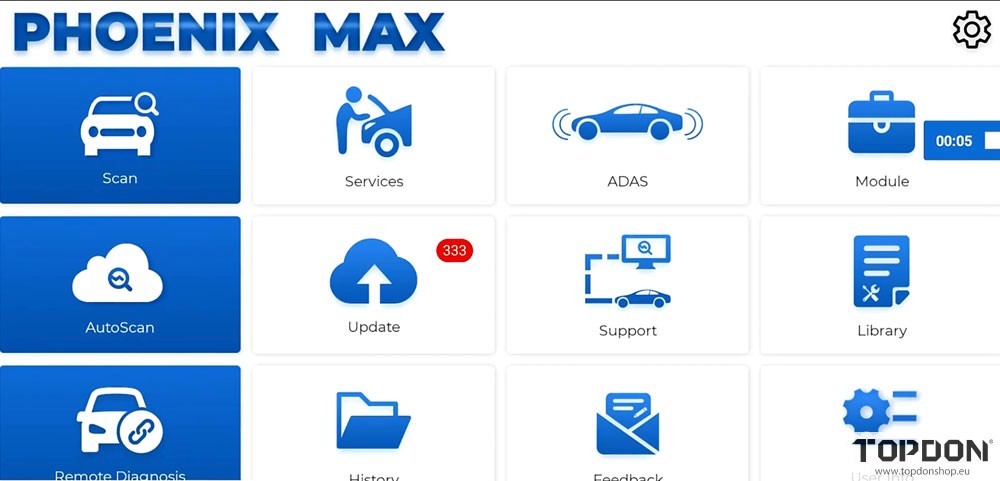
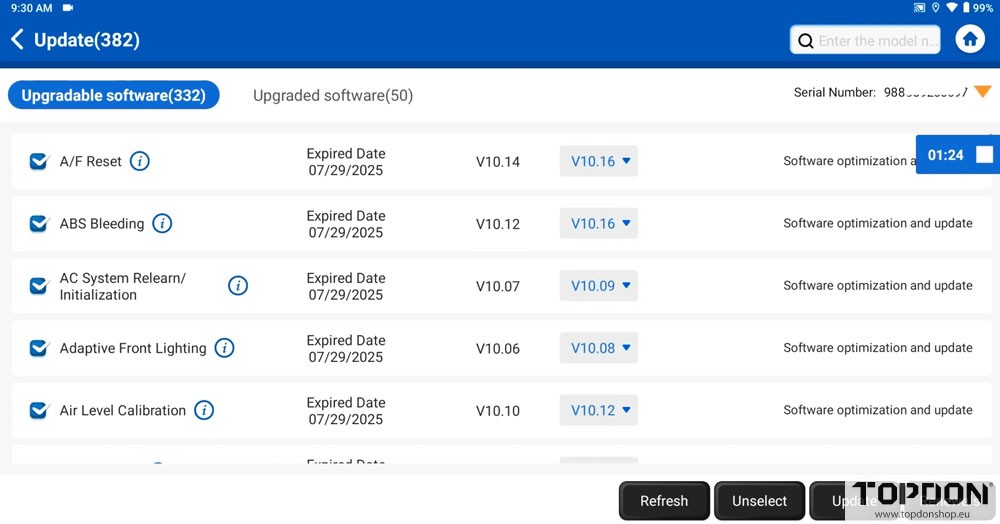
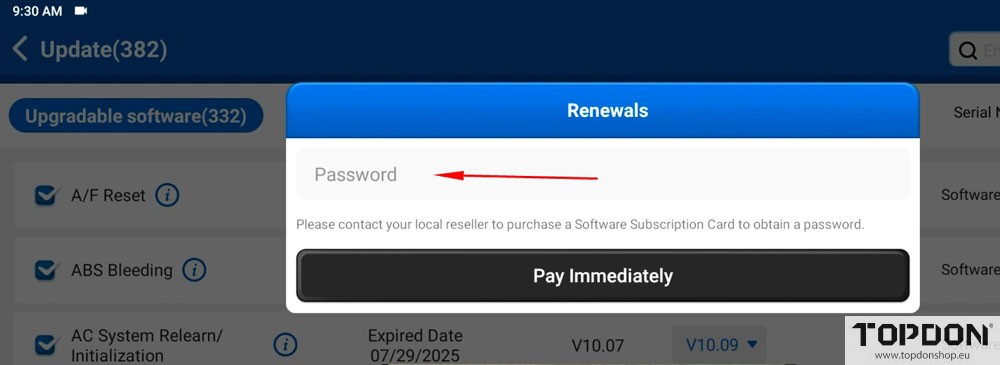
Step 3: Complete the activation
Follow the on-screen prompts to complete the activation.
You can also click to renew from the “Diagnostic” page if all software is marked as expired.
Once activated, you can go back to the “Update” section to download and install the new updates.