


How do I upgrade from Topdon Topscan lite to Topscan pro?
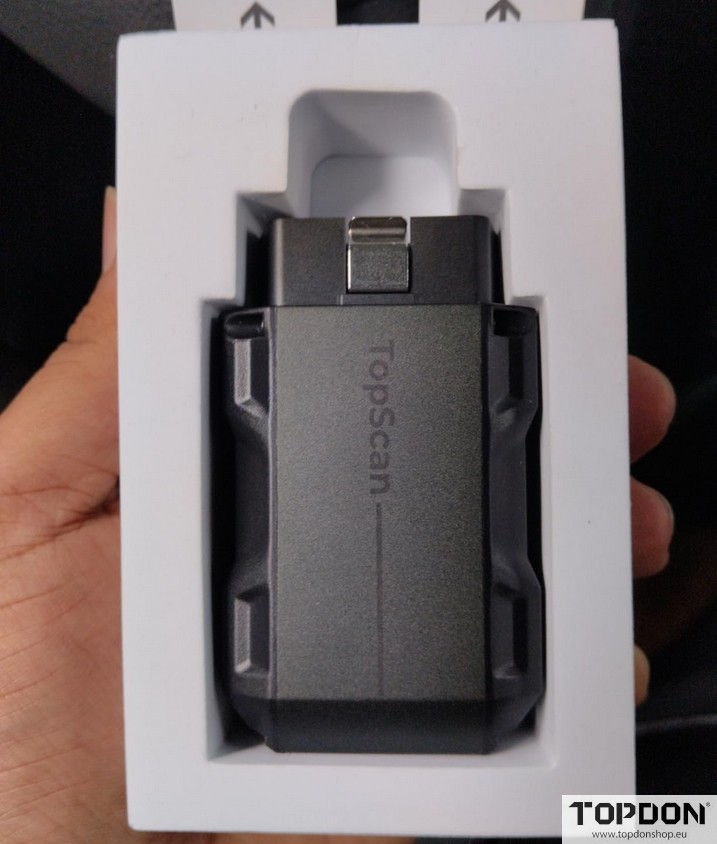
Purchase the Upgrade to Pro License (contact Topdonshop.eu customer service to purchase the license at $99).
TOPDON processes the license activation remotely on their servers.
This usually takes 3–5 business days (up to 3 days in the US, 5 in the UK). You’ll get an email when it’s complete.
No action needed from you during this time.
Activate and Update in the App:
- Once notified, open the TopScan/TOPGURU app and ensure your device is connected.
- Go to the Homepage (or Diagnostic section). Look for a banner or prompt saying “Software Update Available” or “Upgrade Ready.“
- Tap Check for Updates or One-Click Update. The app will download and apply the Pro license automatically.
- If no prompt appears, log out/in to your TOPDON account or restart the app. You may need to re-bind the device under Me > Device Management.
- Restart your phone and reconnect the dongle to confirm.
Verify the Upgrade:
In the app, navigate to Service Functions or Reset Services. You should now see the full 13 options, plus IMMO if applicable to your vehicle.
Test on a vehicle: Connect to the OBD2 port, run a scan, and check for new features like Injector Coding.