


How to set up Topdon Topscan app (Topscan Lite/Pro/Master) in horizontal mode on Android tablets. Here’s how it works, why it matters, and why this simple trick is changing the game for mobile diagnostics.
The Problem: No Official Tablet App
Despite rumors of an official Android tablet app on the horizon, Top Scan currently does not offer a native horizontal mode for tablet users. That leaves many professionals and enthusiasts stuck with a vertically locked interface that doesn’t take full advantage of a tablet’s screen real estate.
But where there’s a will—and a workaround—there’s a way.
The Solution: Rotation Control Pro
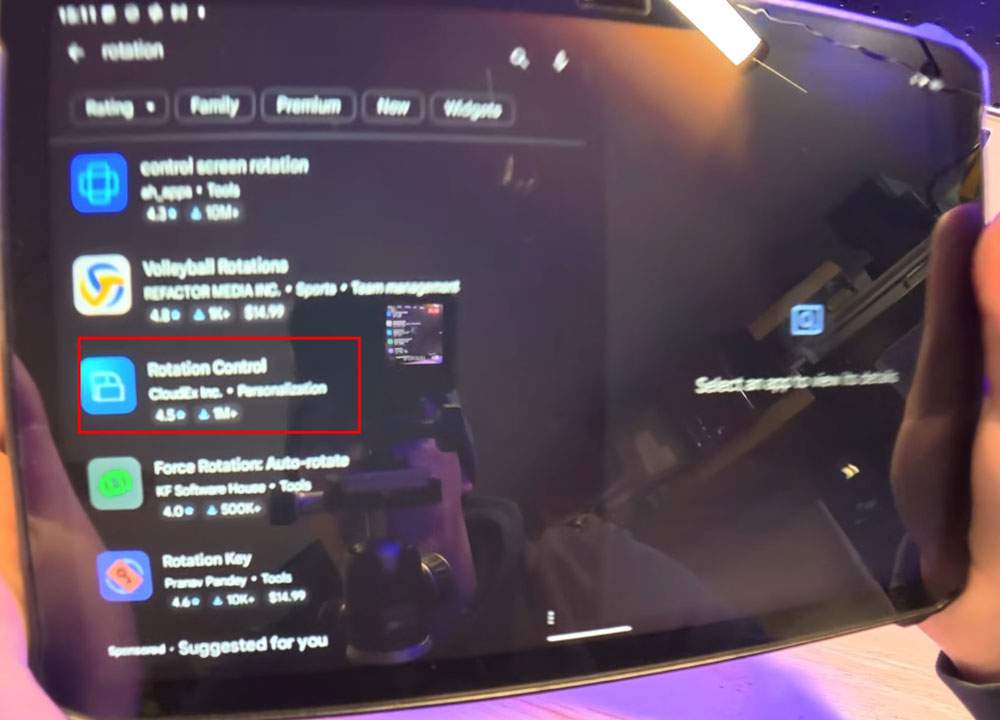
The fix comes in the form of a third-party app called Rotation Control, developed by Cloudx, Inc. Available on the Google Play Store for approximately $5, this premium app allows users to override an app’s default orientation and force the screen into any rotation mode they choose.
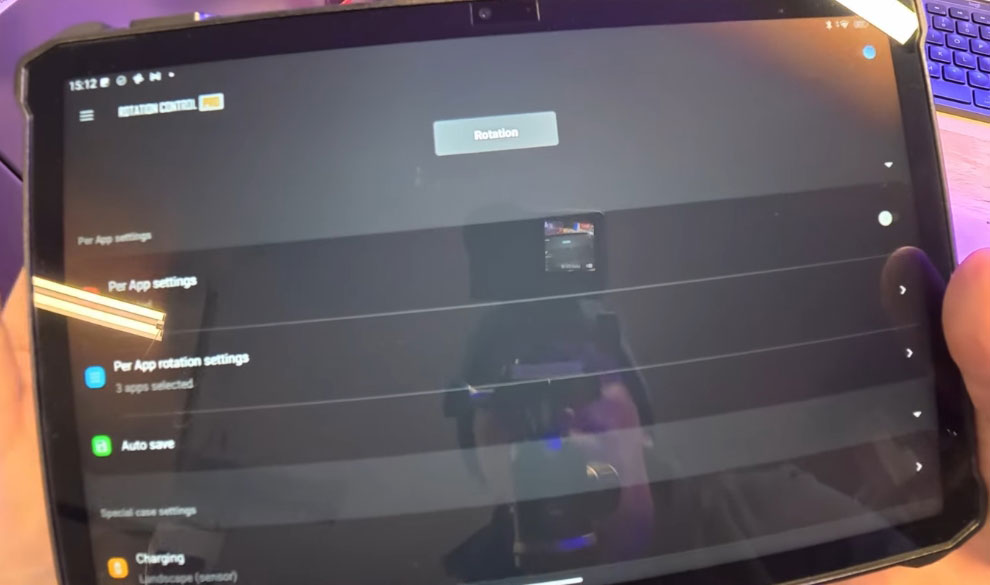
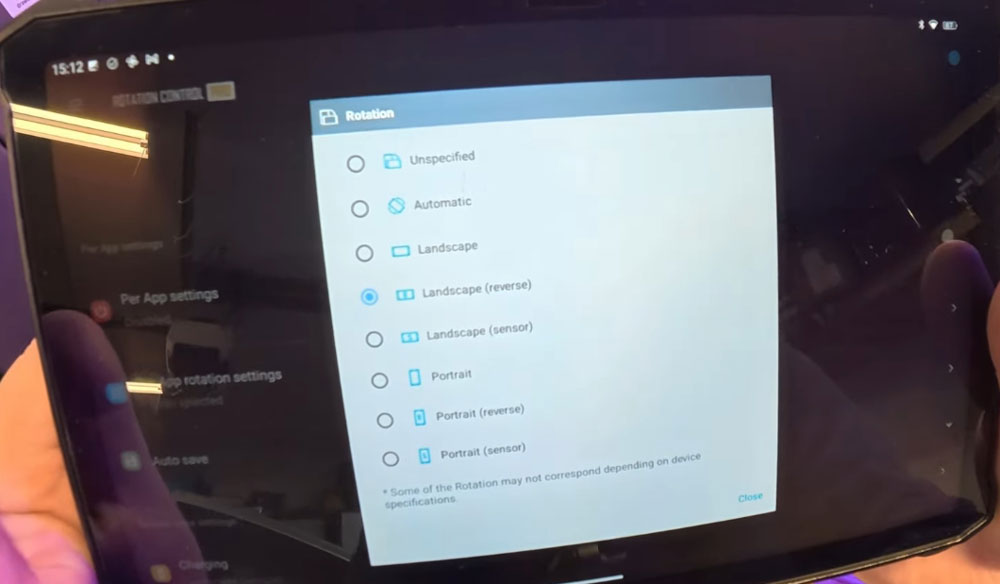
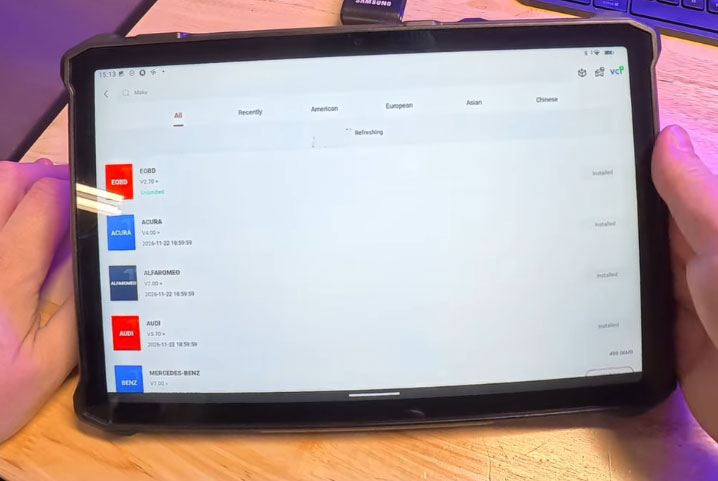
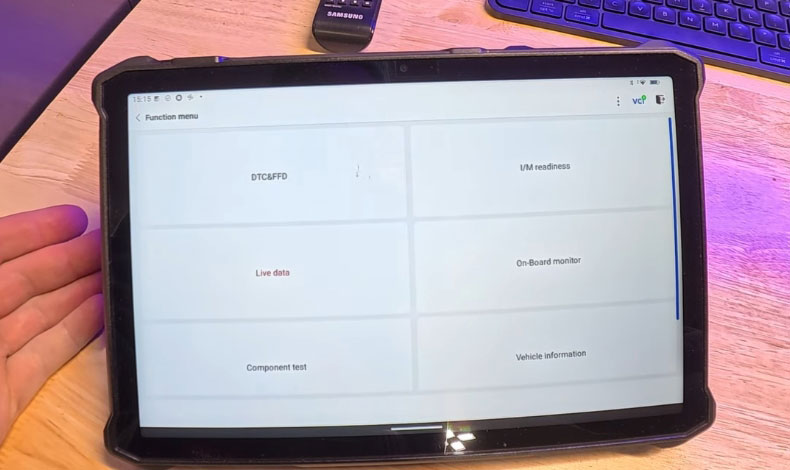
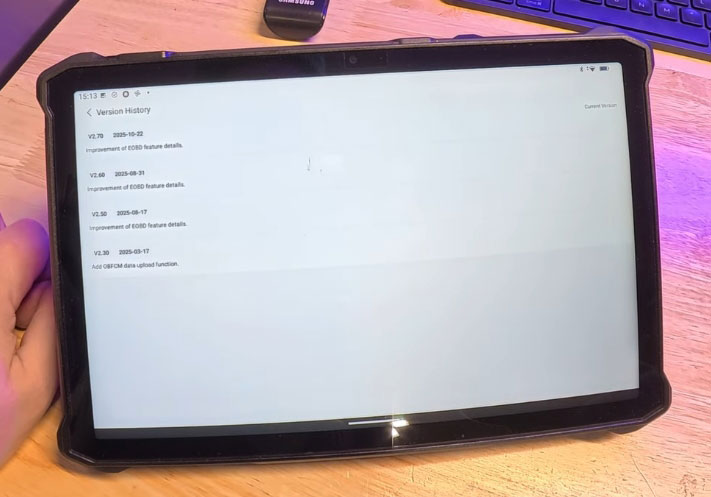
Once downloaded and launched, users can select their preferred orientation—such as “landscape reverse”—and activate the service via a simple radio button. From that point on, the TopScan app opens in horizontal mode, transforming the user experience.
Real-World Performance: Surprisingly Solid
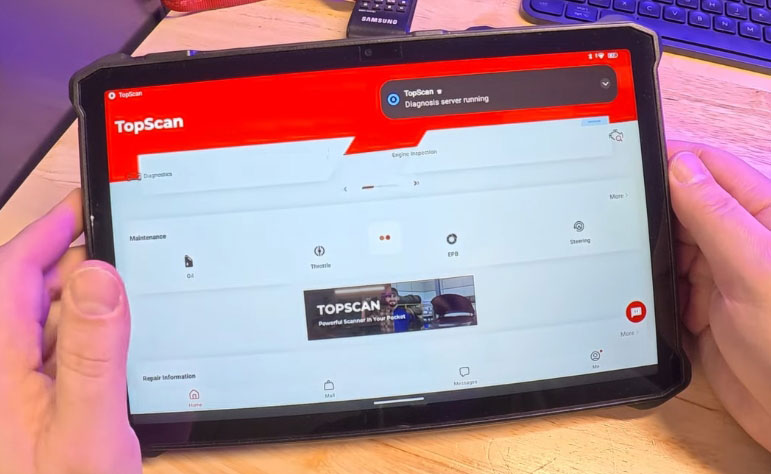
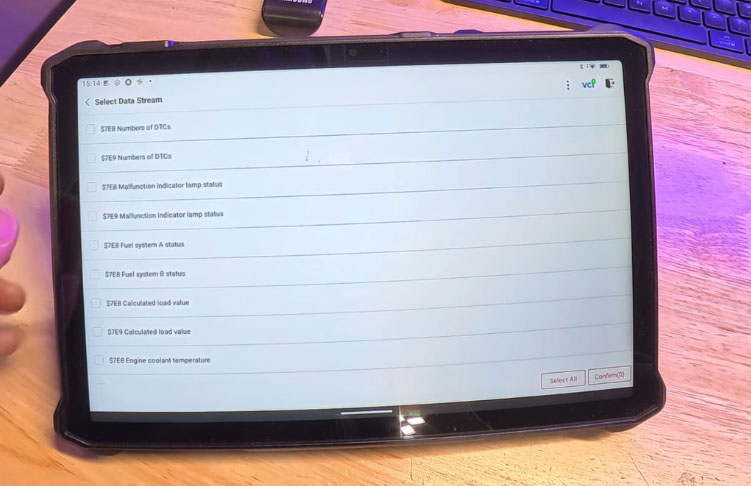
So, how well does it actually work? surprisingly well. After connecting a VCI dongle to a vehicle, it will display live data streaming, graph integration, and multi-pane layouts—all in horizontal orientation.
While the interface isn’t perfectly optimized—icons may appear slightly off, and the layout isn’t as polished as a native app would be—the functionality is largely intact. Users can run live data, combine graphs, view up to four parameters simultaneously, and even perform auto scans without issue.
Bonus Features: The Tablet Advantage
Beyond the rotation hack, there is another key benefit: the flexibility of using a full-featured Android tablet as a diagnostic tool. With Google Play access, high-resolution cameras, bright LED lights, and cloud connectivity, modern tablets offer capabilities far beyond those of traditional scan tools.
We can use tablet to take screenshots, edit images, and upload data directly to the cloud—all from within the diagnostic workflow. For digital inspections, readiness checks, and basic data collection, this setup proved to be not just functional but genuinely impressive.
What It’s Not: A Professional Scan Tool Replacement
Please note that this workaround—and the tablet itself—is not intended to replace a full-fledged professional scan tool. For advanced programming, module coding, or manufacturer-specific diagnostics, dedicated hardware is still required.
However, for initial data collection, pre- and post-scans, quick vehicle assessments, and documentation, the combination of TopScan, a rugged Android tablet, and Rotation Control Pro offers a powerful, portable, and cost-effective solution.
Final Thoughts: A Small App, A Big Difference
Sometimes the most impactful tools are the simplest ones. By spending a few dollars on a rotation control app, TopScan users can unlock a significantly better user experience on Android tablets—no waiting required for an official update.
This trick may not be limited to TopScan App. The same method could potentially work with other diagnostic apps, including CarPal.
For now, if you’ve been frustrated by Top Scan’s vertical lock-in on your tablet, the fix is just a download away. It’s unsanctioned, unoptimized, and completely effective.