

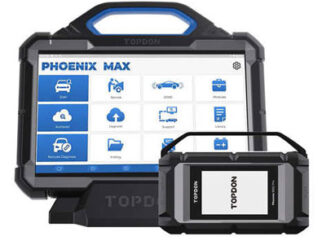
Topdon Phoenix Series “Not Enough Storage” Solution
How to solve Topdon Phoenix series diagnostic scanners “Not Enough Storage” error? It is recommended that you try the following steps: (1) Go […]

How to solve Topdon Phoenix series diagnostic scanners “Not Enough Storage” error? It is recommended that you try the following steps: (1) Go […]
Here are Topdon Phoenix series products comparison frequently asked questions: Q1: What is the difference between Phoenix Max and Phoenix Remote? Phoenix Max and […]

How to Upload Diagnostic Logs for Topdon UltraDiag/ AD900 Lite/ T-ninja Pro? The new platform tablet products did not have the functionality to manually upload logs. […]
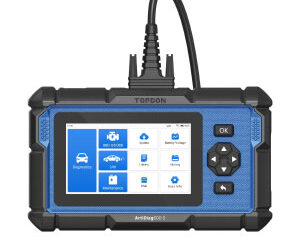
How to Upload Logs for Topdon Artidiag500 (AD500)/Artidiag600S (AD600S)? Click “Data” on the main menu Select “Feedback” DiagFeedback>>Choose the software to analyze Select the […]
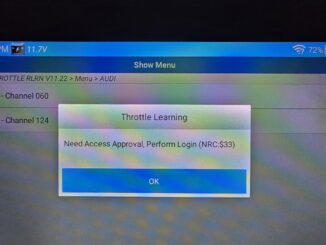
Problem: Need some help with Topdon login issue. It reported an error: Need Access Approval, Perform Login (NRC:$33). I’m using an artidiag pro and I […]
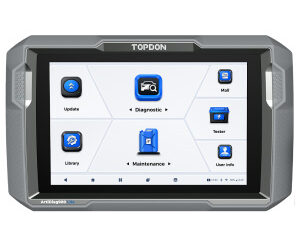
Which one should I buy? Topdon Artidiag800 BT or Artidiag900 lite? What is different between them? This is a frequently asked question. Here comes […]
Question: I bought a Topdon Artidiag900 lite diagnostic scanner nearly 2 years ago, so the licence is going to expire on 26th December 2025, will […]

Topdon Rlink X3 and OBDLink EX Passthru device which is better? Here comes the comparison: 1.Product Positioning and Use Cases RLink X3 is designed […]

What is Topdon TopFix AI? Got a fault Code? TopFix AI is here to help! Diagnosing car faults just got easier. With TopFix AI, you […]
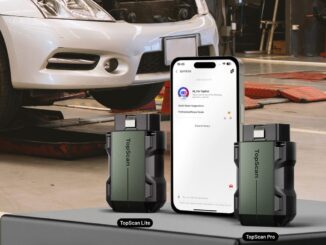
Good news! TopScan Lite and TopScan Pro now integrate TopFix AI, delivering instant fault code analysis, likely causes, structured repair steps, and technical documents—all in […]
Copyright © 2026 | WordPress Theme by MH Themes