Tutorial: how to program the ABS module of General Motors Chevrolet using Topdon Rlink J2534 and Techline Connect SPS2.
Take out the RLink device, connect it to the vehicle’s OBD diagnostic port and the computer’s USB port respectively, and ensure a secure connection.
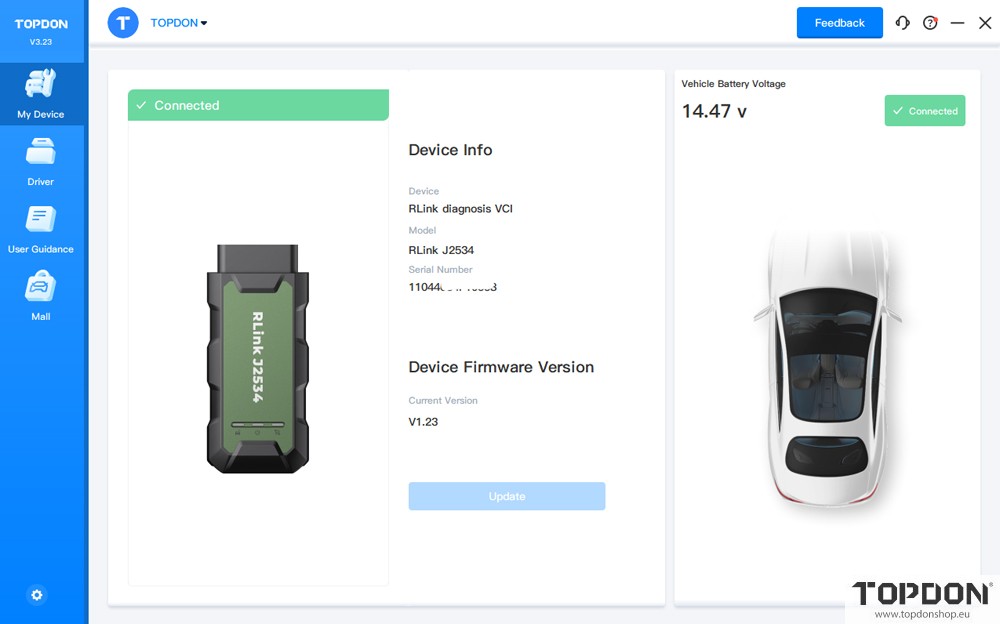
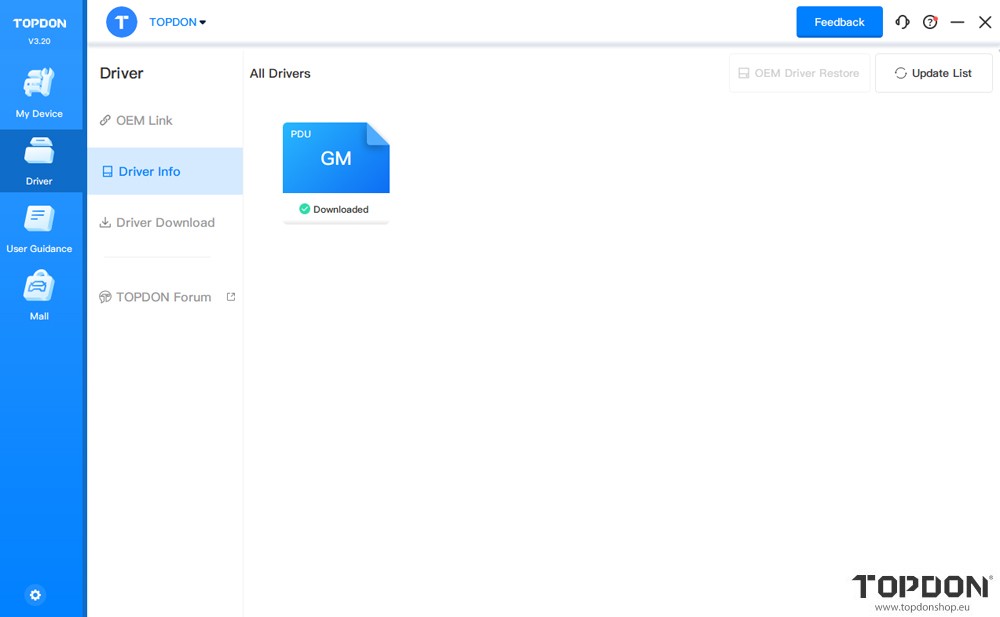
After the device connection is ready, launch the RLink Platform software. Confirm the vehicle connection status via the connection information within the platform, and at the same time verify whether the driver has been downloaded.
Note: Before programming with the SPS2 software, it is recommended to log in to your RLink Platform account to check for updates such as software or firmware. If there are any updates, you need to complete the update first before proceeding with vehicle programming.
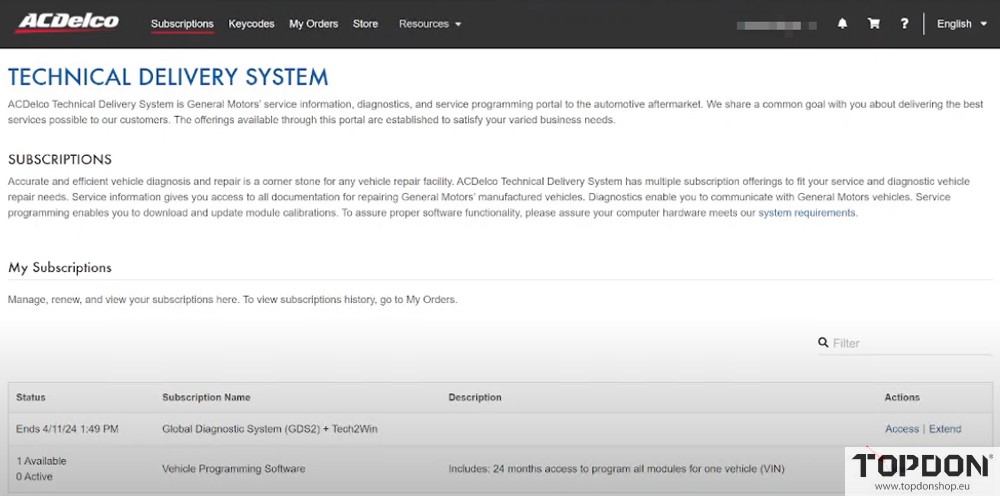
Open the GM official website, click [View] to launch the subscribed SPS2 software.
Note: The software description information will be updated dynamically, and the final version shall be subject to the content published on the GM official website.
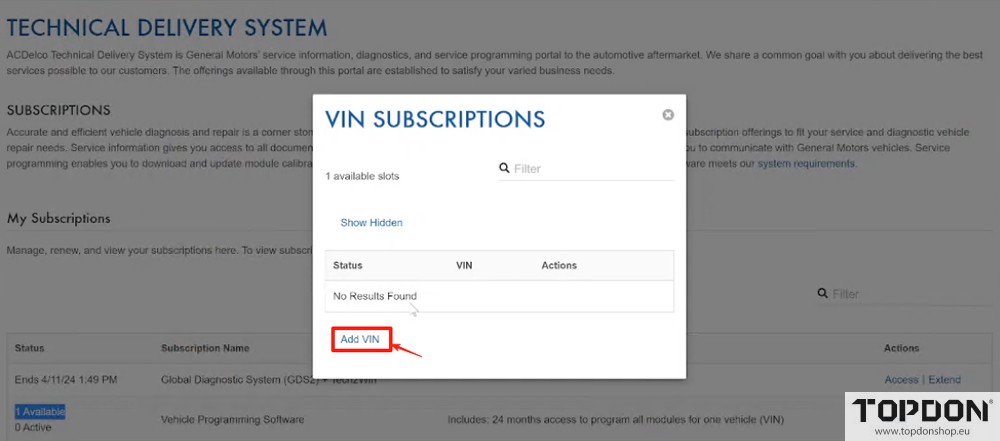
Click [Add Vin] to enter the VIN of the vehicle that requires programming.
Note: After binding this vehicle, the programming permission of this subscription will be linked to the vehicle. Subsequently, this subscription cannot be used for programming on any other vehicles.
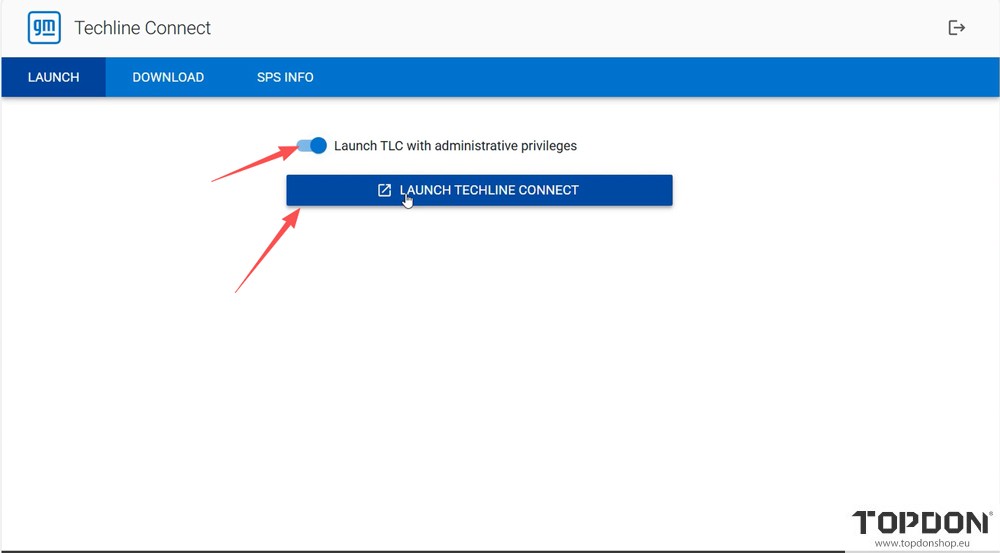
Select [Launch TLC with administrative privileges], click [Launch Techline Connect], and start the Techline software.
Important Note: If the software related to Techline is not installed, launching Techline will automatically trigger the installation of the relevant software. Since the installation may take a relatively long time, it is essential to reserve time in advance to complete the installation and ensure the smooth progress of subsequent operations.
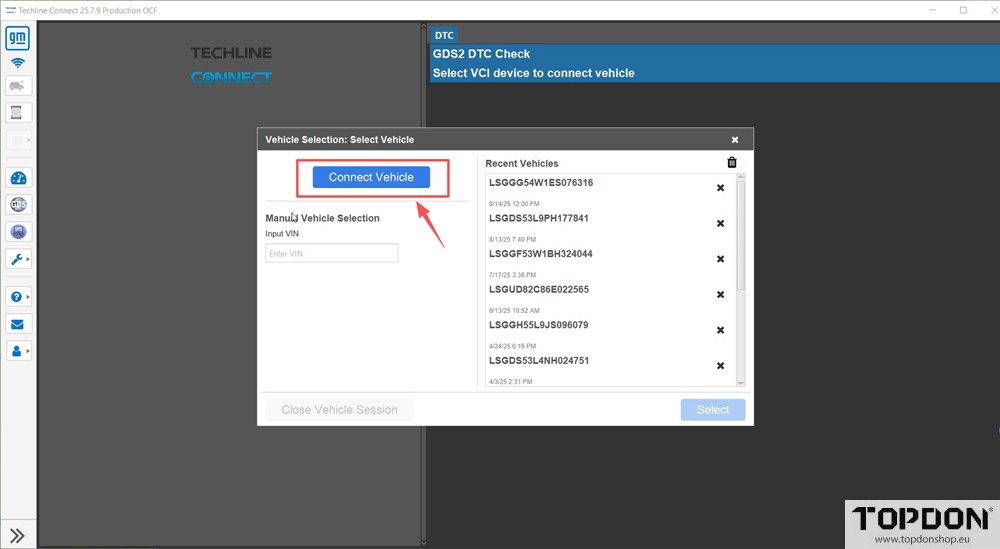
After accessing the homepage of the diagnostic software, click [Connect Vehicle], and then select the corresponding driver mode.
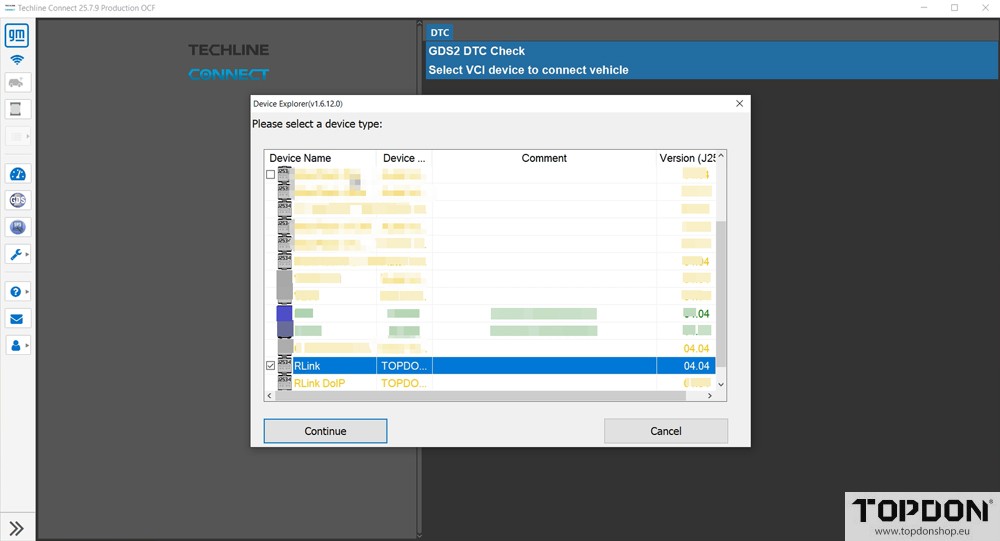
Select either the [RLink] driver mode or the [RLink DOIP] driver mode from the options (both modes are compatible with RLink device connection). After making your selection, click Continue.
Important Note: For diagnostic operations on vehicles using the DOIP protocol, you must exclusively select the [RLink DOIP] driver mode; otherwise, a normal connection cannot be established.
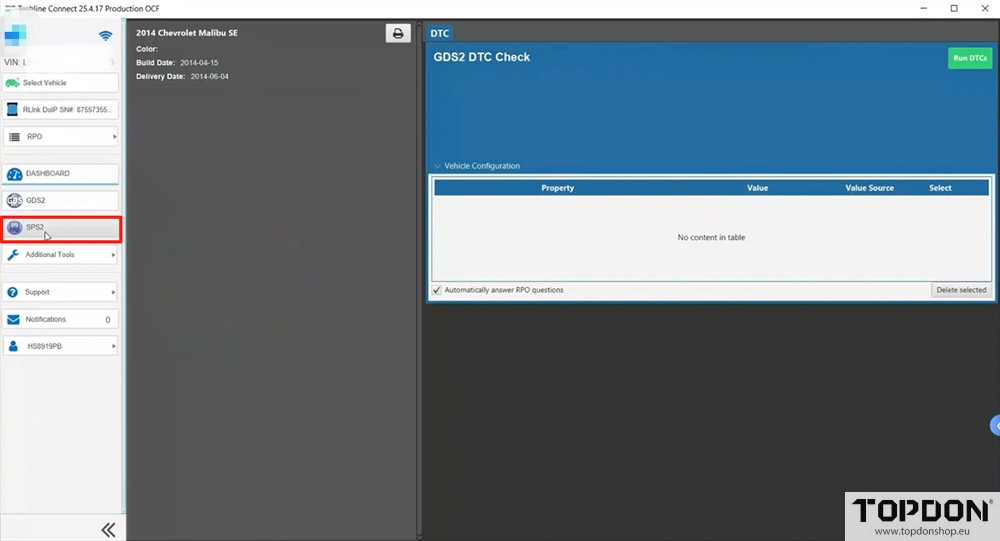
When the RLink J2534 VCI establishes a successful connection with the vehicle, the system will automatically read the relevant vehicle information. After carefully verifying that the information is accurate, click the [SPS] icon to access the programming operation page.
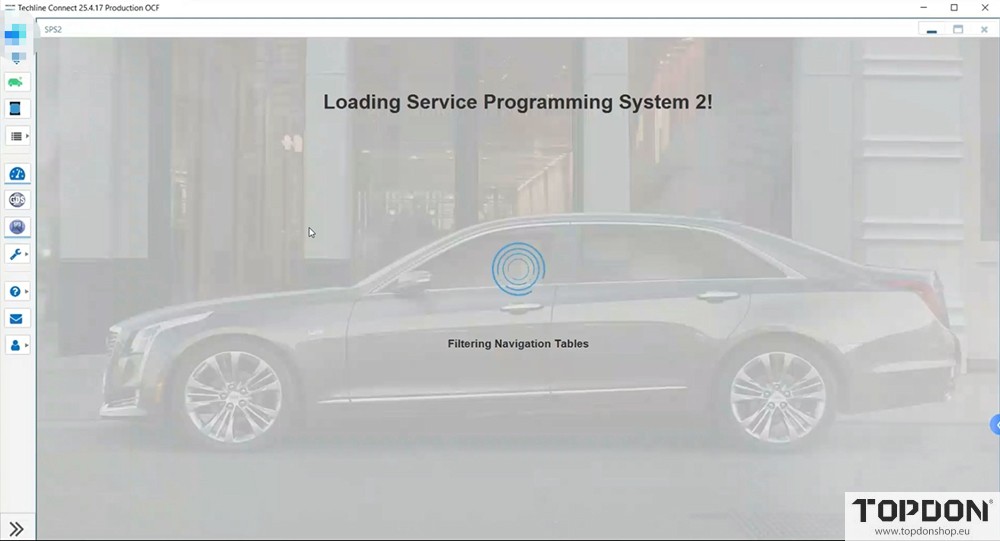
Before accessing the SPS programming software, the SPS software will automatically launch a verification program to compare and verify the vehicle information with the server information.
Important Note: The vehicle information for verification must be consistent with the subscription information; otherwise, it will result in failure to read or verify. During the verification and subsequent programming process, it is necessary to ensure a stable network connection. A wired network is preferred to ensure the smooth progress of programming.
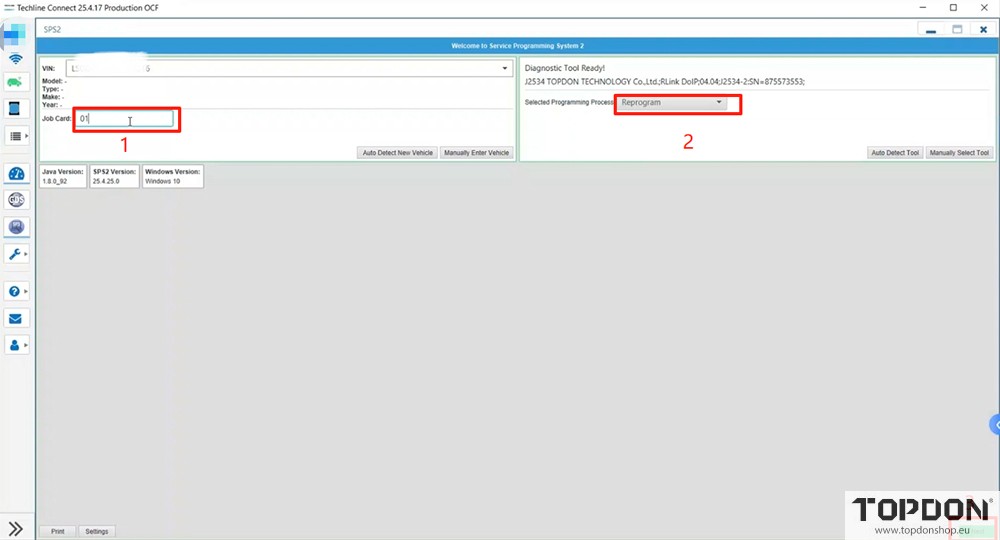
After confirming the programming requirements, select the [Reprogram] mode and click [Next] to proceed to the next step.
Important Notes:
- Some software versions include a work order filling function. If this option is not available, there is no need to fill in a work order—directly select the programming mode.
- The mode selection must accurately match the vehicle’s condition:
- If the ECU (Engine Control Unit) has not been replaced, select the [Reprogram] mode;
- If a new ECU has been replaced, select the [Replace and Reprogram] mode.During the subsequent programming file download process, the SPS2 software will download the relevant programming files based on this information, thereby reducing the risk of programming failure.
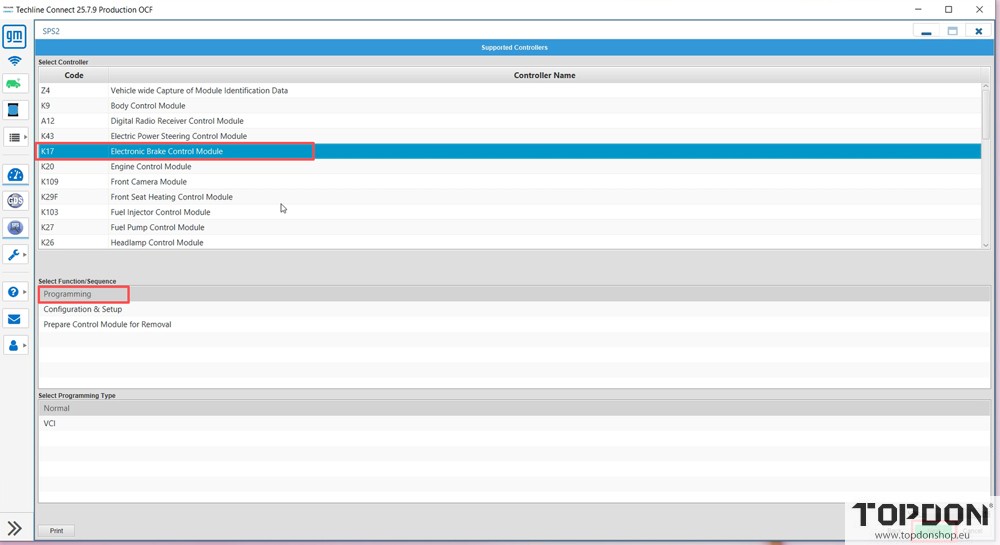
Select [K17 Electronic Brake Control Module] and click [NEXT].
According to the vehicle’s actual configuration, select [(&FX3)-Yes/Available/Equipped] from the configuration options under the [RIDE AND HANDLING AUTOMATIC ELECTRONIC CONTROLLED] function, then click [NEXT].
Note: Before selecting the “Automatic Electronic Parking Brake” configuration, you must first confirm the vehicle’s actual configuration. This can be verified through three methods: observing the vehicle’s physical condition, consulting the user manual, and checking the configuration details on the vehicle diagnostic interface.
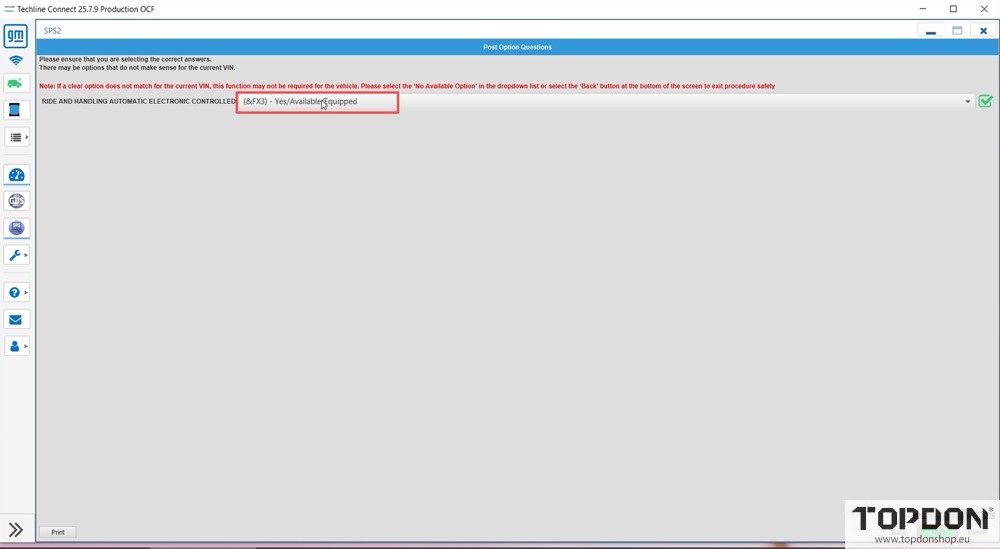
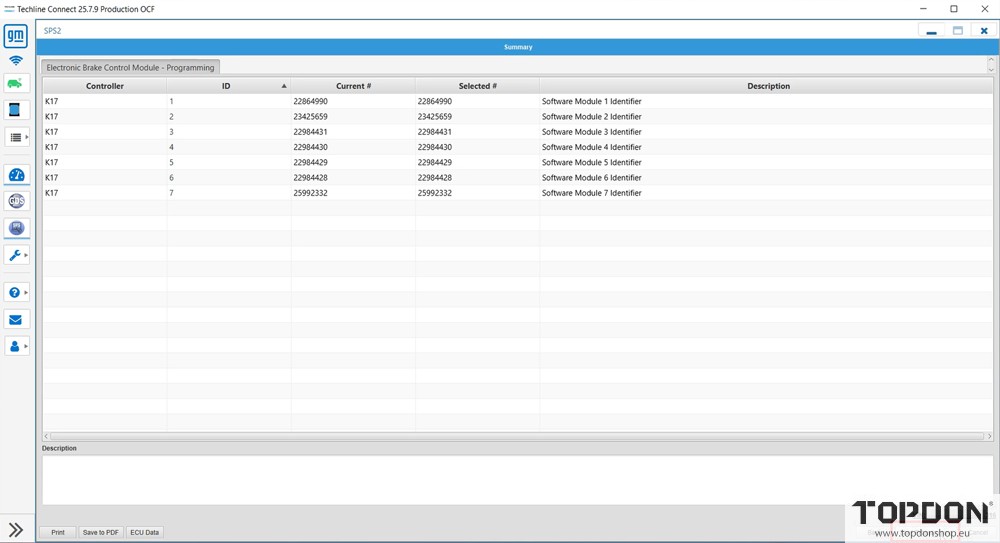
Before programming, confirm that there are no abnormalities in the vehicle’s diagnostic power supply and RLink VCI connection, then click [Start Programming].
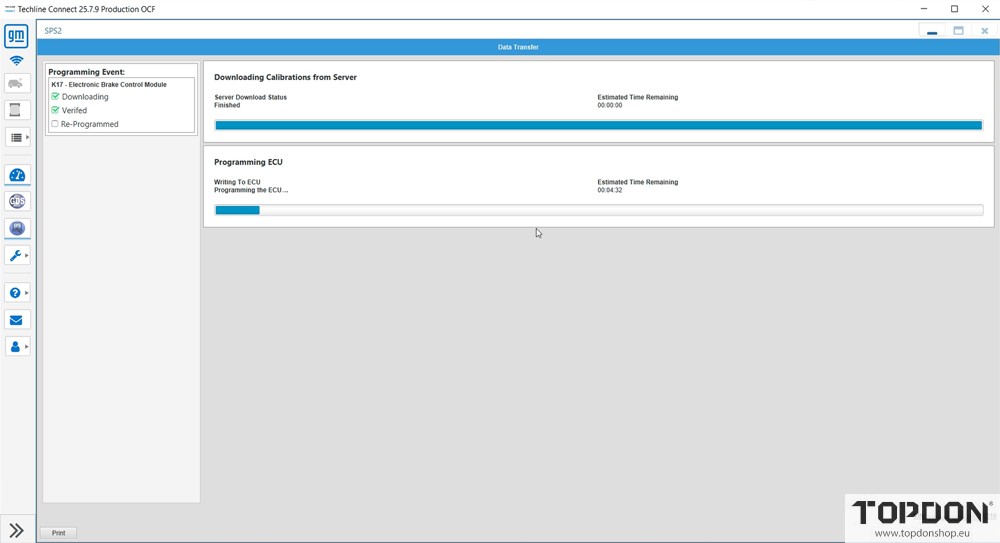
Programming in Progress
Note: Do not exit midway during programming; otherwise, it may cause damage to the ECU.
Programming of the ABS Control Unit is completed; click [OK].
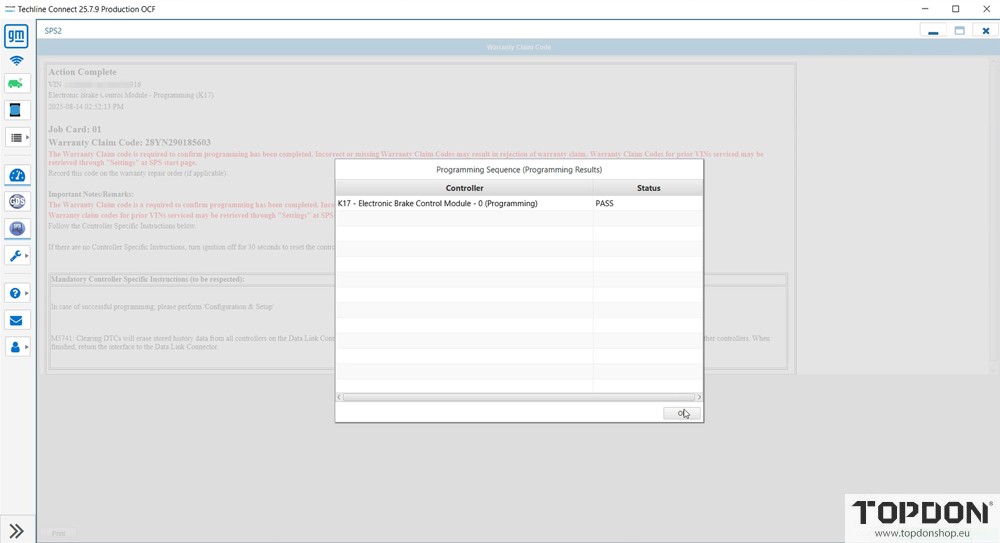
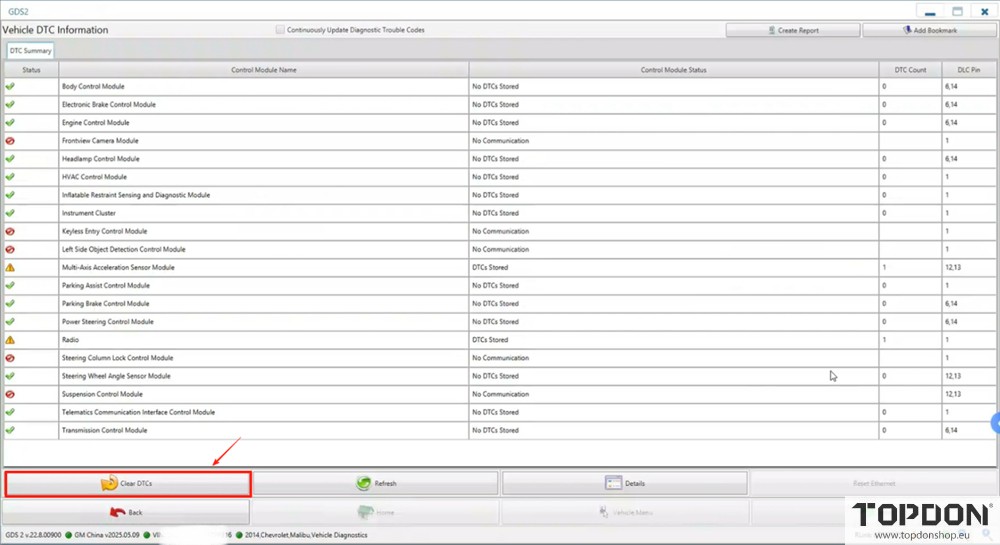
After the programming is completed, access the GDS2 diagnostic system, configure the ABS-related information, and clear the trouble codes once the operation is finished.