


Problem:
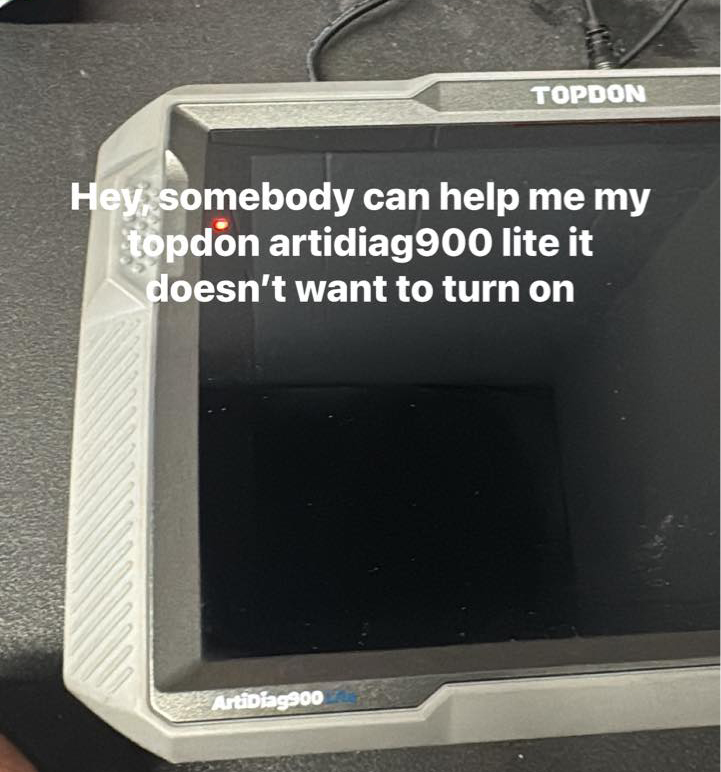
My Topdon Artidiag900 Lite scanner doesn’t want to turn on. How to solve it?
Possible solutions:
1). Press and hold the power button for approximately 3 to 5 seconds to turn the device on or off. A quick press may not be enough.
2). Reset it to factory settings. There is a small button on top right. pressing and holding the reset button on the top of the AD900 Lite main unit for approximately eight seconds.
This should allow you to reset the device to factory setting and regain access.
3). Charge the device with a charger overnight and see if it can be turned on. If it still doesn’t work, please provide us with the device SN and your purchase voucher via private message.