


Problem:
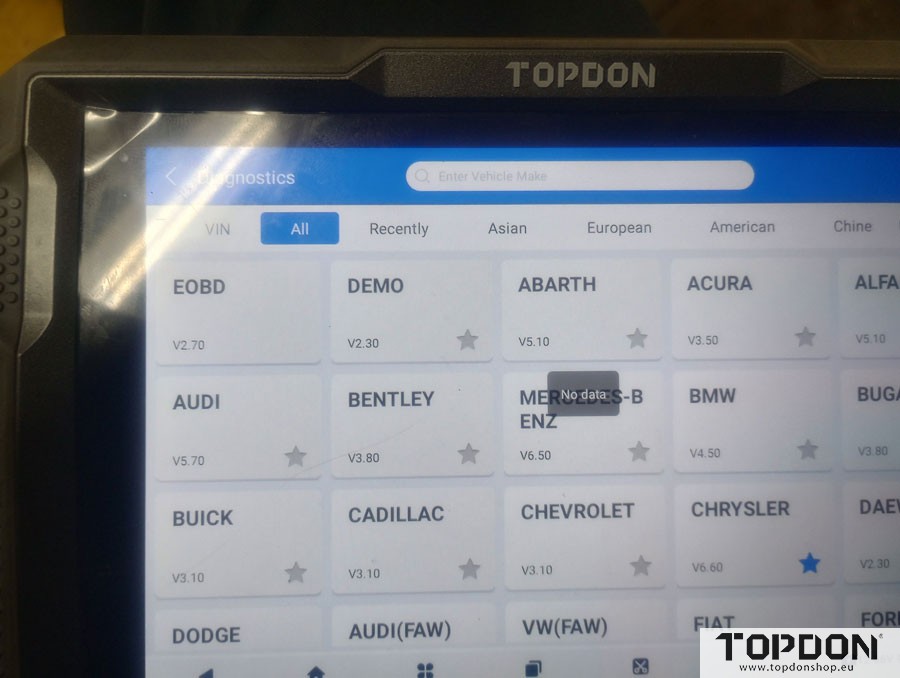
The Topdon ArtiDiag900 lite scanner will not access EOBD and “no data” is displayed when selected. Anyone else have this issue?
Solution:
EOBD should appear on your update list. on version 10.2 for eobd.

If all of them are showing “No Data,” we recommend switching to a different Wi-Fi network or trying a personal mobile hotspot. You can also try uninstalling the vehicle software and then downloading it again.
If the issue still persists, please provide a photo of your device’s SN (serial number), and Topdon will check it for you.