


Problem:
Topdon Phoenix smart got an error while scanning ford error 1001 can’t connect to the server.
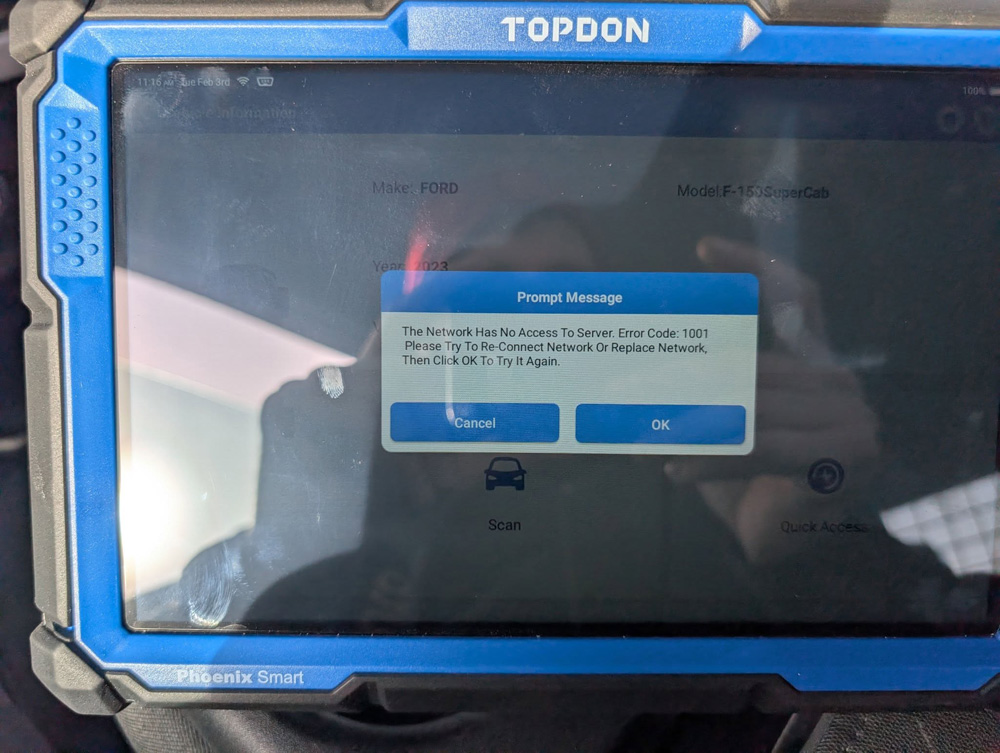
Possible solutions:
1. Make sure your Phoenix tool is within the subscription.
2. You have to be online WiFi. Try another WiFi network.
3. Perform the MDCI VCI update (connect MDCI to WiFi or Ethernet to do this)
4. Ensure you Phoenix Smart is on the latest APK versions ( User info > settings > software upgrade and check for updates (top and bottom options on right hand side of the screen)
5. Once all the above are checked, try deleting and reinstalling Ford software too.