


Problem:
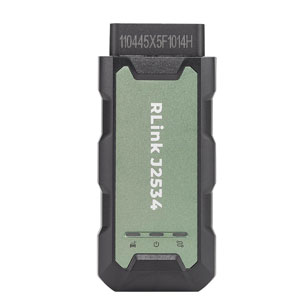
Trying to program a new RCM on a 2023 XF using Topdon Rlink J2534 and JLR Topix Cloud. Purchased the Land Rover PDU driver in September. The Topix sees the Rlink, but hangs up getting vehicle information. Cannot get a connection to the vehicle yet. Any solution?
Solution:
Due to recent updates in the DDA platform, the previous drivers for RLink are no longer compatible with DDA.
The connection and diagnostic issues with RLink when using TOPIX has been resolved.
After each startup, RLink defaults to J2534 standard diagnostics. Before using it, you just need to switch to RLink in the driver and then launch the OEM software.
The V1.21 version of the Land Rover driver for RLink (used with TOPIX software) is now available for update. You can update the Land Rover driver in the RLink Platform to perform diagnostic programming.
Update the PDU driver to V1.21, ensure the RLink app is up to date and device firmware is also on the latest version.
You can also provide your Rlink device’s serial number (SN) to Topdon team, they will send you the TOPIX driver.
DDA is very fussy with firewalls too, ensure all anti virus and firewalls are fully turned off, and ensure only one driver is downloaded in the Rlink DMS.