


Problem:
How can i update VW software, my Topdon ultradiag always show my storage isn’t enough. And i dont have anything else installed on this device, not even fotos. How to fix it?
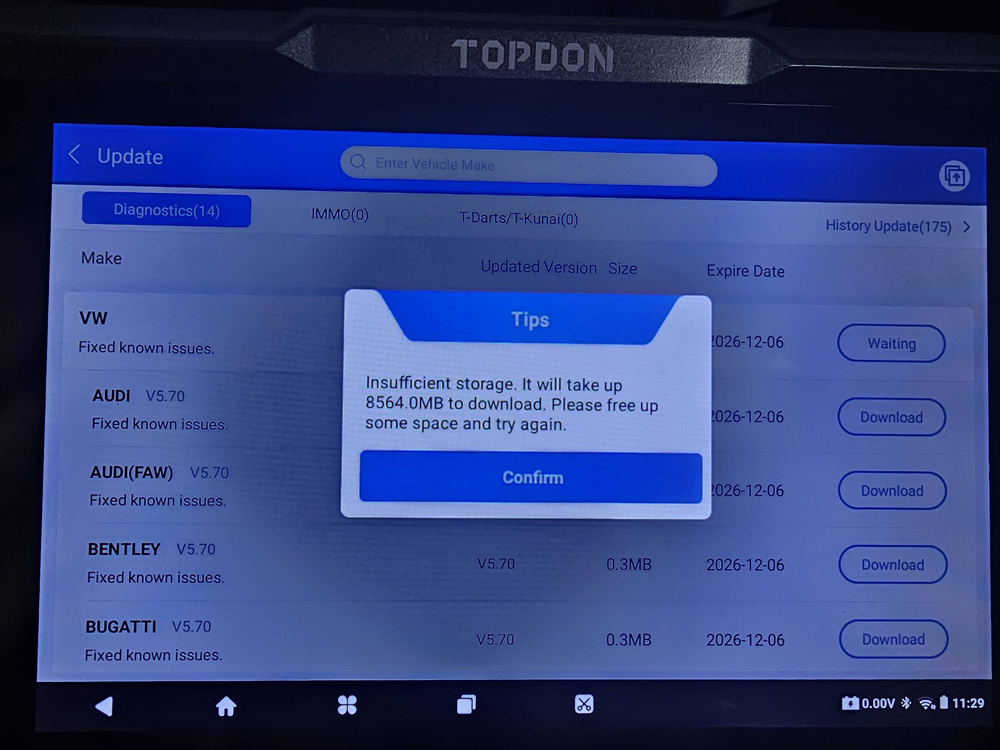
Solutions:
Here are a couple of things you can try that usually solve this:
1.) Go to settings and delete cars you don’t do often.
2). Do a factory reset first, then update again
On your Ultradiag, go to:
Home – Settings -System – Advanced – Reset- Erase all data (Factory Reset).
After that, reconnect to Wi-Fi and try downloading the software update again.
3.) Use a TF (microSD) card for extra storage
You can insert a TF card into the device so the software can be downloaded there instead of the internal memory.
Check here to install a TF card on Ultradiag
How to Add A External TF Card to Topdon UltraDiag and AD900Lite?