

In the world of automotive diagnostics, the tools you choose can make or break your efficiency and accuracy. For years, entry-level scan tools have offered a gateway into vehicle electronics, but as vehicles become more complex, the need for advanced, OEM-level capabilities grows. This article compares two popular diagnostic solutions—Topdon TopScan and RLink J2534—based on real-world use, highlighting how they differ in functionality, vehicle coverage, and professional utility.
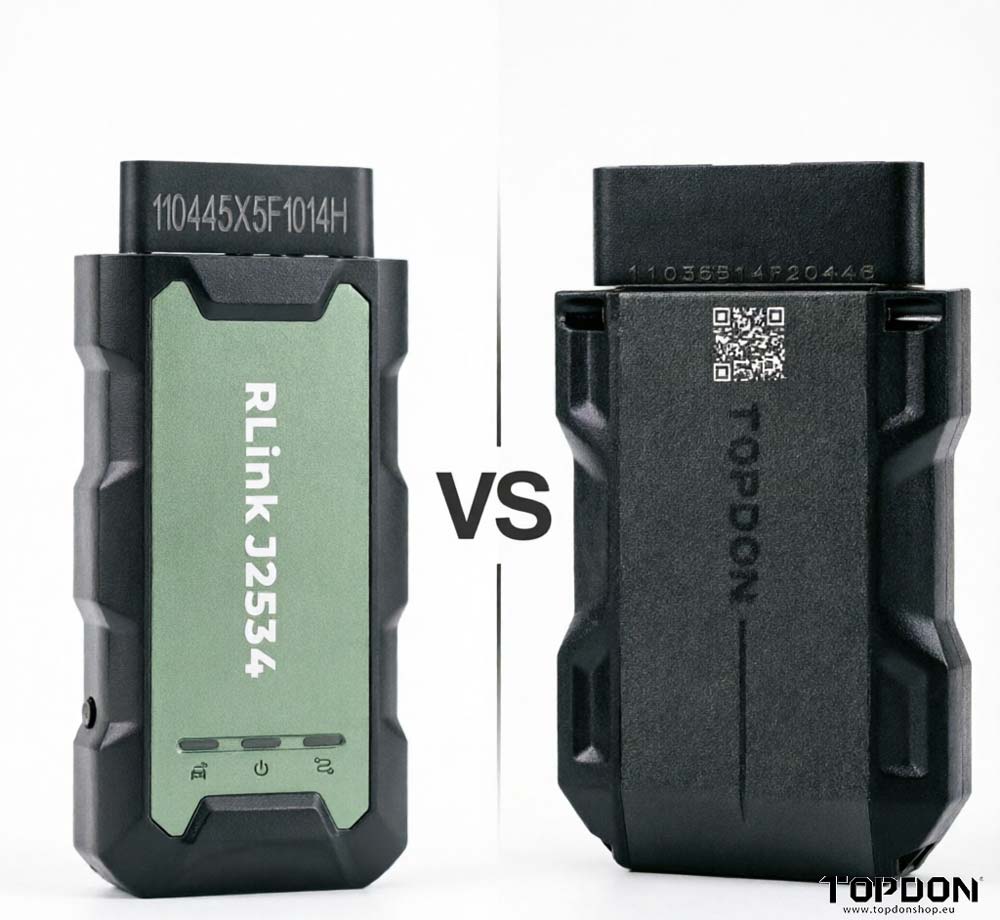
The Starting Point: TopScan Pro– A Solid Entry-Level Tool
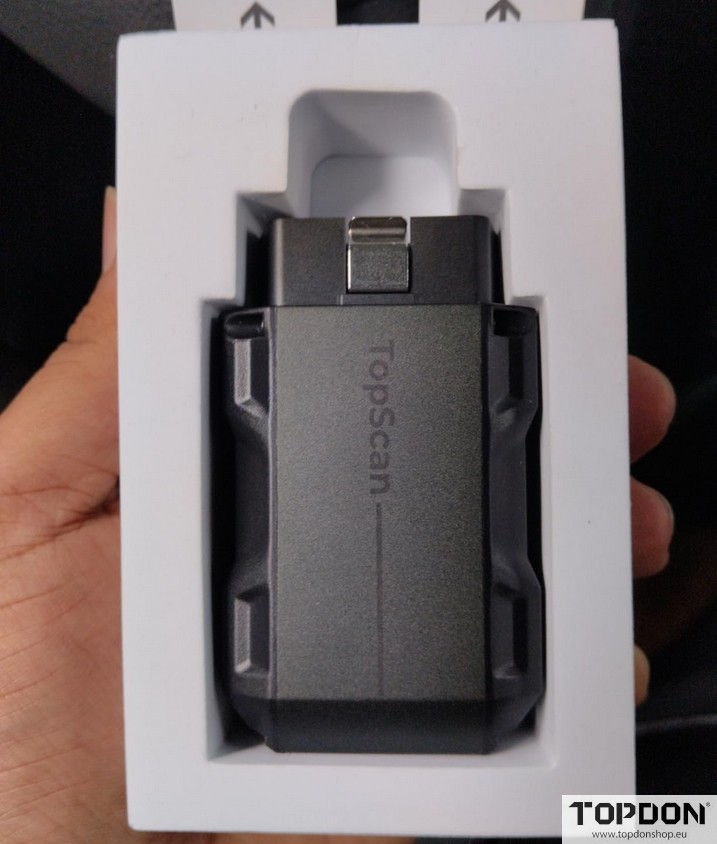
For many beginners, TopScan serves as an accessible and affordable introduction to vehicle diagnostics. It provides a range of basic but essential functions, including:
- Vehicle performance monitoring
- IM readiness checks
- Engine inspection
- Oil reset
- Throttle adaptation
- Electric parking brake (EPB) reset
- Steering angle reset
- ABS, DPF, BMS, and airbag system access
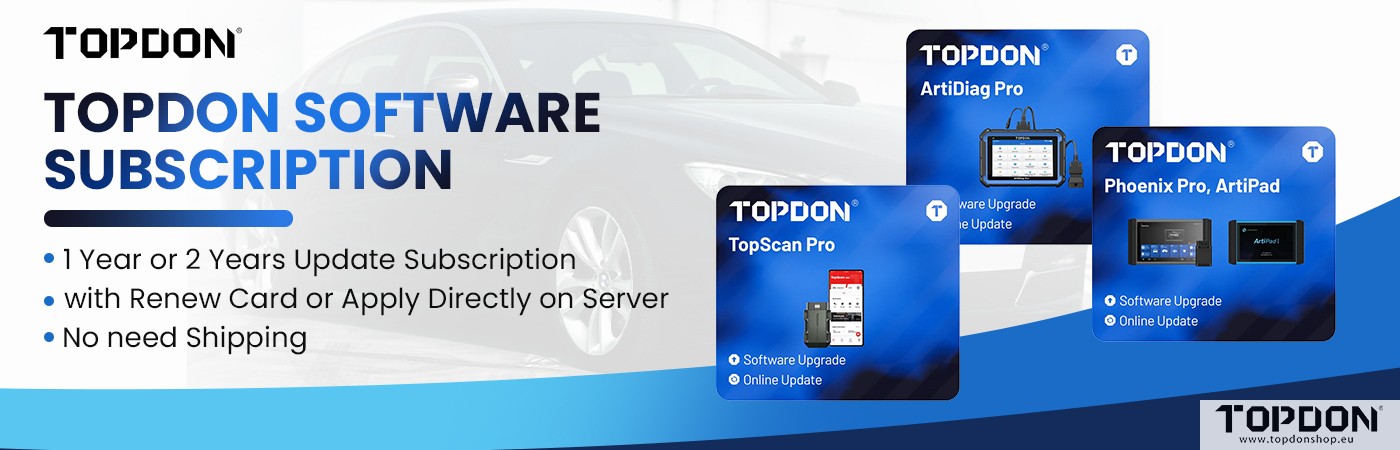
While TopScan covers a broad majority of vehicles, it does not support all makes and models. Users can pre-download vehicle data over Wi-Fi, allowing for offline use during diagnostics—a convenient feature for mobile technicians. However, after a free one-year subscription included with the purchase, ongoing use requires a $10 annual fee. Despite this, TopScan remains a capable starter tool, especially for routine maintenance and common repairs.
The Upgrade: RLink J2534 – OEM-Level Programming and Beyond
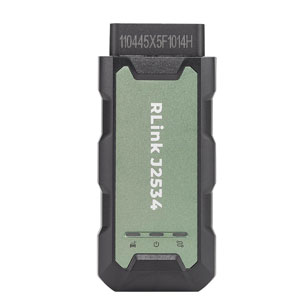
The RLink J2534 device represents a significant leap forward. Unlike basic scan tools, it is designed to interface with official dealership software, enabling advanced programming, module flashing, and complete system access. Key differentiators include:
- Bluetooth connectivity for wireless use with a laptop or tablet
- Programming cables included for module flashing and dealer-level software integration
- Support for secure gateway bypass (e.g., Chrysler, Dodge, Jeep, Ram) using an additional cable purchased separately
- Compatibility with TopD software, which the user prefers for its ease of use over official OEM interfaces
The RLink expands diagnostic functions far beyond basic resets, offering capabilities such as:
- Throttle and injector testing
- TPMS, sunroof, seat, window, and suspension controls
- AdBlue (DEF) and knock sensor testing
- Start/stop function disable
- Transport mode activation
- GPF, gearbox, EGR, water pump, and VGT testing
- Odometer programming and IMMO (immobilizer) key functions
This breadth of features makes the RLink suitable for both independent shops and professional technicians who need deep access to modern vehicle systems.
Real-World Performance: Live Data and Fault Detection
In a practical demonstration on a Chevrolet, the RLink quickly read the VIN, confirmed vehicle details, and performed a full auto-scan. It identified a fault in the body control module (BCM), traced to a tire pressure sensor issue. The tool also displayed live data streams from the engine control module (ECM), with abnormal values highlighted in red and normal parameters in blue—an intuitive interface that speeds up diagnosis.
The system allows technicians to test sensors, monitor oil pressure, check EVAP systems, and even perform active tests like AC cooling compression. On older vehicles, functionality may be more limited, but newer cars unlock the full potential of the tool, making complex troubleshooting significantly easier.
Programming Capabilities: OEM Software Integration
One of the RLink’s standout features is its ability to work with OEM manufacturer software, such as GM’s SPS2 (Service Programming System). In a test attempt to program a Malibu’s modules (including ABCM and electric brake control module), the tool successfully interfaced with the dealer-level system, demonstrating its readiness for professional reprogramming tasks.
Although the user prefers Topdon software for daily use due to its simplicity, the RLink’s J2534 pass-through capability ensures compatibility with official manufacturer tools—a must for tasks like module replacement, firmware updates, and advanced coding.
Conclusion: Choosing the Right Tool for the Job
| Feature | TopScan | RLink J2534 |
|---|---|---|
| Primary Use | Basic diagnostics and maintenance | Advanced diagnostics, programming, and OEM-level access |
| Vehicle Coverage | Majority, but not all | Extensive, with secure gateway support |
| Programming | No | Yes (OEM and third-party software) |
| Connectivity | Wi-Fi (offline capable) | Bluetooth + wired |
| Subscription | Free 1 year, then $10/year | Varies (software-dependent) |
| Best For | DIYers, light-duty shops | Professional technicians, dealership-level work |
While TopScan offers a cost-effective entry point, the RLink J2534 is the clear choice for those who need to go beyond basic diagnostics. Its OEM-level programming, broad vehicle coverage, and comprehensive function list make it an indispensable tool for modern automotive repair. As one user put it, “This one’s a really great, great tool. Many more functions.”