


If Topdon Topscan Pro device’s Bluetooth fails to connect with your mobile phone, follow the steps below to record the video.
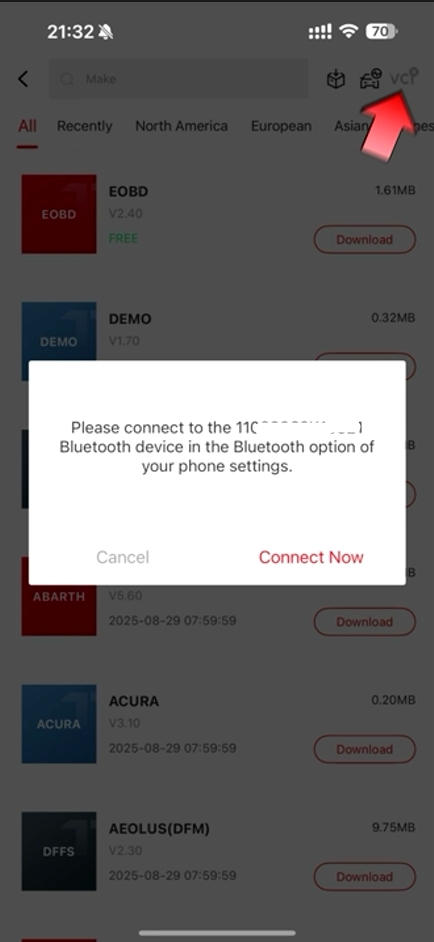
In Topscan App, hit VCI icon on the right upper corner.
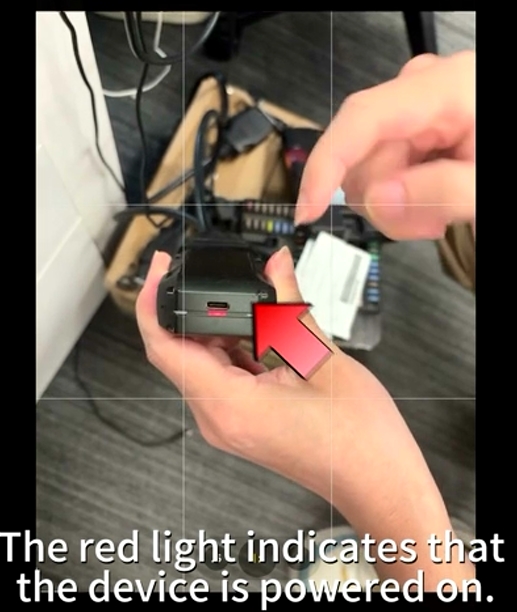
Connect Topscan VCI to a power supply.
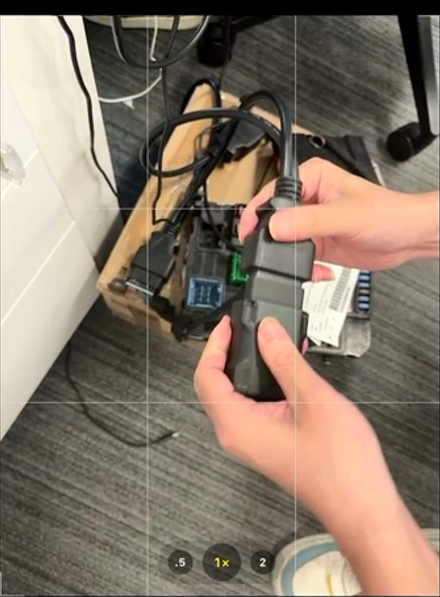
The red light indicates that the device is powered on.
On the mobile phone, search for the Bluetooth device. It says pairing unsuccessful.
Cannot find Topscan device.
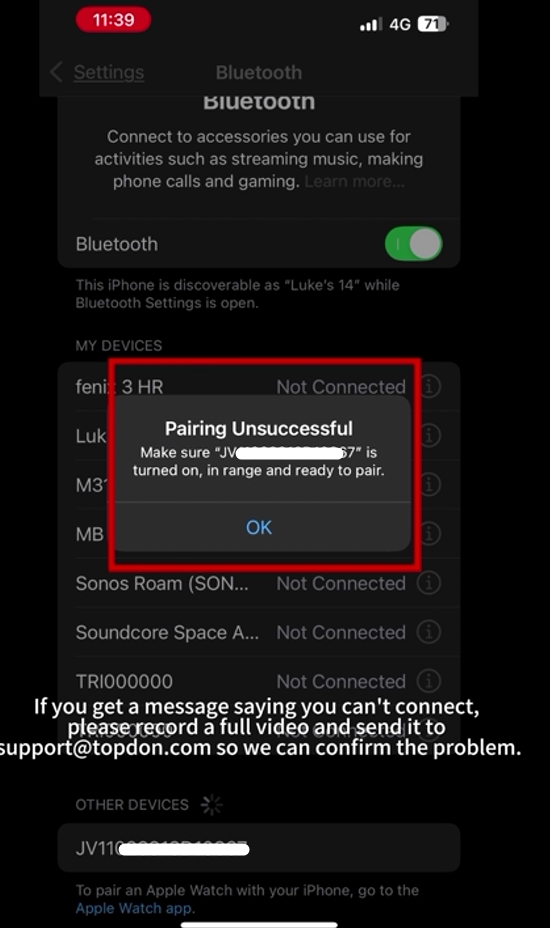
Take the video and send it to Topdon technician.
Topdon technician will analyze the problem and tell you if the Topscan VCI is broken or not.