

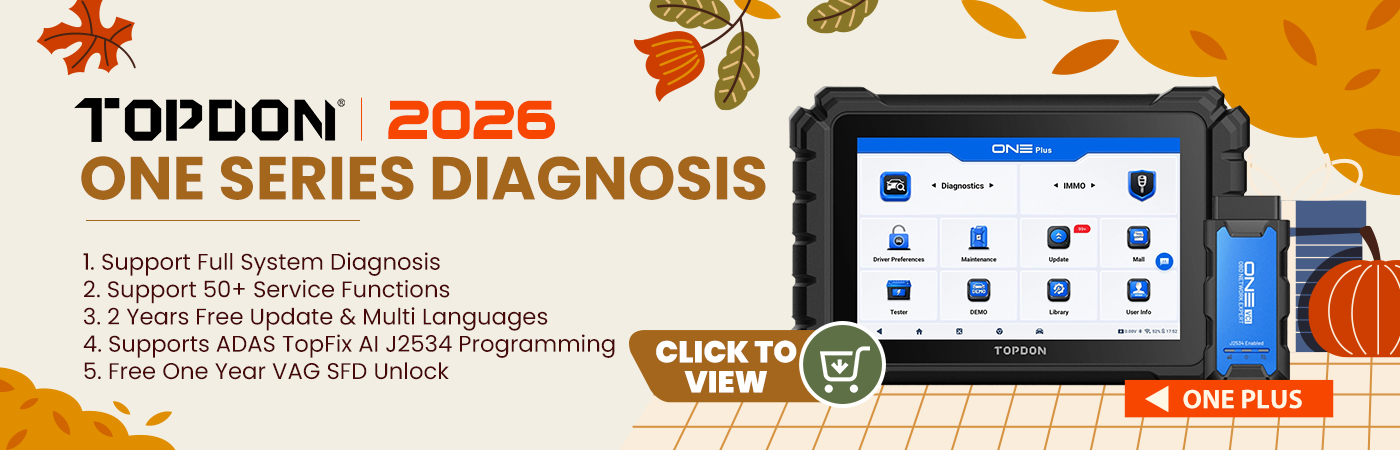
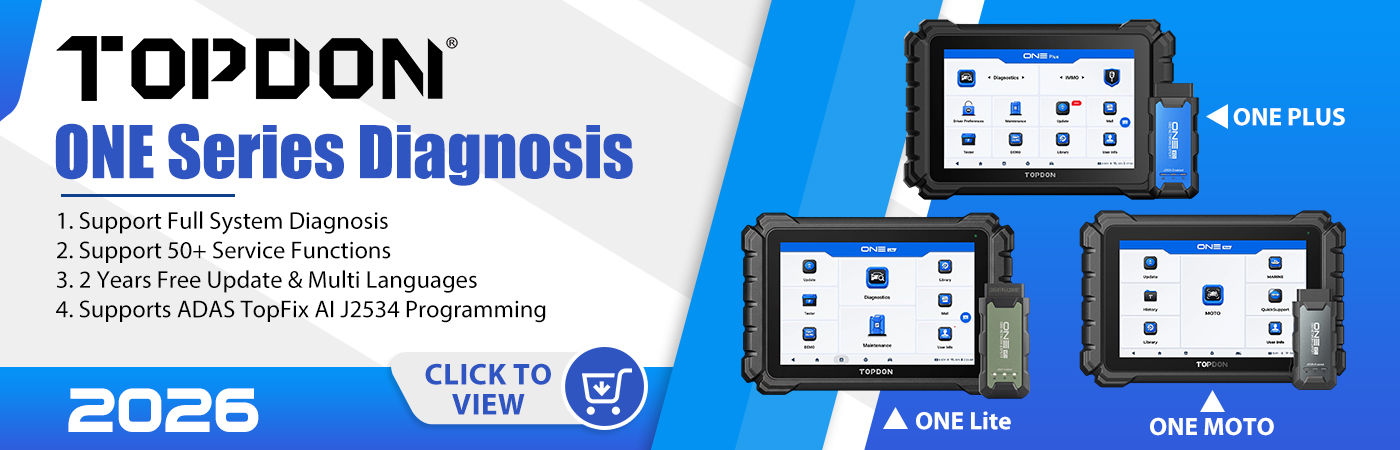
Unlocking the full potential of the TOPDON ONE Series ( ONE, ONE Plus, and ONE Lite): A Guide to Wireless Connectivity and Screen Mirroring.
One of its most impressive capabilities is its ability to connect wirelessly to a range of peripherals and display screens, transforming your diagnostic setup into a powerful, bench-top command center.
Here’s a closer look at how you can leverage these features to enhance your workflow.
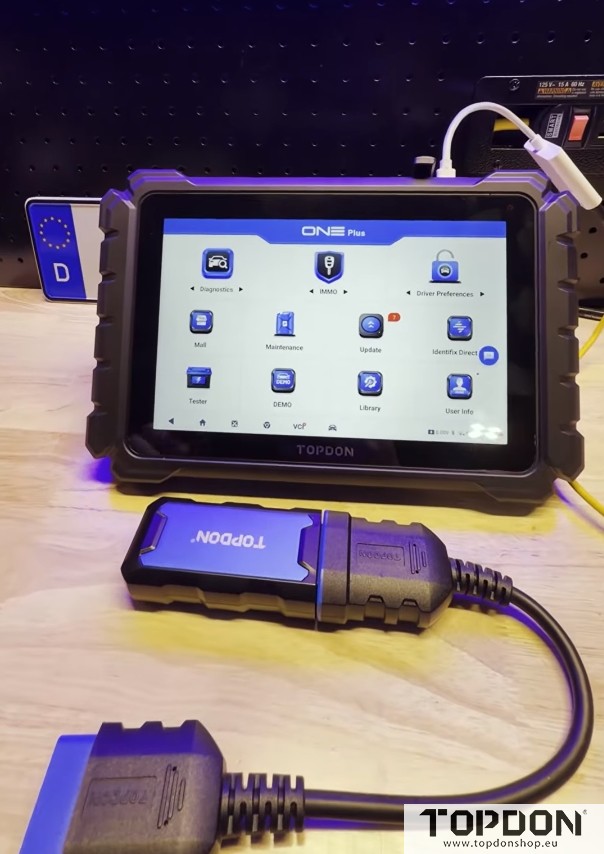
The Power of the USB-C Hub
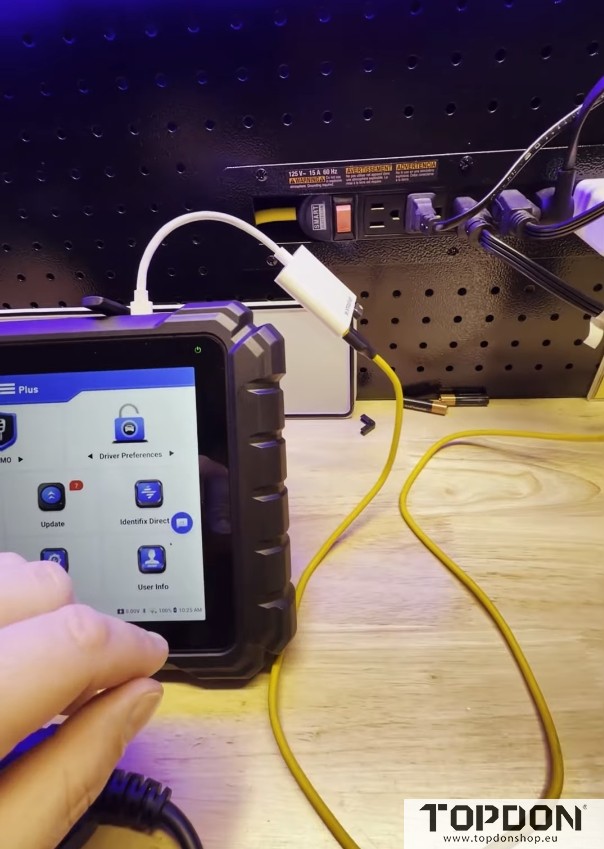
At the heart of this expanded functionality is the tablet’s port, which supports a multi-adapter hub. This hub typically includes USB-C, standard USB-A, and HDMI outputs. By using this port, you can connect multiple devices simultaneously, turning your diagnostic tablet into a central processing unit for your workshop.
Extreme Wireless Range with the VCI.
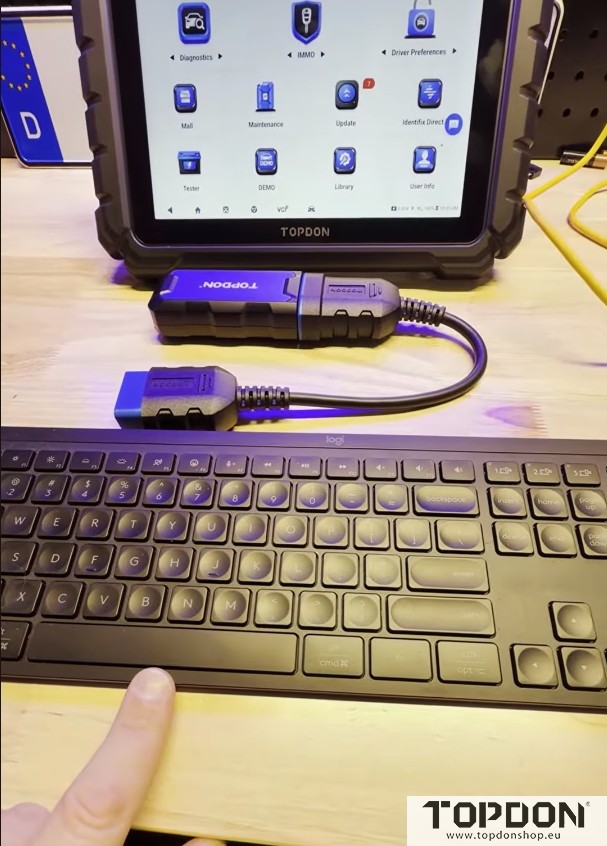
One of the standout features of the TOPDON ONE Series is its Vehicle Communication Interface (VCI). Thanks to its extreme communication range, the VCI can maintain a stable Wi-Fi connection with the tablet from up to 50 feet away. This means you can leave the VCI connected to the vehicle’s OBD-II port while you work comfortably at a distance—whether you’re inside the car, at a workbench, or across the garage. This wireless freedom is a game-changer for test drives and remote diagnostics.
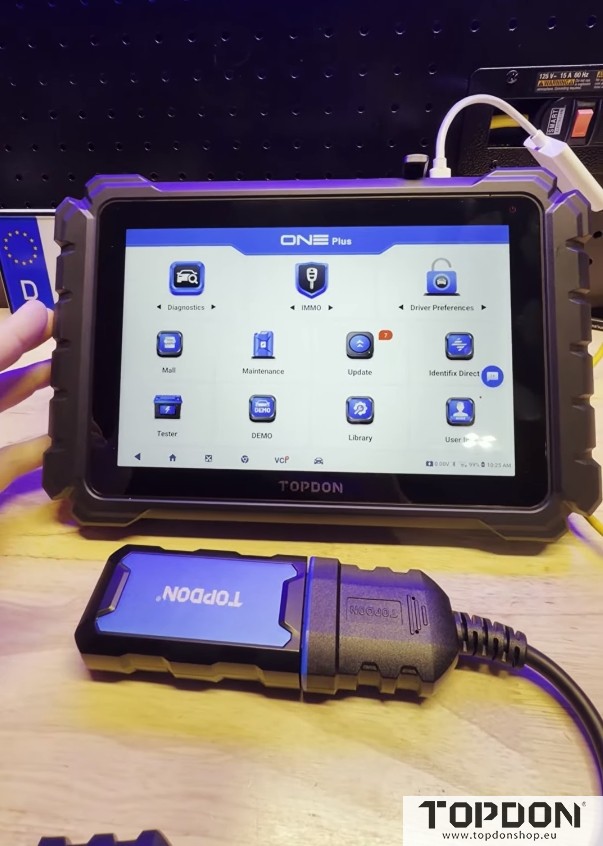
Screen Mirroring for a Larger View
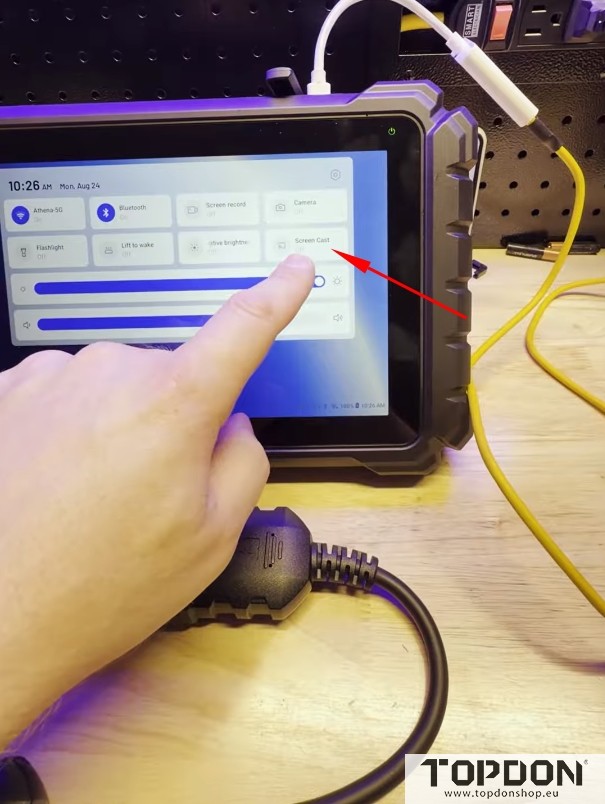
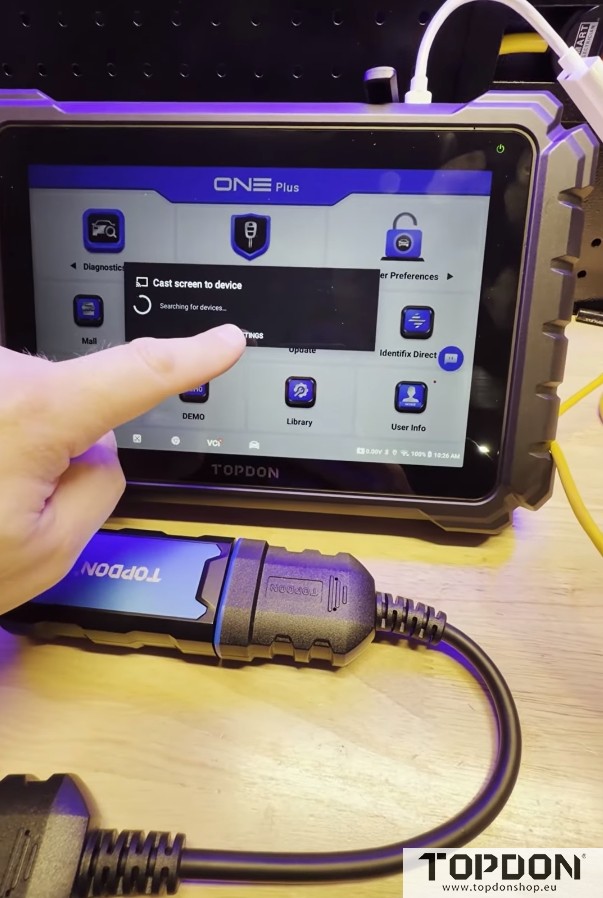
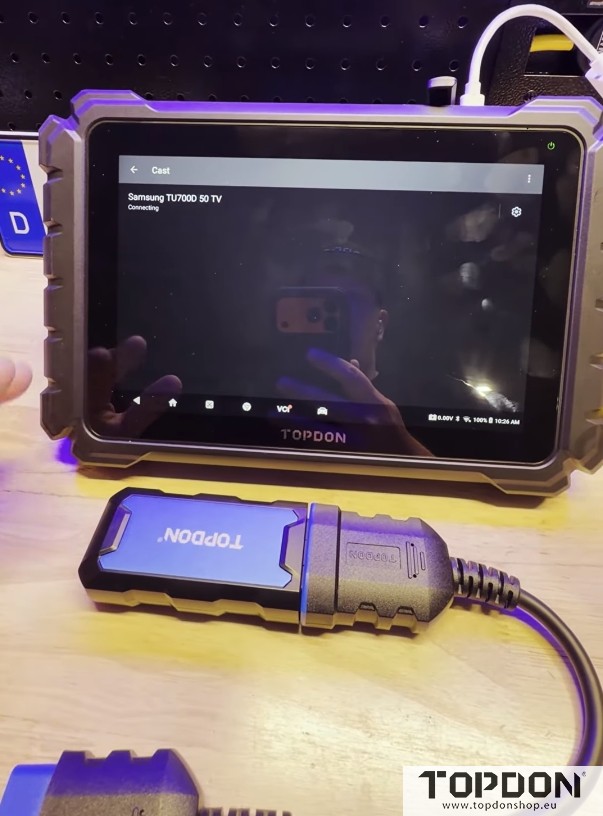
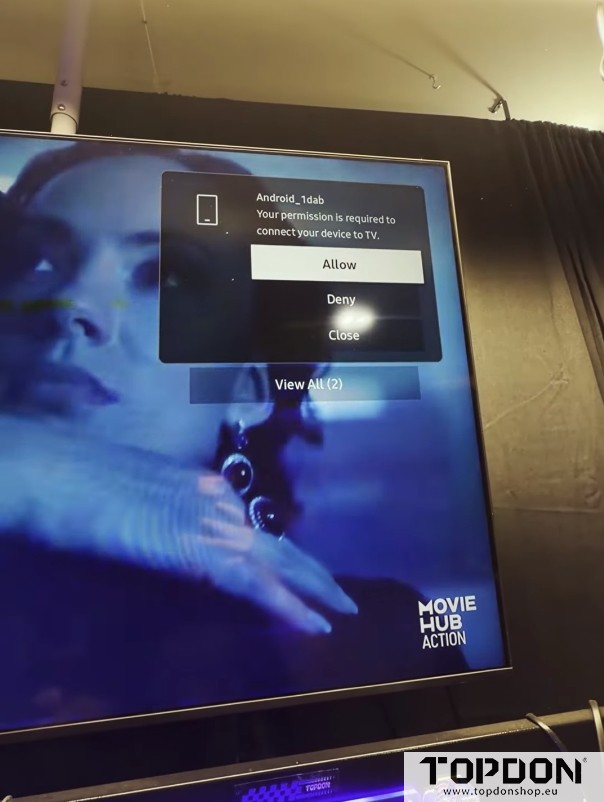
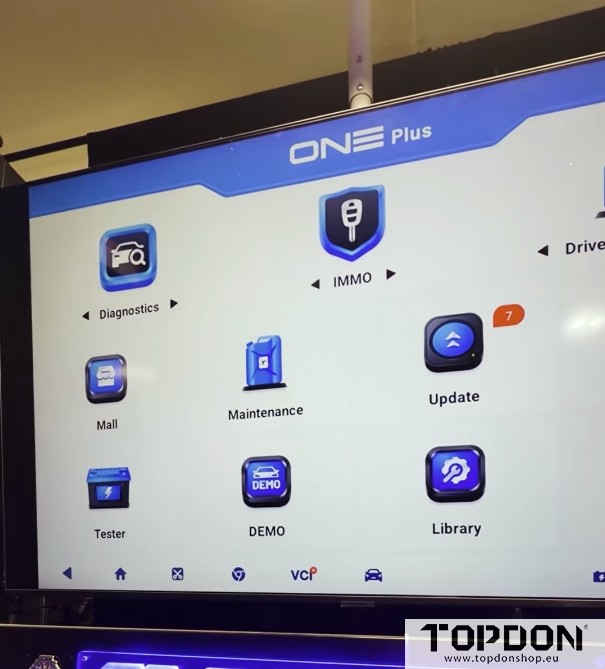
Small screens can sometimes limit productivity, especially when you’re navigating complex menus or reviewing detailed data. The TOPDON ONE Series solves this with a built-in screencast feature. By swiping down from the top of the screen and selecting “Screencast,” users can access the settings menu to enable wireless display. Once the option is turned on, the tablet searches for nearby wireless displays, such as a smart TV or monitor. After a simple prompt to confirm the connection, the tablet’s screen is mirrored on the larger display in just seconds.
This feature is ideal for training sessions, team collaborations, or simply reducing eye strain during long diagnostic sessions.
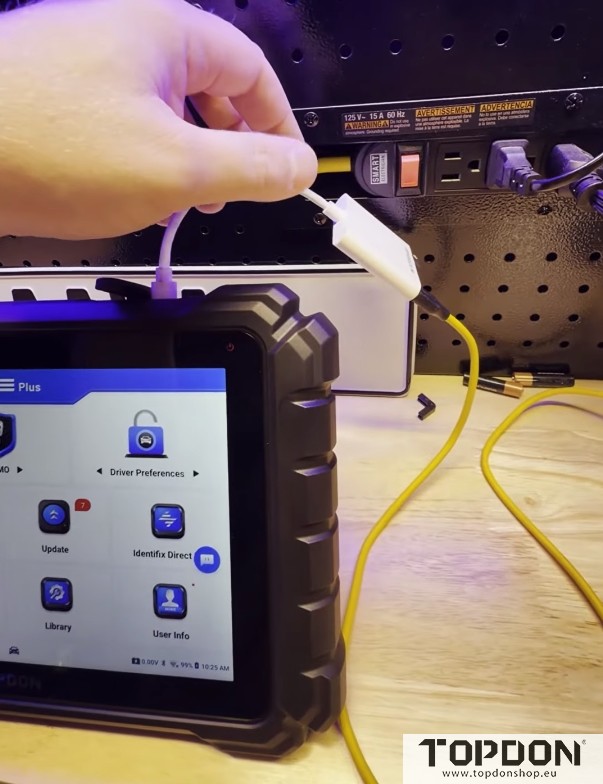
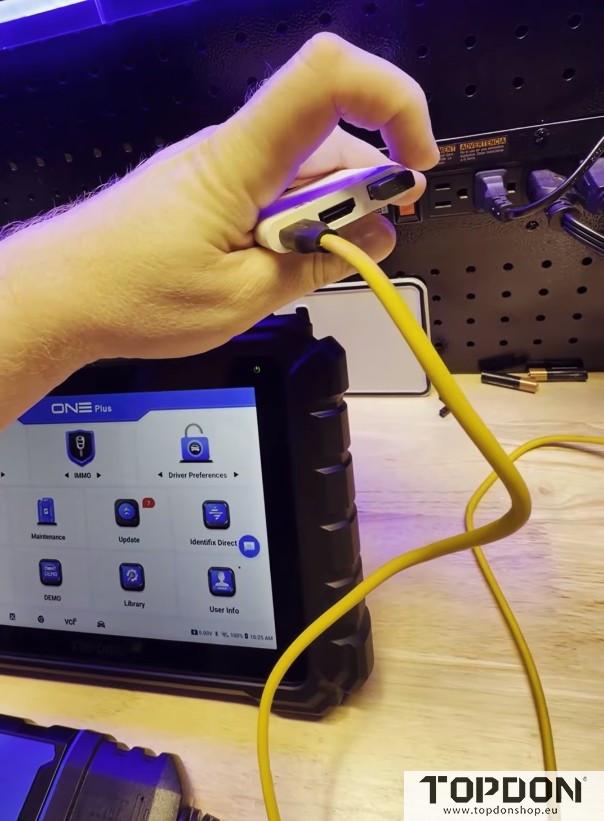
Wireless Keyboard and Mouse Integration
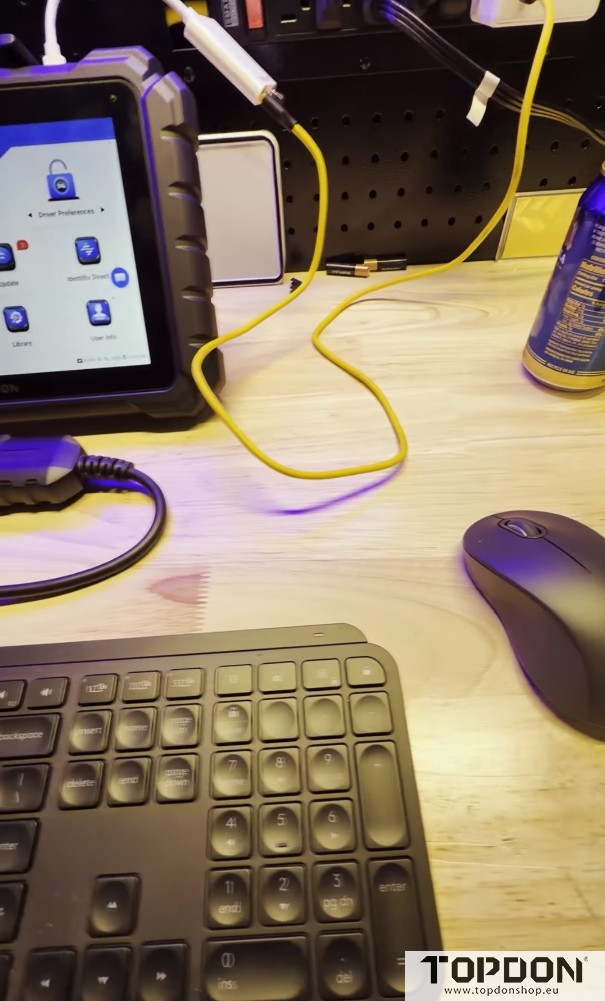
To further streamline navigation, the ONE Series supports wireless keyboards and mice. To further streamline navigation, the ONE Series supports wireless keyboards and mice. We can use a Logitech combo, plugging the USB receiver directly into the adapter hub. While the tablet’s port is recessed, making it a bit snug for some adapters, the setup is straightforward and works seamlessly once connected.
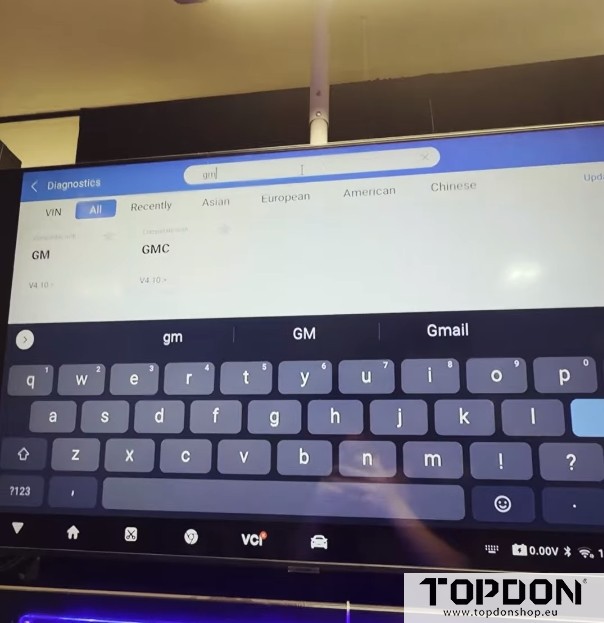
With a wireless mouse and keyboard, you can easily navigate through menus, type in brand names for vehicle searches, or input notes without tapping the screen. For instance, typing “GM” into the brand search field instantly brings up General Motors vehicles—all visible on the big screen. This level of convenience makes the diagnostic process faster and more intuitive.
Flexible Setup Options
Whether you prefer a wireless or wired connection, the TOPDON ONE Series accommodates both. If you want a direct link to a display, you can use an HDMI cable instead of screen mirroring. The choice is yours, depending on your workspace and preferences.
And when it’s time to hit the road for a test drive, simply unplug the peripherals and use the tablet as you normally would. The device is designed to be portable and functional in any scenario.
Conclusion
The TOPDON ONE Series is more than just a scan tool—it’s a comprehensive diagnostic workstation. With wireless connectivity, screen mirroring, and peripheral support, it offers unparalleled flexibility for technicians who need to work efficiently and comfortably. Whether you’re presenting data to a client, teaching a class, or just enjoying the convenience of a larger screen, these features make the ONE Series a standout choice in the automotive diagnostic market.
And with the ONE Series, they’re also practical, reliable, and easy to set up.