


How to transfer data from Topdon Phoenix Smart diagnostic scanner tablet to PC via USB cable? The instruction is slightly different from Phoenix Max.
Tap “User Info” from the home screen.
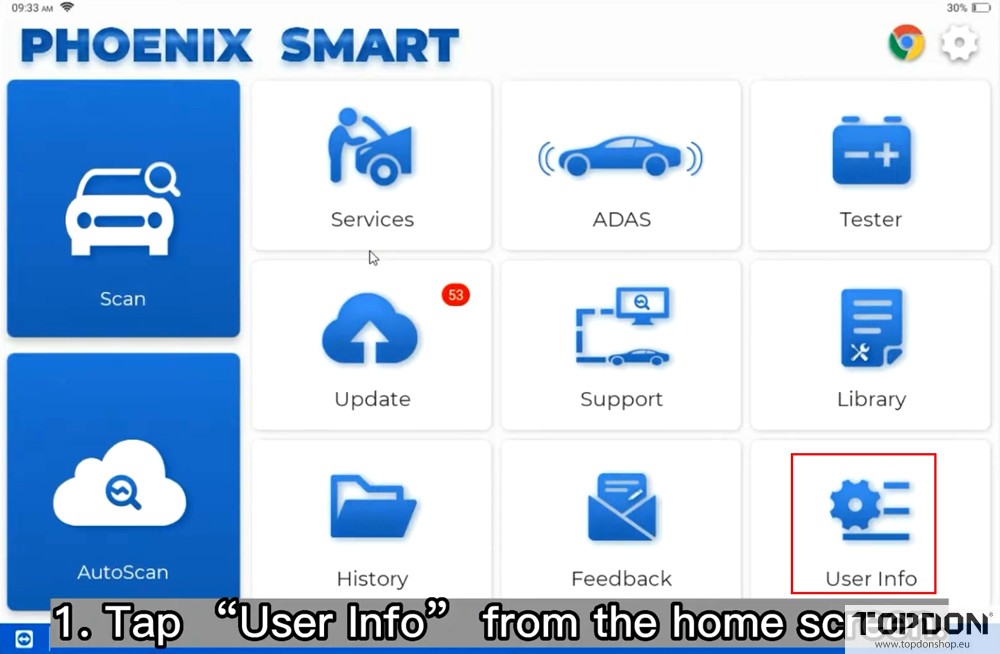
Select “Settings”.

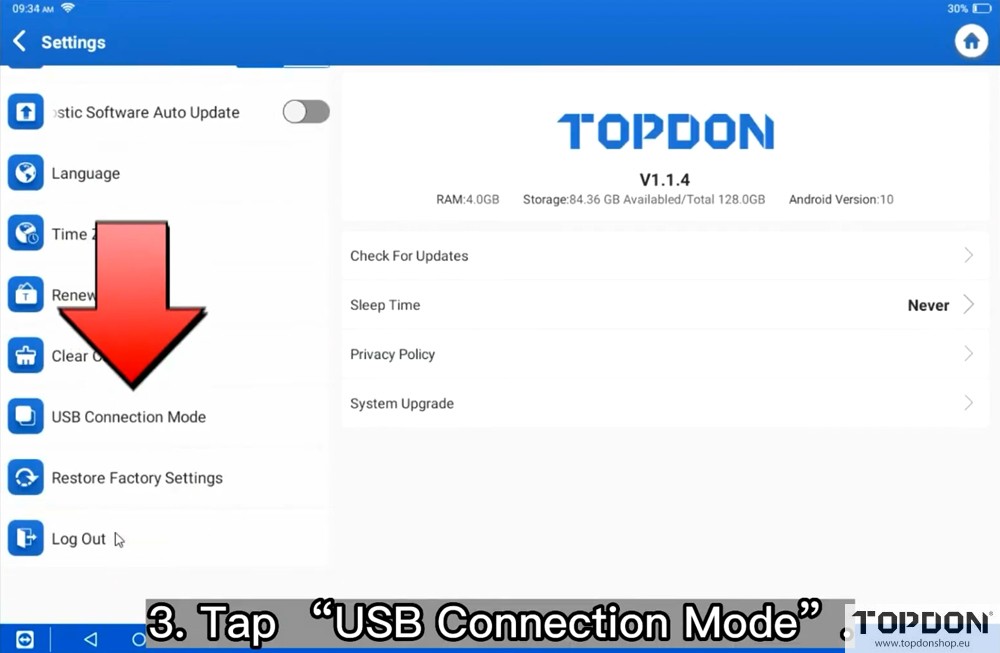
Tap “USB Connection mode”.
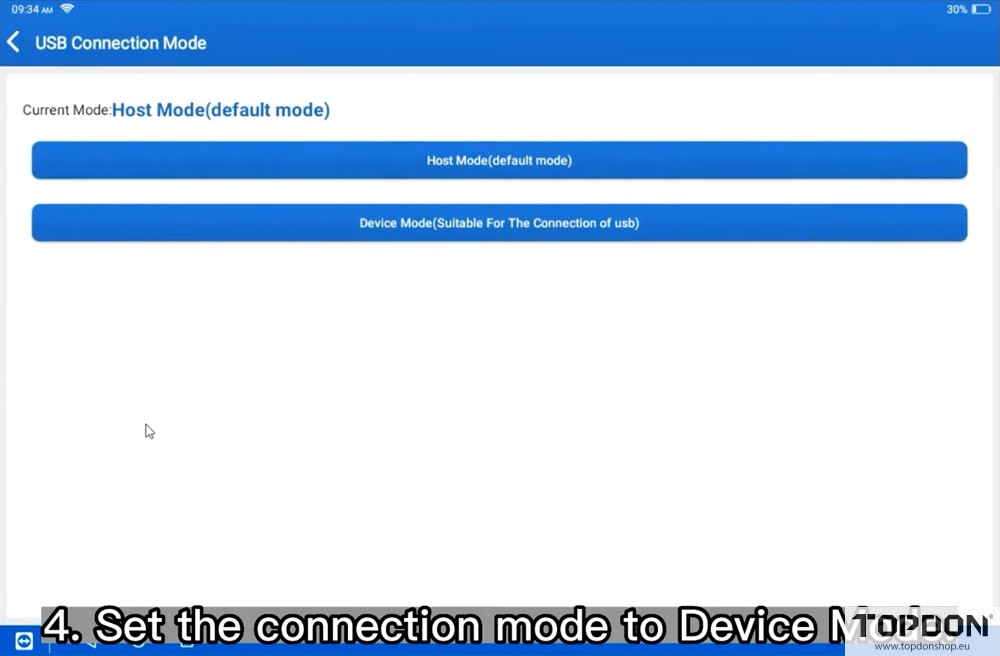
Set the connection mode to Device Mode.
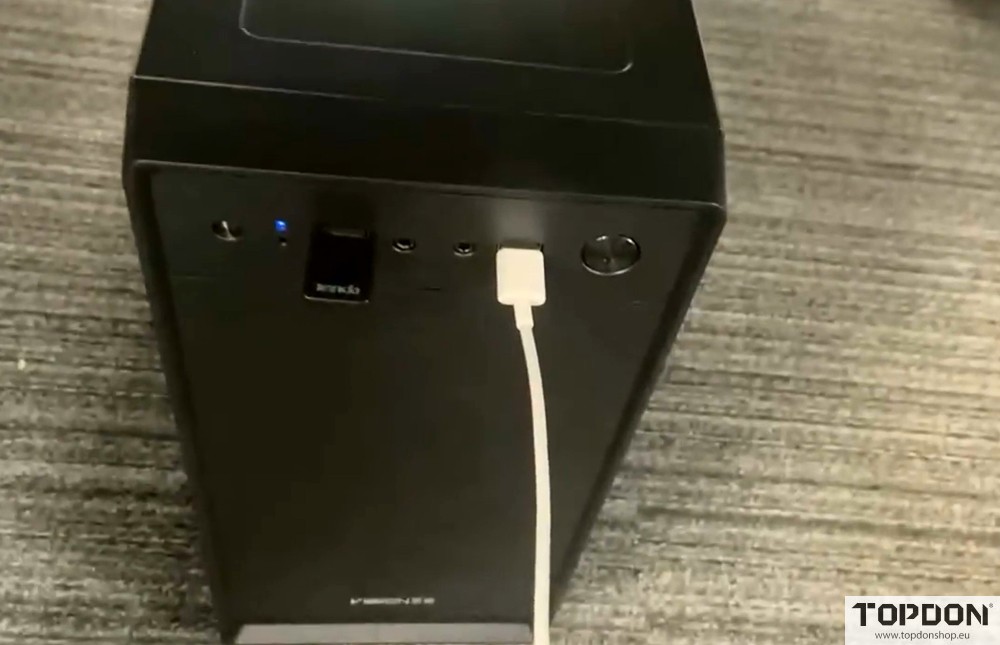
Connect the Phoenix Smart table to a PC/computer and start data transfer.

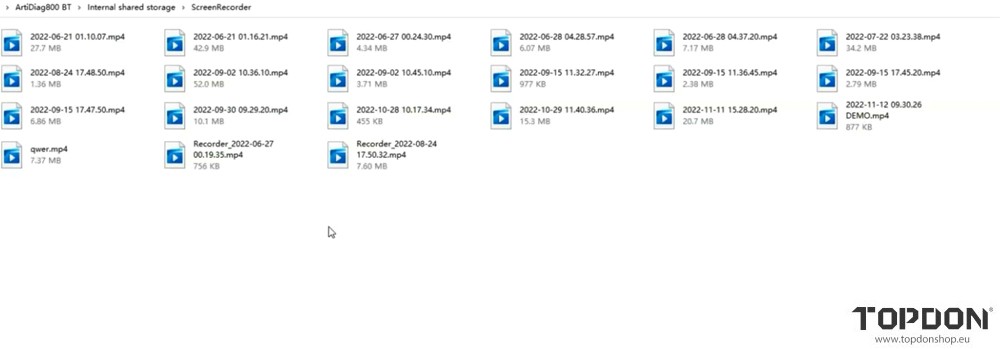
Back to the Internal shared storage, select the needed file to export.

Read also:
How to Transfer Data from Topdon Phoenix Max to PC via USB Cable?