





Here is the instruction to download, register, activate and bind Topdon Topscan series scanners (Topscan Lite, Topscan PRO etc).
1.Download App
Download TopGuru App for iOS on iOS App store.
Download TopScan App for the Android system on Google Play store.
2. Register Topscan
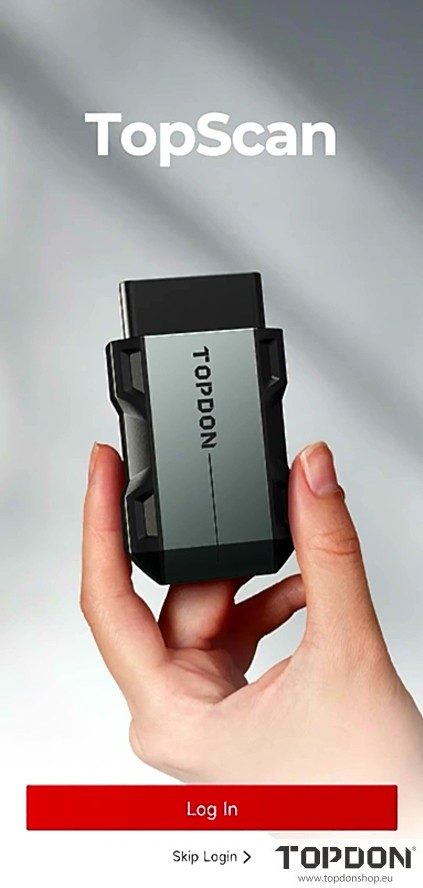
After downloading App, hit Log in.
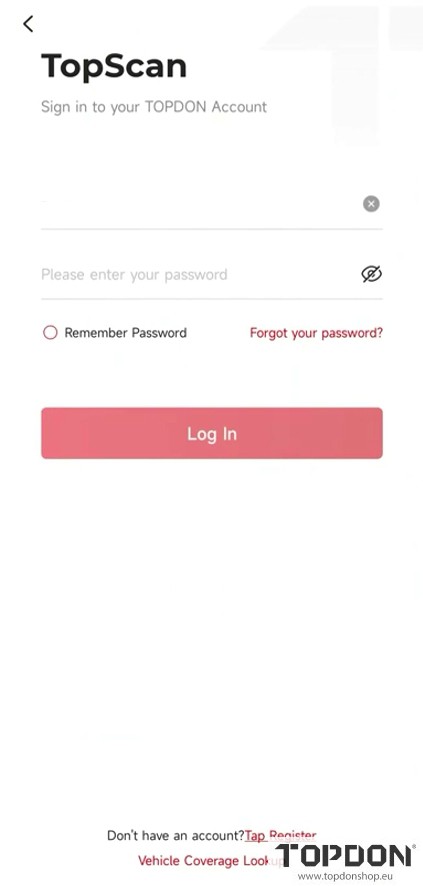
If you don’t have a Topdon account, tap Register.
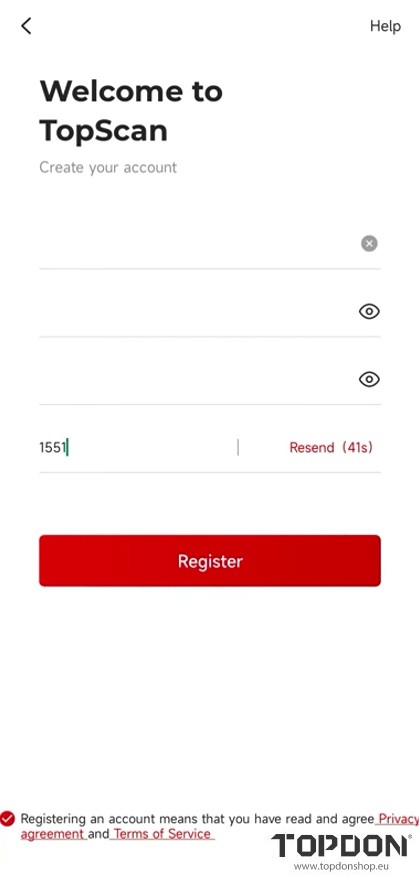
Input your email address, password and verification code to register Topscan.
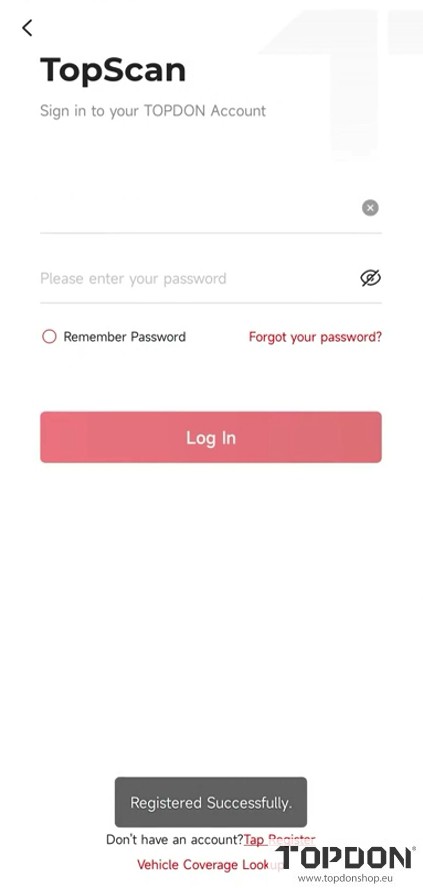
Register successfully.
3. Activate and Bind Topscan
Log in your Topdon account.
Allow Topscan to access location info.
Allow Topscan to connect to nearby devices.
Turn on Bluetooth.
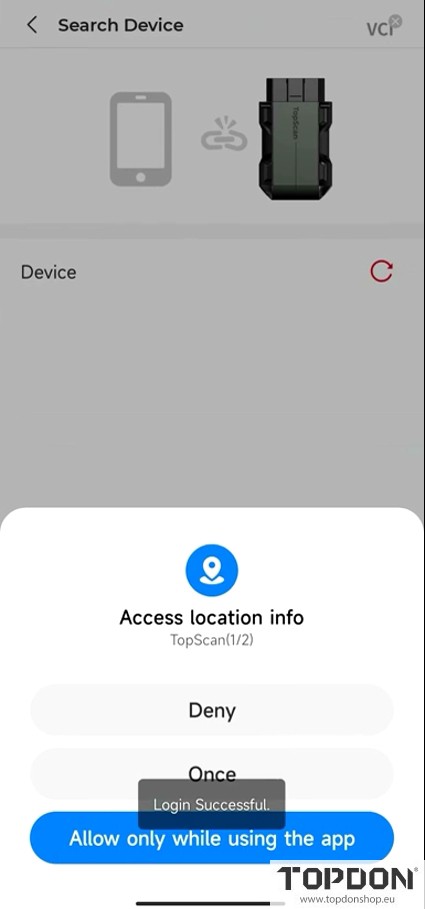
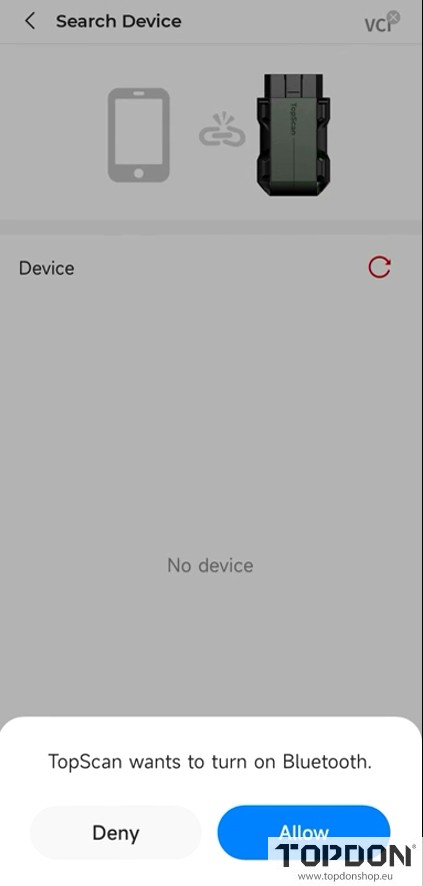
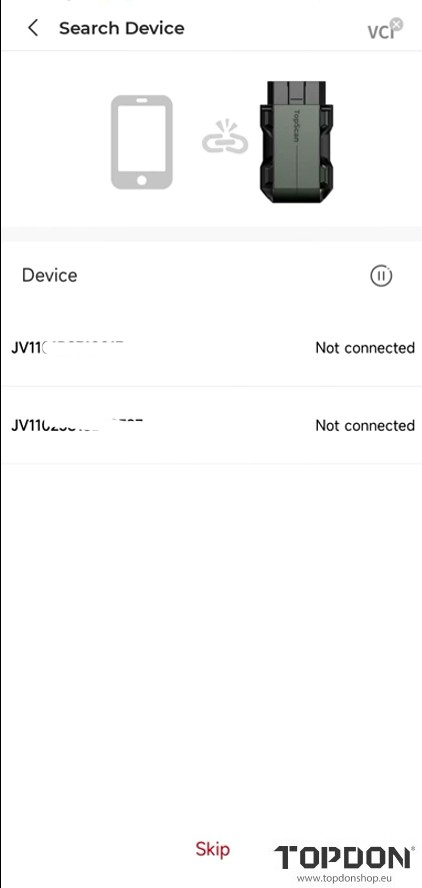
Select your Topscan scanner you want to connect.
Input device S/N and activation code to activate Topscan.
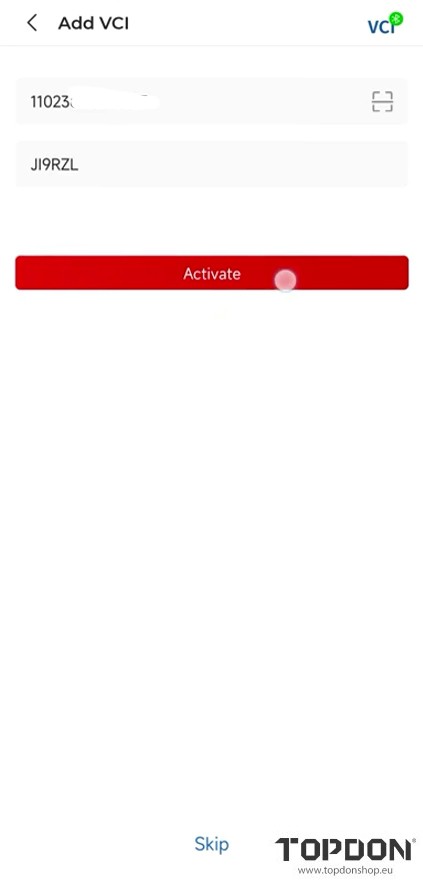
Activate Topscan successfully.
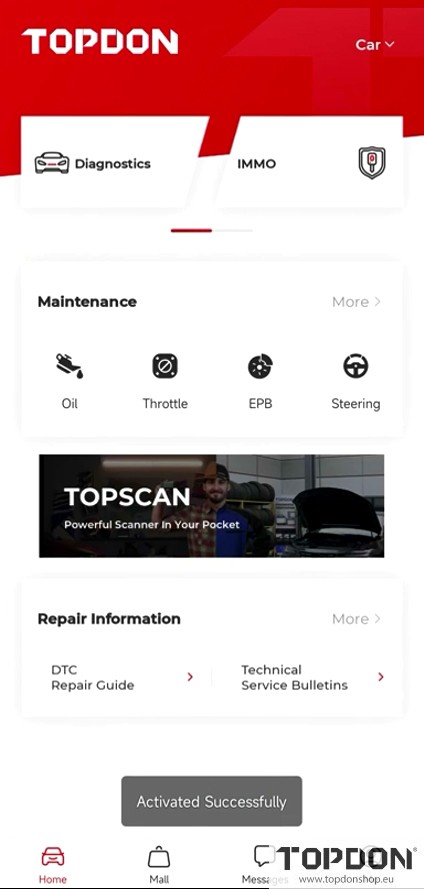
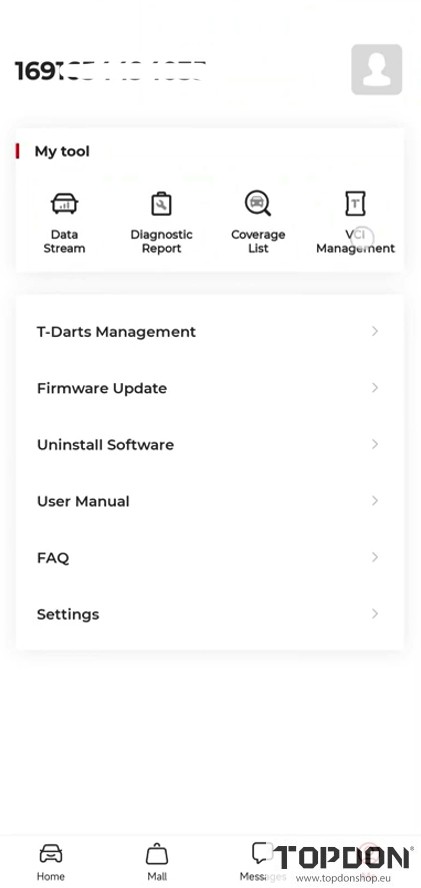
Download the diagnostic software.
Plug the Topscan dongle into the vehicle’s OBD port to diagnose cars.