





Tutorial: Mercedes Benz speed limit removal using Topdon Phoenix diagnostic scanners.
Requires Phoenix scanners that support Mercedes SCN coding, including Phoenix Elite/Phoenix Max/ Phoenix Smart/ Phoenix Xlink etc.
Procedure:
Select Engine control unit.
Select Variant coding.

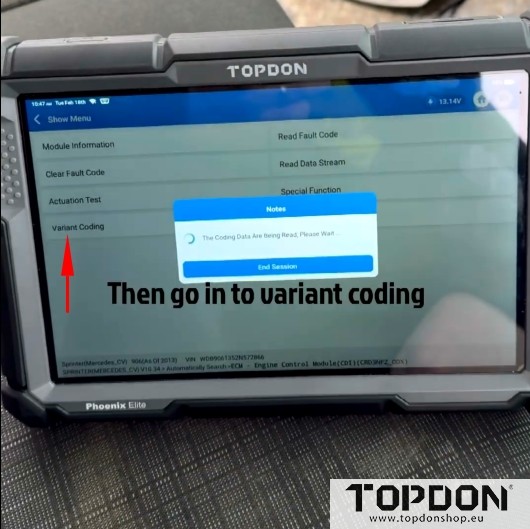
Select the top one and scroll down to VMAX.

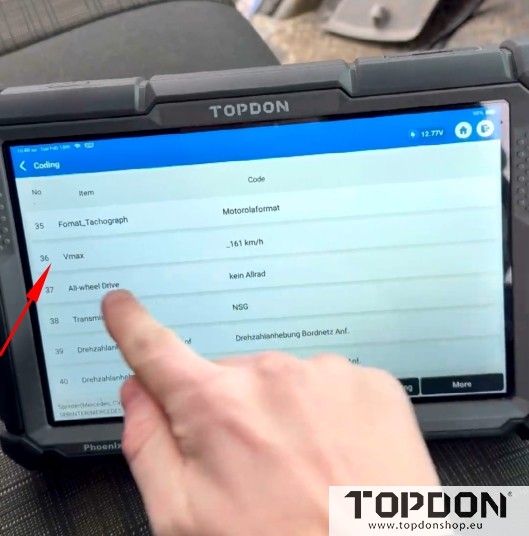
Change it to 161km/h, this is the highest it will go with Topdon and write coding.
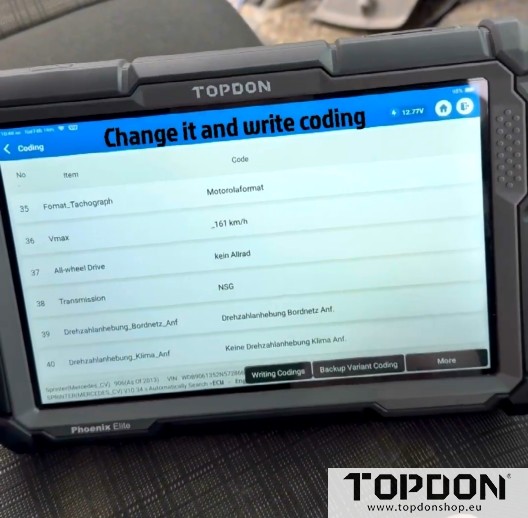
Come out of the coding menu and go into special functions.
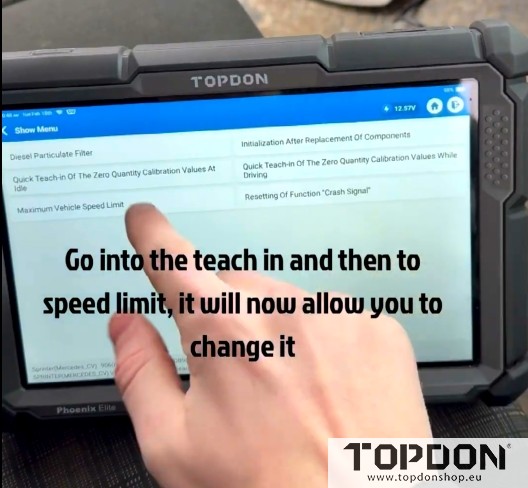
Go into the Teach-in Process and then to Maximum vehicle speed limit, it will now allow you to change it.

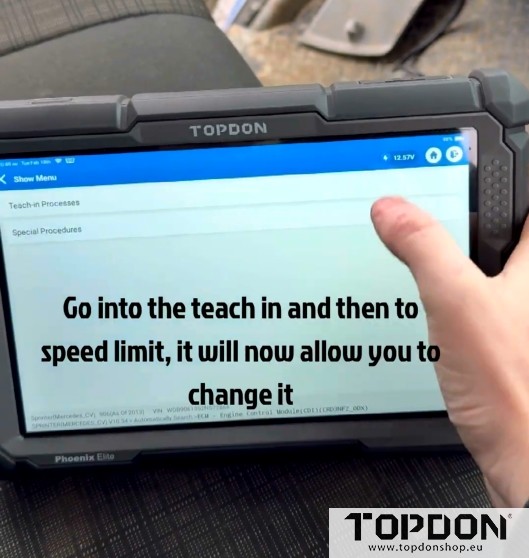
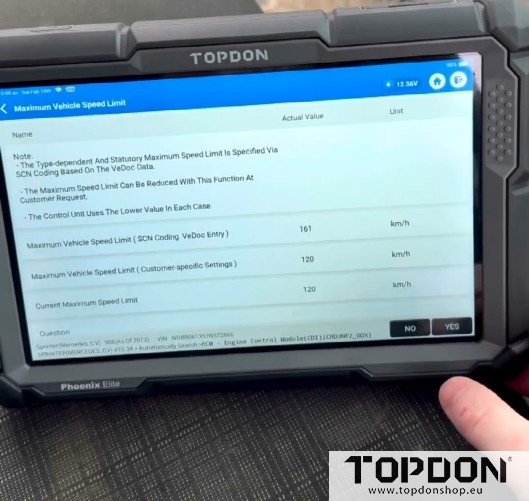
This shows the old limit of 120km/h and the top is what we’ve just altered in coding, you can now change them all to 161km/h.
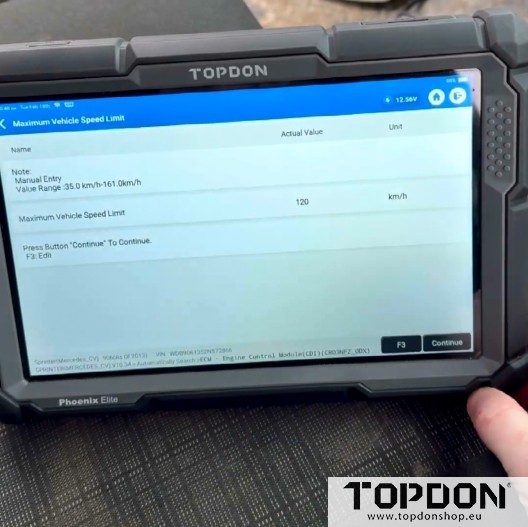
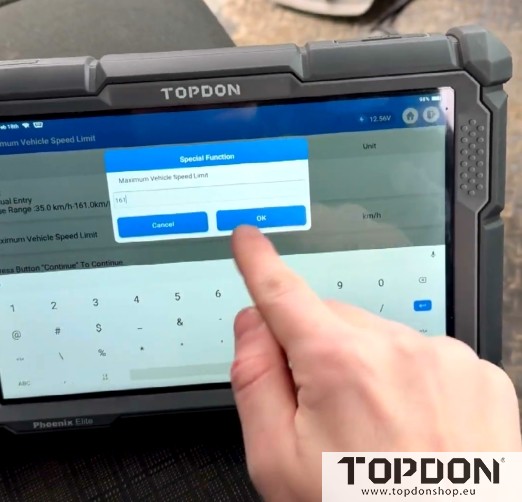
Take a few minutes to do so.


Without doing the coding, Topdon only allows you to change to 120 km/h Max.
Check and make sure it’s aved before you cycle key/start the vehicle.

Topdon disabled Benz speed limit successfully.
www.topdonshop.eu