

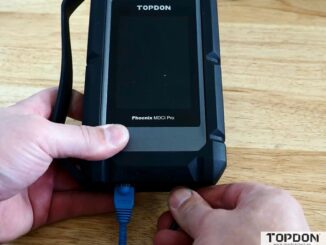
Download and Update Topdon MDCI J2534 Driver
Where to download and how to update Topdon MDCI J2534 driver? Where to download the J2354 PC suite for using mdci pro (that comes […]

Where to download and how to update Topdon MDCI J2534 driver? Where to download the J2354 PC suite for using mdci pro (that comes […]
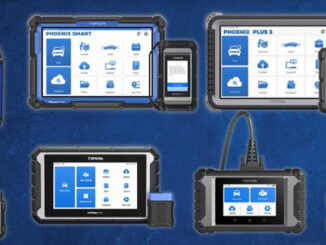
Topdon offers a comprehensive lineup, from professional powerhouse tools to affordable DIY options. This guide breaks down their key models to help you find the […]
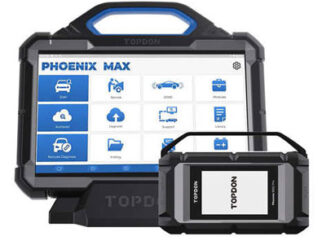
Navigating the market for a professional-grade diagnostic scanner in 2026 presents a compelling choice between two powerful contenders: the Autel MS909S2 and the Topdon Phoenix […]
In the world of automotive diagnostics, professionals and enthusiasts alike rely on advanced scan tools to troubleshoot, program, and maintain vehicles efficiently. Two standout options […]

Tired of jumping between systems when monitoring a car’s live data? Topdon’s latest updates on Phoenix Max/Smart/XLink/Remote introduce Multi-System Live Data Fusion, allowing you to […]
How to solve Topdon Phoenix series diagnostic scanners “Not Enough Storage” error? It is recommended that you try the following steps: (1) Go […]
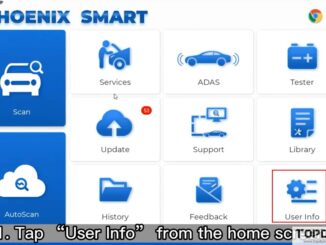
Here are Topdon Phoenix series products comparison frequently asked questions: Q1: What is the difference between Phoenix Max and Phoenix Remote? Phoenix Max and […]
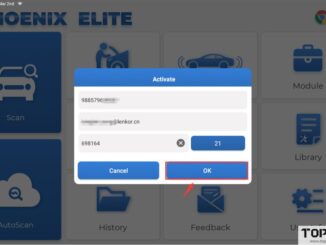
The latest versions of certain products within the Topdon Phoenix series have introduced a new method for device activation. Previously, activation was conducted via email […]

How to transfer Topdon Phoenix Smart data to PC via a USB Cable? 1. Connect the Phoenix Max device to the computer with a […]
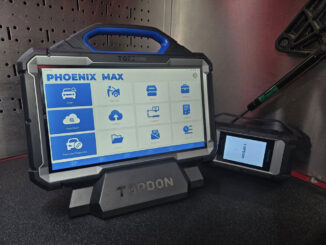
Problem: Topdon Phoenix Max all of a sudden the MDCI doesn’t connect via Bluetooth. The Bluetooth in the tablet works be issue I can connect […]
Copyright © 2026 | WordPress Theme by MH Themes