




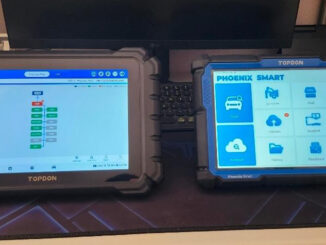
Topdon ONE vs Phoenix Max/Smart
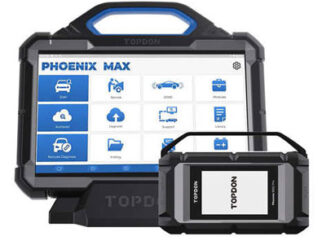
What is the difference between Topdon ONE/ONE LITE and Phoenix Max/Smart? Topdon ONE is much cheaper. They are not really comparable. The Phoenix Smart and Max […]

What is the difference between Topdon ONE/ONE LITE and Phoenix Max/Smart? Topdon ONE is much cheaper. They are not really comparable. The Phoenix Smart and Max […]
Problem: Looking a bit more information on remote programming. We have a Topdon Phoenix Smart and today we installed a used steering rack on a […]

Question: On Topdon Phoenix Smart there was a virtual floating button for screenshot. Where can I find it on Topdon Phoenix Max? I went through […]
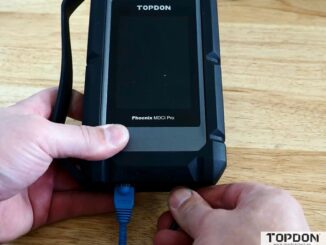
Where to download and how to update Topdon MDCI J2534 driver? Where to download the J2354 PC suite for using mdci pro (that comes […]
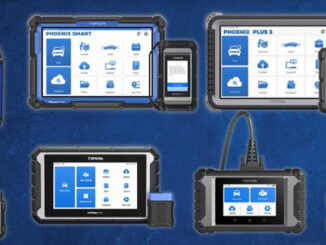
Topdon offers a comprehensive lineup, from professional powerhouse tools to affordable DIY options. This guide breaks down their key models to help you find the […]
Navigating the market for a professional-grade diagnostic scanner in 2026 presents a compelling choice between two powerful contenders: the Autel MS909S2 and the Topdon Phoenix […]
In the world of automotive diagnostics, professionals and enthusiasts alike rely on advanced scan tools to troubleshoot, program, and maintain vehicles efficiently. Two standout options […]

Tired of jumping between systems when monitoring a car’s live data? Topdon’s latest updates on Phoenix Max/Smart/XLink/Remote introduce Multi-System Live Data Fusion, allowing you to […]
How to solve Topdon Phoenix series diagnostic scanners “Not Enough Storage” error? It is recommended that you try the following steps: (1) Go […]
Here are Topdon Phoenix series products comparison frequently asked questions: Q1: What is the difference between Phoenix Max and Phoenix Remote? Phoenix Max and […]
Copyright © 2026 | WordPress Theme by MH Themes