


Problem:
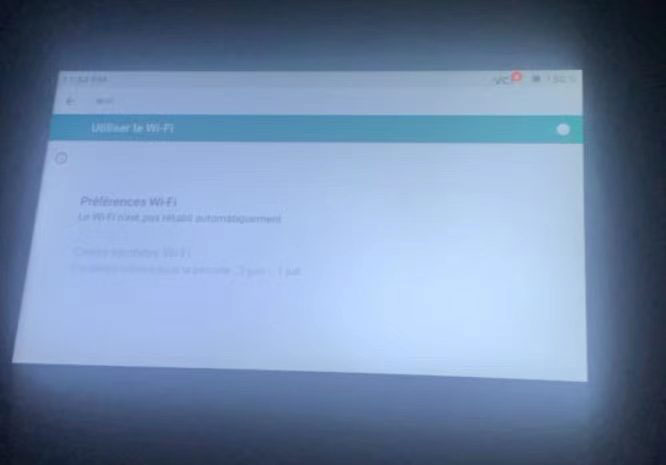
Try to update Topdon Artidiag500 scanner software, but failed to connect to WiFi. Any solution?
Solution:
The device storage is full. Delete car brands you don’t need.
Or go a factory reset.
Try a quick reset to see if it helps.
Please go to Home Menu – UserInfo – Settings -Storage – Factory Reset and run the reset.
After it restarts, try connecting to WiFi again.