





One of our customers took his Topdon ONE Lite diagnostic scanner to an Audi A6 2017 with a check engine light to put it through its paces—from initial setup and updates to live data analysis and even its AI-powered “Top Fix” assistant. Here’s everything you need to know.
First Impressions: Built Like a Tank
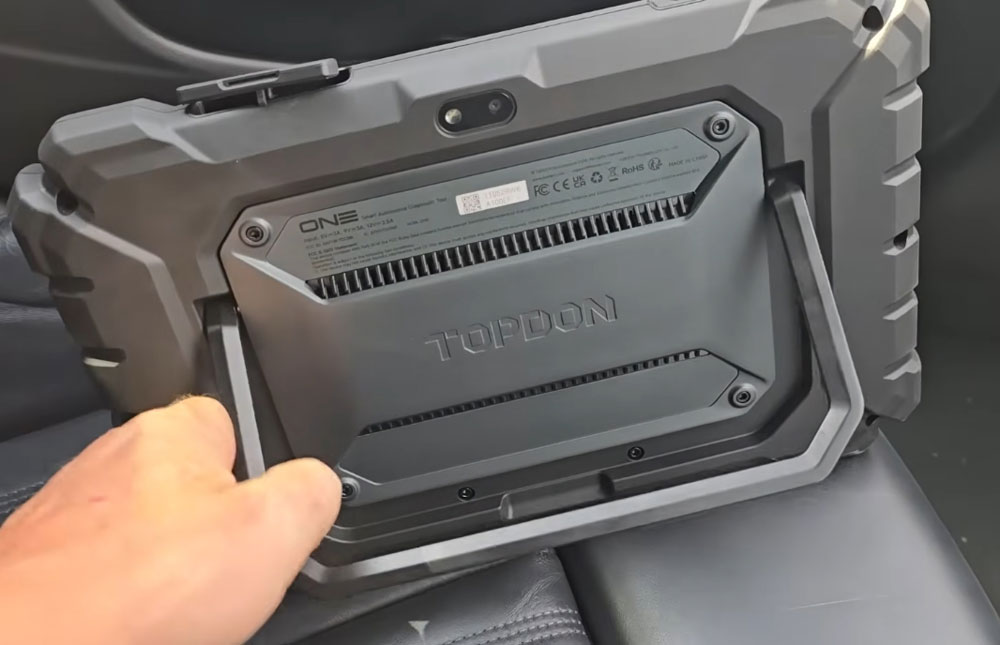
Right out of the box, the Topdon One Lite scanner feels substantial. It’s encased in a thick, heavy-duty shell that I’d describe as military-spec. The back has a built-in stand, and the ports include both USB-C and USB-A. The power button is conveniently located on the side. Overall, it inspires confidence that it can survive daily use in a busy shop.
The package also includes a Bluetooth dongle (VCI). It’s on the larger side, but it plugs directly into the vehicle’s OBD port without issue.
Setup: Expect Updates (Like Any Modern Tool)
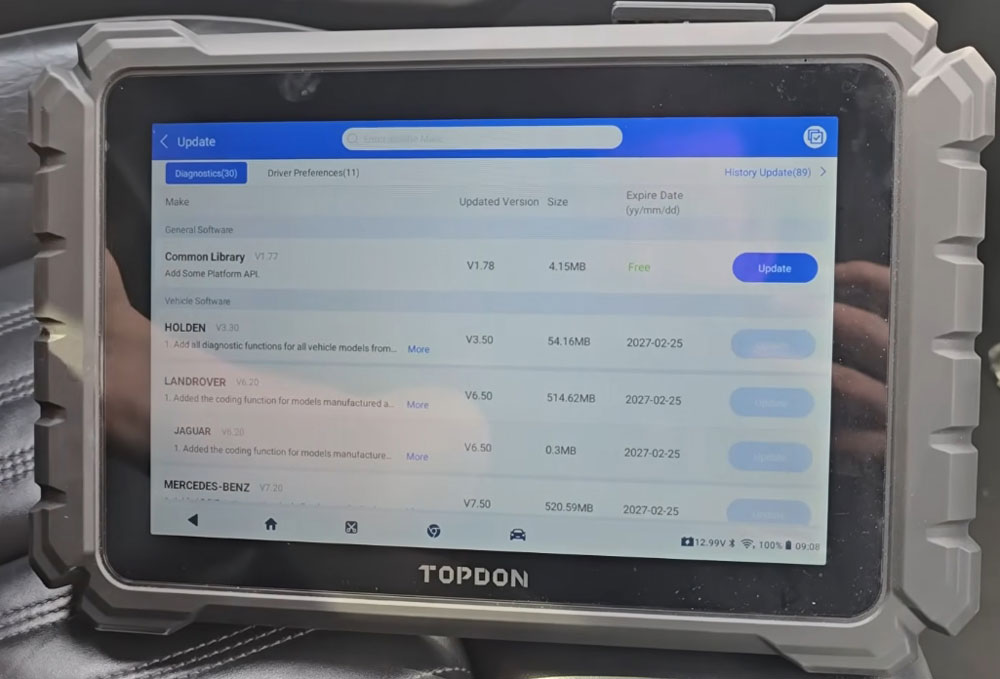
Before you can start diagnosing, the Topdon One Lite requires an initial update. This is standard for any professional scan tool, but be aware that you’ll need a stable Wi-Fi connection to download the latest vehicle coverage, common libraries, and bug fixes.
Once updated, the interface shows:
- Common Library: Core diagnostic functions.
- Brand-Specific Modules: A long list of manufacturers, including most European, Asian, and American brands.
- Battery Test: Available, but requires a separate Bluetooth battery tester add-on.
- Demo Mode & Driver Preferences: Useful for training and personalizing the tool.
Reading the Vehicle: VIN Auto-Detect Works Well
The Topdon One Lite offers two ways to start:
- Manually select the vehicle brand from the list.
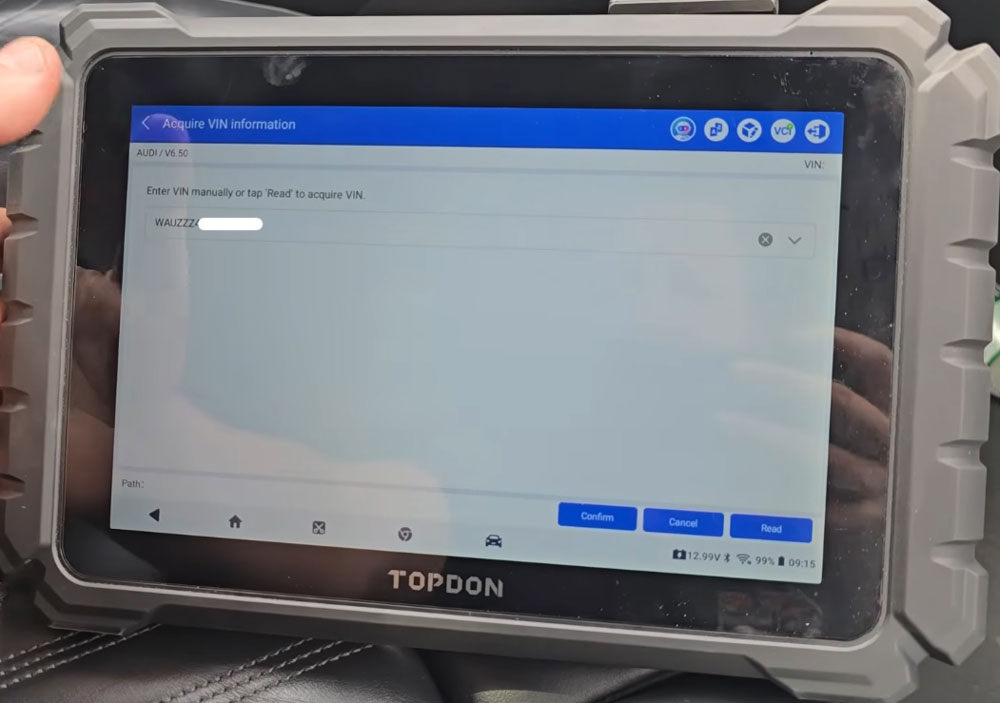
- Use the Auto VIN function.
On this 2017 Audi A6, the Auto VIN worked flawlessly. It identified the model, year, and pulled up the necessary vehicle information within seconds. After accepting a standard disclaimer, I was in.
Diagnostic Functions: Comprehensive and Capable
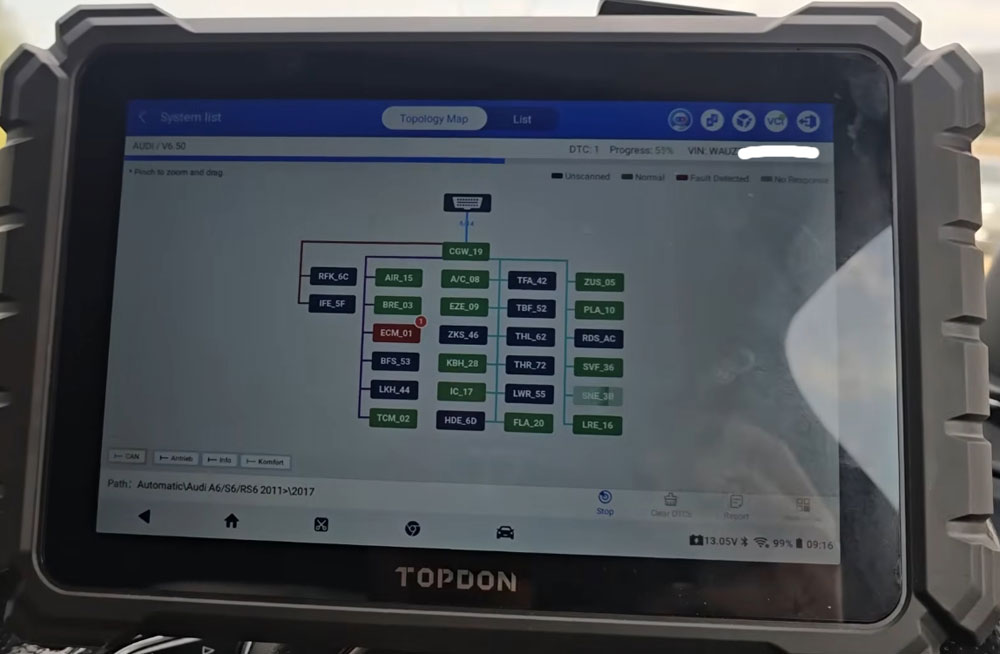
Navigating to the diagnostic section, the tool presents a topology interface (a graphical map of the vehicle’s modules). The graphics are functional but could use a slight visual polish—though that doesn’t affect performance.
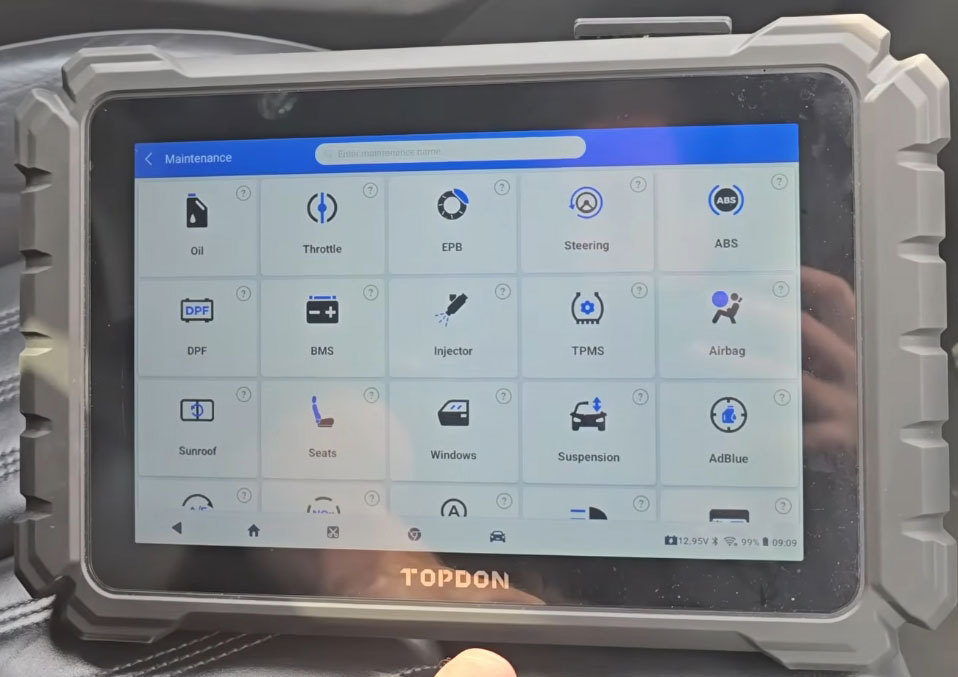
Key Maintenance Functions Available:
- Oil reset
- Throttle adaptation
- Electronic parking brake (EPB) service
- Steering angle sensor calibration
- ABS bleeding
- Injector coding
- Battery registration
- NOx sensor (Euro 6)
- AdBlue system reset
- Gasoline Particulate Filter (GPF) regeneration
- EGR adaptation
- ADAS calibration (requires additional hardware)
- EV/hybrid diagnostics (also requires extra hardware)
- Live Data: Deep Dive into the DPF Issue
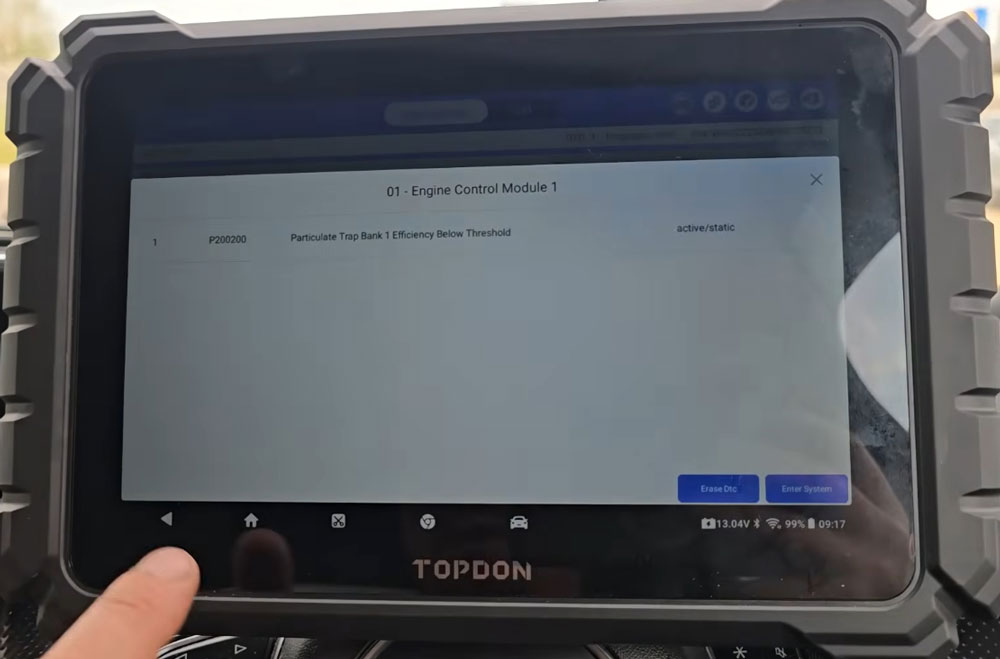
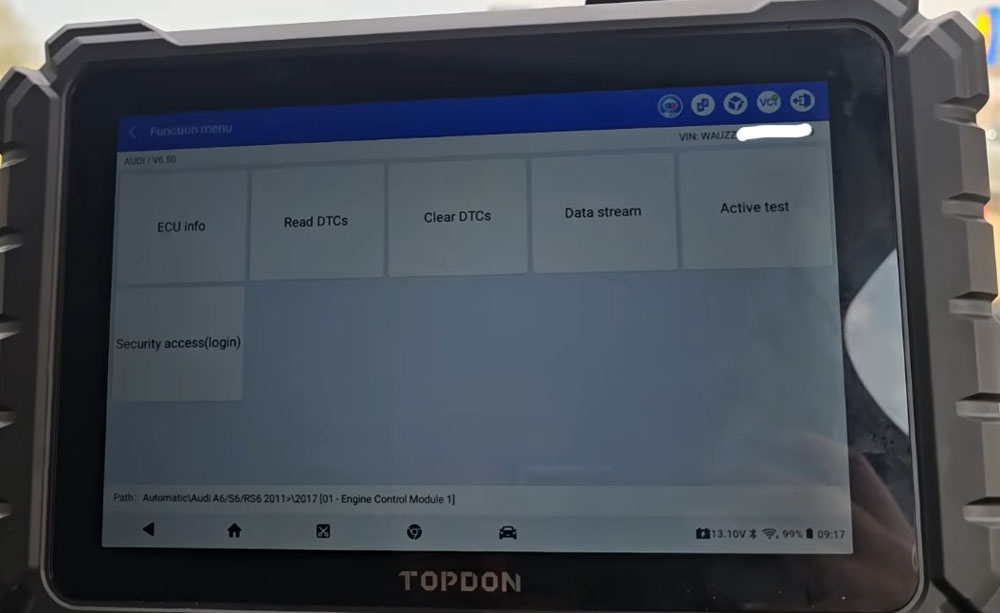
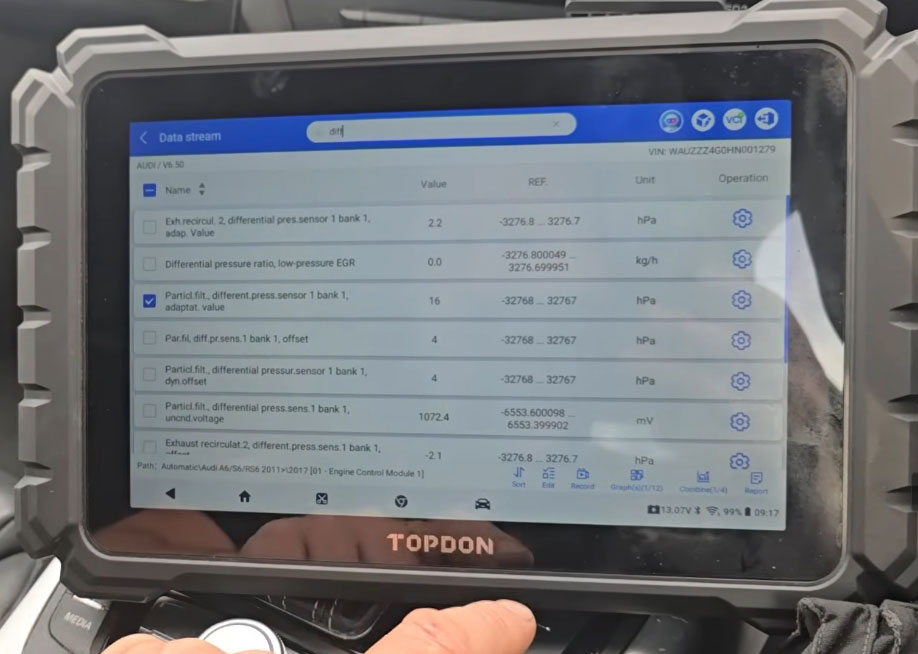
The Audi had a fault code P200200 – a common diesel particulate filter (DPF) efficiency issue. He used the live data function to monitor key parameters.

What You Can View:
- Differential pressure sensor values (critical for DPF diagnosis)
- Soot load – both calculated and measured values
On this car, calculated soot was 5g while measured soot was 18.68g – a significant discrepancy.
- Distance since last regeneration – shown in meters (not miles).
This Audi showed 398,000 meters (~398 km since last regen).
- Regeneration status and other manufacturer-specific PIDs.
Note: The available live data depends entirely on what the vehicle manufacturer allows. Audis provide deep access, but other brands may be more limited.
A Small Annoyance: Units
The tool defaults to meters for distance-based parameters. There may be a setting to change units, but it wasn’t immediately obvious. Most technicians would prefer miles or kilometers.
TopFix AI Assistant: Surprisingly Useful
One of the standout features of the Topdon One Lite is Top Fix – an AI-powered assistant built into the tool. You can ask it diagnostic questions in plain English.
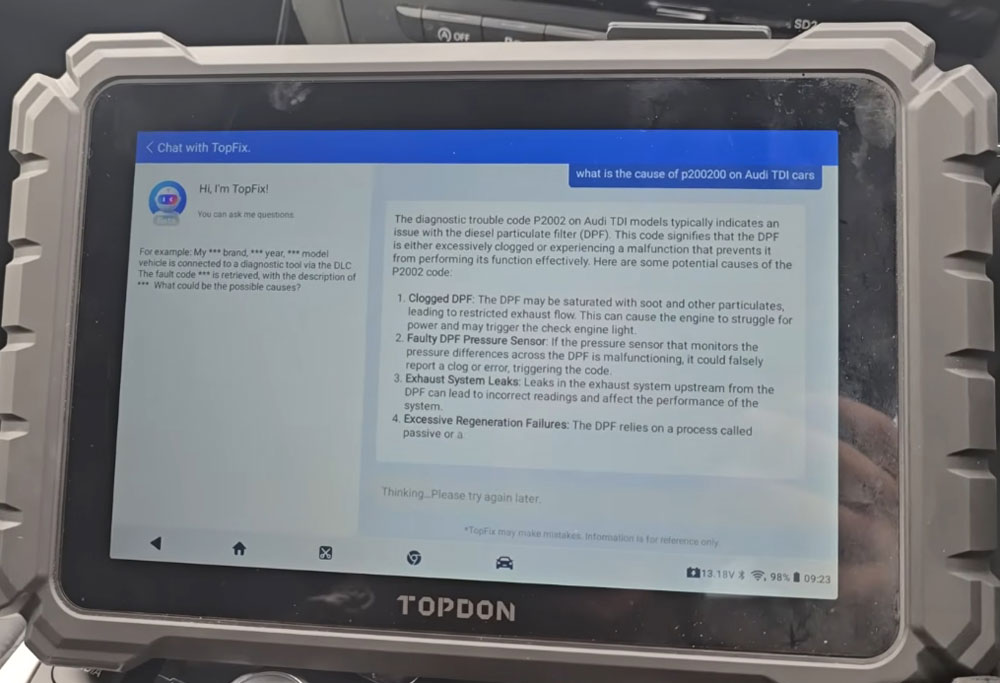
Test 1: “What is the cause of P200200 on Audi TDI cars?”
AI Response: Excessively clogged DPF or malfunctioning differential pressure sensor. It explained that on this specific Audi model, the EGR cooler is attached to the DPF, and the sensor reads both components, which can cause conflicting information.
Verdict: Accurate. Most generic answers would stop at “clogged DPF,” but the AI correctly identified the EGR cooler interaction.
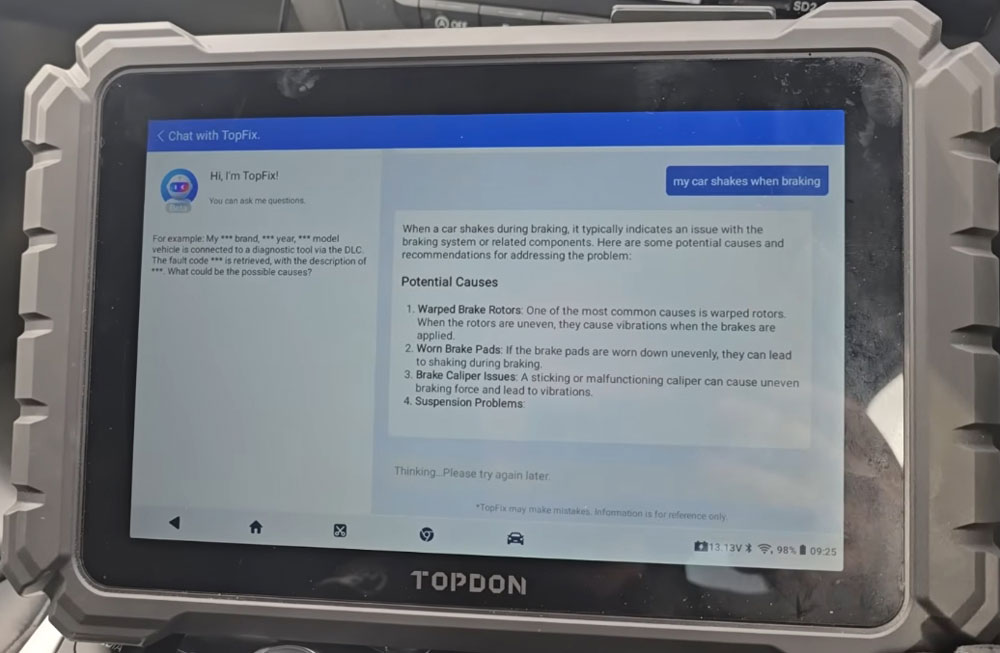
Test 2: “My car shakes when braking.”
AI Response: Warped brake rotors (discs), sticking brake caliper, or issues with the braking system.
Verdict: Correct. It used American terminology (“rotors” and “tires” – spelled “tires”), indicating the system is likely US-based. But the diagnostic advice is universal.
Bottom Line: Top Fix is excellent for beginners or even experienced techs encountering an unfamiliar fault. It won’t replace hands-on experience, but it provides a solid starting point for diagnosis.
Additional Features Worth Mentioning
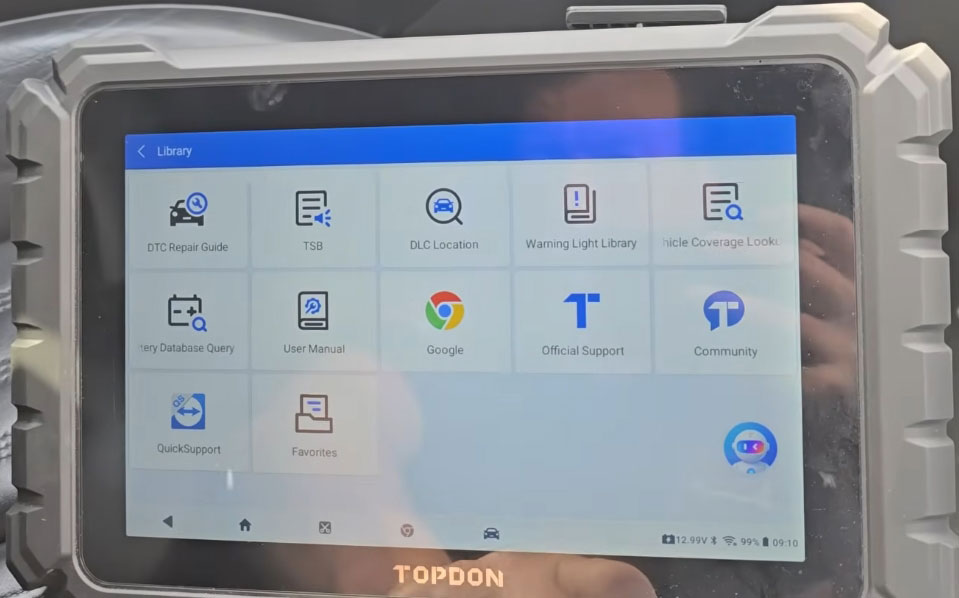
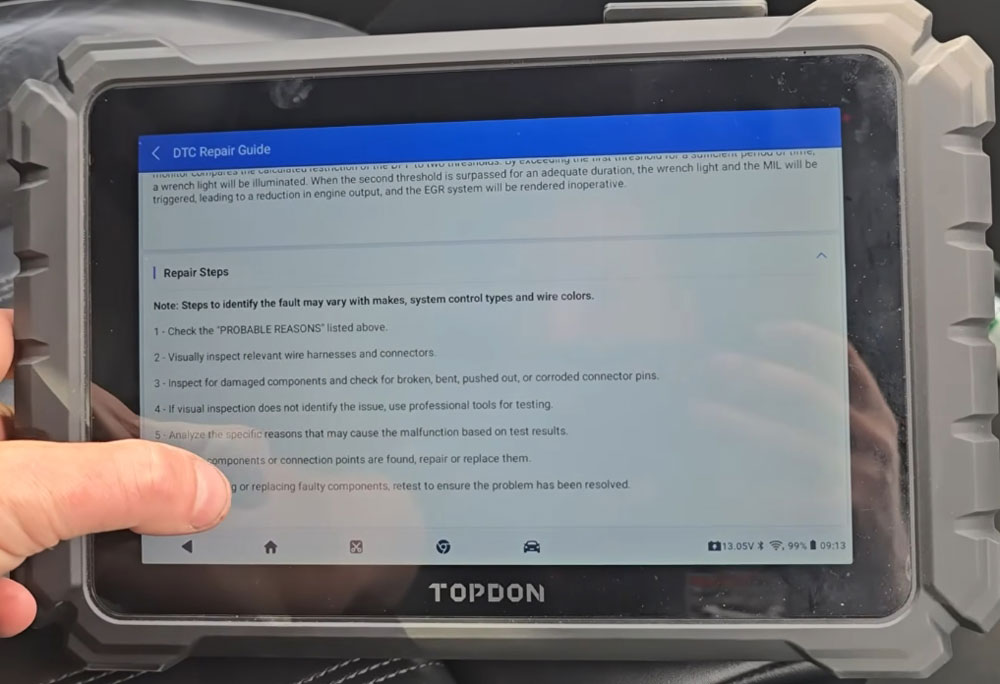
DTC Repair Guide
Type in a fault code, and the tool provides step-by-step repair information. For P200200, it suggested visual inspection of wiring, checking the DPF for blockage, and testing the differential pressure sensor.
TSBs (Technical Service Bulletins)
You can search by vehicle make, model, year, and system (e.g., engine cooling, exhaust). The tool pulls up official manufacturer bulletins – a huge time-saver for common problems.
Topdon Community & Knowledge Base
A built-in community section where users share tips, fixes, and experiences. It’s not a primary diagnostic tool, but it can be helpful for obscure issues.
Google Chrome Browser
Yes, the tool runs a version of Chrome. You can browse the web for additional info without switching to a separate device.
What’s Missing or Requires Add-Ons
- Battery Testing: Requires a separate Bluetooth mobile product (not included).
- EV/Hybrid Diagnostics: Requires extra hardware.
- ADAS Calibration: Requires additional targets and equipment.
These aren’t criticisms – most tools in this price range work the same way. Just be aware that the base package is for standard diagnostics, not specialized functions.
Who Is the Topdon One Lite For?
| User Type | Recommendation |
|---|---|
| DIY Enthusiast | Excellent. The AI assistant and repair guides will help you learn as you go. |
| Mobile Mechanic | Good. The rugged case and wireless VCI are convenient, but the dongle is large. |
| Professional Shop | Solid mid-range option. It won’t replace a $10,000 factory scanner, but it covers 90% of daily work. |
| EV Specialist | Not without the add-on hardware. |
Pros and Cons
Pros:
- Rugged, durable construction
- Auto VIN works quickly and accurately
- Wide vehicle coverage (most brands)
- TopFix AI assistant is genuinely helpful
- Includes TSBs and repair guides
- Google Chrome browser for extra research
Cons:
- Units (meters vs. miles) are not intuitive to change
- Bluetooth dongle is bulky
- Battery, EV, and ADAS functions require separate purchases
- Initial update can take time (though that’s normal)
Final Verdict
The Topdon One is a solid, capable diagnostic scan tool that punches above its price class. The rugged build quality, comprehensive vehicle coverage, and surprisingly accurate AI assistant make it a great choice for both beginners and experienced techs.
It won’t replace a dealer-level scanner for advanced coding or module programming, but for daily diagnostics – reading codes, viewing live data, performing service resets, and interpreting faults – it’s more than enough.
If you’re tired of cheap code readers that only give you a number and no context, the Topdon One is a meaningful upgrade. Just budget for the add-ons if you need battery or EV functionality.