

The Topdon Phoenix Scope box oscilloscope has 2 entry menus. If one menu fails, please try the alternative.
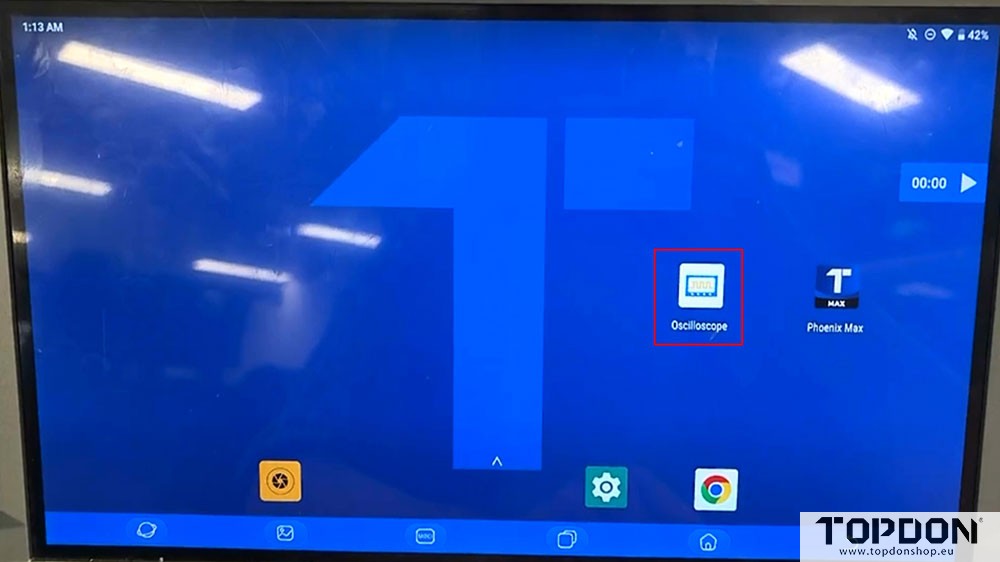
Entry menu 1:
Connect Topdon scope box with Phoenix tablet.
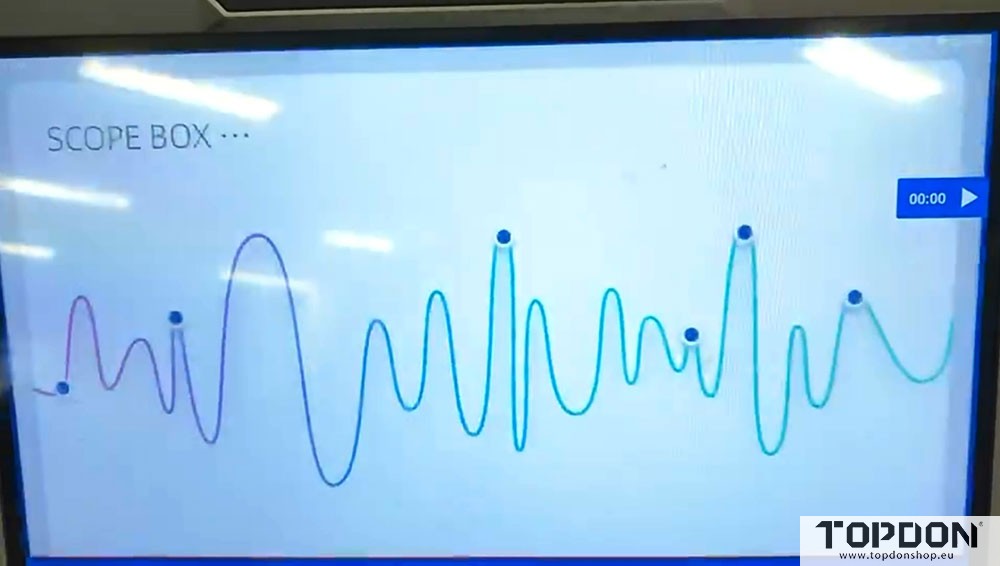
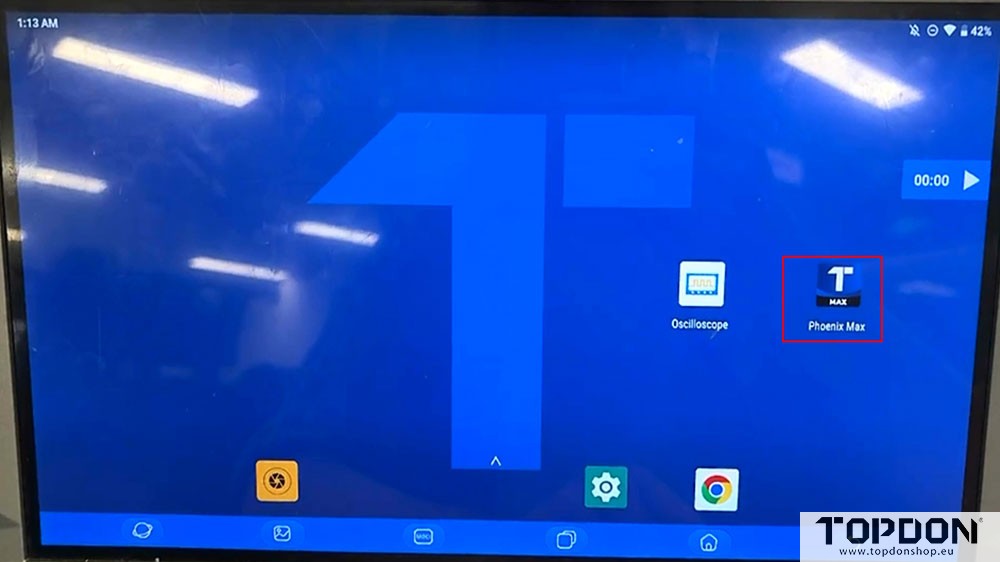
In Home menu, run ‘Oscilloscope’ apk to use the scopebox function.
Entry menu 2:
Connect Topdon scope box with Phoenix tablet.
In Home menu, run Phoenix device apk.
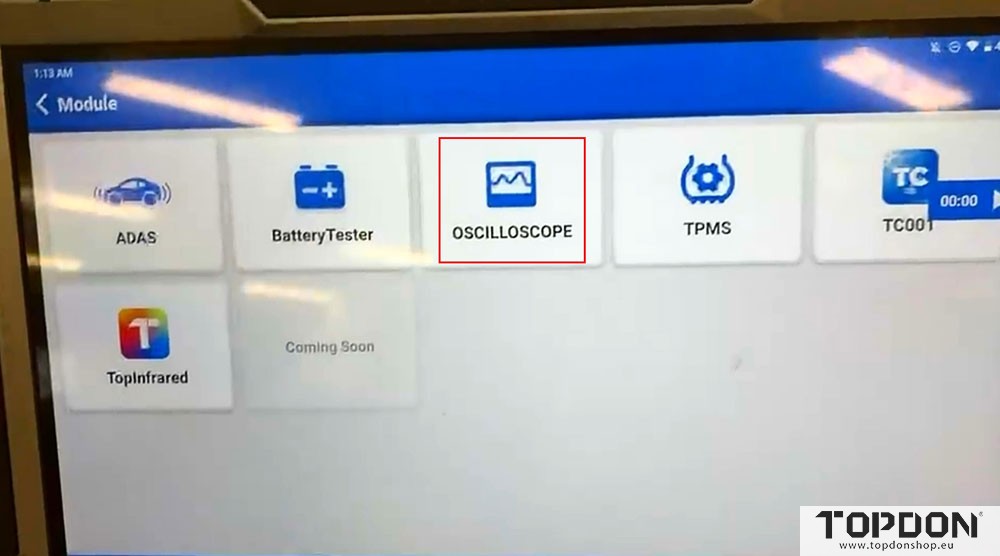
Go to Module.
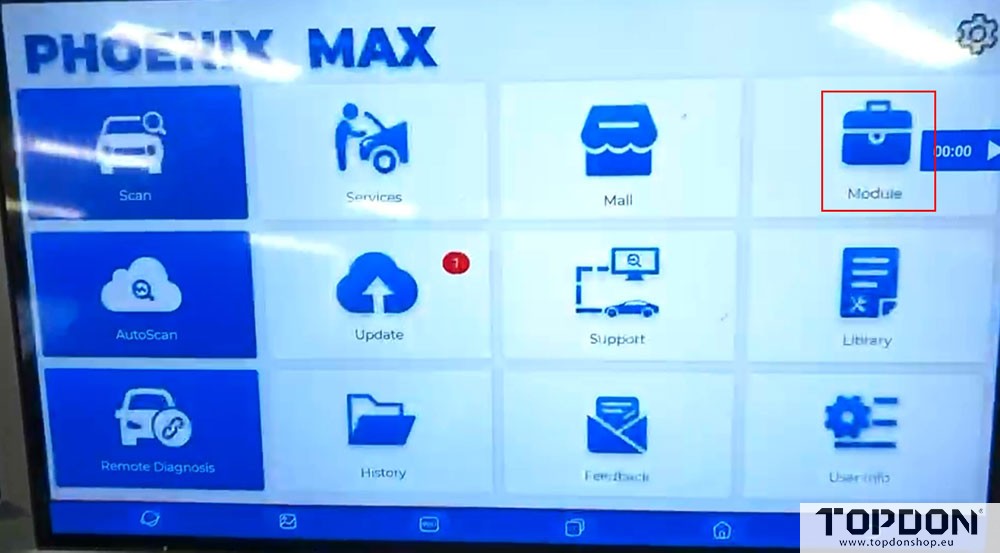
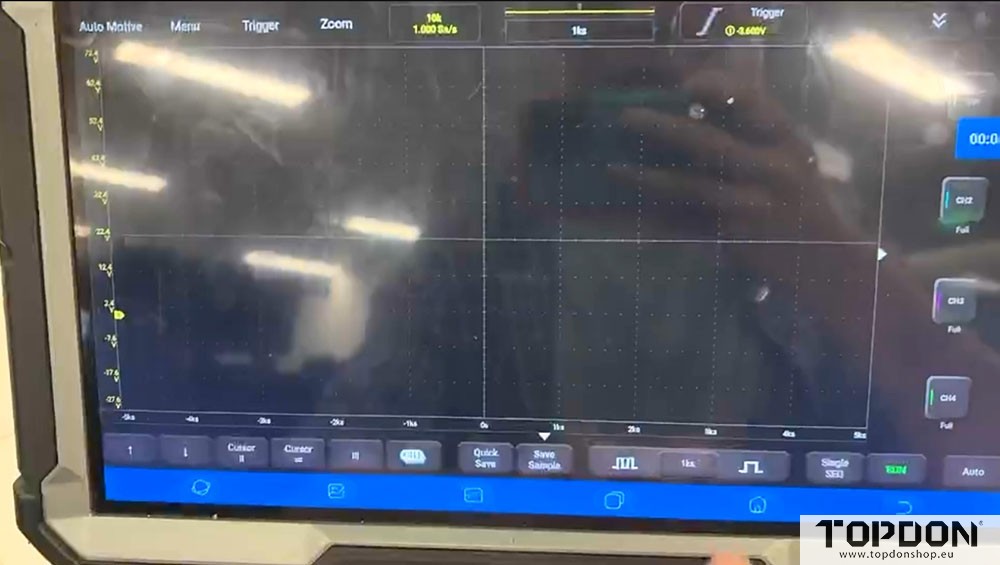
Select Oscilloscope module and use scope function.