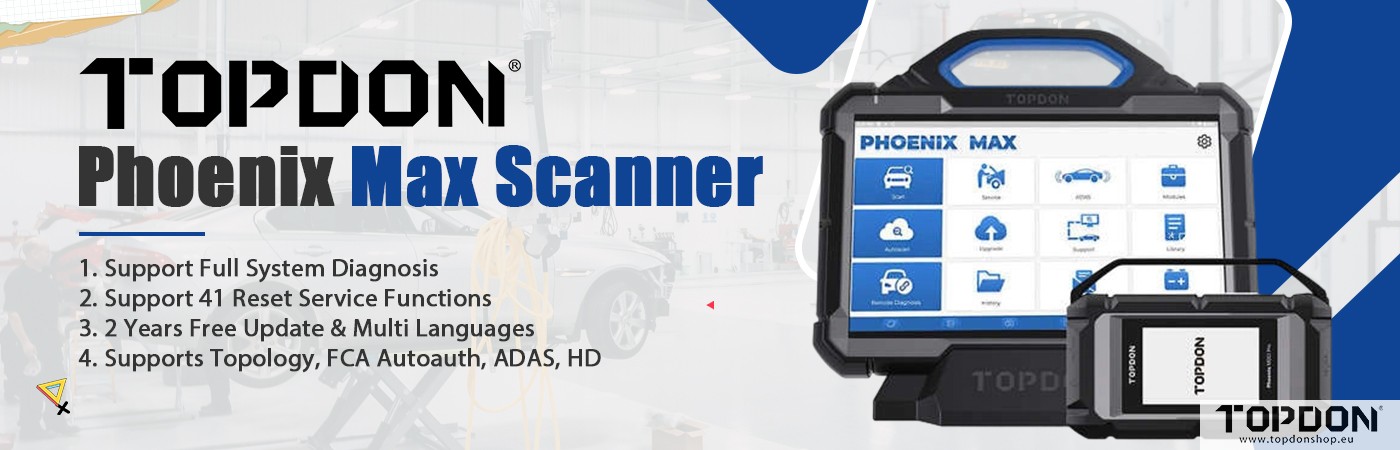

Here comes the real review of the TOPDON heavy-duty scanner. Here’s the breakdown of what’s in the box, how it performs, and whether it’s worth the money.
First Impressions: The Unboxing
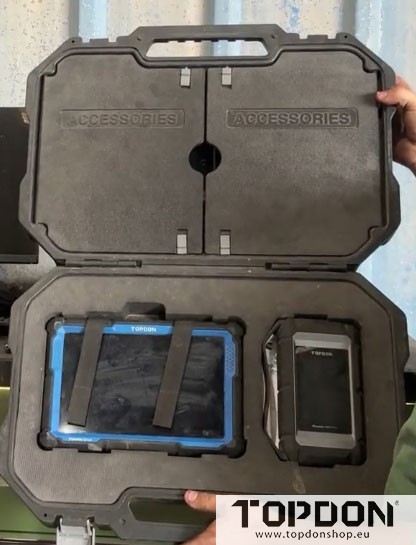
The scanner comes in a surprisingly nice hard case. Normally, bundled cases feel cheap, but this one is decent. Inside, you get:
-
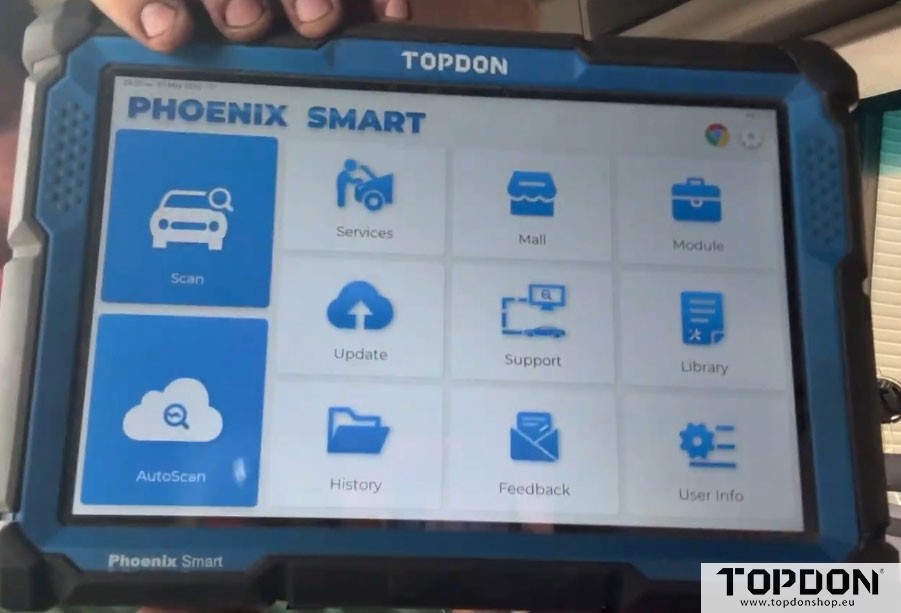
The Topdon Phoenix Smart scanner tablet
-
The communication box (the “MCDI”)
-
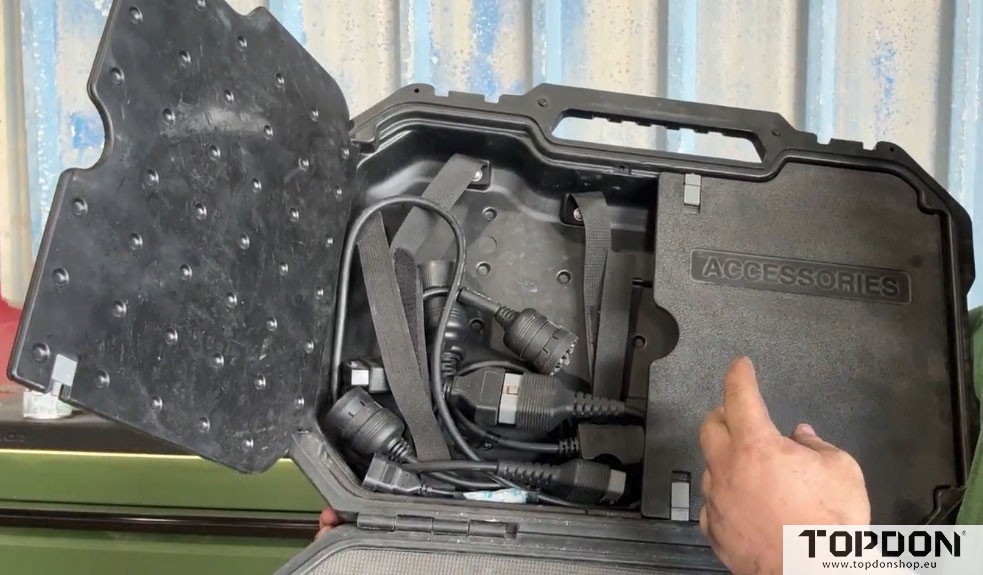
Multiple adapter plugs (OBD2, 9-pin heavy truck, CAT 11-pin, and Mac 9-pin)
For my daily work, I mostly grab the 9-pin adapter for heavy trucks. The setup is simple, and everything fits neatly in the case.
Battery Life That Actually Lasts
One thing that genuinely impressed me is the battery life. I accidentally left my scanner on for five days, and it was still at 6% when I picked it up. It takes about 5–6 hours to fully charge, but once charged, it lasts for days of intermittent use. That’s a big win in a busy shop.
Hooking It Up to a Real Truck (Paccar MX13)
I tested the scanner on a Kenworth with a Paccar MX13 engine. Here’s the workflow:
-
Plug in the 9-pin connector.
-
The scanner fires up and says Ready for Diagnostics.
-
Navigate to Truck → Kenworth (or your brand).
-
The communication box beeps to confirm connection.
-
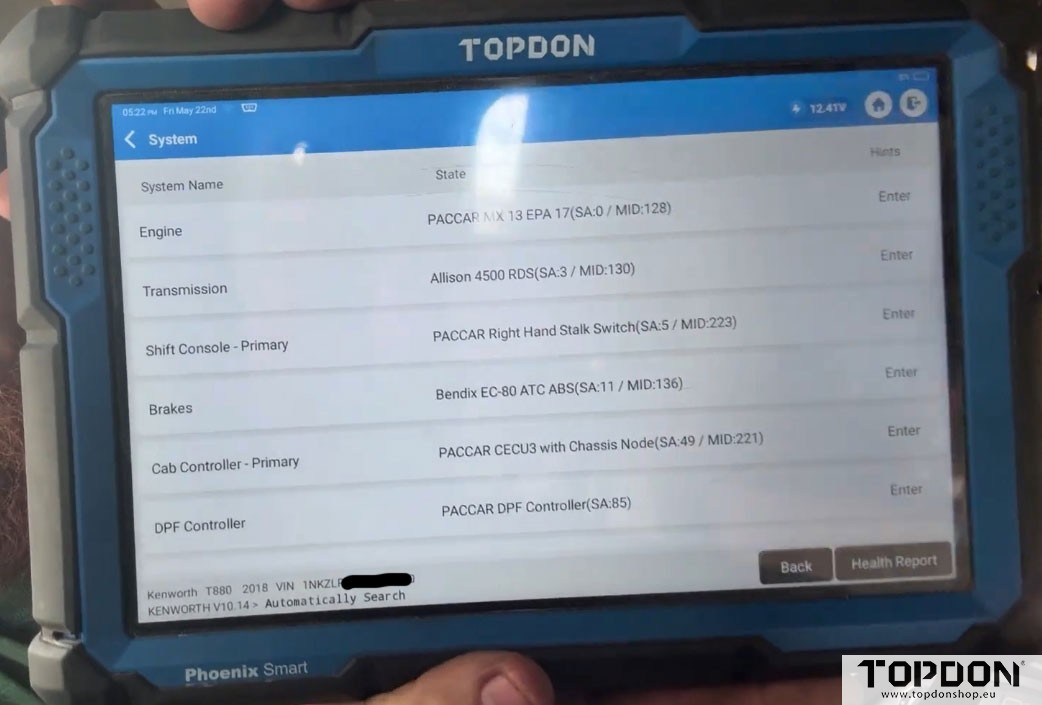
Choose Automatic Search – it scans and finds all available controllers.
Within seconds, you see a full list:
Engine, Transmission, Body Controller, Brakes, Cab Controller, DPF Controller, and Onboard Data Logger.
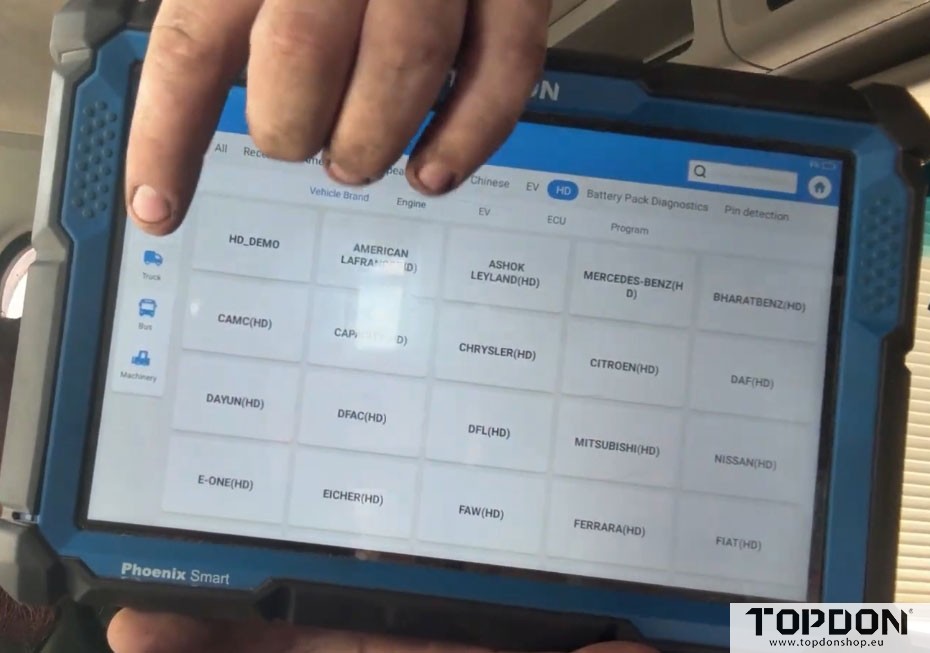
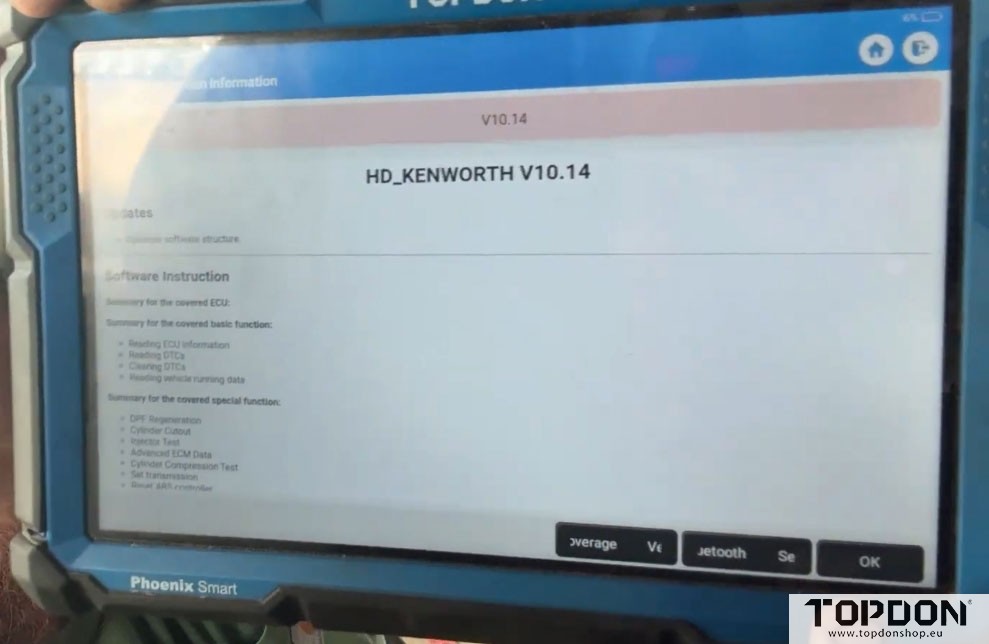
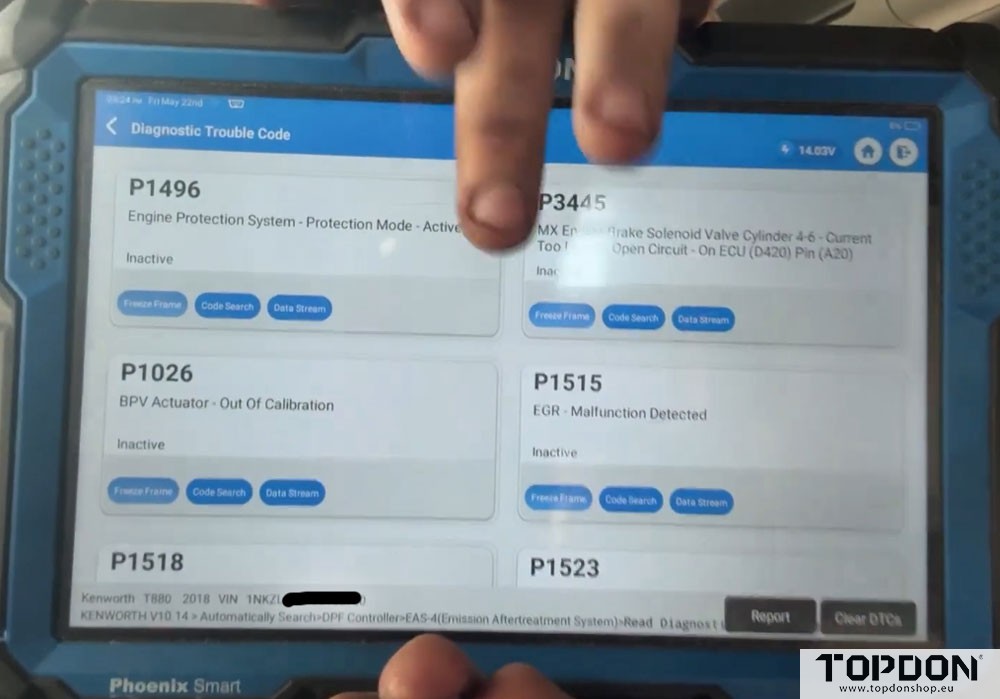
What You Can Actually Do With It
This is where TOPDON HD scanner shines. You’re not just reading codes – you’re diagnosing.
-
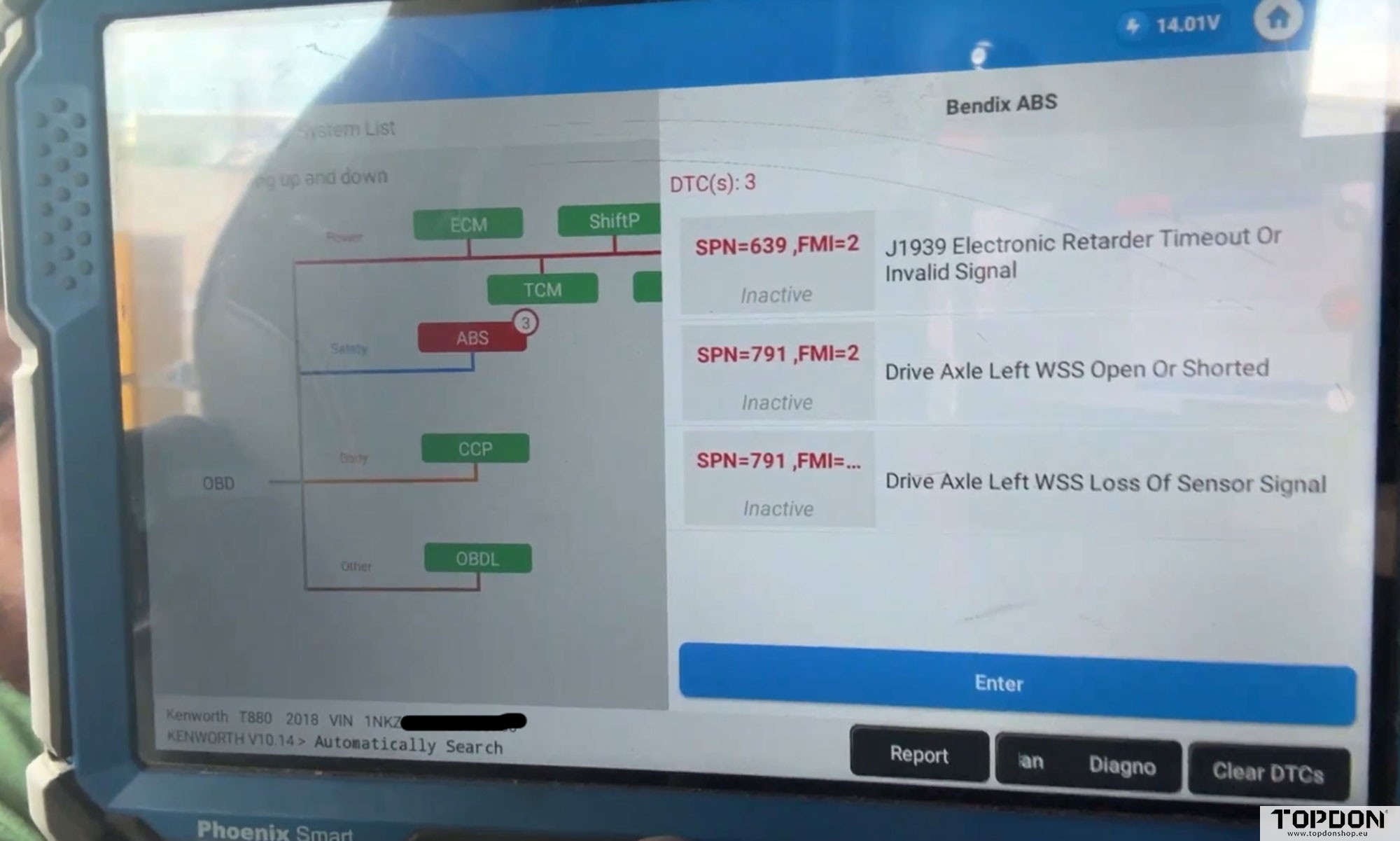
Read & Clear Codes – Inactive codes show up clearly. You can clear all codes across multiple systems at once.
-
Data Stream – View live sensor data: soot level, DEF quality, air shaft valve position, voltages, pressures, temps.
-
Graphing – View real-time data as a graph. Record it, save it, review it like a file.
-
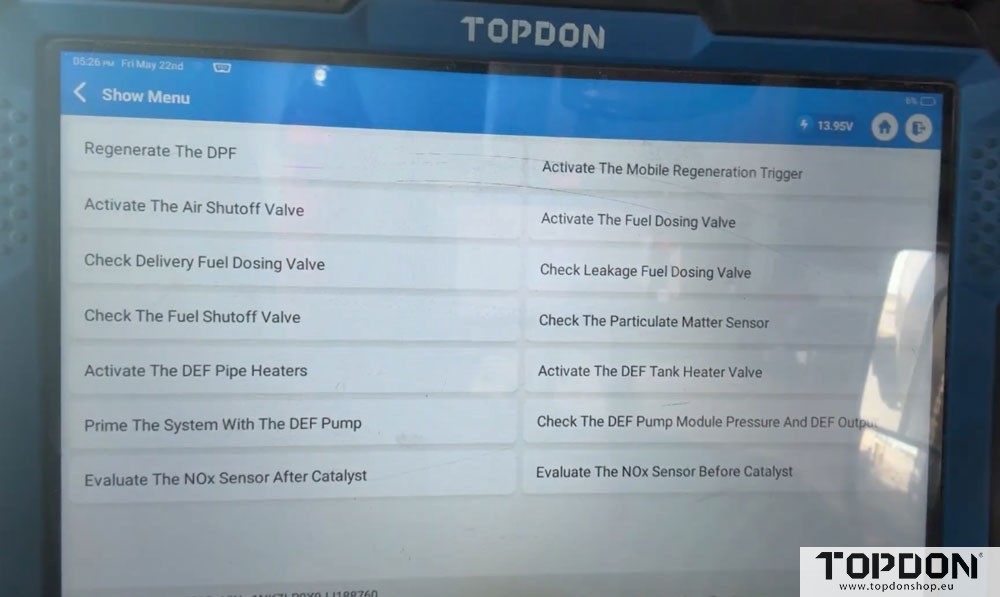
Actuations – This is my favorite part. You can trigger regenerations, test solenoids, cut injectors, evaluate coolant pumps, and run injector back-leak tests. The scanner even gives you a written description of how to perform each test.
-
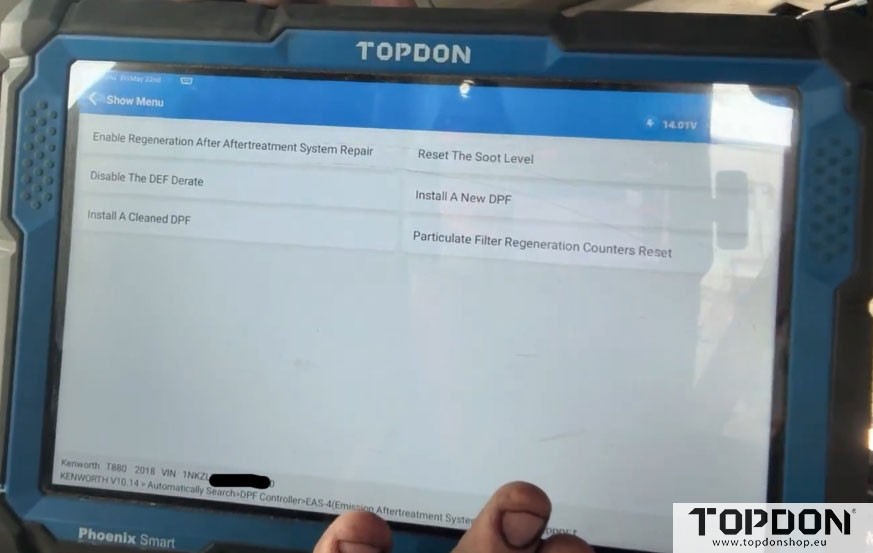
Repair Support – Need to code new injectors? There’s a menu for that. It was added in a recent update. You can also reset aftertreatment sensors and perform relearns.
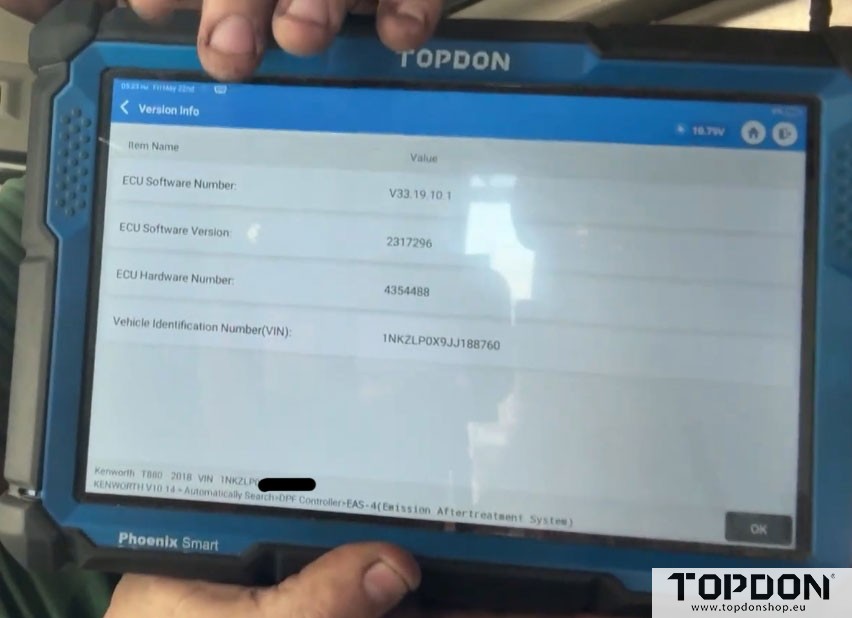
The “Health Report” & Smart Scan
There’s a feature called Health Report – I call it a “diagnostic ladder.” It shows you every system in green (good) or red (codes). The Smart Scan runs through every module in about two minutes. On newer Fords or passenger vehicles with 20+ subsystems, this is a massive time-saver.
Updates & Speed
TOPDON pushes updates almost weekly. They’re small – usually 2–3 minutes on decent Wi-Fi. That’s nothing compared to some competitor updates that take hours.
If you hotspot the tablet to your phone, everything runs noticeably faster. That said, even without internet, the scanner works fine – you just lose live service manual links.
Integrated Repair Information
Because the tablet runs a full Android OS, you can install Mitchell1, AllData, or Google Chrome. I frequently read a code, then jump straight to Mitchell1 for diagnostic steps. That integration alone has advanced my career knowledge significantly.
What It Can’t Do (Yet)
Let’s be honest: no $3,000 scanner is perfect. The one thing I’ve needed outside help for is injector coding on some platforms. That’s often dealer-only anyway. And if you compare to a factory Davie system – Davie is Paccar-only, while TOPDON covers tractors, heavy equipment, trucks, trailers, and more.
So yes, Davie might be cheaper in the long run for a pure Paccar fleet. But TOPDON gives you breadth.
A Snap-on heavy-duty setup can run much higher, and a Davie lifetime package is also around $3,000 – but only does Paccar.
Who Is This Scanner For?
-
Fleet maintenance (like me)
-
Mom and pop diesel shops
-
Owner-operators who work on multiple brands
-
Side-job mechanics who need variety (pickup trucks → heavy equipment → industrial)
It’s not a dealership-level OEM tool, but for 95% of real-world diesel work, it’s more than enough.
Final Verdict
The TOPDON heavy-duty scanner is fast, feature-rich, and surprisingly affordable for what it offers. Battery life is excellent, actuation controls are deep.