





Problem:
I have Topdon Phoenix Max. I need to replace rear brakes on a Seat Cupra 2021. It needs SFD unlock . Do i have to purchase the tokens or is there a way around it. It keeps trying to create a token but then says token is corrupt.
Solution:
For VAG vehicles (like your SEAT Cupra), some models produced after 2020 come equipped with a Security Gateway (SFD).
Without unlocking the SFD, functions such as clearing fault codes, actuation tests, and special functions can’t be performed.
Here’s how you can manually unlock VAG SFD with Topdon scanners:
We’re just going to unlock this gateway using Topdon Phoenix range diagnostic tool (Phoenix Smart, Phoenix Max, Phoenix Plus, Phoenix Xlink etc)!
1. Go into the vehicle system and select “Activate SFD (Vehicle Diagnostic Protection)”.
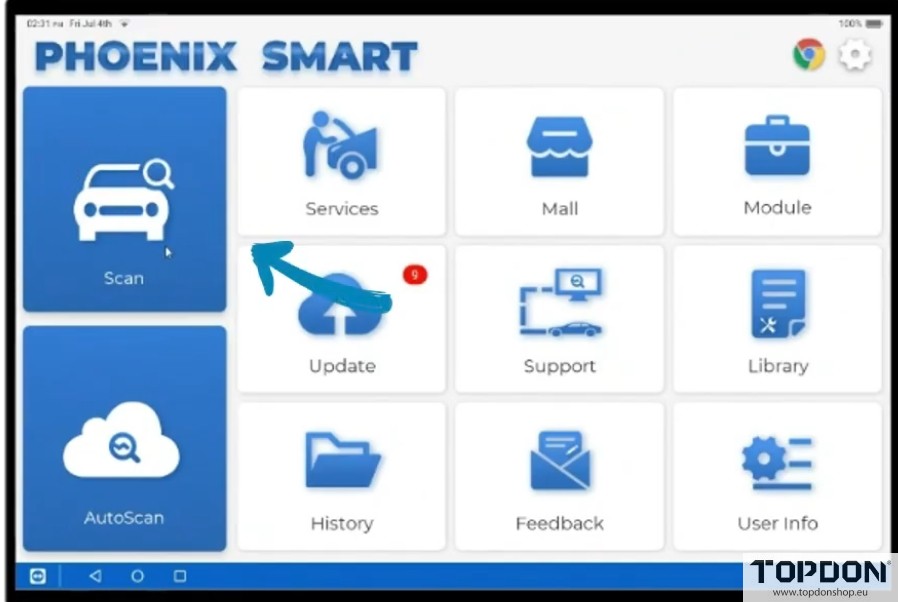
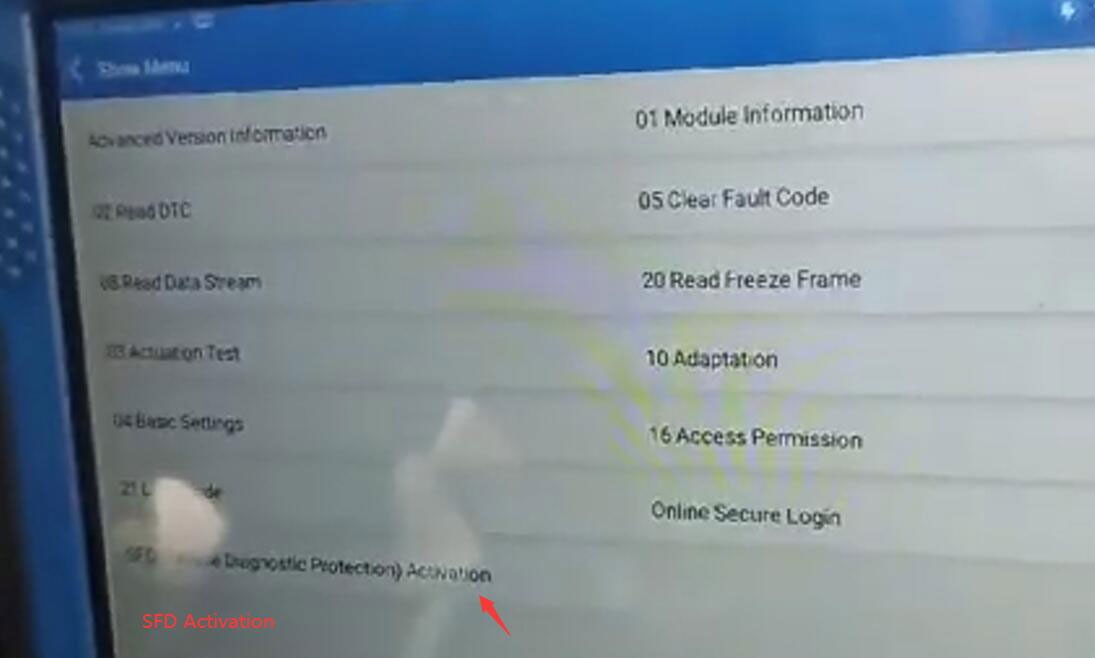
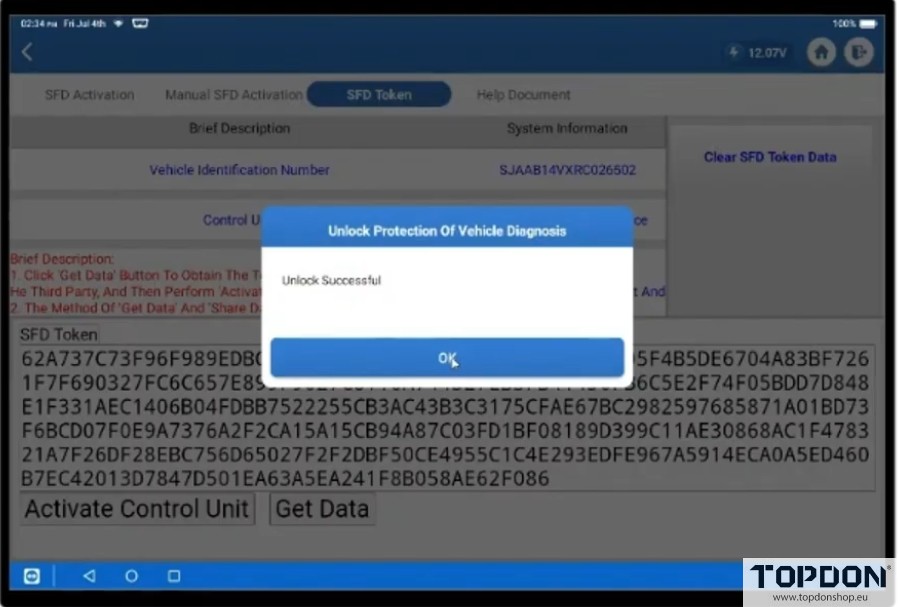
2. Choose “Manual SFD Unlock”, and save the SFD data read from the vehicle to your device.
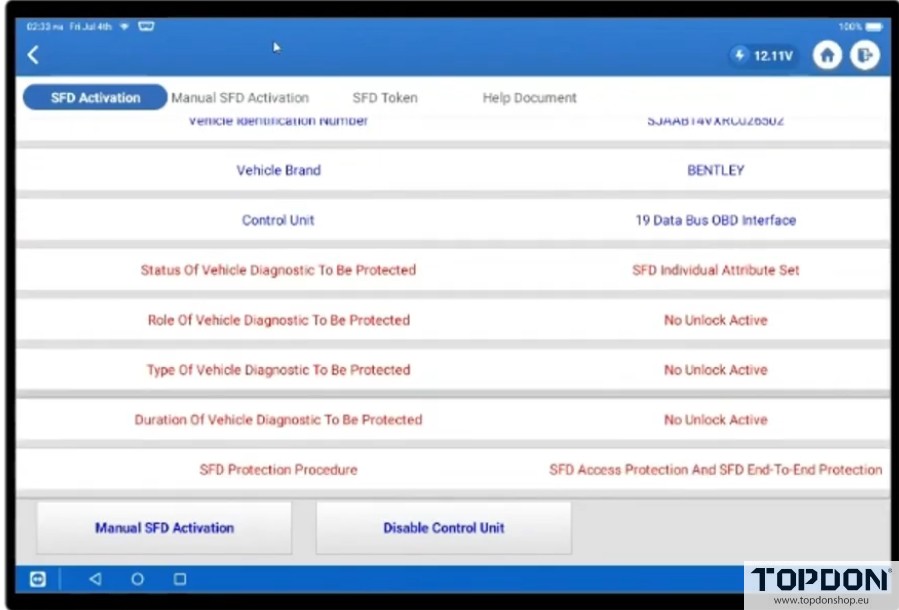

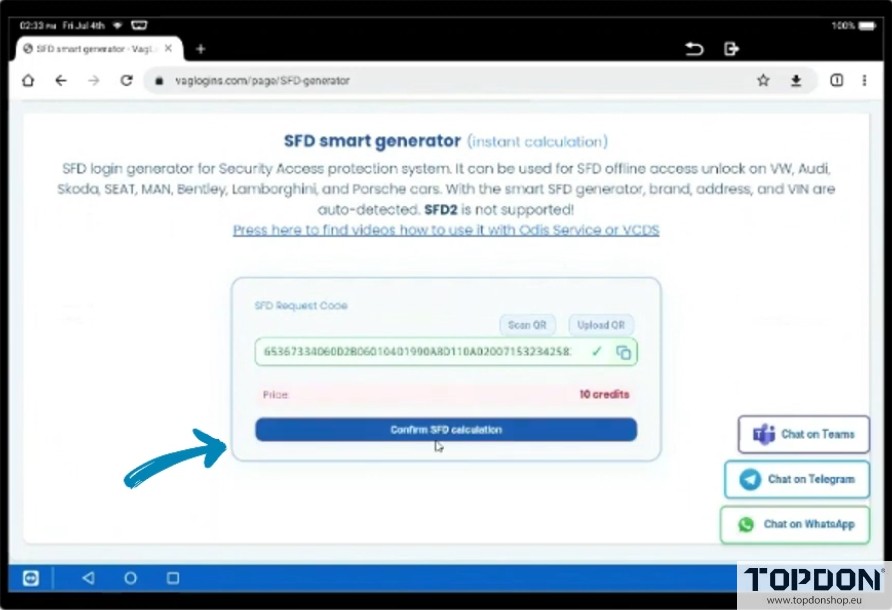
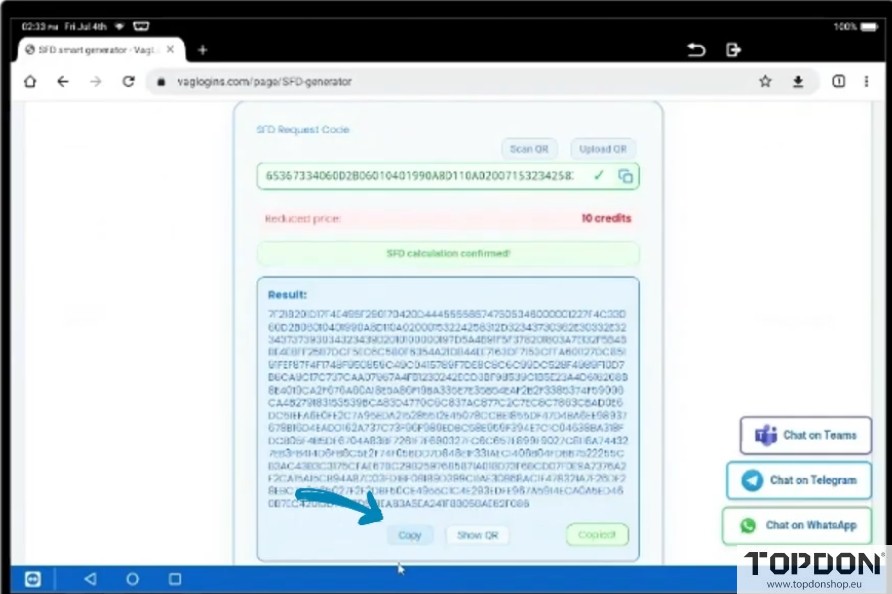
3. Calculate or purchase an SFD TOKEN — you can get it here: https://www.vagupdate.com/sfd/sfd-token

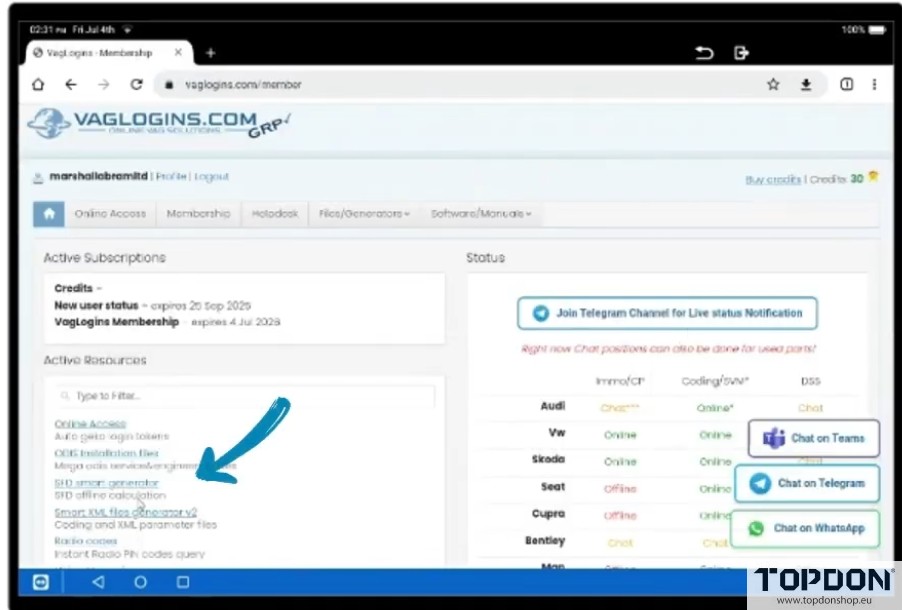
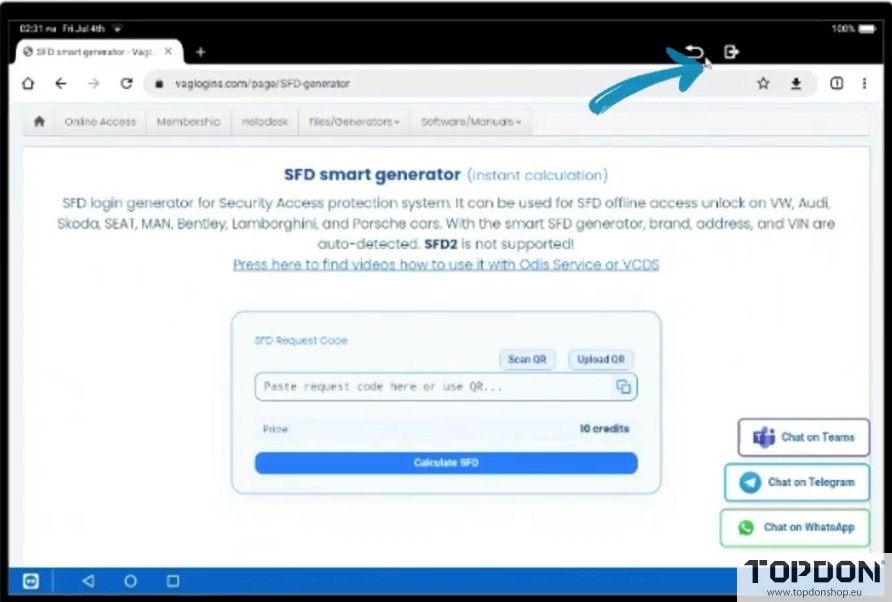
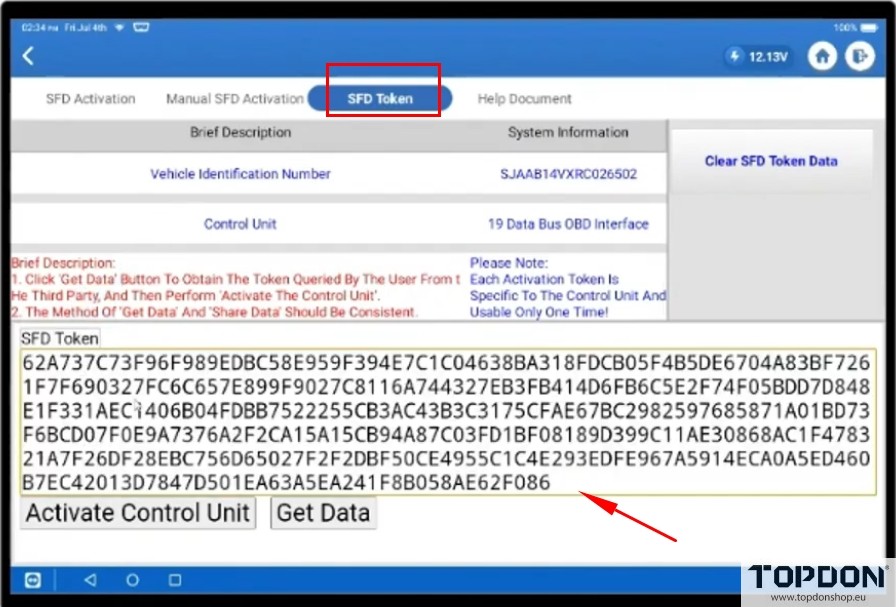
4. Import the generated SFD TOKEN file into your device, load it, and then activate the control unit.
Read also:
How to Unlock VAG SFD SGW Gateway with Topdon Automatically?