


How to check Topdon Phoenix series (Phoenix Smart/ Max/ Elite…) VAG SFD license if not purchased from Topdon Mall?
How to check SFD license if purchased from topdonshop.eu or other 3rd-party resources? How to verify if the VAG SFD license has been successfully activated on your device?
If it was purchased from the mall, you can check it directly in the order.
If it was not purchased from the mall, follow these steps to check the authorization.
Connect Topdon Phoenix scanner with vehicle.
Go to Scan function.
Select car brand.
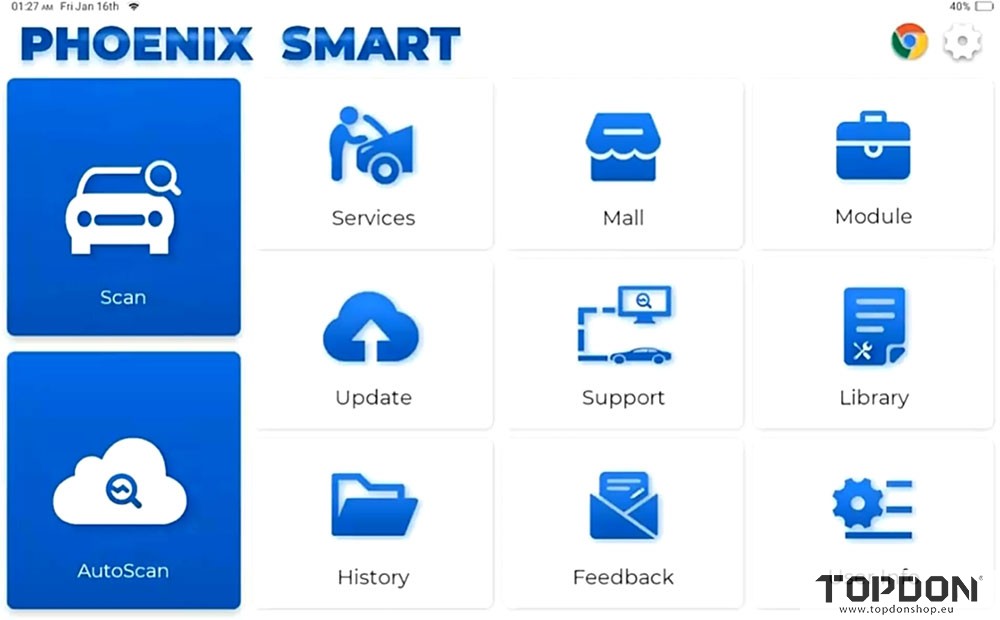
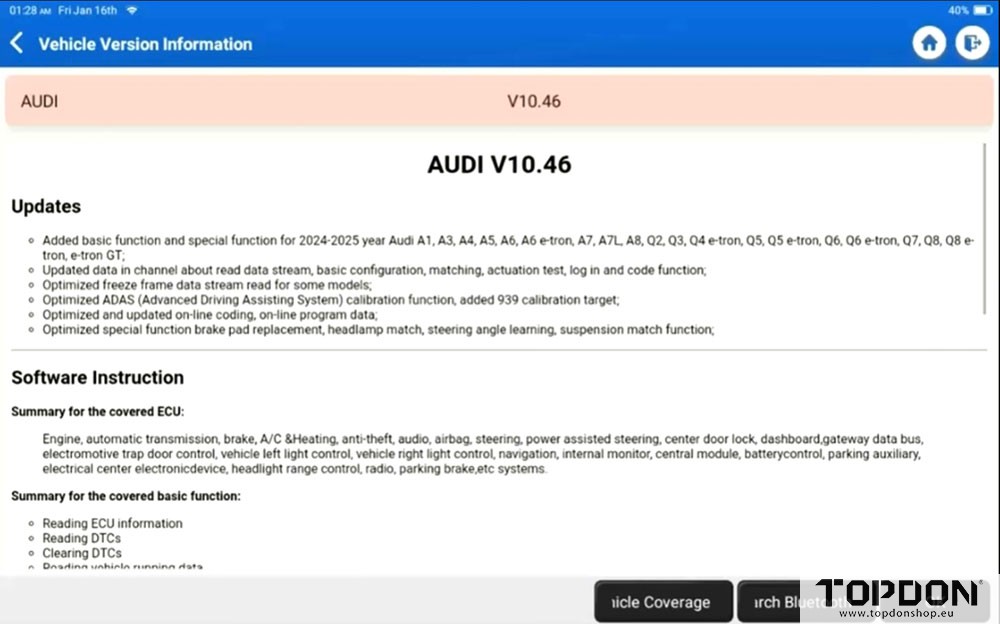
Scan systems.
Enter the gateway system.
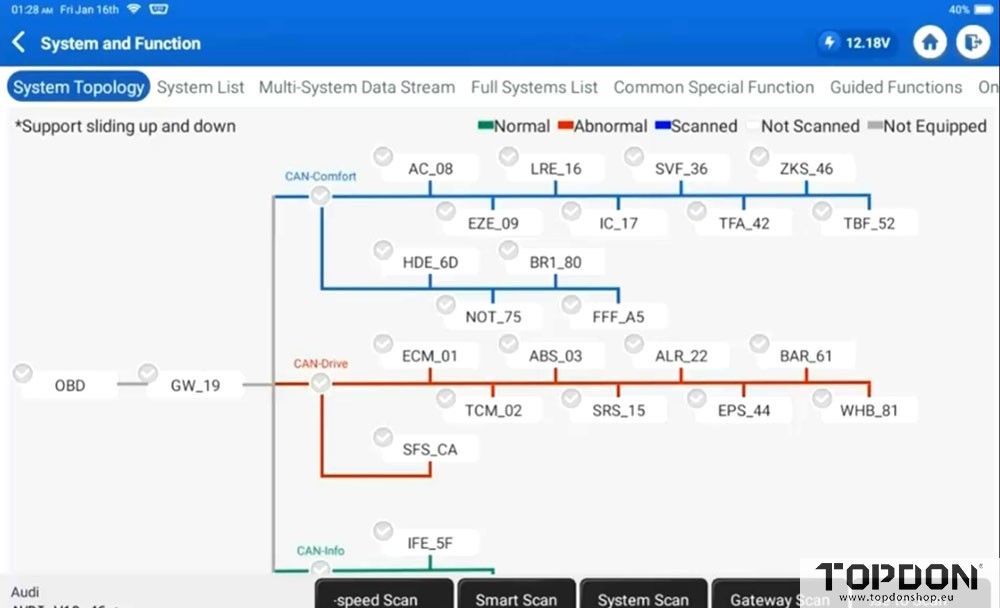
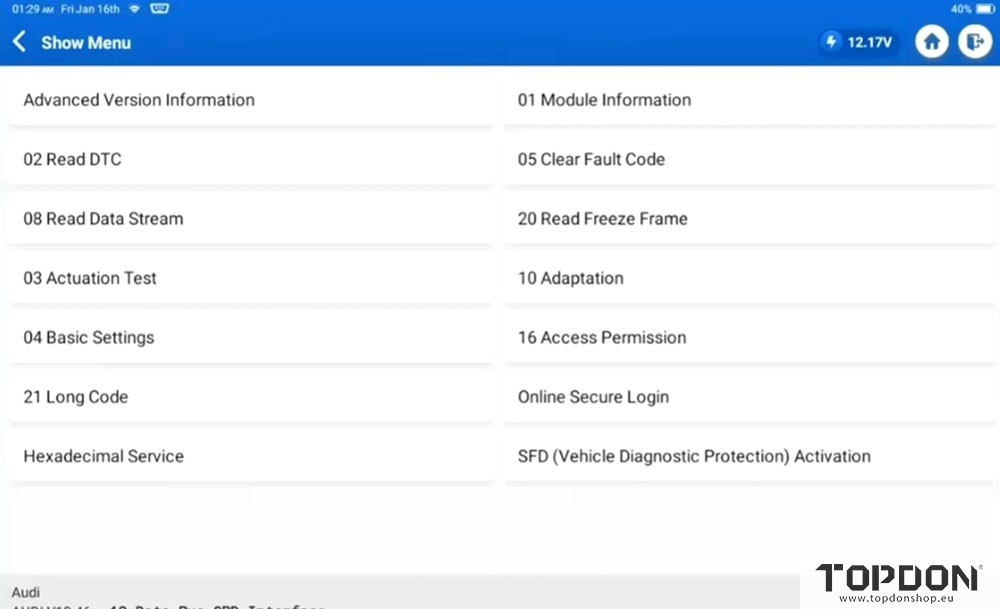
Select SFD Activation function.
Here you will see SFD license information and validity period.
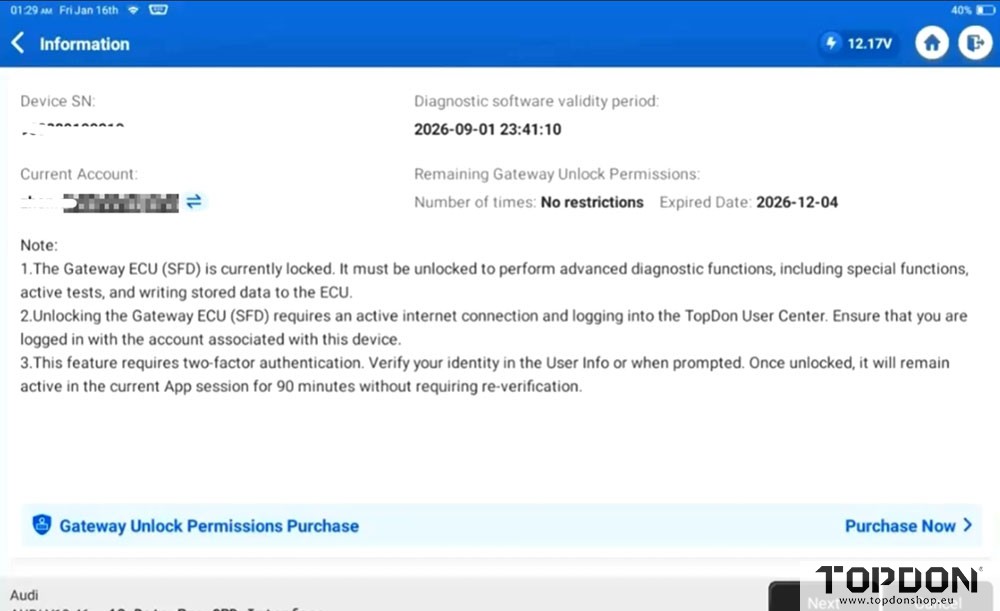
Hit Next to login SFD.
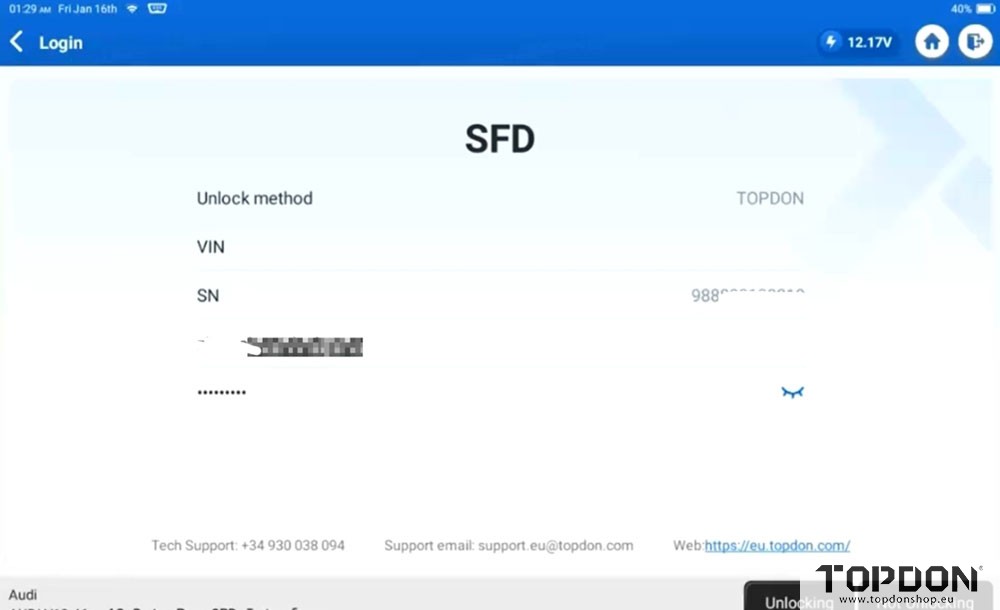
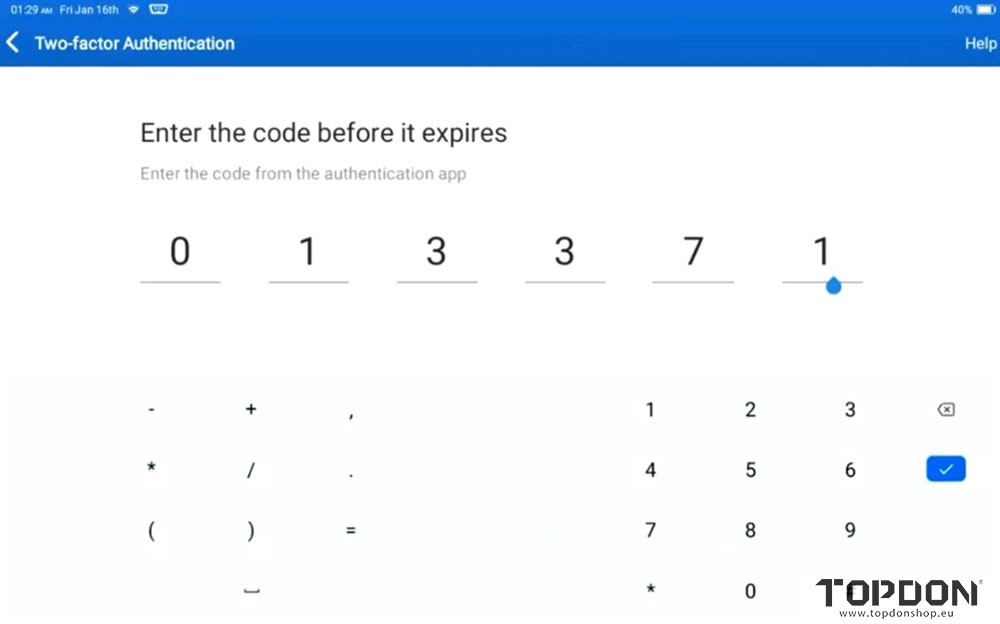
Finish two-factor authentication and unlock SFD gateway.
How to Check Gateway Authorization Expiration Date on Topdon Devices?