
Problem:
Using most recent Rlink platform release, re-downloaded the Chrysler driver,
Did all the recent Visual C++ updates.
Operating system Win 10.
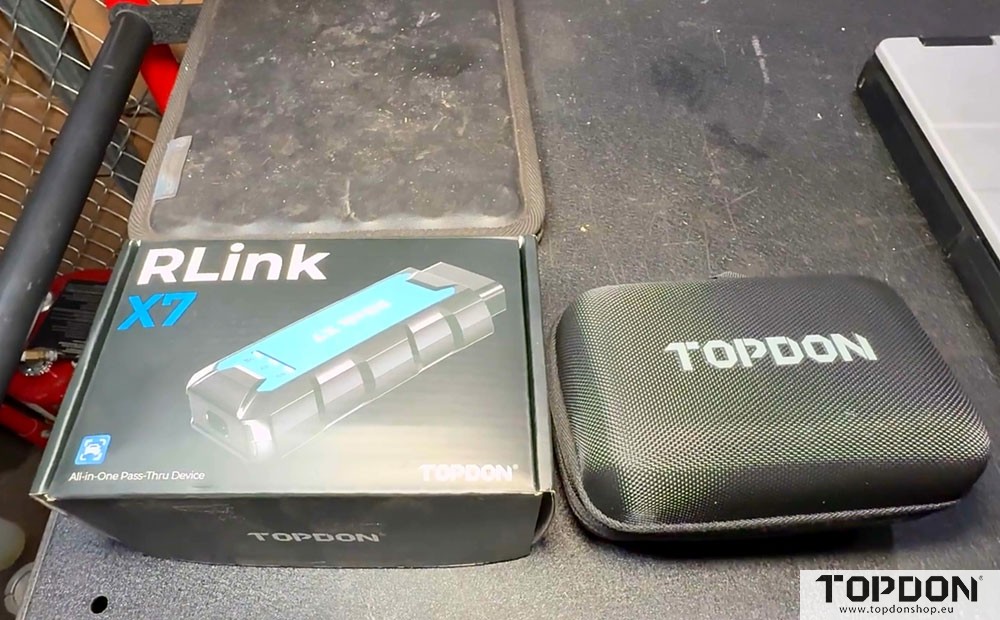
The X7 will show up in the Rlink platform.
Any solution?
Solution:
This issue is related to the Witech 2.0 software. Update your Witech 2.0 software to the latest version, and it should display correctly afterward.
If the update is not available or the issue persists, we recommend reinstalling the Witech 2.0 software. When reinstalling, please make sure that the country/region of your account matches the country/region of the software installation, otherwise the software may not function or display correctly.
If you continue to experience any issues after trying these steps, please contact Topdon technican.