



Topdon Phoenix series diagnostic scanners tutorial: How to upload APK data log to Topdon engineers.
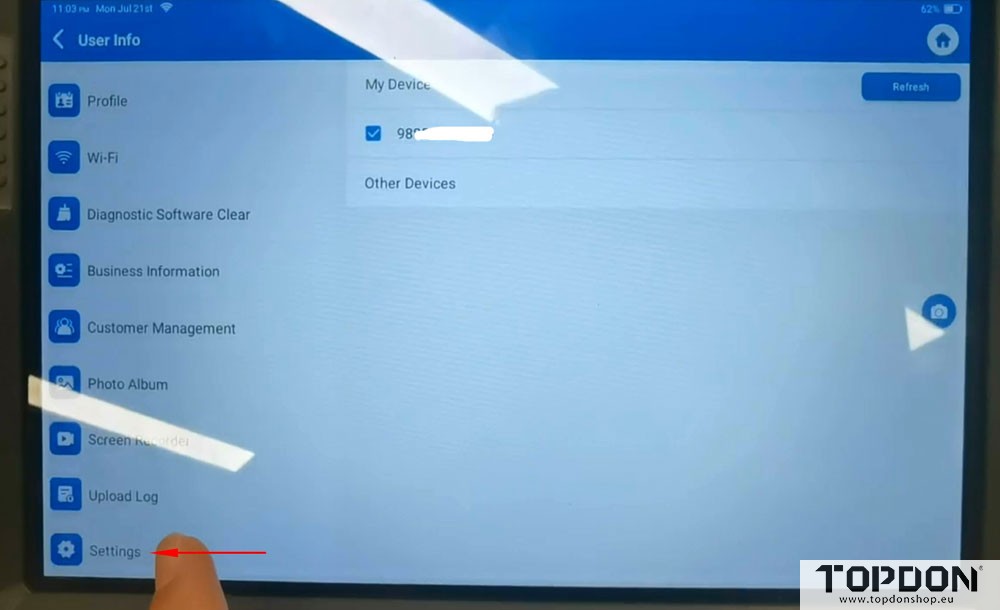
Go to User Info.
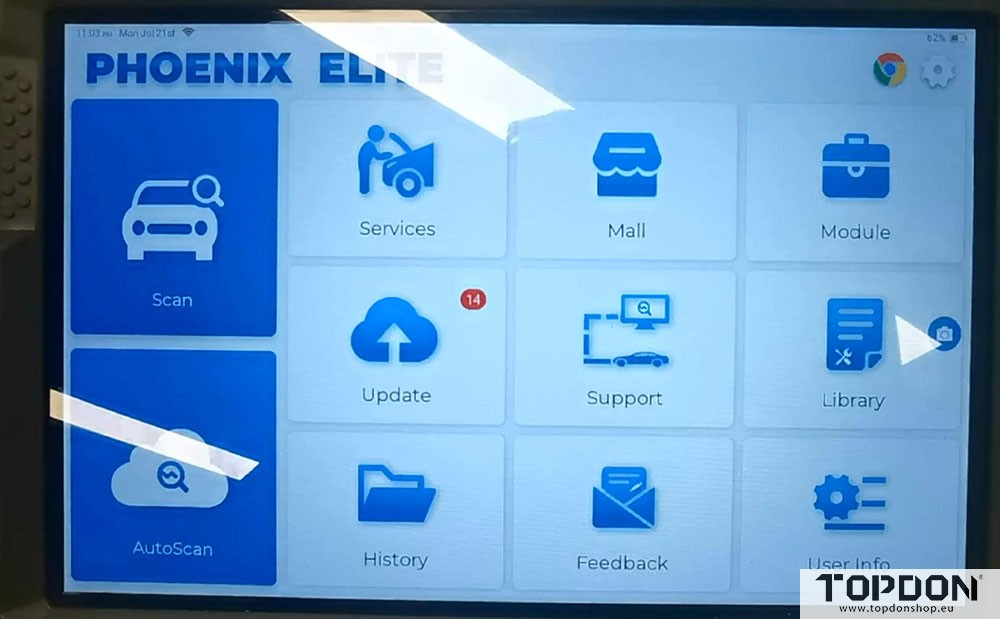
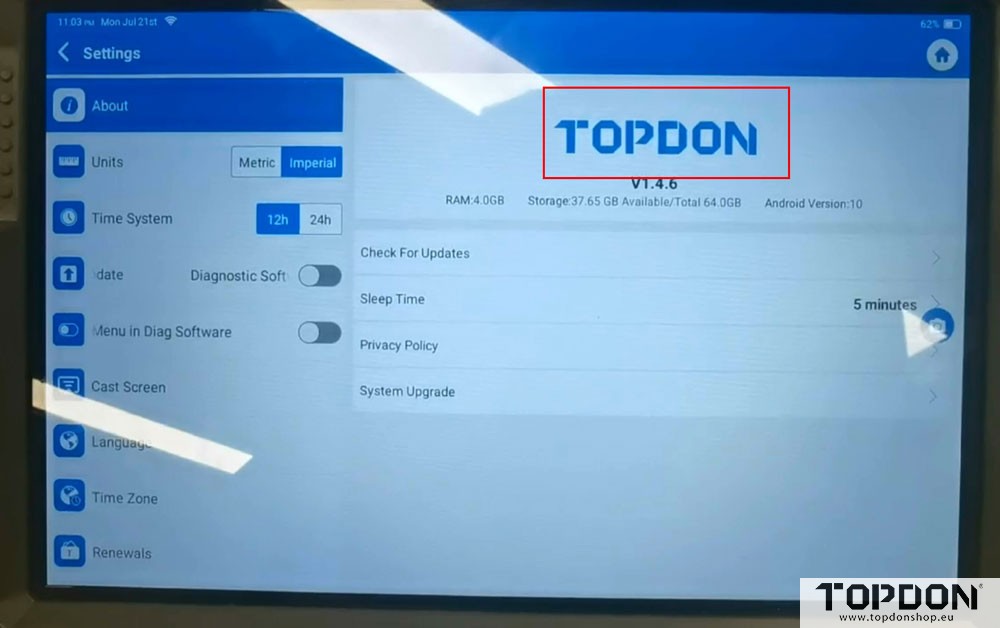
Select Settings function.
Hit “Topdon” logo.
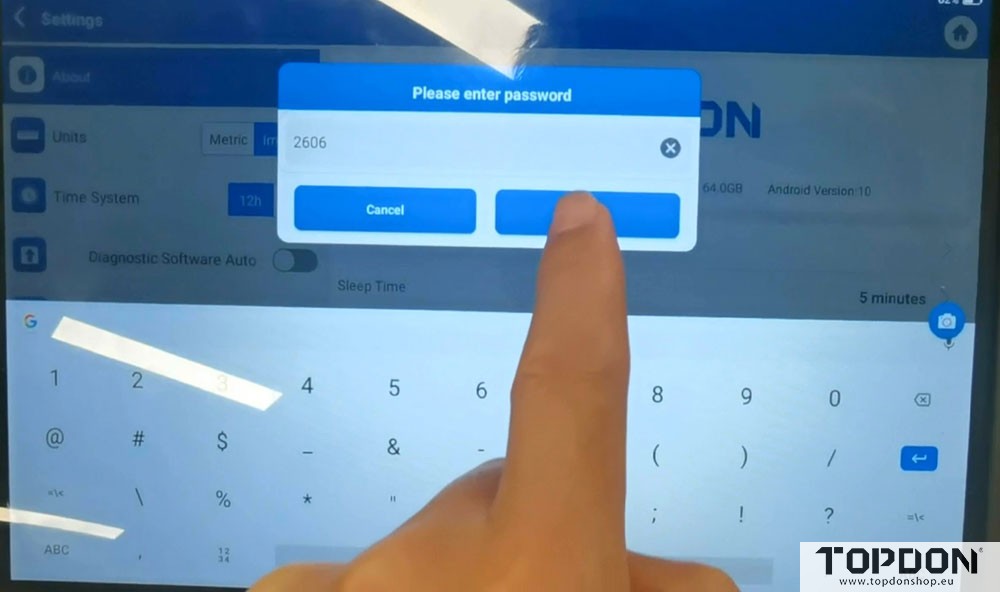
Input password: 2606
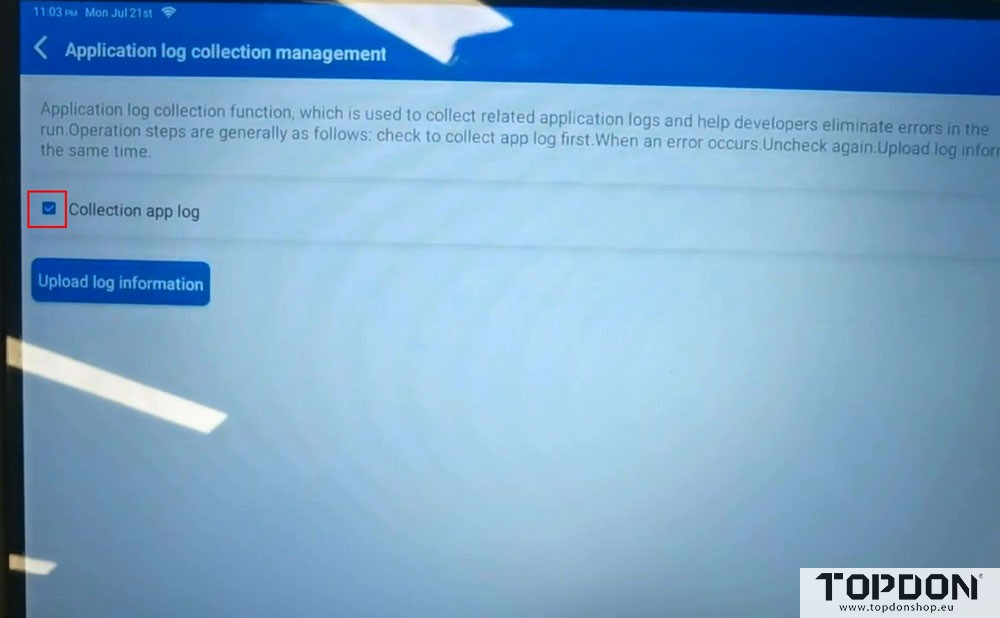
Tick “Collection app log” to allow the device to collect data log.
Go back to Home menu and scan vehicle.
Then go to Settings, hit Topdon logo, input password.
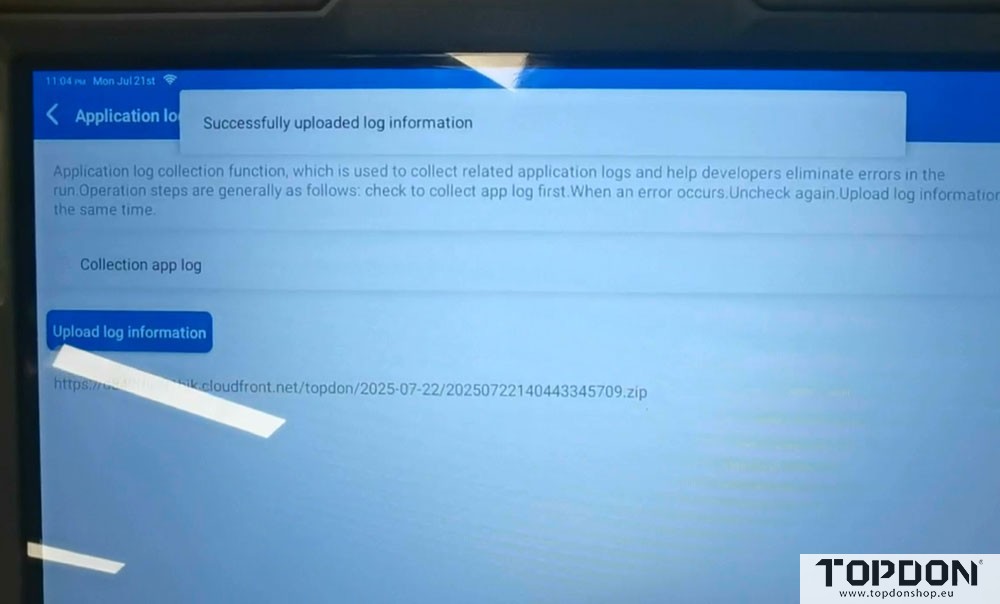
Then hit “Upload log information”.
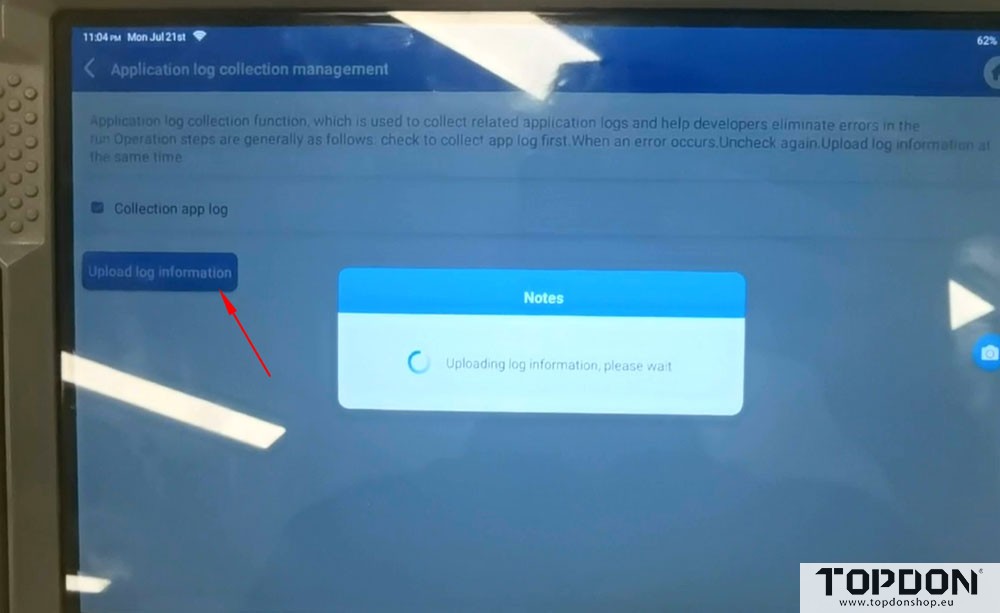
Topdon Phoenix will upload log information to the server.
Successfully uploaded log information.
TOPDON technical support will analyze your issue.