


If you’ve been wondering how to connect those specialized heavy-duty (HD) connectors to your TOPDON Phoenix Max or Phoenix Smart diagnostic tool, you’re not alone. Many users have asked about adapters featuring specific connectors on the back—such as the Kubota 4-pin, CAT 14-pin, and CAT 9-pin.
The good news is that the solution is likely already in your kit. Here is a step-by-step guide on how to make the connection work.
The Key Component: The OBD-I Adapter Cable
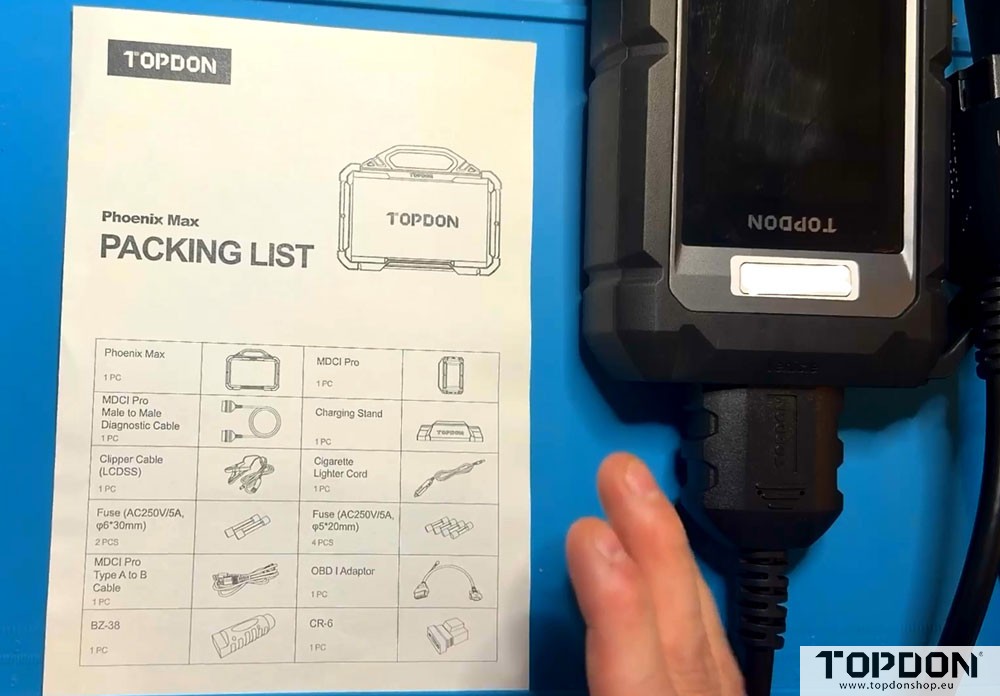
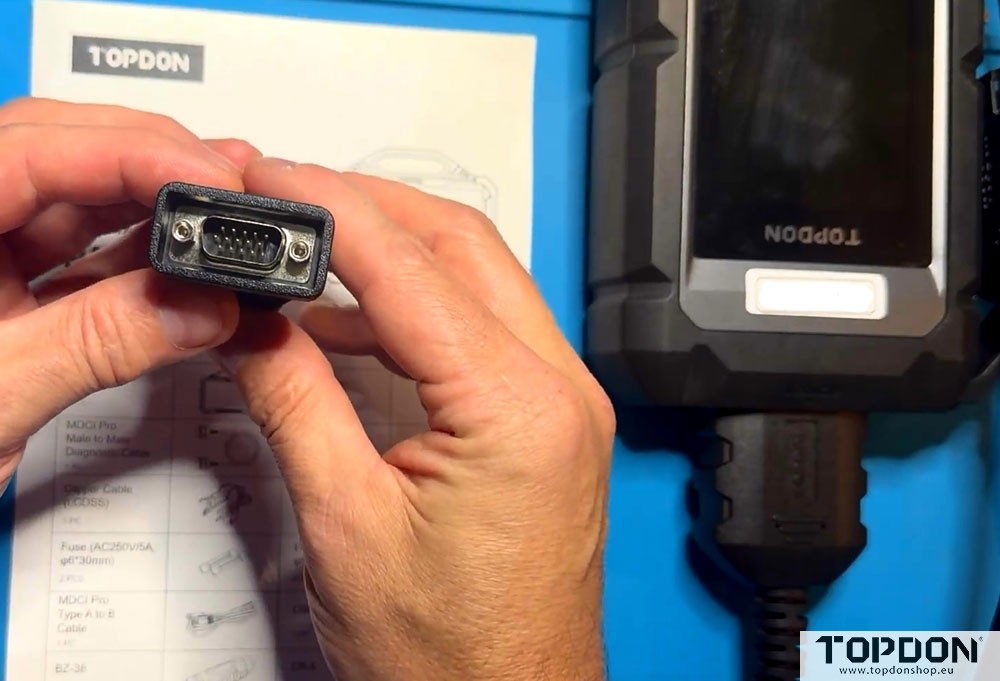
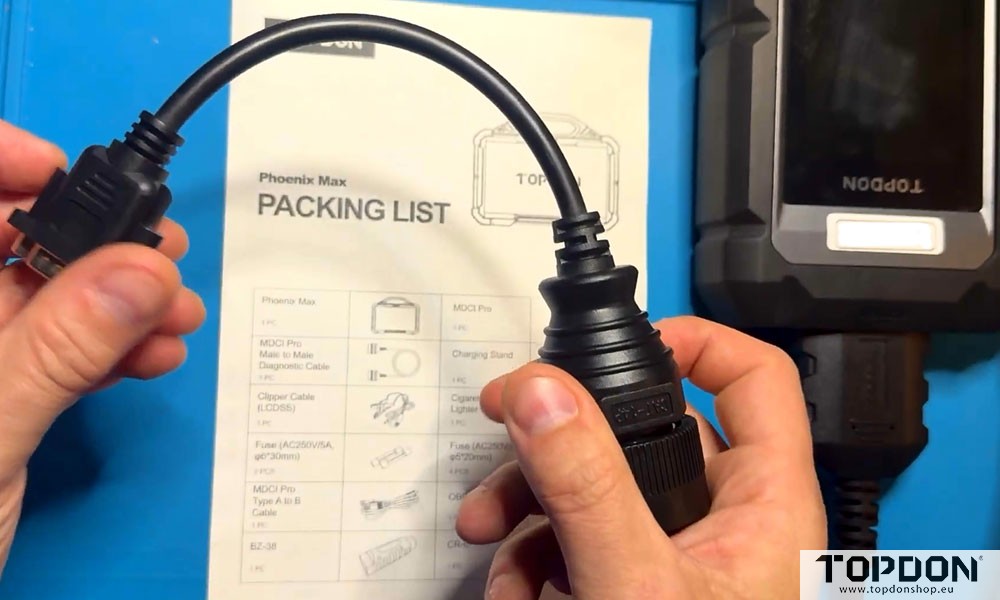
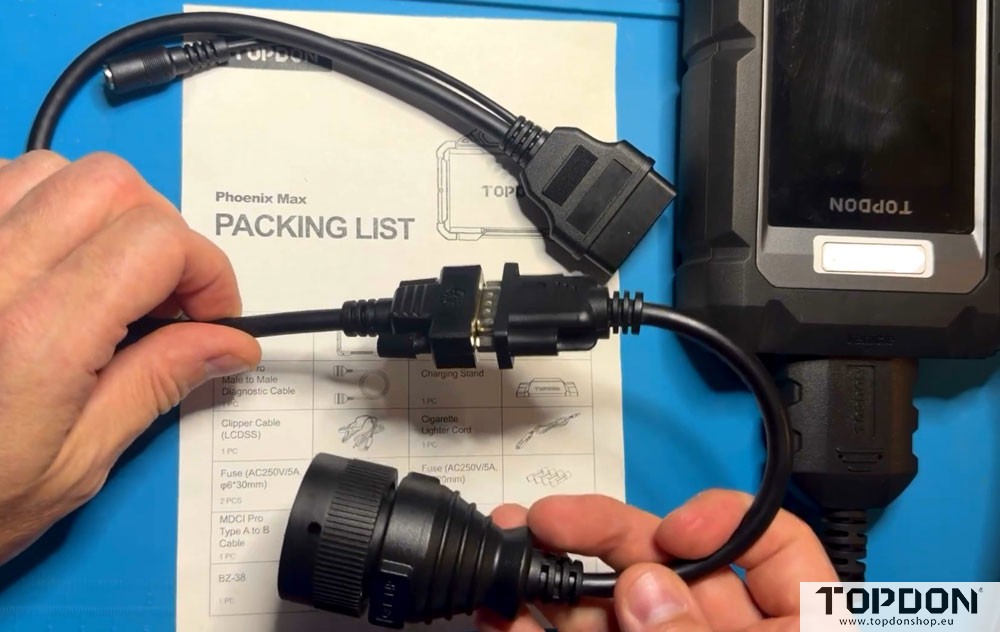
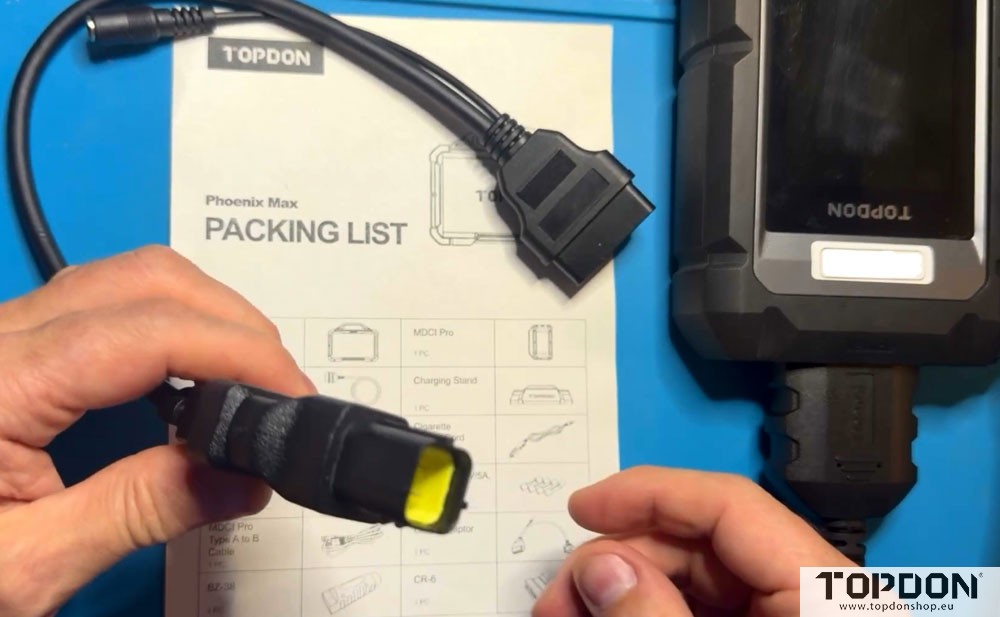
Inside the Phoenix Max case, alongside all the other accessories, you will find a specific piece: the OBD-I adapter cable.
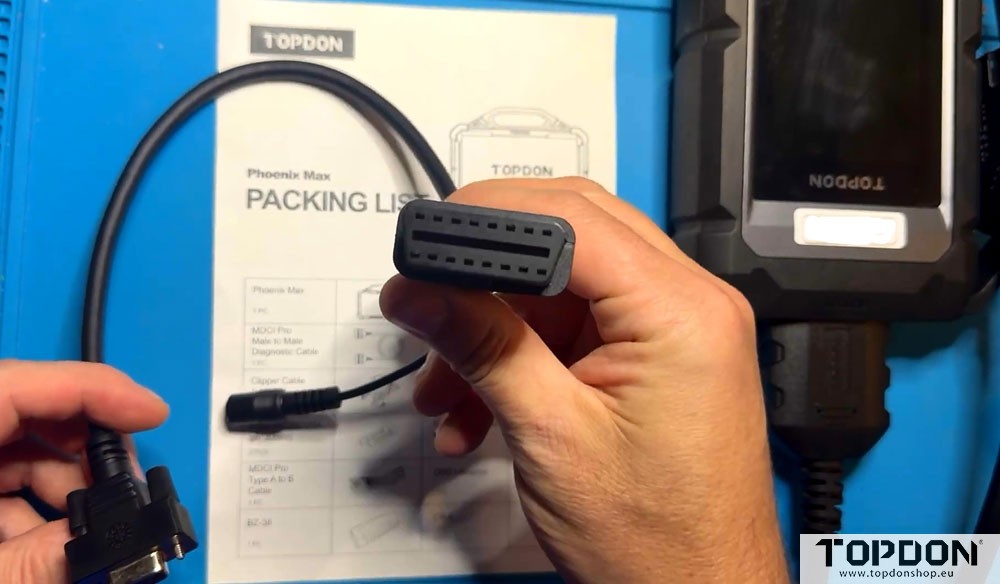
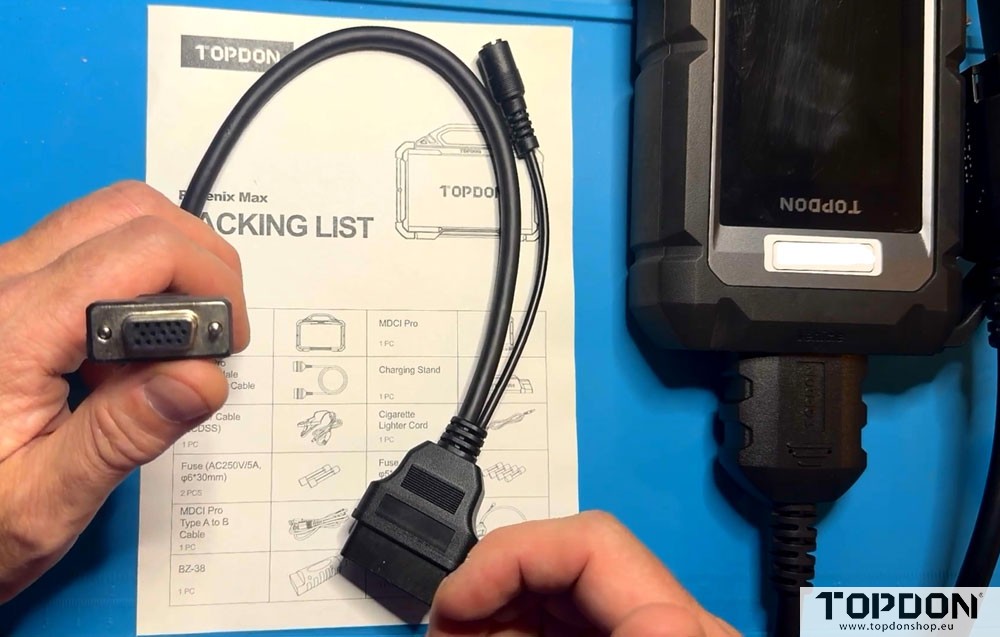
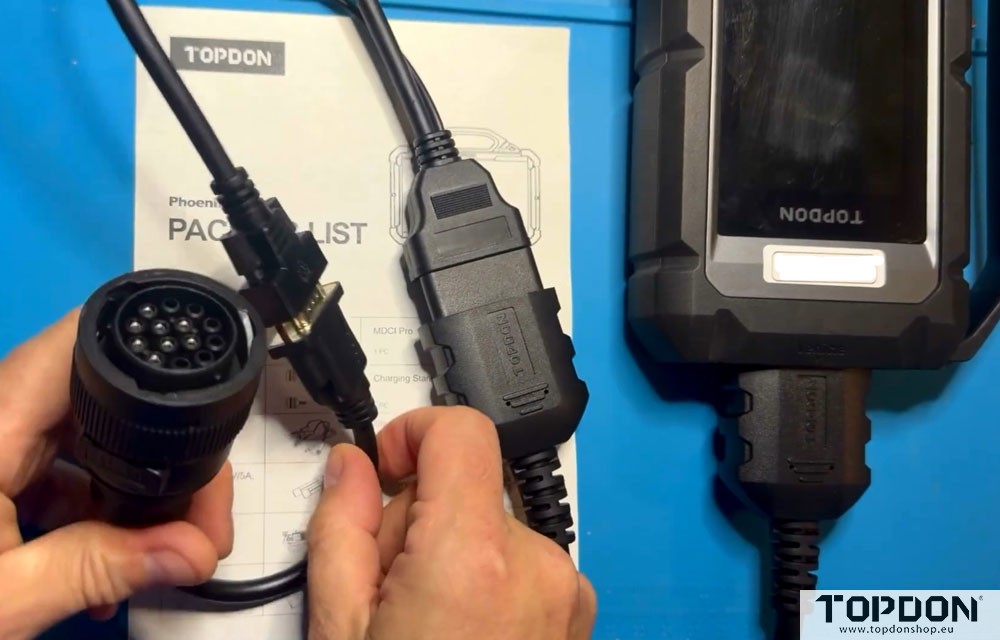
This cable features a female version of the DLC (OBD-II) port on one end, along with an additional plug to provide power if necessary. On the other end, it has a female version of the connector found on the HD adapters. This adapter cable is the bridge you need to connect the tool to the heavy-duty connectors.
Step-by-Step Connection Guide
Locate the Adapter: Pull the OBD-I adapter cable out of your kit.
Connect the HD Connector: Take your HD connector (whether it is the Kubota 4-pin, CAT 9-pin, or CAT 14-pin) and plug it directly into the female end of the OBD-I adapter cable. Secure the connection.
Connect the Tool: Take the cable coming from your MDCI Pro (or your diagnostic tool) and plug it into the OBD-II end of the adapter cable.
Connect to the Vehicle: You are now ready to connect the other end of your HD adapter to the vehicle.
A Simple Rule to Remember
All of these HD connectors—the Kubota, CAT 9-pin, and CAT 14-pin—work exactly the same way.
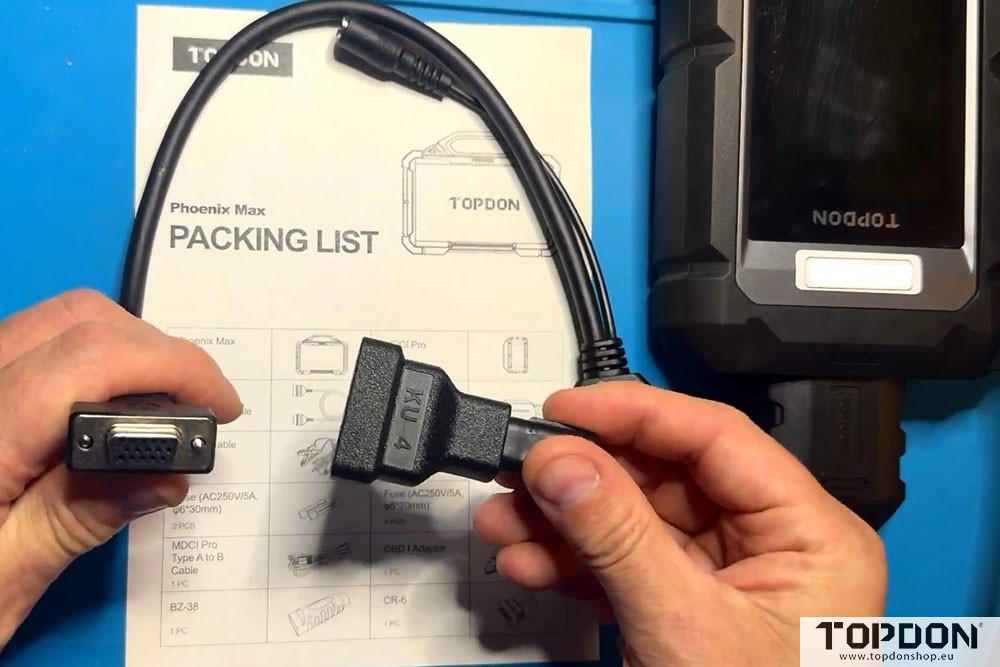
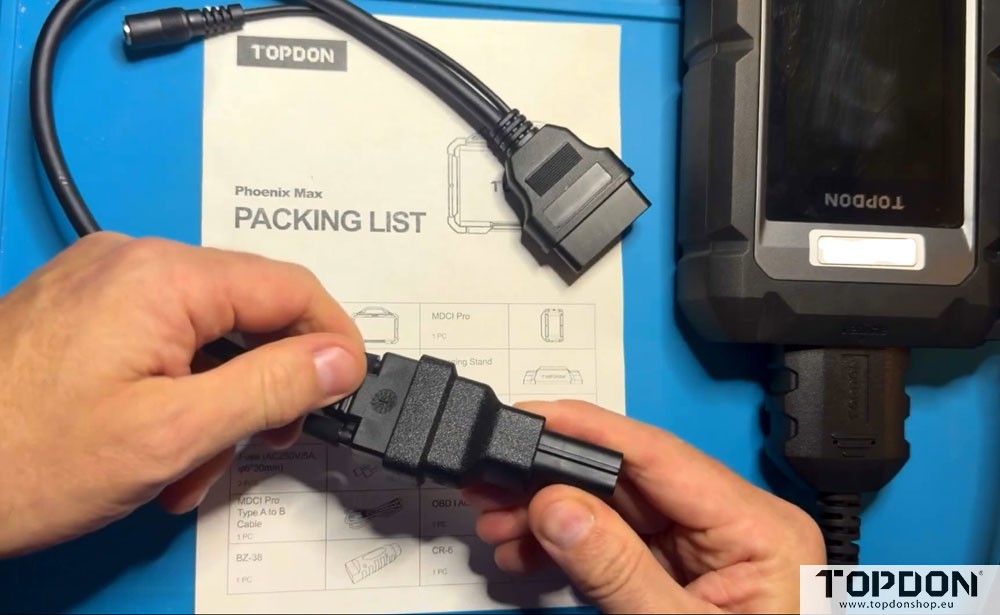
If you look at the end of any of your HD adapters and see that specific connector style on the back, it is looking for the OBD-I adapter cable. Once you have that adapter cable in place, you can seamlessly connect to any of these heavy-duty machines.