How to project screen of Topdon Phoenix series scanners over WiFi? How to control Topdon Phoenix scanners with Phone or a Monitor?
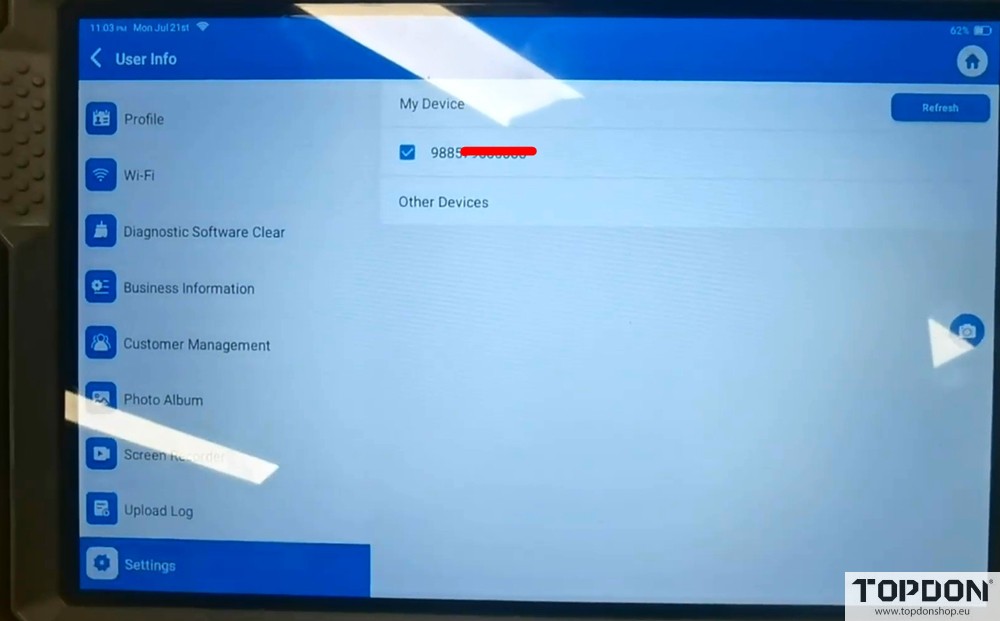
Go to User Info- Settings.
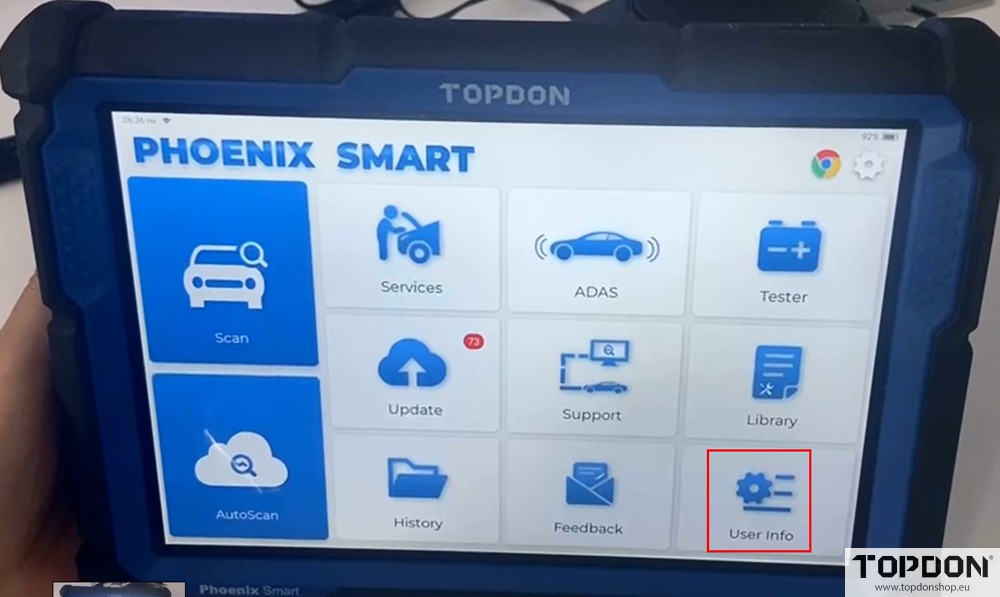
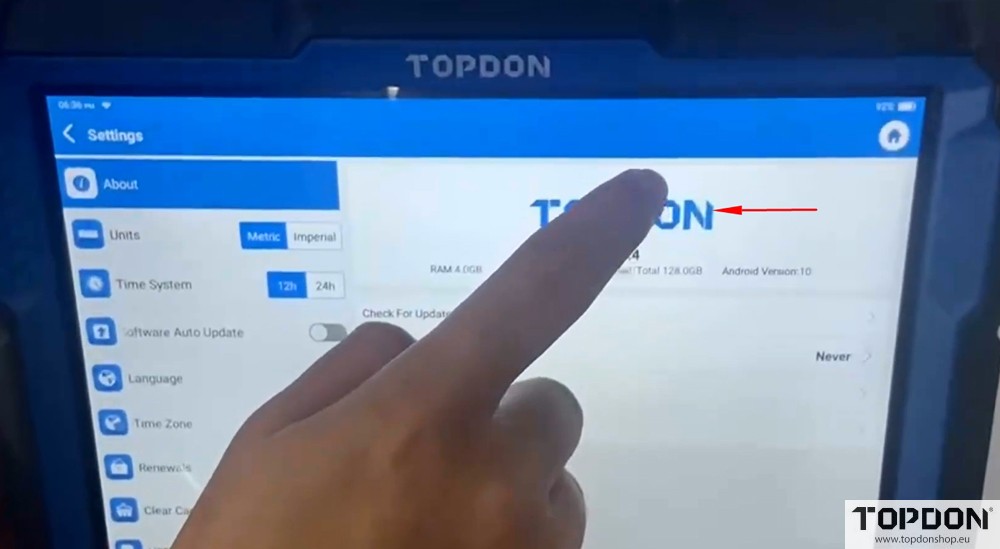
Tap the TOPDON logo to enter the Android Settings.
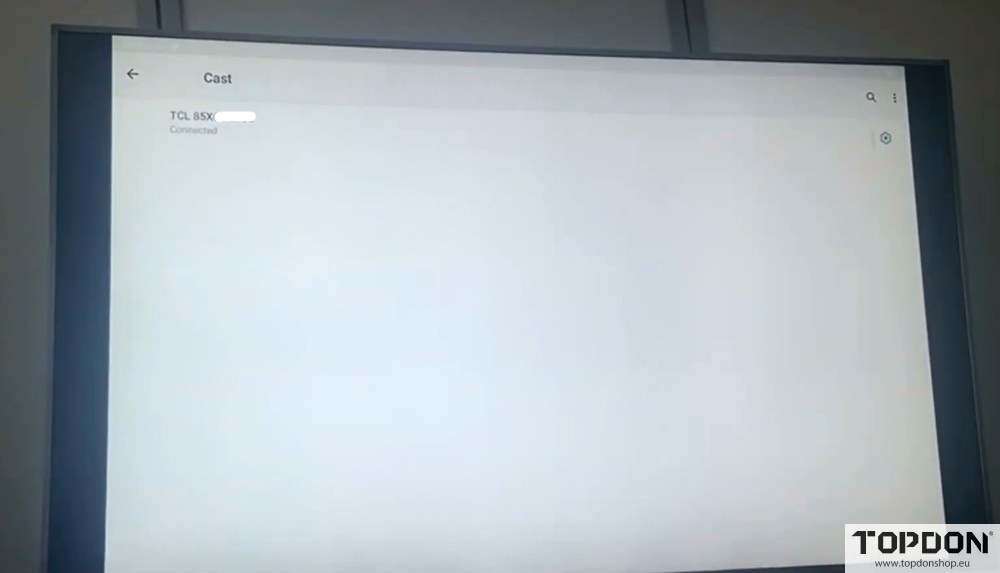
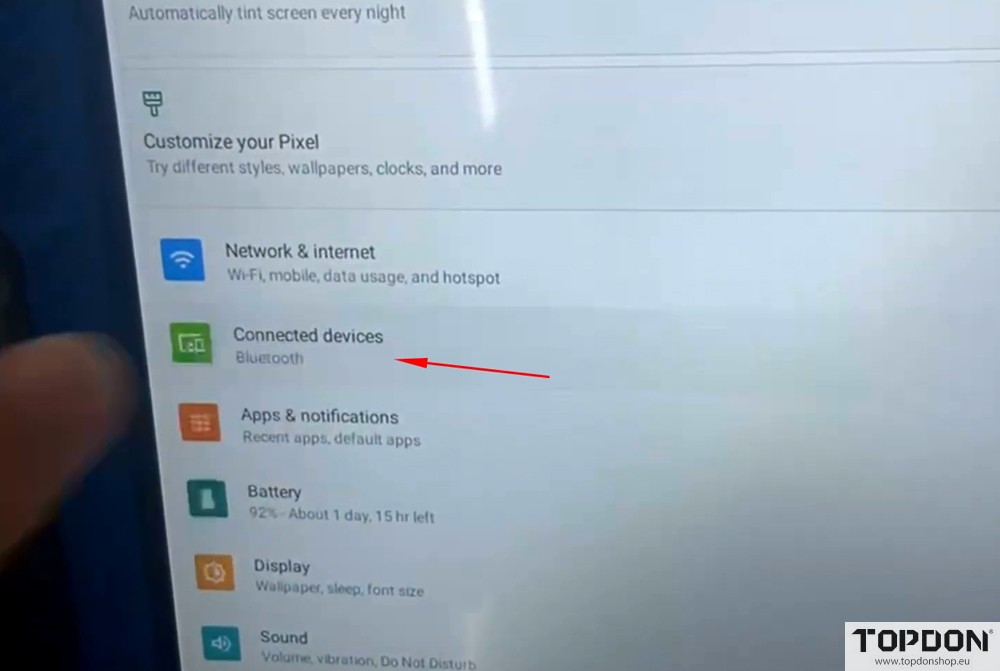
Tap Connected devices– Connection preferences– Cast to access the wireless display screen.
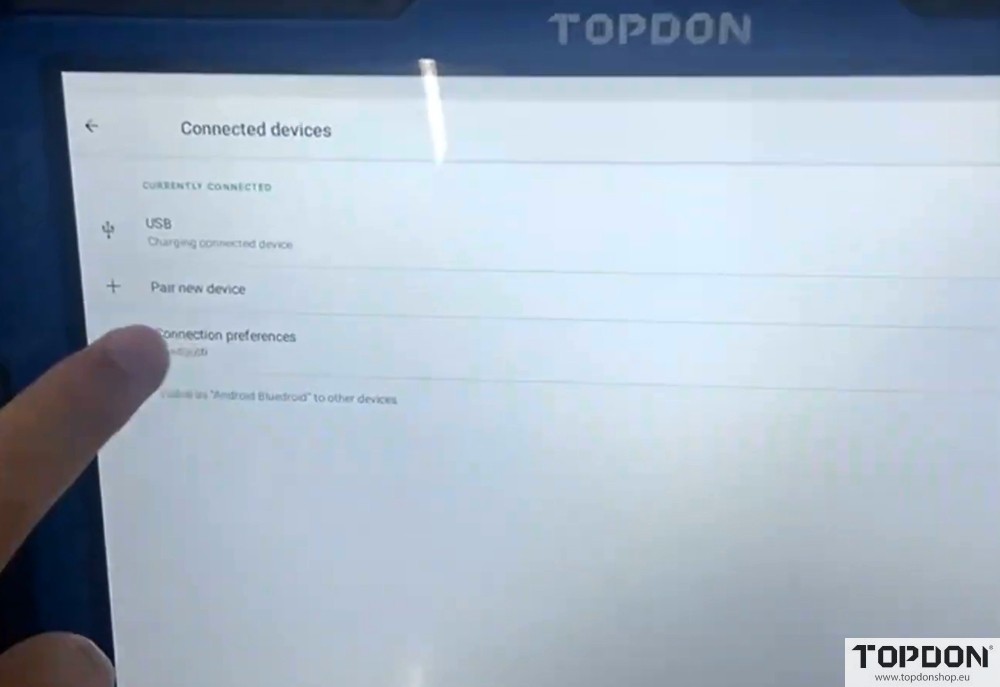
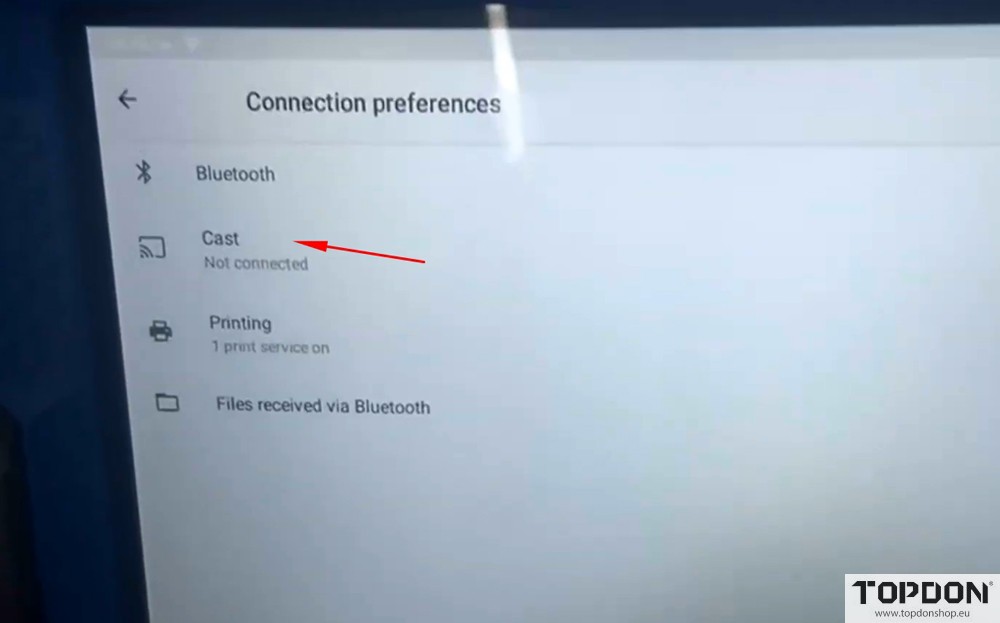
Search for the available wireless displays.
Check the box of Enable wireless display.
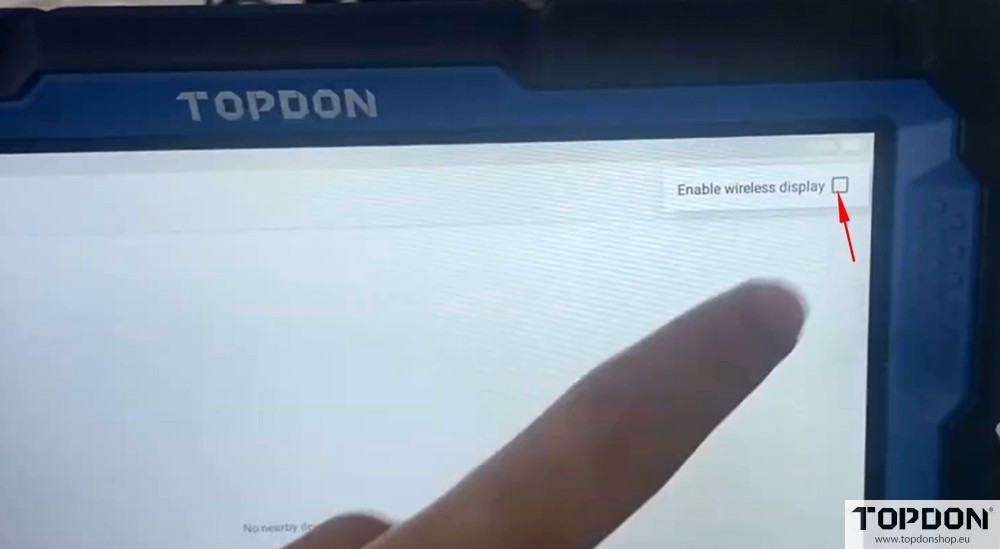
Connect to the wireless display.
Wait for the device to search for and display the available wireless displays.
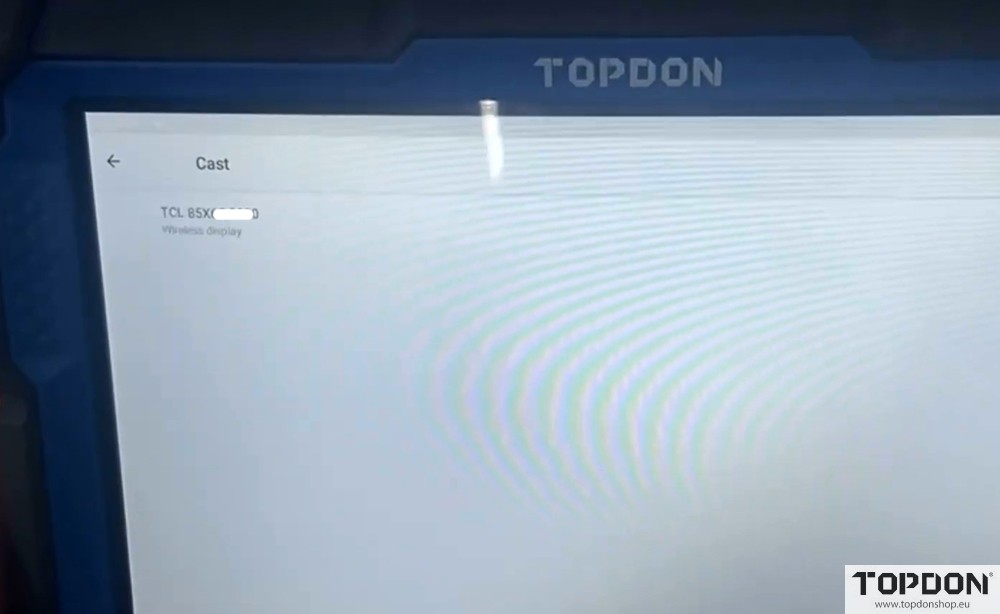
Tap the display name to establish a connection.
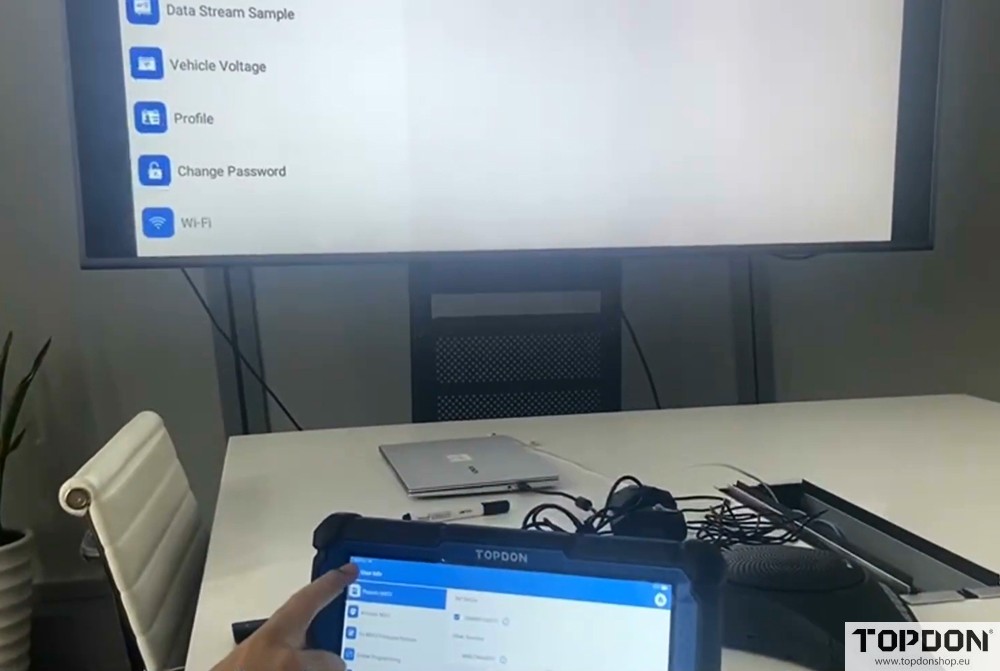
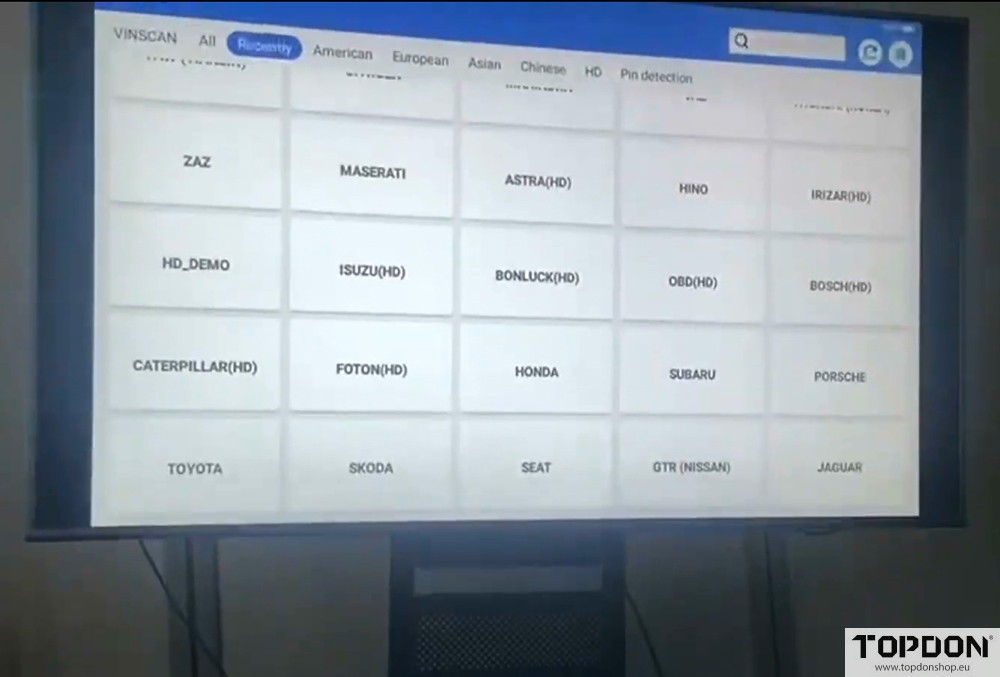
When the display is connected, screen projection is successful.
Then start the screen project.