Mitsubishi OEM MUT3 Software with Topdon RLink J2534 Connection Instructions:
Tips: You need to install the Mitsubishi OEM software before use. If it’s not installed yet, you can download and install it from the official Mitsubishi website.
https://mitsubishitechinfo.com/epacarb/
Guide:
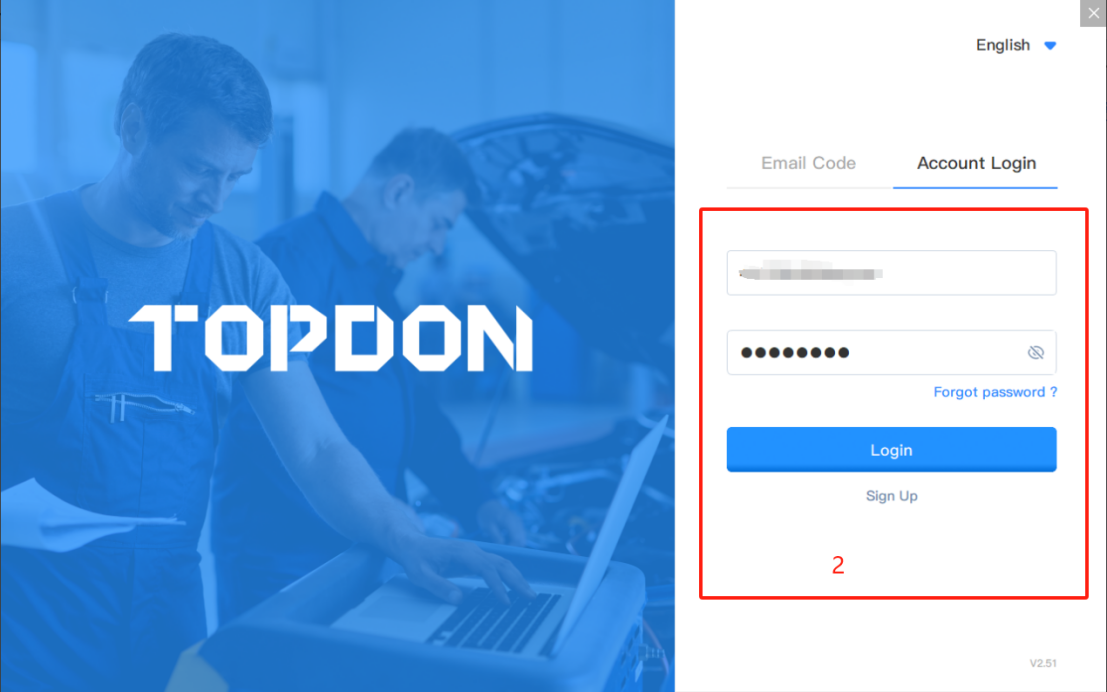
1. Open the RLink Platform. Clicking “Login to the Account” will automatically.
redirect you to the login page.Log in to the account bound to the RLink J2534 device.
Note: After binding and activating the device and downloading the driver, you can use the RLink J2534 device to perform vehicle diagnostics without opening the RLink Platform later.

2. Click the settings icon. Then click About to check whether there is an update for the RLink Platform. If yes, click Update.

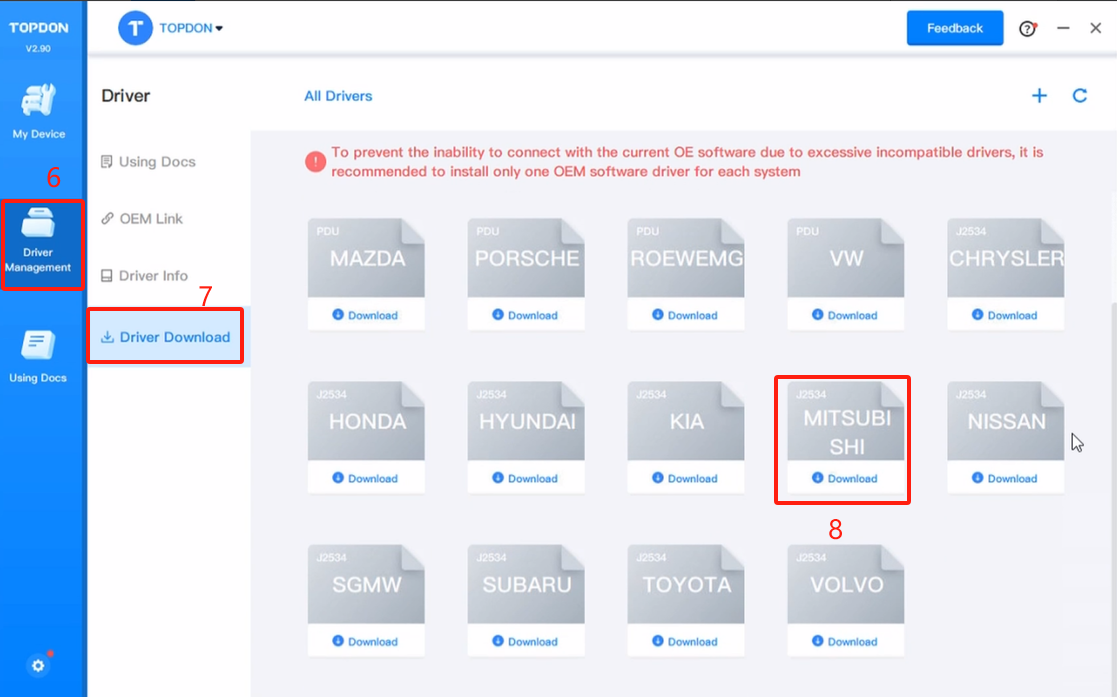
3. Click Driver Management > Driver Download.
Note: Download the corresponding driver according to the OEM software. Do not download drivers that are not related to the OEM software.
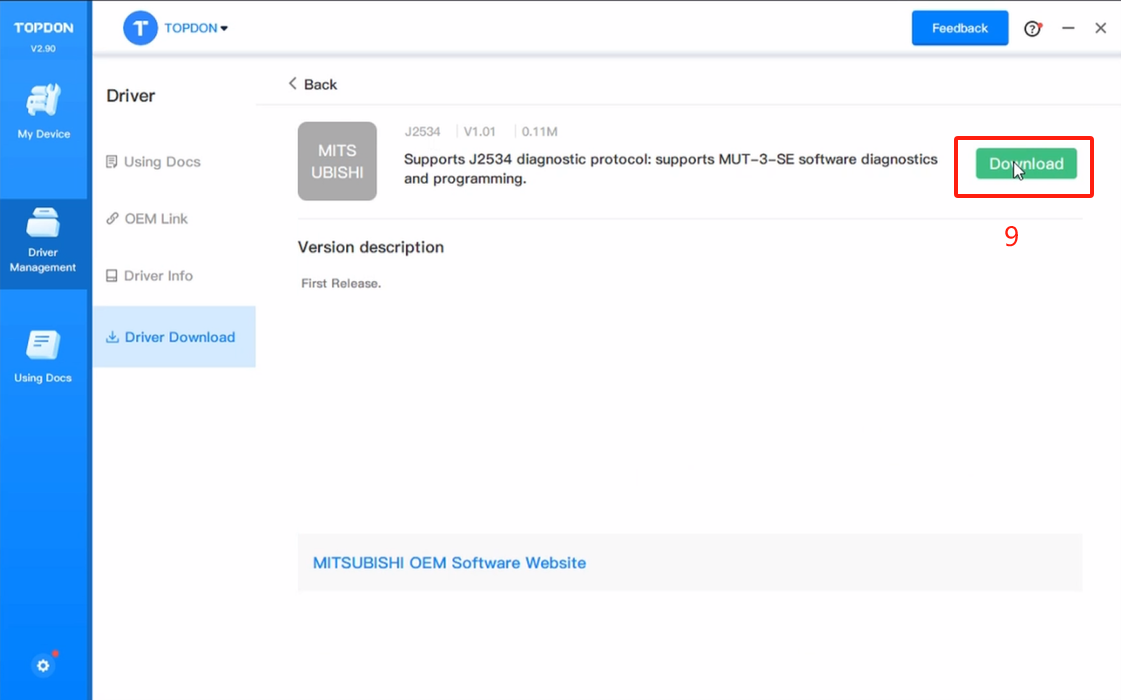
4. Click Mitsubishi and click Download to download the driver.
5. Click Driver Management > Driver Info. Then click Mitsubishi to check the driver mode.
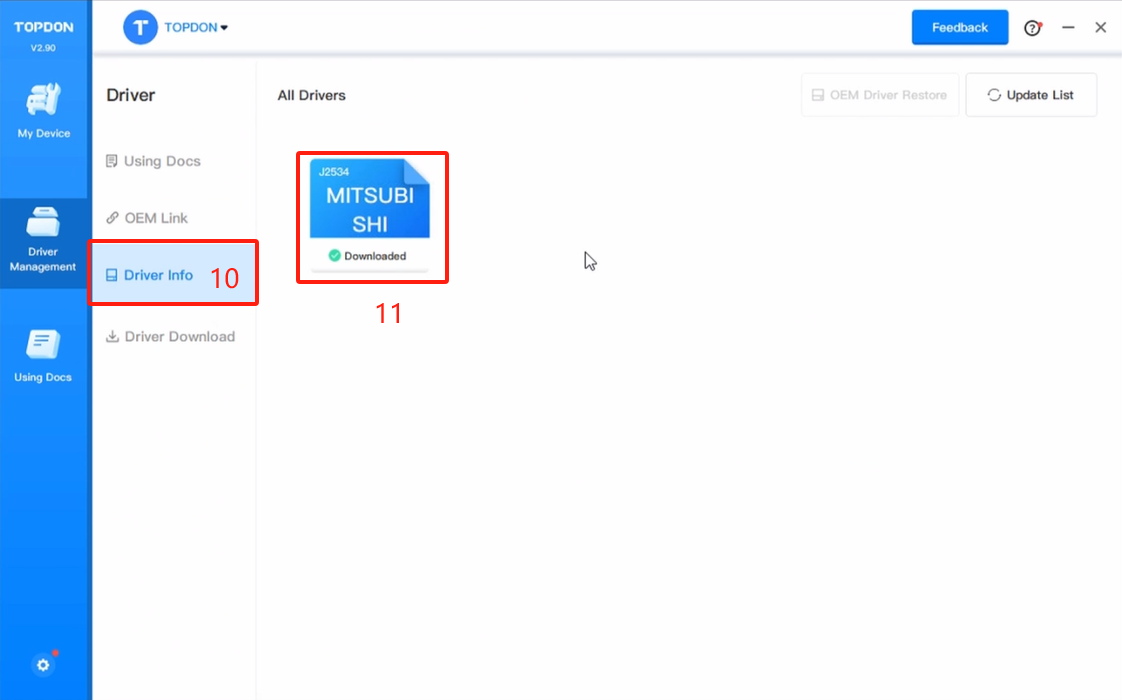
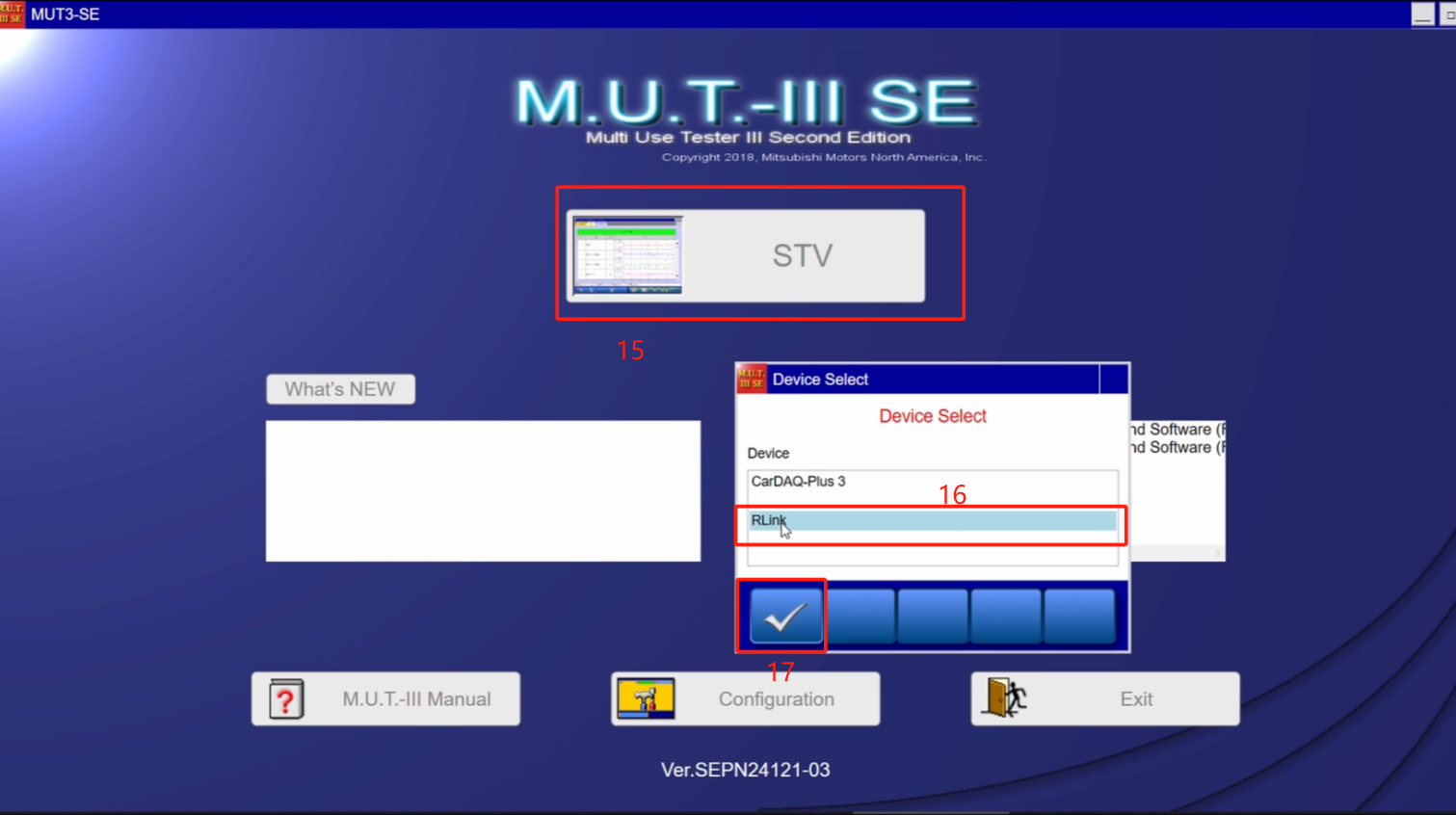
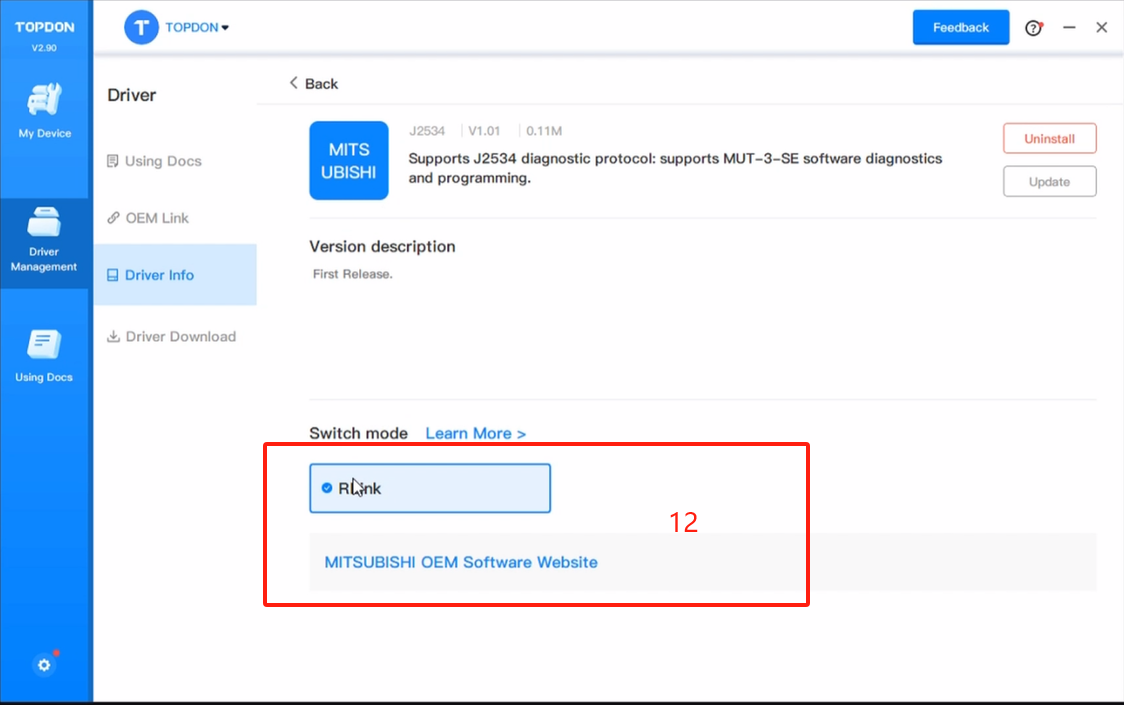
6.When using RLink J2534 devices, select RLink as the diagnostic interface on the OEM software. If you are connecting to the original VCI or third-party VCI, open the OEM software and select the original VCI or third-party VCI as the diagnostic interface. This driver will not have any impact.
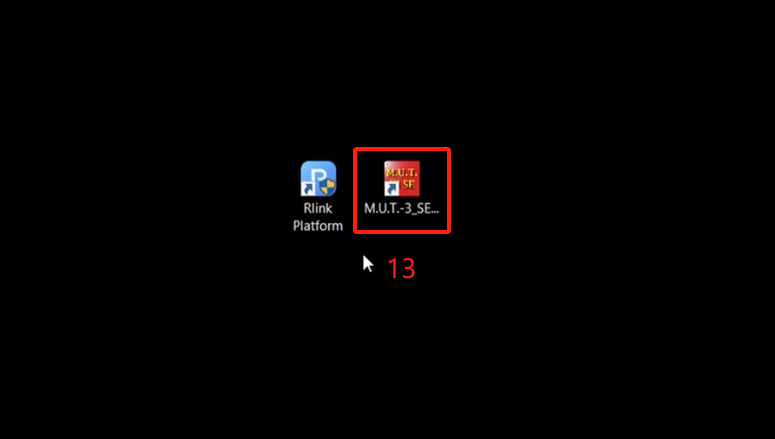
7. Double click the icon to open the MUT 3.
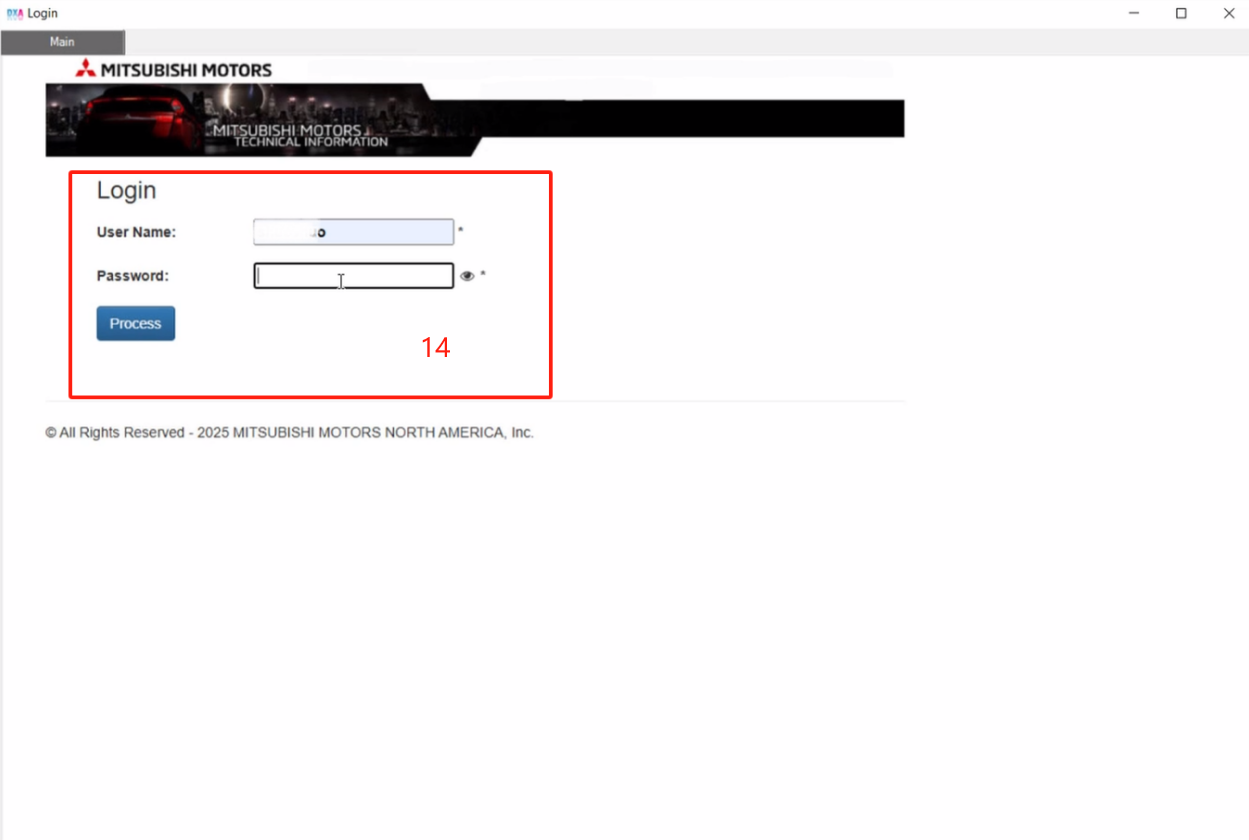
8. The diagnostic connection sequence for MUT 3 is as follows: Log in to the MUT 3 diagnostic account.
9. Click STV, select RLink mode to enter diagnostic identification.