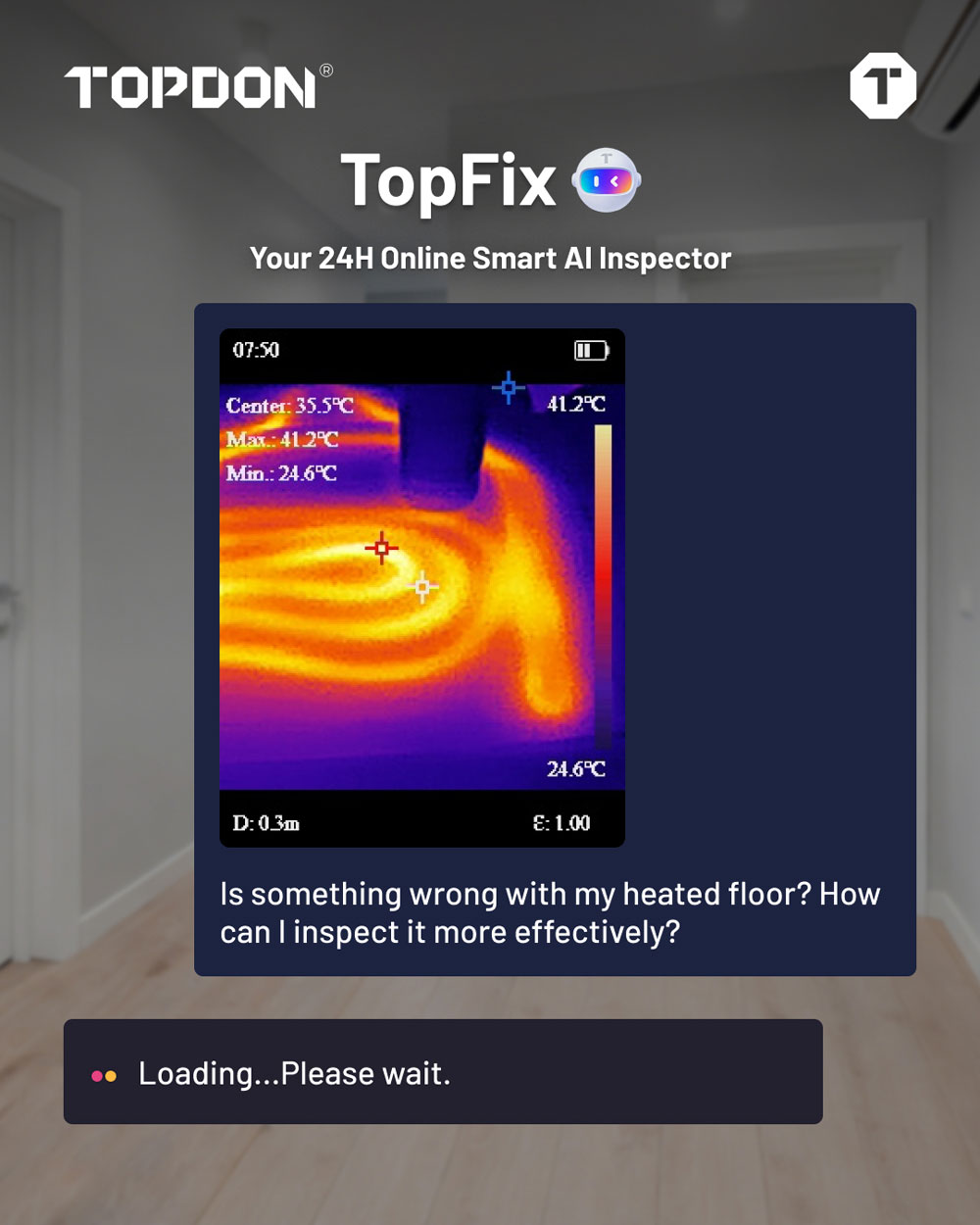
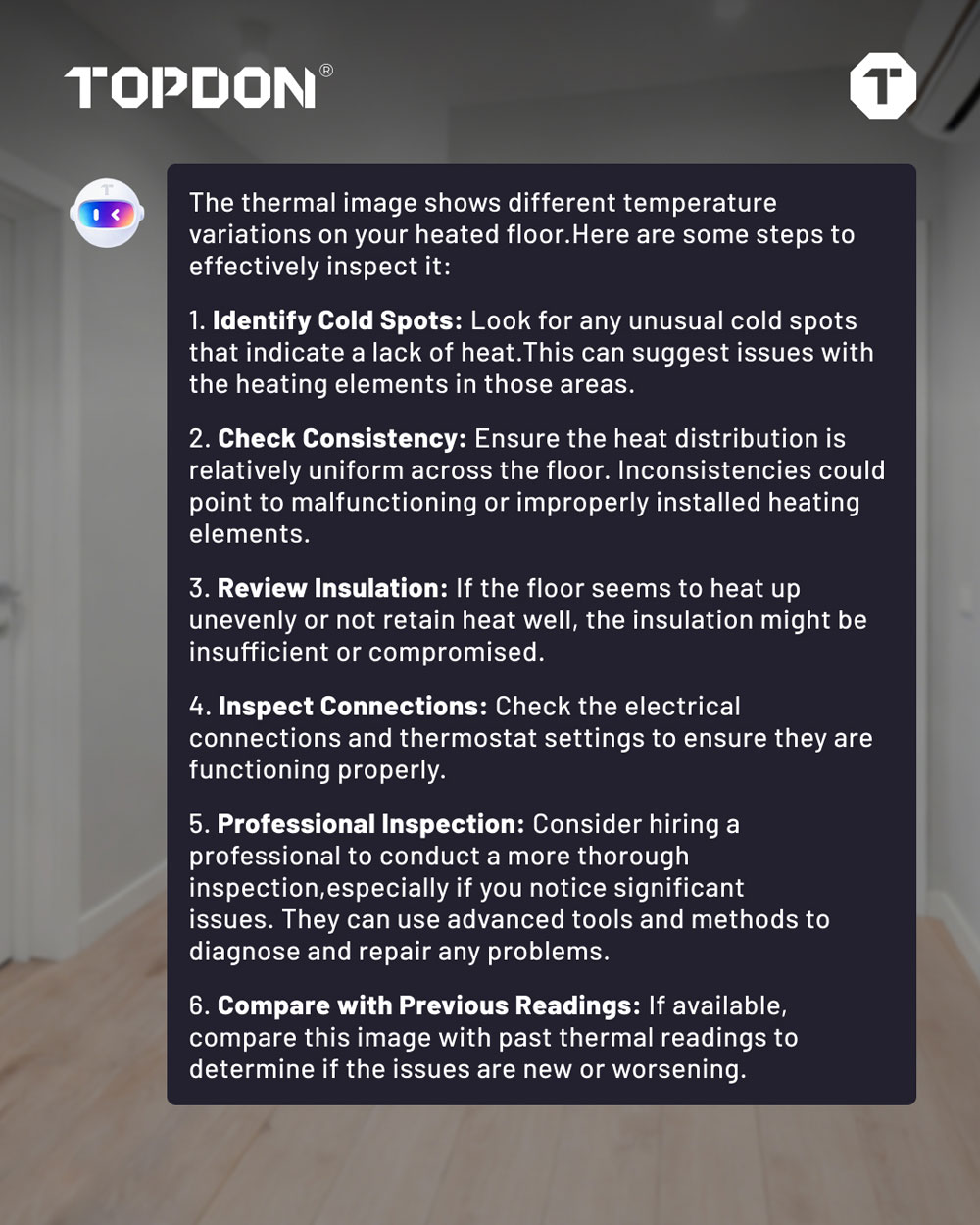
Topdon Thermal Imager devices now support TopFix AI feature.
Drop in a thermal image—or ask TopFix anything.
Get fast, accurate, and reliable inspection guidance, without digging through search results or guessing what you’re seeing.
The ability to evaluate component status without prior disassembly is a key advantage for any technician. For example, replacing a diesel particulate filter (DPF) requires preliminary on-road diagnostics to assess differential pressure, but the issue may lie in the pre-catalytic converter rather than the filter itself. In this context, thermal analysis offers an innovative and powerful approach—though the challenge lies in distinguishing images of properly functioning components from those requiring intervention. An AI capable of categorizing vehicle types and their exhaust systems, identifying correct temperature profiles, and providing definitive assessments of component functionality is critical to reducing both repair time and costs.
AI Assistant
The AI Assistant tab is the heart of the app’s intelligence. In this tab, there are three major components: TopFix AI, Inspection, and Guidance.
You will also see the robot of TopFix AI diagnostic assistant on the top of the screen. In this feature, you can interact directly with the AI Assistant — simply type in a question about your inspection, and it will offer insights, potential causes, or next steps to take.
TopFix AI is designed for beginners, providing image recognition, text-based Q&A, and intelligent diagnostic guidance. It can be used across multiple scenarios—including home inspection, HVAC, automotive detection, and air/water leak detection—without being limited to a single mode. Each first-time user receives 100 free AI inspections. When you run out of the 100 times inspection, an optional subscription is available, and it does not affect the normal use of the basic app.
In the Inspection section, there are three common detection modes recommended for you:
- Home Inspection for electrical systems, insulation, and energy leaks.
- Vehicle Detection for engine parts, exhaust systems, and electronics.
- Temperature Monitoring for equipment or continuous environment checks.
Once you select a mode, the app opens the camera interface. Here, you can choose a specific component by clicking into the button on the top-left — for example, Ignition Coil.
The system will instantly provide a baseline temperature range (such as 40–70 °C) to help you determine if your reading is normal or unusual.