

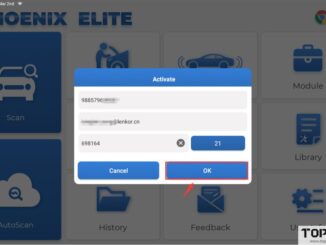
Topdon Phoenix Series Products No-Login Activation Instructions
The latest versions of certain products within the Topdon Phoenix series have introduced a new method for device activation. Previously, activation was conducted via email […]

The latest versions of certain products within the Topdon Phoenix series have introduced a new method for device activation. Previously, activation was conducted via email […]
Question: I am a hobby mechanic and would like a scanner for various issues on a few cars. Topdon Phoenix NANO and Artidiag Pro which […]

Problem: Got that Topdon Rlink J2534 to program a Sheriff depart2020 Dodge Durango after replacing the transmission. The Mopar J2534 app is saying “device not […]
How to solve Topdon Ultradiag/Artidiag900 Lite/T-ninja Pro insufficient storage space problem by inserting an external storage card? How to Set an External TF Card as […]
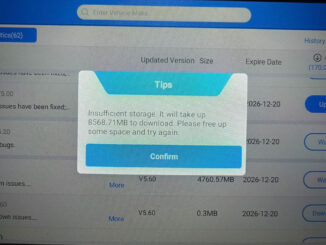
Problem: Got the Topdon Artidiag900 LITE diagnostic scanner. Went to update it the other day and about halfway through said memory full or something similar […]
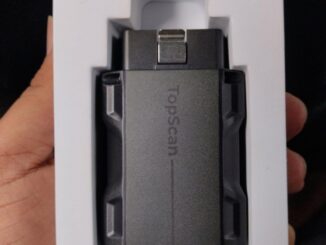
Here is the instruction to download, register, activate and bind Topdon Topscan series scanners (Topscan Lite, Topscan PRO etc). 1.Download App Download TopGuru App […]
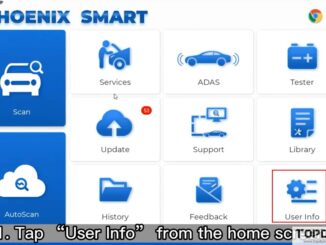
How to transfer data from Topdon Phoenix Smart diagnostic scanner tablet to PC via USB cable? The instruction is slightly different from Phoenix Max. […]

How to project screen of Topdon Phoenix series scanners over WiFi? How to control Topdon Phoenix scanners with Phone or a Monitor? Go to […]

How to transfer Topdon Phoenix Smart data to PC via a USB Cable? 1. Connect the Phoenix Max device to the computer with a […]
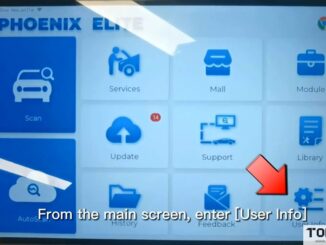
Suppose you encounter Android system abnormalities such as diagnostic function crashes or app crashes during device use. In that case,you may need to perform this […]
Copyright © 2026 | WordPress Theme by MH Themes