How to Clear App Cache for Topdon Artidiag500 (AD500) and Artidiag600 (AD600S, AD600 Elite, AD600 Pro) Series Scanners?
Go to User Info-Settings.
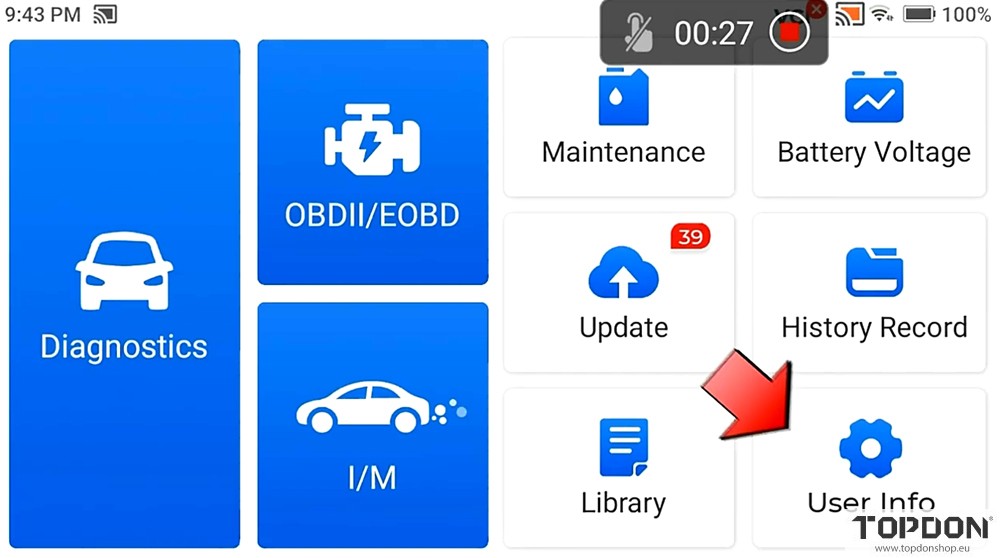

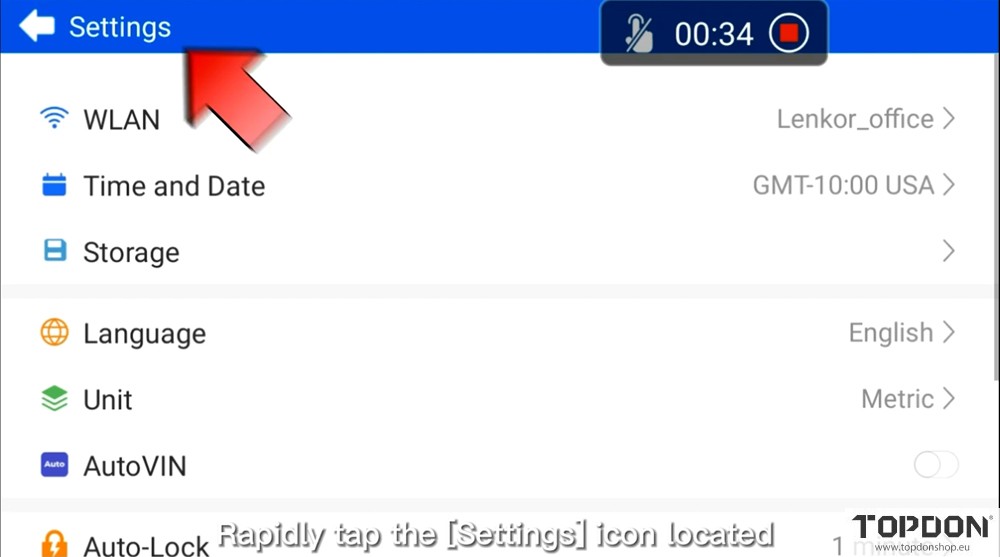
Tap the Settings icon 5 times consecutively to access the Android system settings interface.
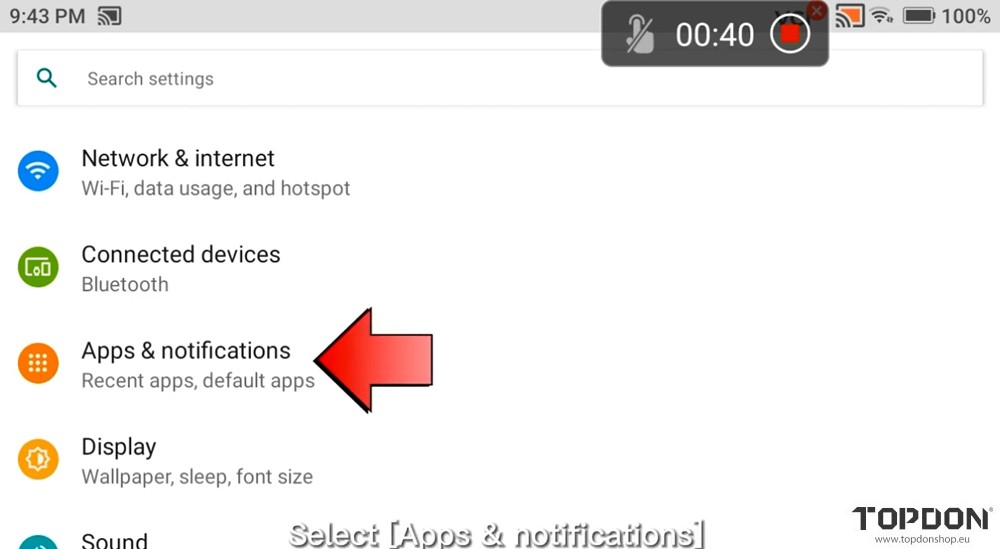
Drop down and select Apps & Notifications.
Press AD005 or AD600 device icon.
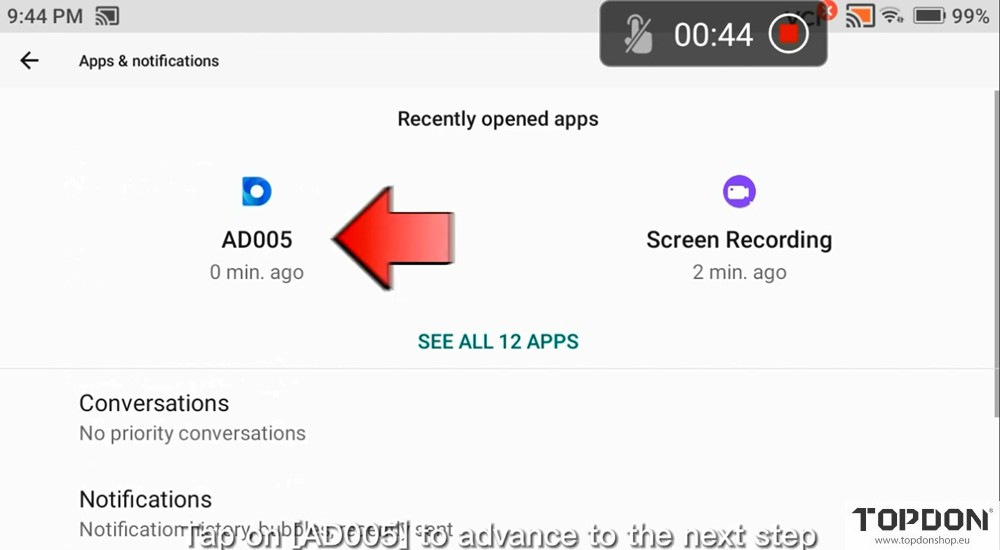
Choose Storage & cache.
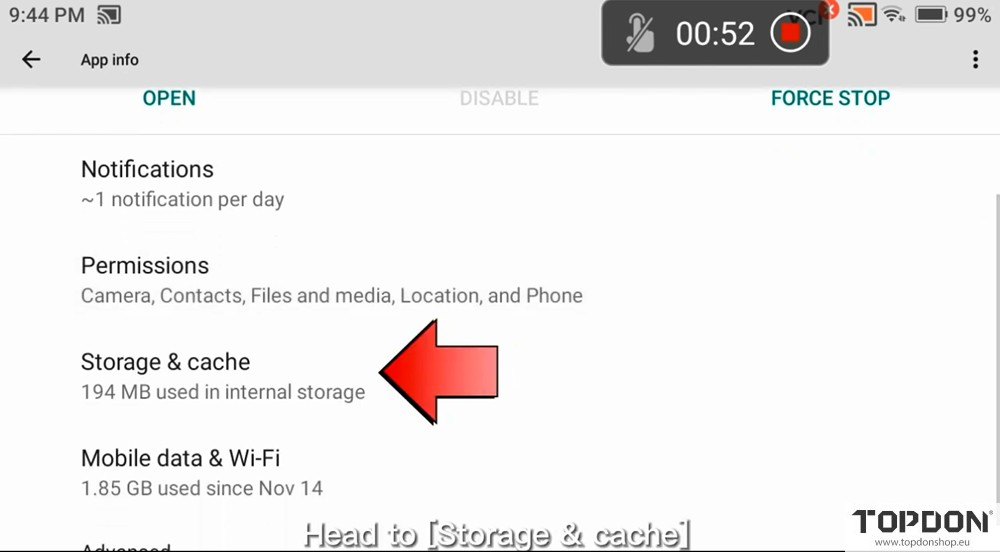
Select Clear Storage.
Delete cache data of the App.
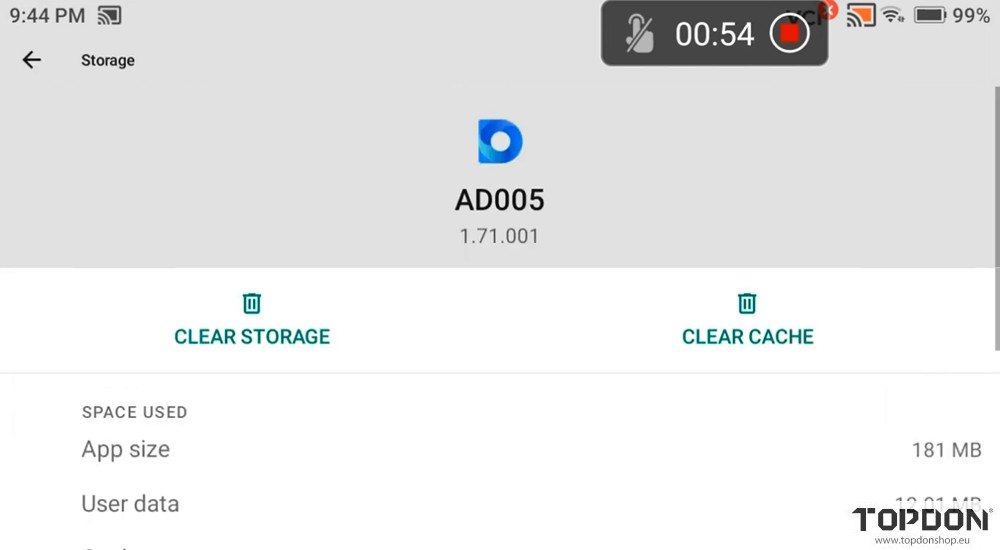
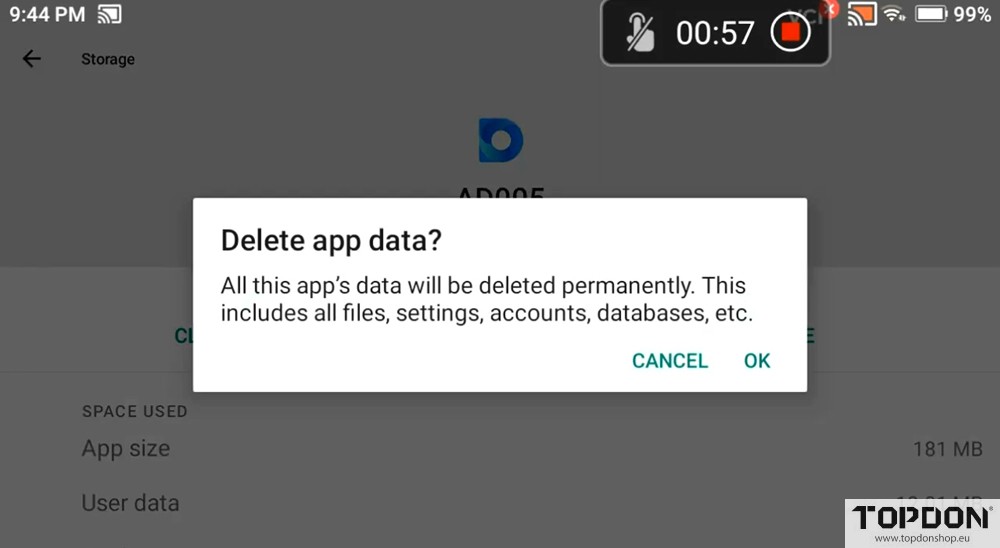
Once cleared, return to the previous page.
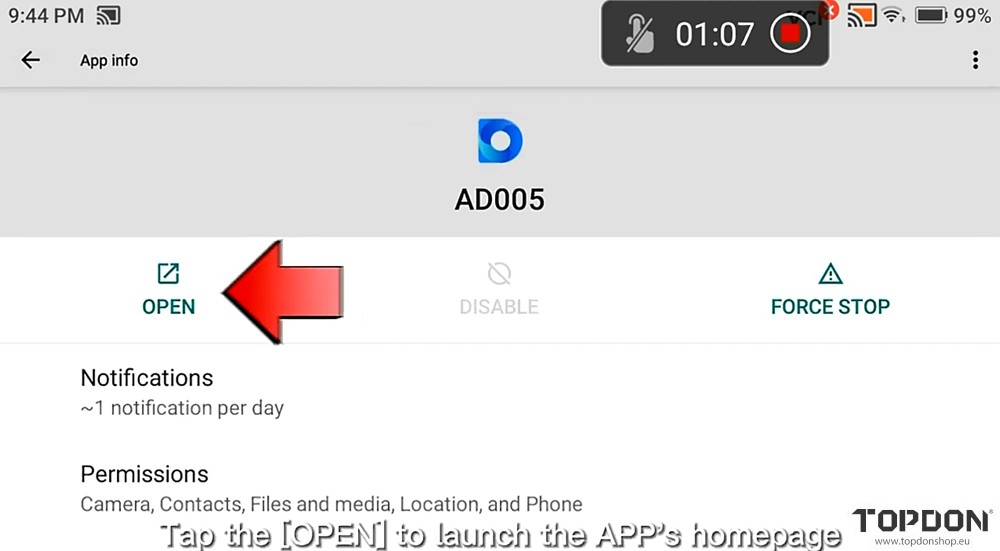
Tap the OPEN to launch the APP’s homepage.
Go to User Info, choose Uninstall Diagnostic Software to remove the vehicle software.
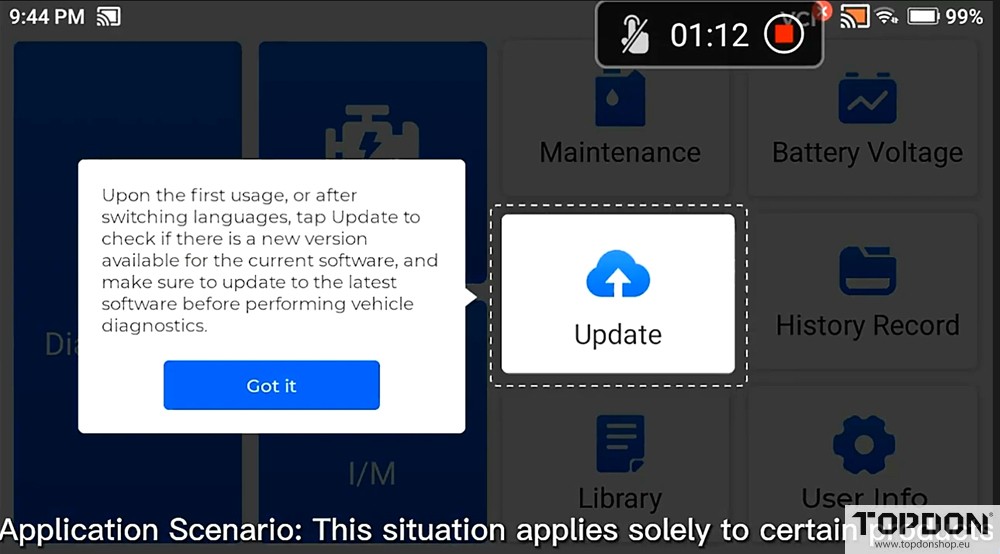
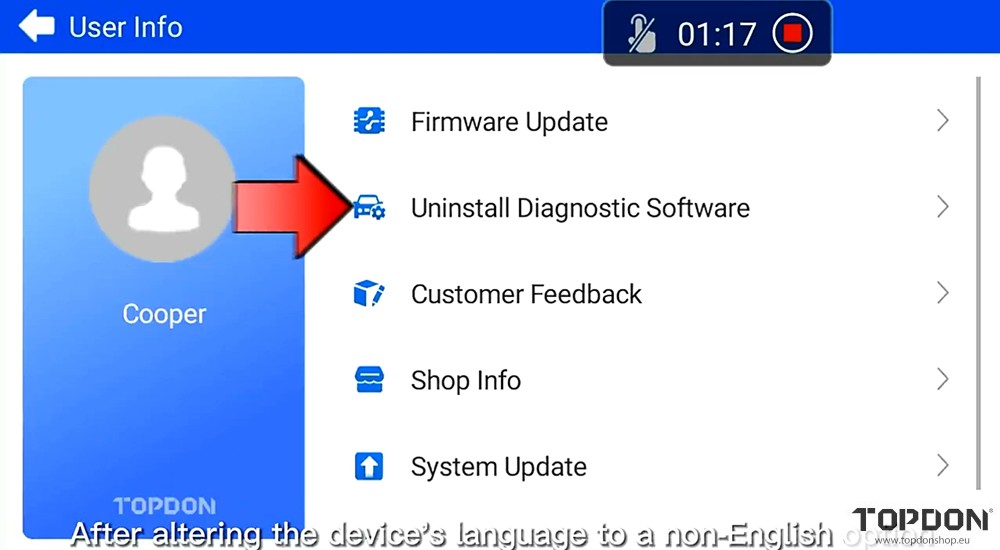
The device comes with pre-installed model software. Remove these brand software.
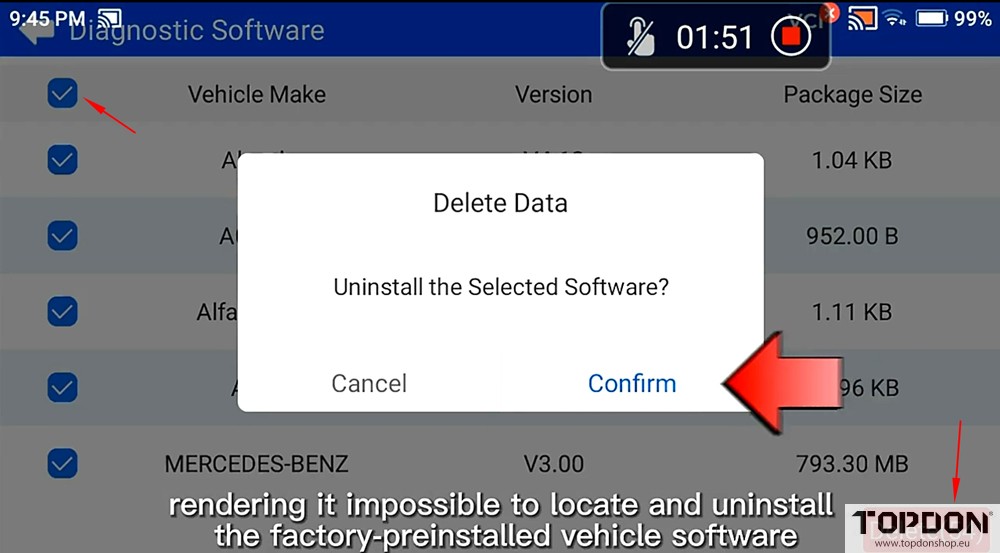
Application scenario: This situation applies solely to certain products. After altering the devices’s language to a non-English option, updating the device triggers a memory insufficiency notification,
rendering it impossible to locate and uninstall the factory-preinstalled vehicle software. (Resetting the device does not work).
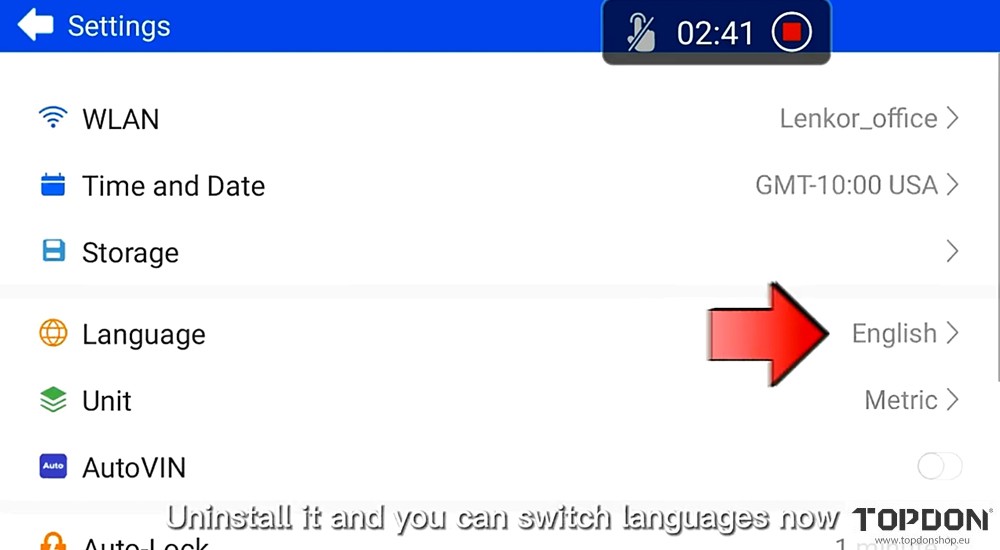
Go to User Info- Settings- Language to change language.