


How to connect the T-Darts to Topdon One Plus diagnostic scanner?
Procedure:
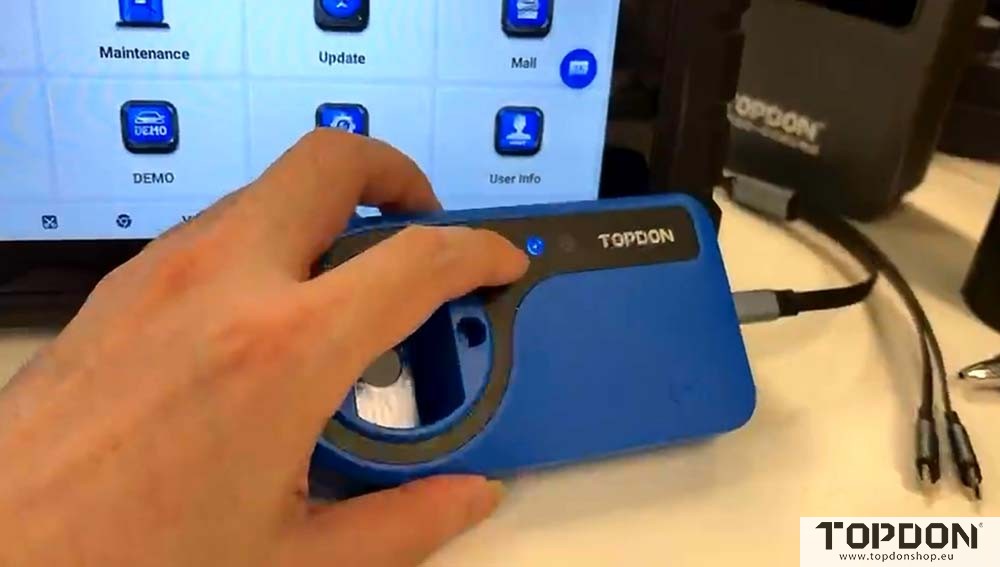
Connect the T-Darts to the Topdon ONE Plus tablet via USB cable.
Wait for the blue light on the T-Darts device to turn on.
In Topdon ONE Plus home menu, go to IMMO function.
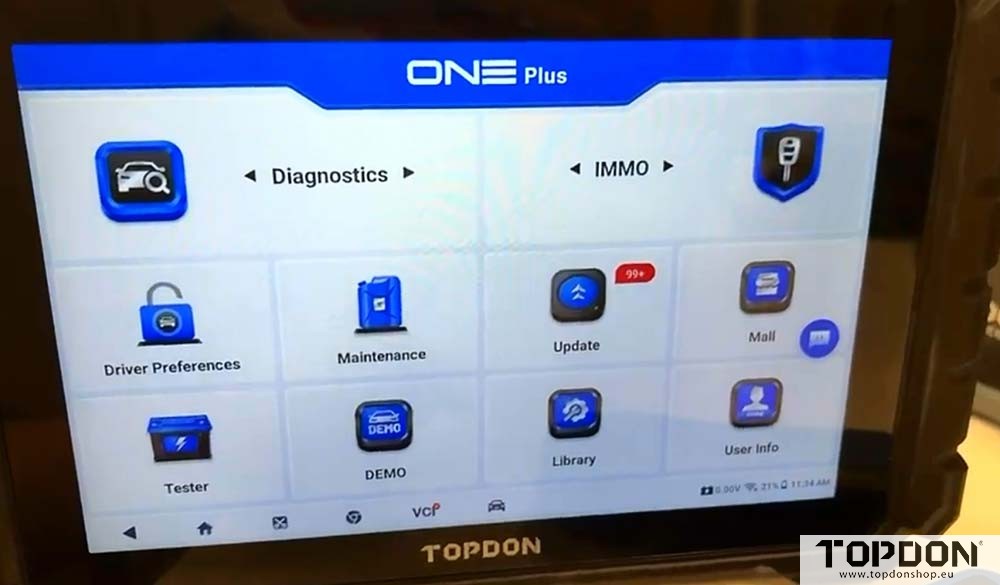
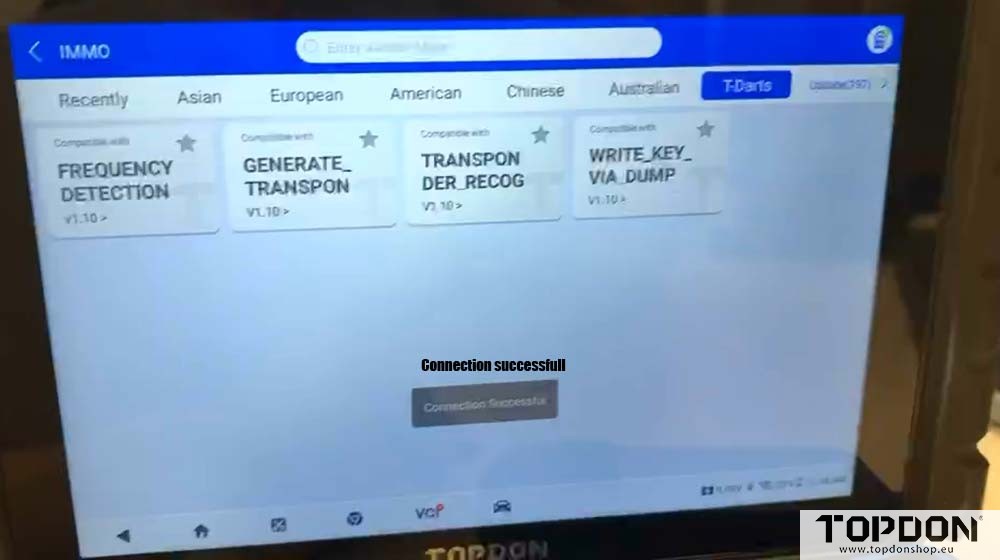
Select T-Darts function and go to Settings.
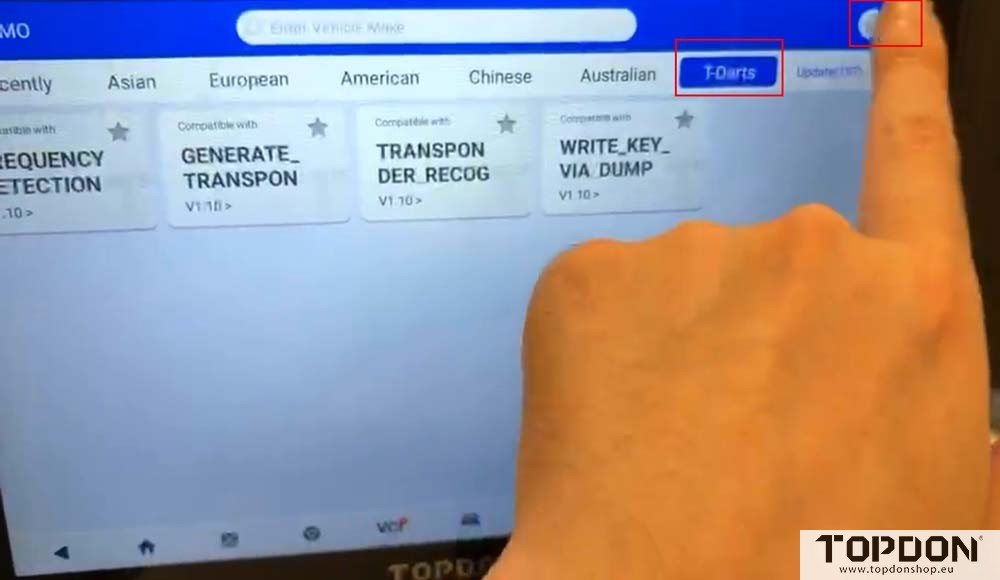
Here we will see the VCI Connection page.
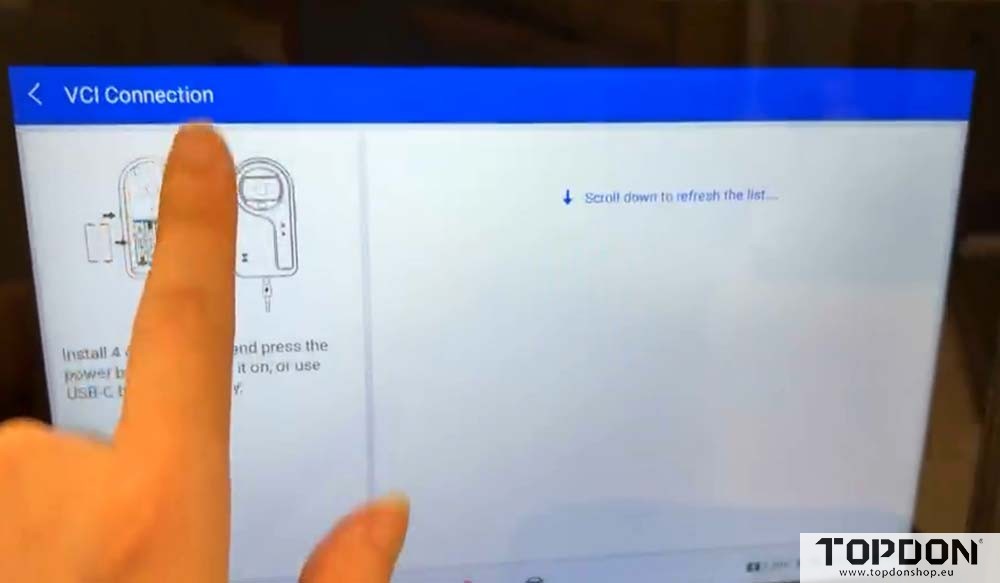
Swipe down on the screen to turn on Bluetooth connection.
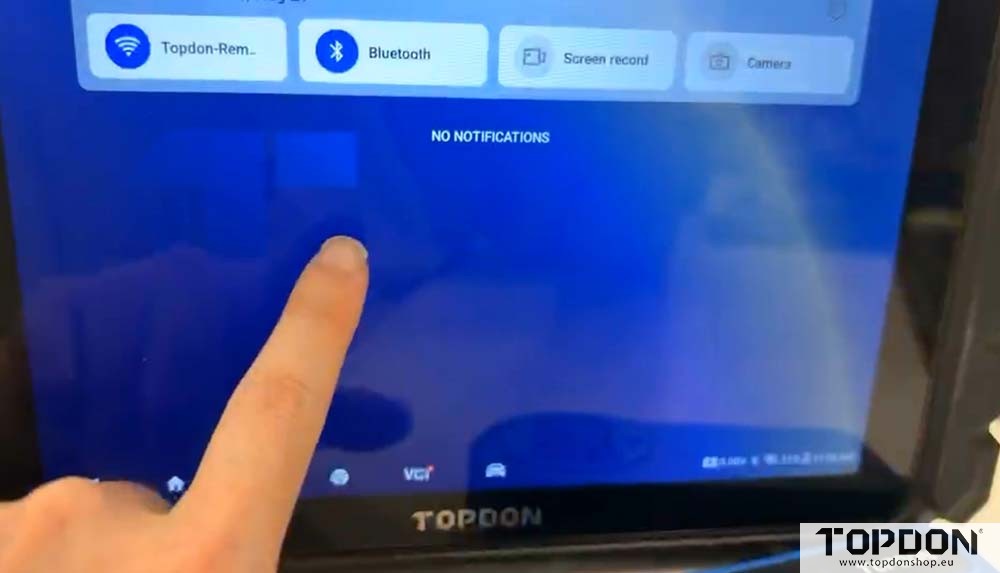
Hit the device serial number to pair with ONE Plus via Bluetooth.
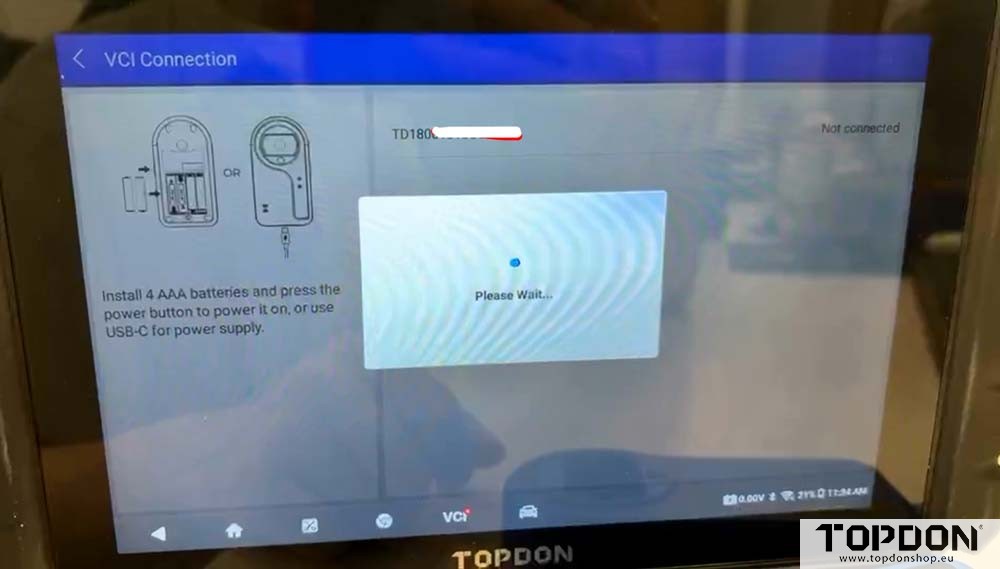
Connection successful. Now you can use the T-darts’ function.
If the connection fails, please send us a video so Topdon engineer can better identify and troubleshoot the issue.