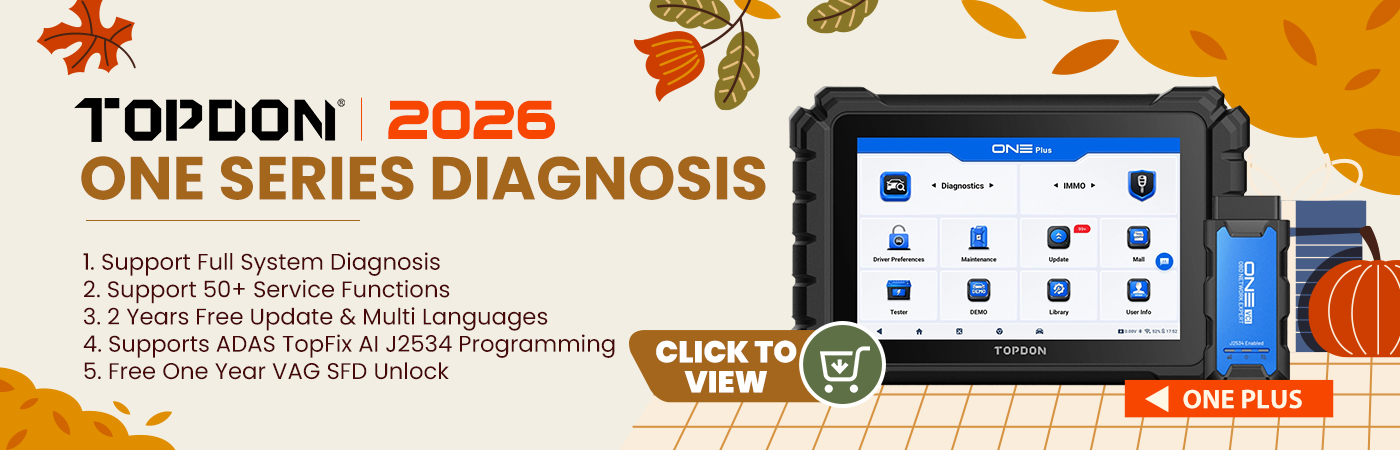
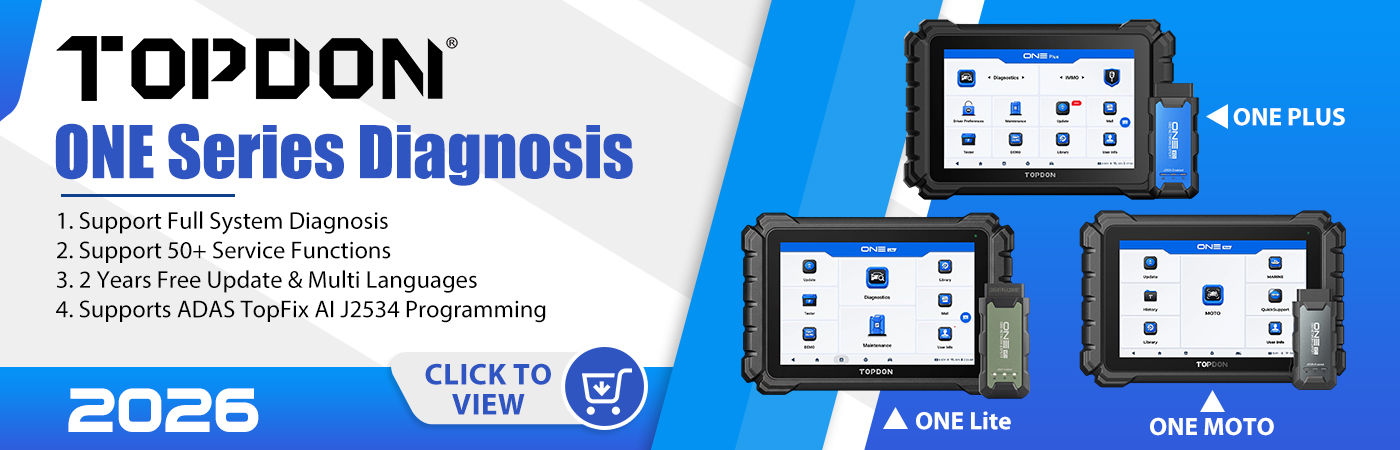

Q: Possible to change Topdon ONE Plus diagnostic scanner language to Italian and how to?
Here is the clue.
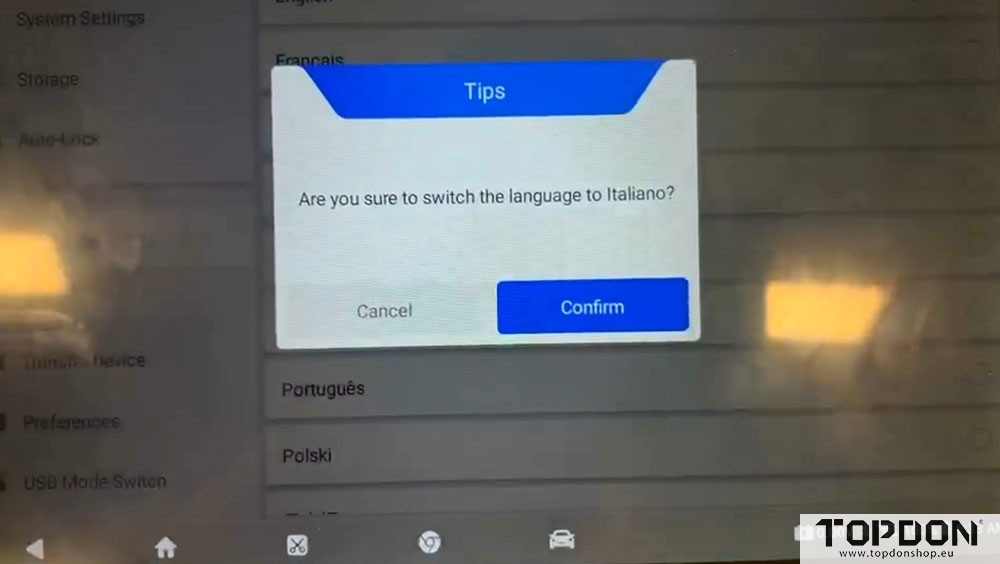
How to change the language on Topdon ONE/ONE Lite/ONE Plus?
Topdon ONE series supports multi-language, including:
English, French, German, Spanish, Portuguese, Russian, Japanese, Korean, Italian, Traditional Chinese, Chinese, Turkish, Polish, Serbian, and Slovak.
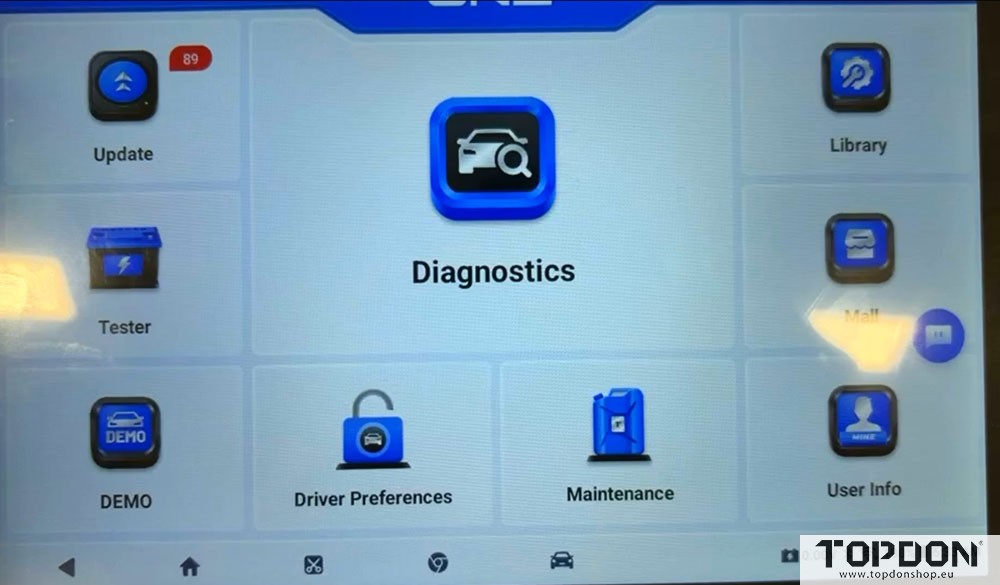
In main menu, go to User Info.
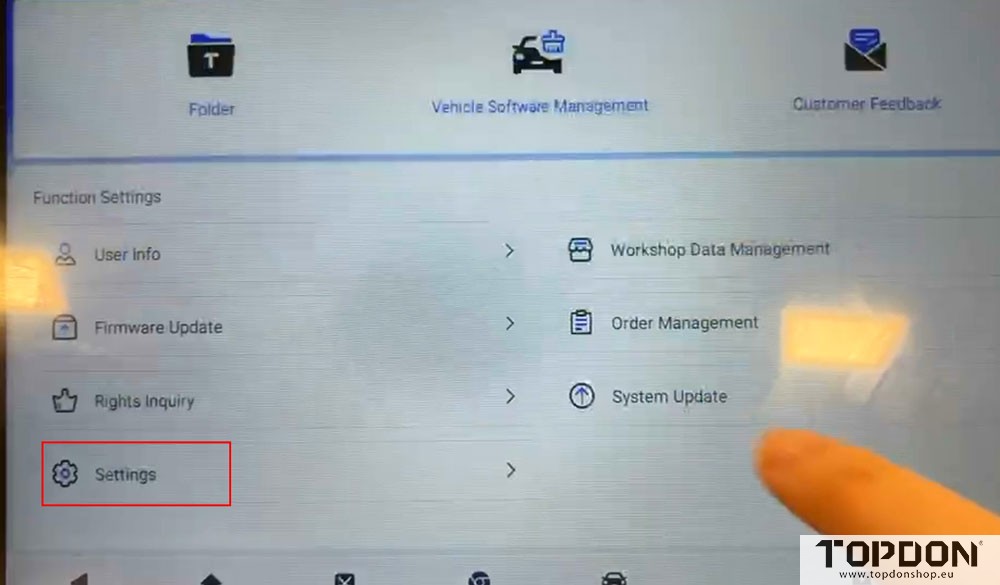
Select Settings- Language.
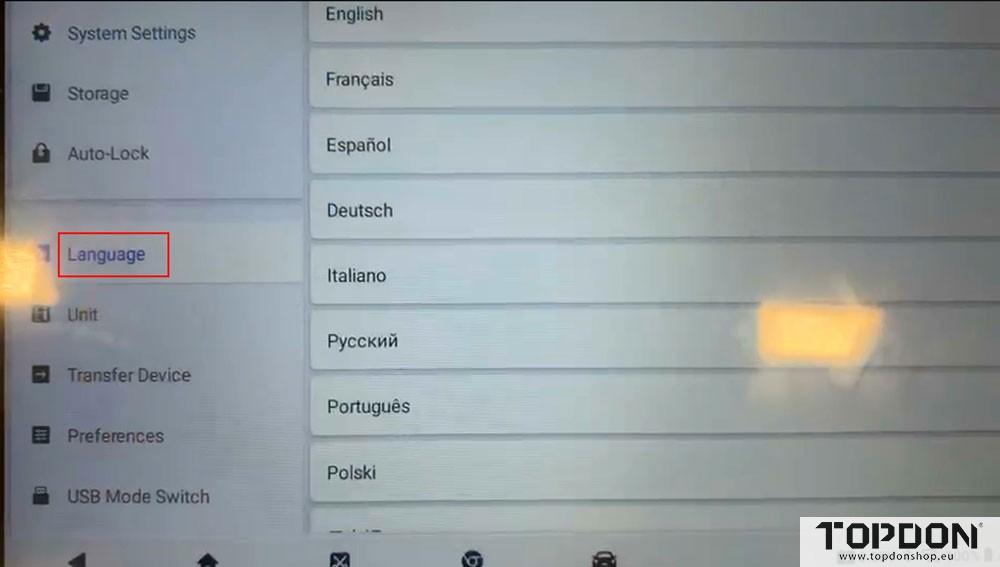
Choose the desired language and switch.
www.topdonshop.eu