Problem:
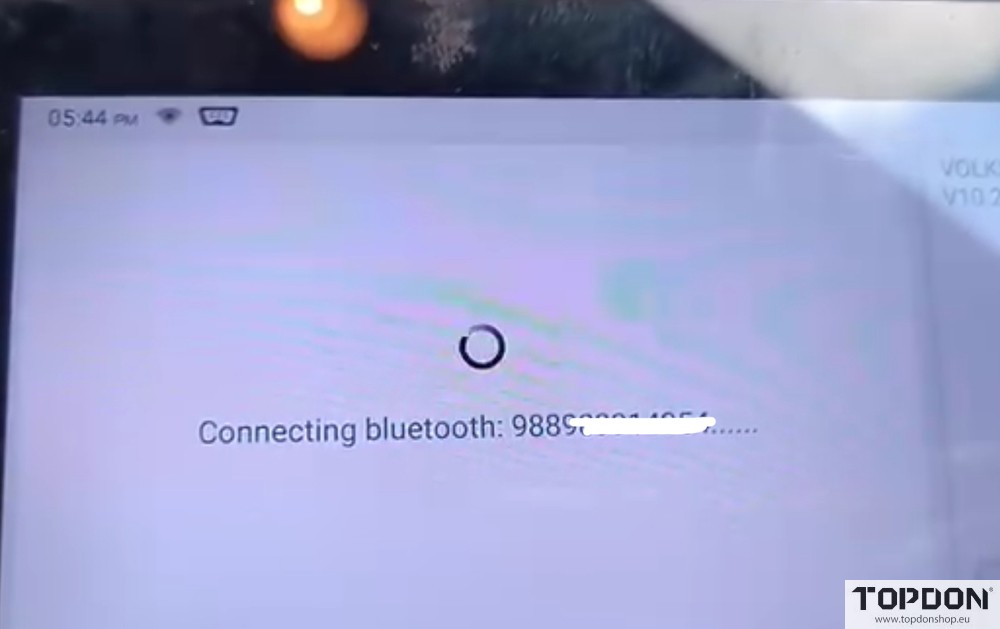
The Topdon Artidiag800 BT 2 scanner is not connecting to bluetooth for diagnosis. What can be issue?
Solution:
Check if the VCI dongle flashing blue.
Sometimes not connected/ pushed into obd correctly or has bent pins, check power at the obd port.
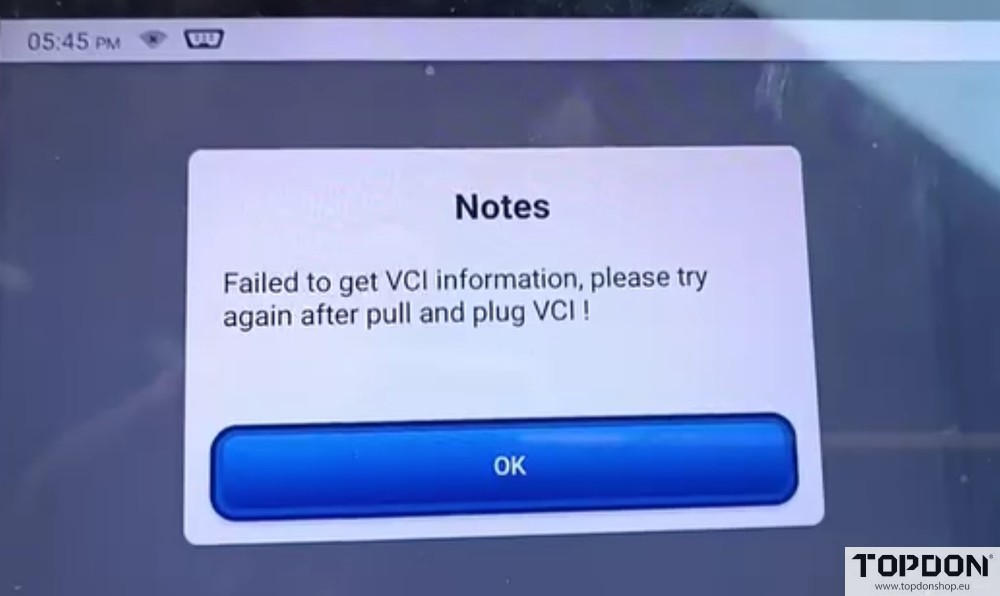
Also do a firmware fix via the system. The firmware is then reinstalled on the VCI. It also often happens that this gets lost.
If the VCI dongle flashes blue but still has no connection, the VCI dongle is faulty.
Replace a new Bluetooh VCI.
Customer DIY solution:
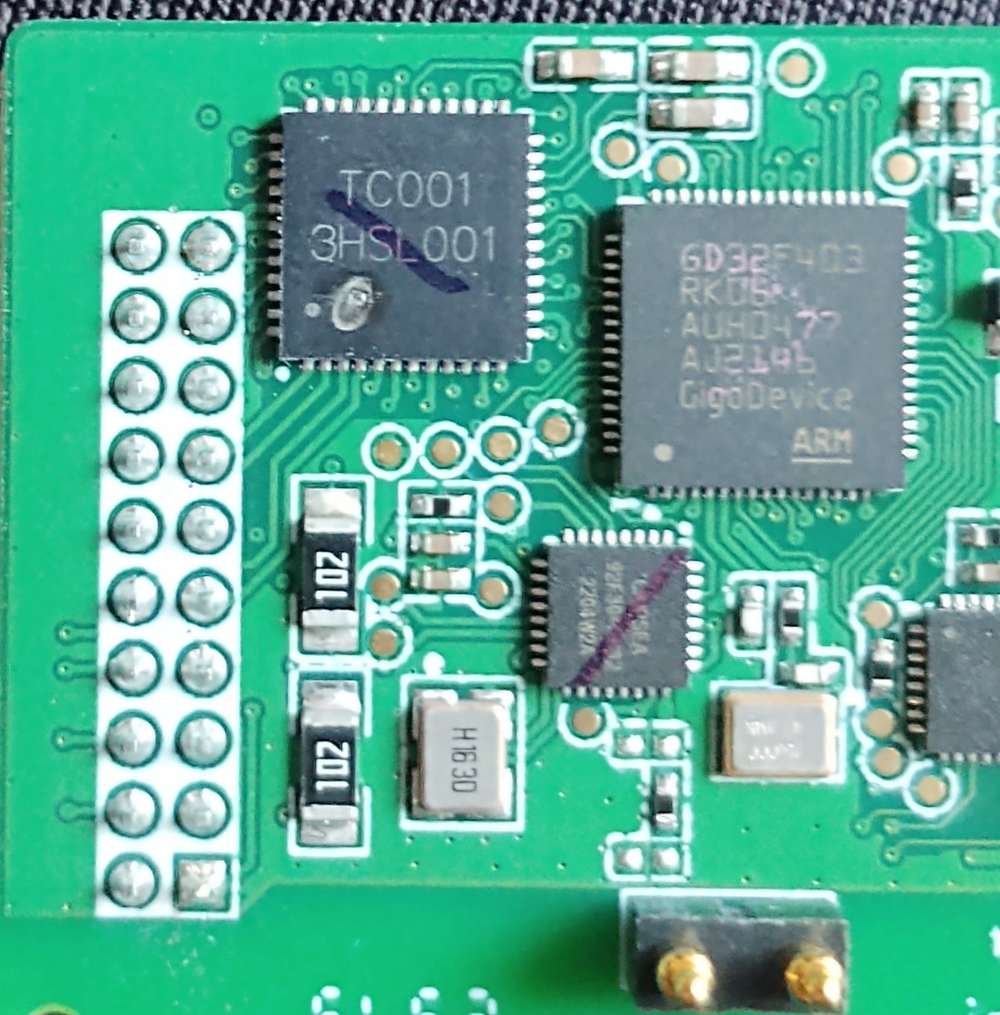
Fix the VCI dongle firmware. Sometimes the chip that acts as a relay has burned out. It is responsible for sending and receiving signals.
Look at the picture then you will see it>> TC001 the spot under the H.
You have to open your connector and see if it’s the chip in your case too.