





How do I upgrade from Topdon Topscan lite to Topscan pro?
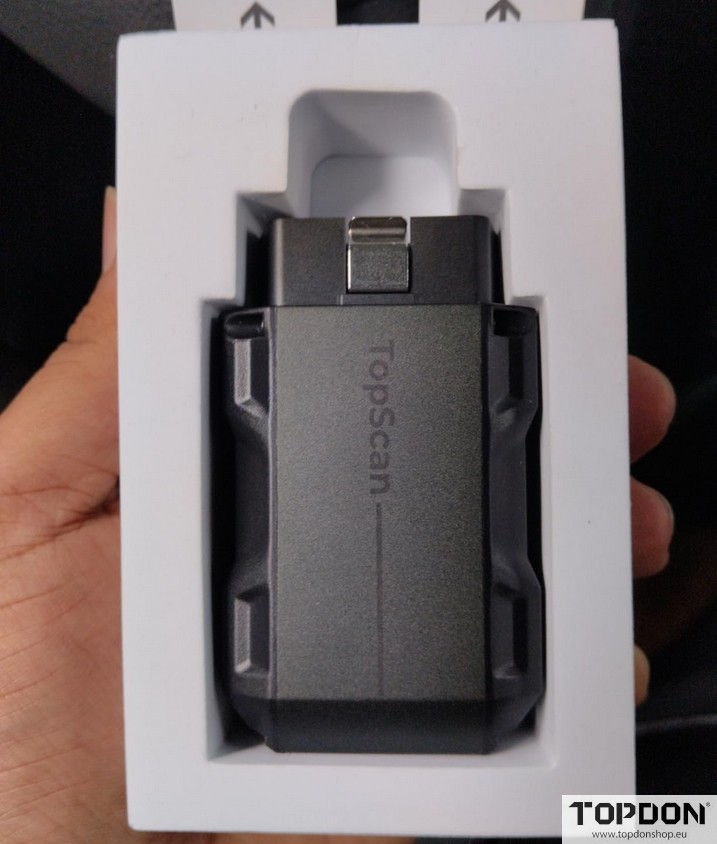
Purchase the Upgrade to Pro License (contact Topdonshop.eu customer service to purchase the license at 90 euro).
TOPDON processes the license activation remotely on their servers.
This usually takes 3–5 business days (up to 3 days in the US, 5 in the UK). You’ll get an email when it’s complete.
No action needed from you during this time.
Activate and Update in the App:
- Once notified, open the TopScan/TOPGURU app and ensure your device is connected.
- Go to the Homepage (or Diagnostic section). Look for a banner or prompt saying “Software Update Available” or “Upgrade Ready.“
- Tap Check for Updates or One-Click Update. The app will download and apply the Pro license automatically.
- If no prompt appears, log out/in to your TOPDON account or restart the app. You may need to re-bind the device under Me > Device Management.
- Restart your phone and reconnect the dongle to confirm.
Verify the Upgrade:
In the app, navigate to Service Functions or Reset Services. You should now see the full 13 options, plus IMMO if applicable to your vehicle.
Test on a vehicle: Connect to the OBD2 port, run a scan, and check for new features like Injector Coding.