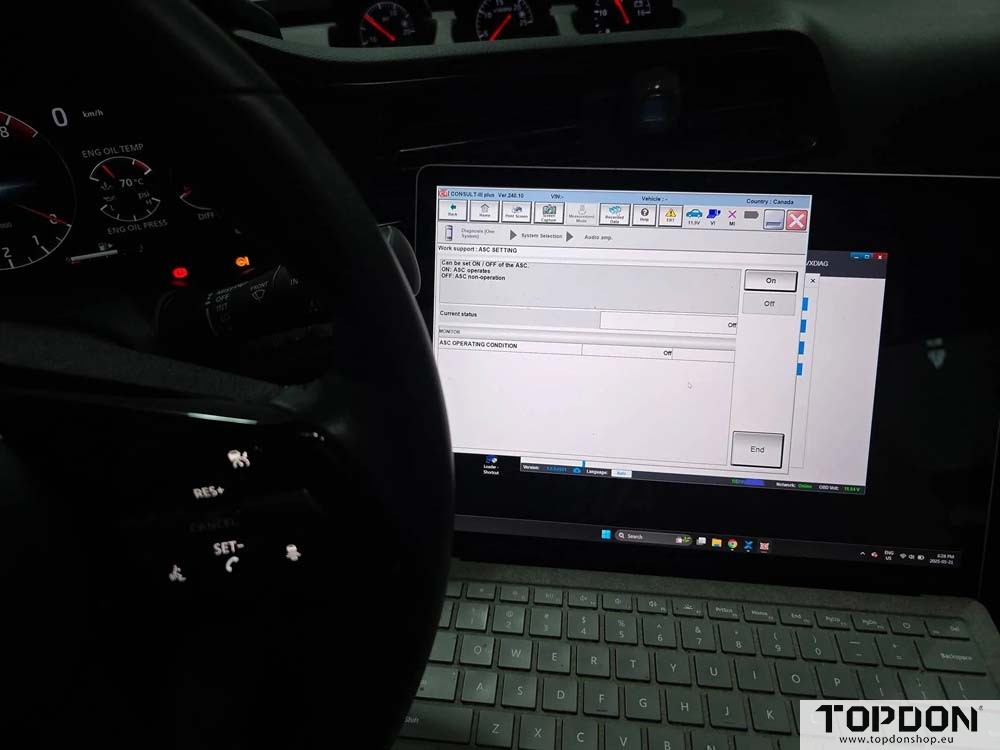

The local dealer charges $230 to disable the ASE on Nissan Z models. You can do it yourself.
Finding an OEM compatible J2534 cable. Consult III has a 1-day subscription for $40.
ANC is Active Noise Cancelation.
ASE (also called ASC) is Active Sound Enhancement – fake engine/exhaust sounds.
Consult3 software says AST. It’s ASE. In Nissan’s diagnostic system it is called ASC. The ANC remains the same name.
Both features of the Performance and NISMO models. Not on the Sport model.
You’ll need:
- One day subscription to Consult III Plus R2R (link).
- J2534 compliant device. I purchased Topdon Rlink J2534 interface.
- Windows laptop w/ .Net 3.5 installed
- Net 3.5 is old and not installed by default. Windows 11 laptop kept timing out while trying to install.
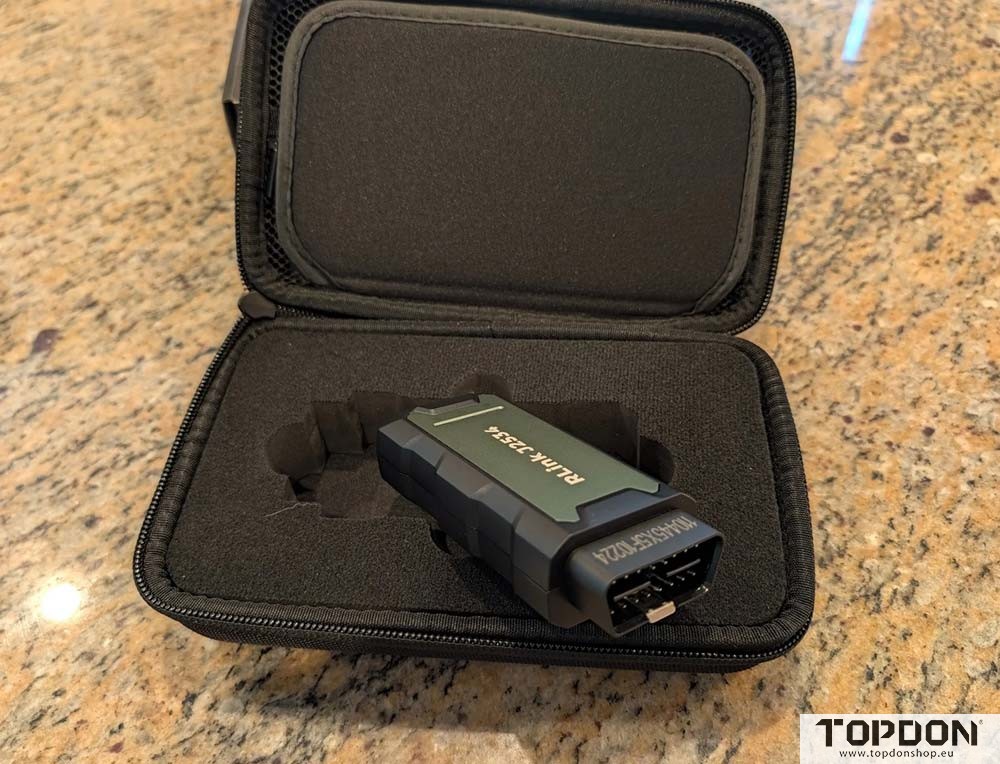
Steps:
- After connecting the Rlink J2534 adapter to the OBD-II port, load up Consult 3 software. You’ll be prompted for market type. Select USA/Canada aftermarket and enter your techinfo login. Do not select ‘offline menu’ – Consult will not allow you to make config/programming changes in offline mode.
- Use ‘Select VI/MI’ to connect Consult to your J2534
- Select either of the Diagnosis options then select Audio Amp
- You’ll need to change the CWG setting from ‘Restricted’ to ‘Open’ before Consult will allow you to edit the ASC/ANC settings.
- Edit the settings and enjoy!