How to Transfer Files from TOPDON Phoenix Lite 3 to PC?

How to transfer files from Topdon Phoenix Lite 3/Lite 2 to PC?


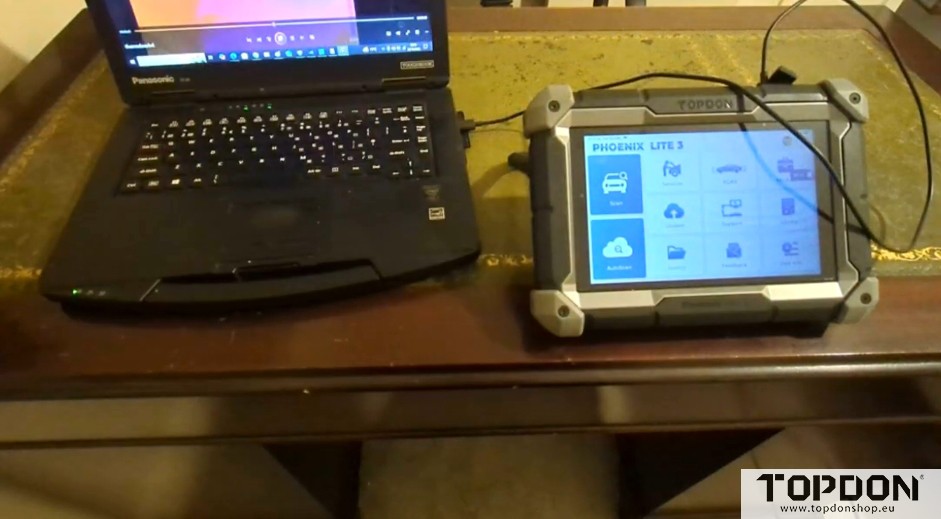
1. Connect the Phoenix Lite 3 device to the computer with a USB cable.

transfer files from topdon phoenix lite3 to pc 1

transfer files from topdon phoenix lite3 to pc 2

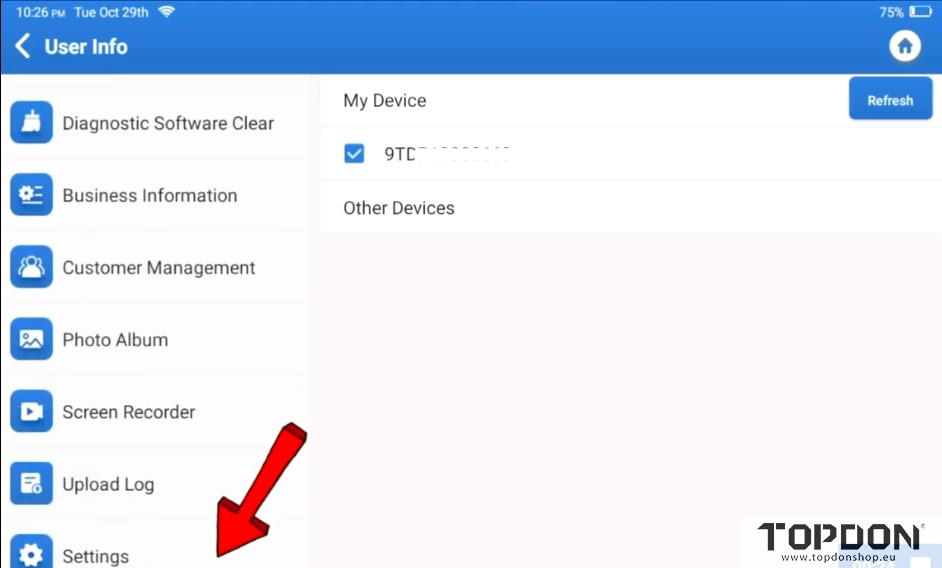
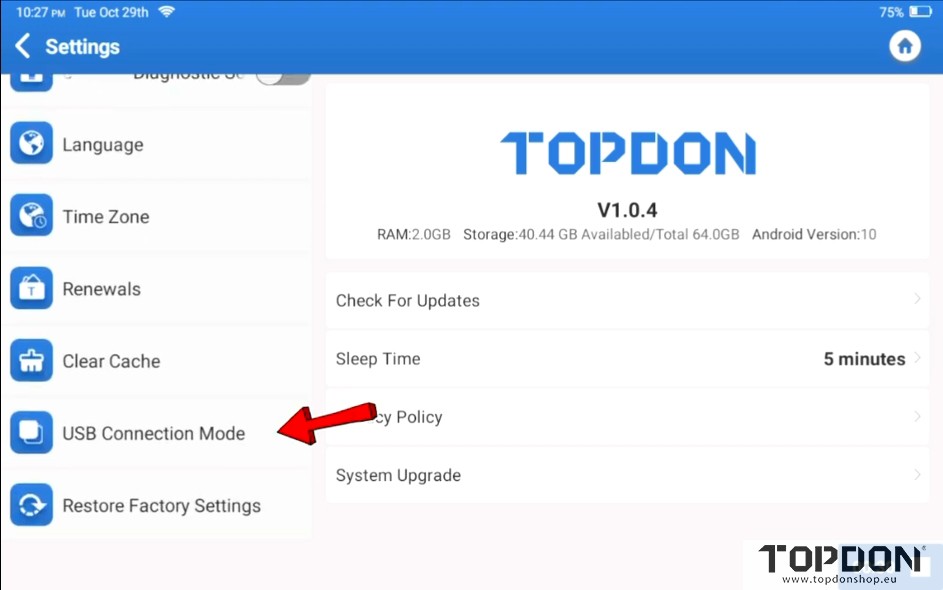
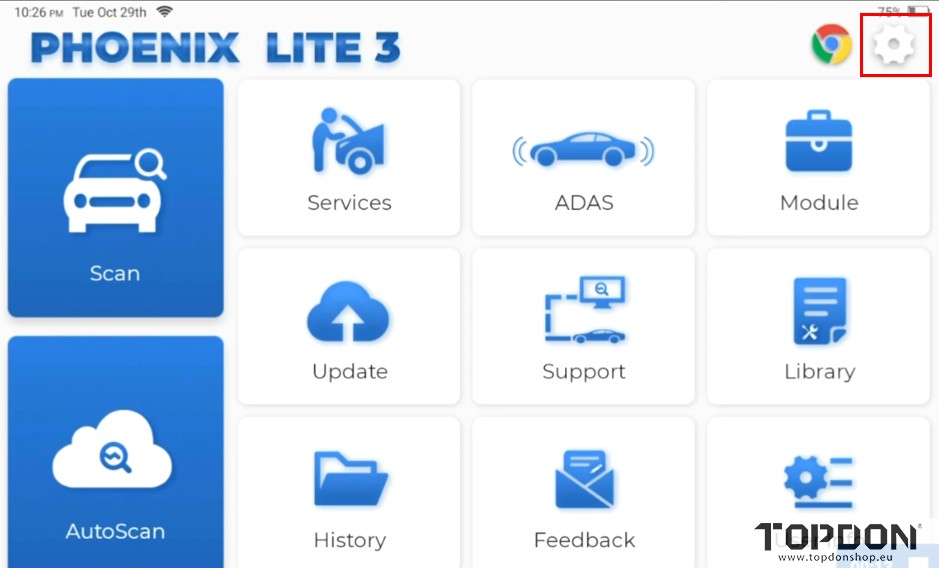
2.In Lite 3, Click settings icon- Settings- USB Connection Mode.
transfer files from topdon phoenix lite3 to pc 3

transfer files from topdon phoenix lite3 to pc 4

transfer files from topdon phoenix lite3 to pc 5

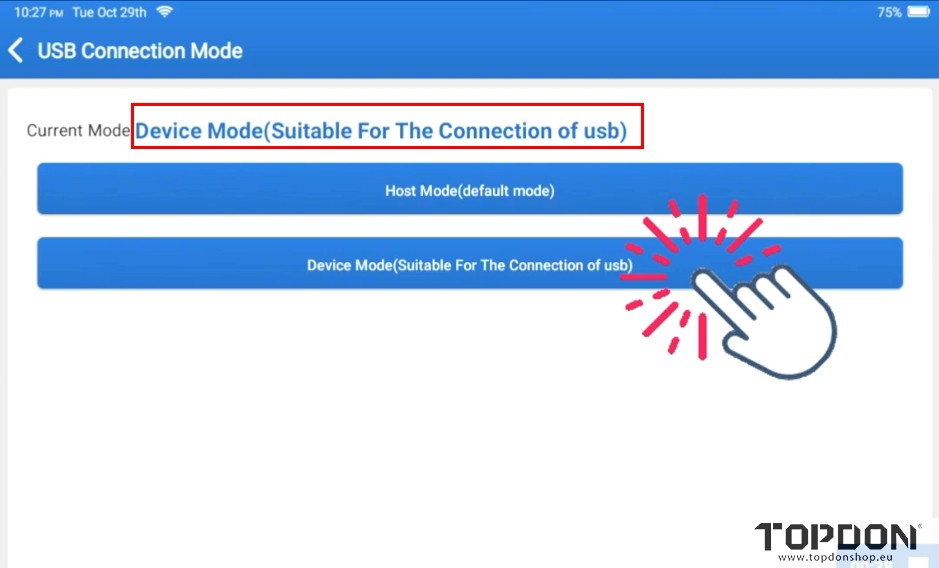
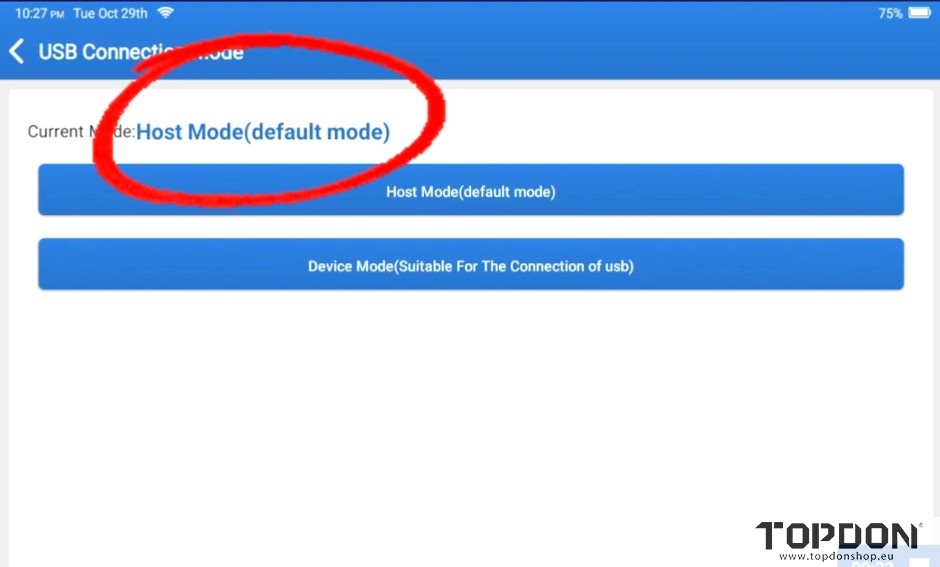
3.

The default mode is Host mode. We need to change to USB mode.
transfer files from topdon phoenix lite3 to pc 6

transfer files from topdon phoenix lite3 to pc 7

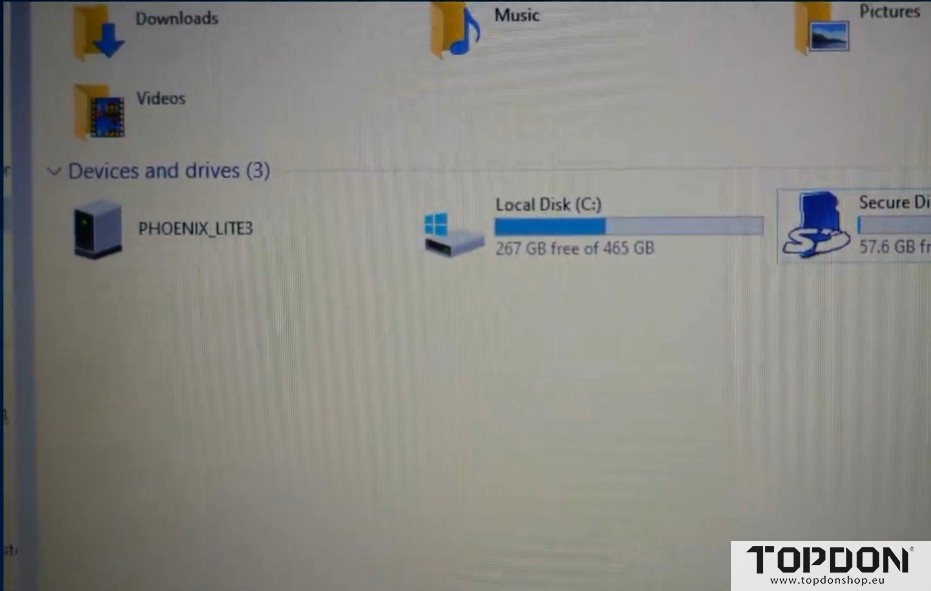
Now you can transfer files from Lite 3 to PC.
transfer files from topdon phoenix lite3 to pc 8


Read also:

How to Transfer Data from Topdon Phoenix Max to PC via USB Cable?