
How to set up and connect Topdon RLink J2534/ Rlink X7/ Rlink Lite adapter with Mercedes Benz Xentry software?
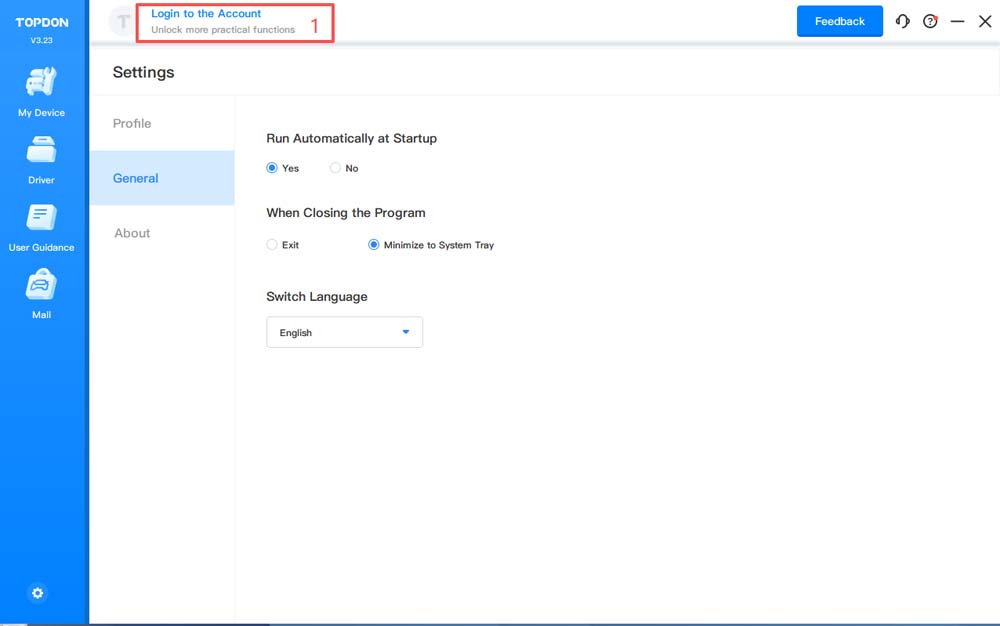
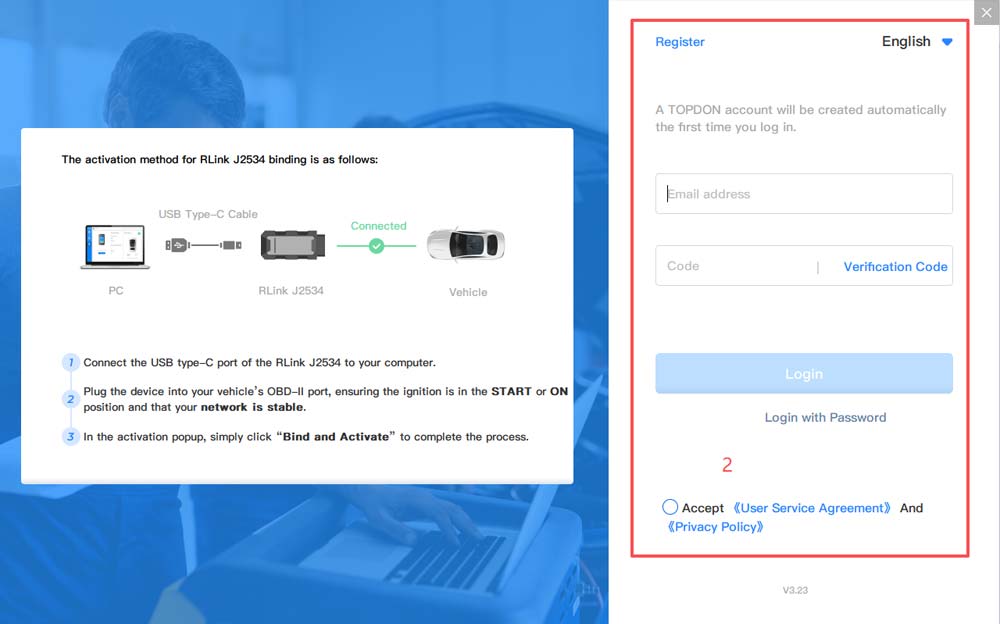
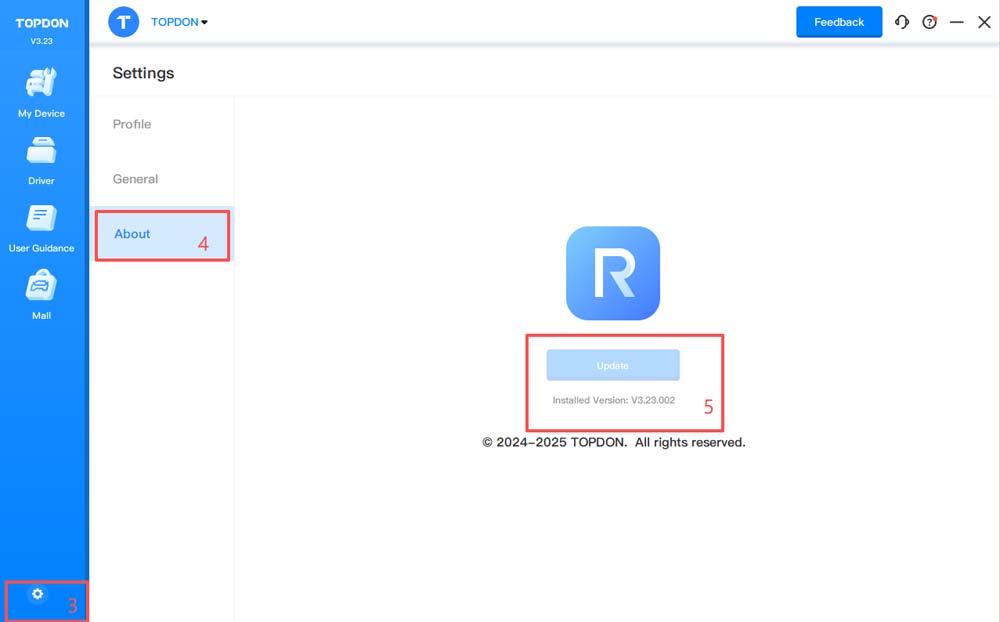
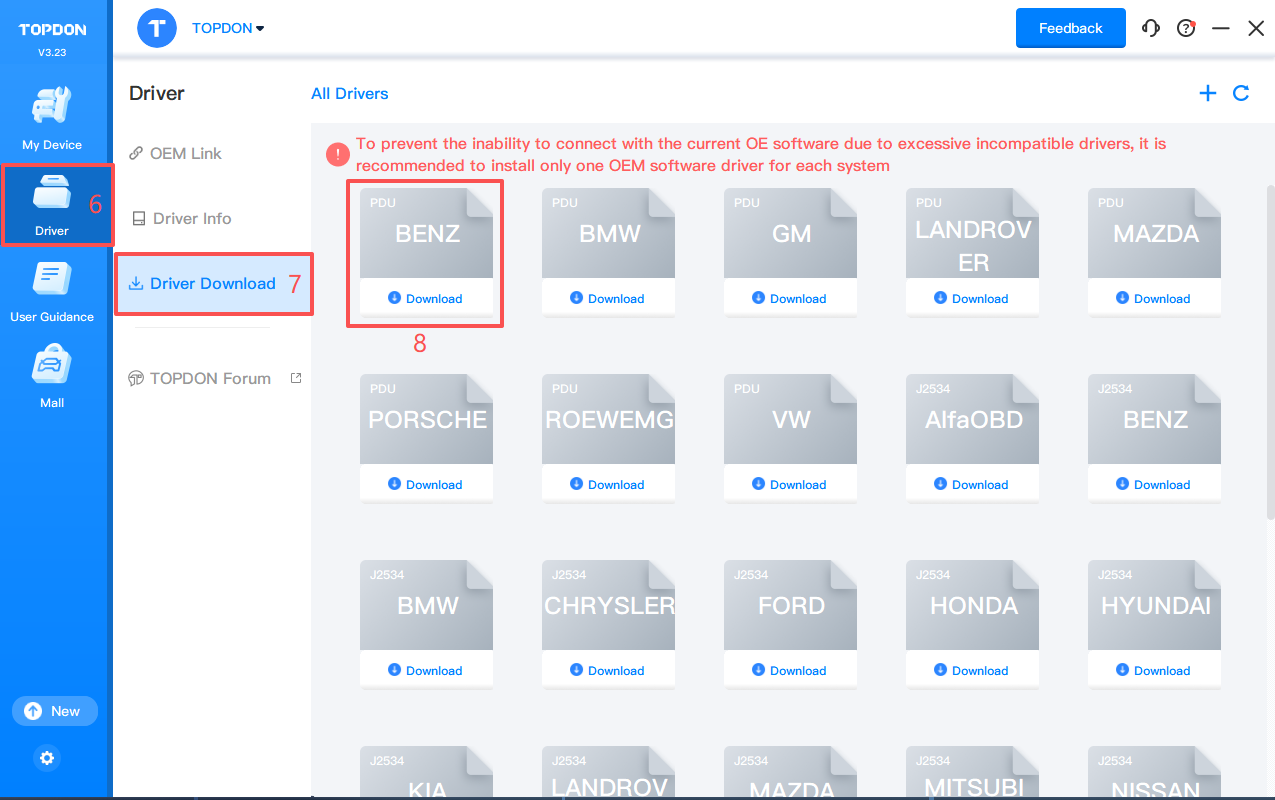
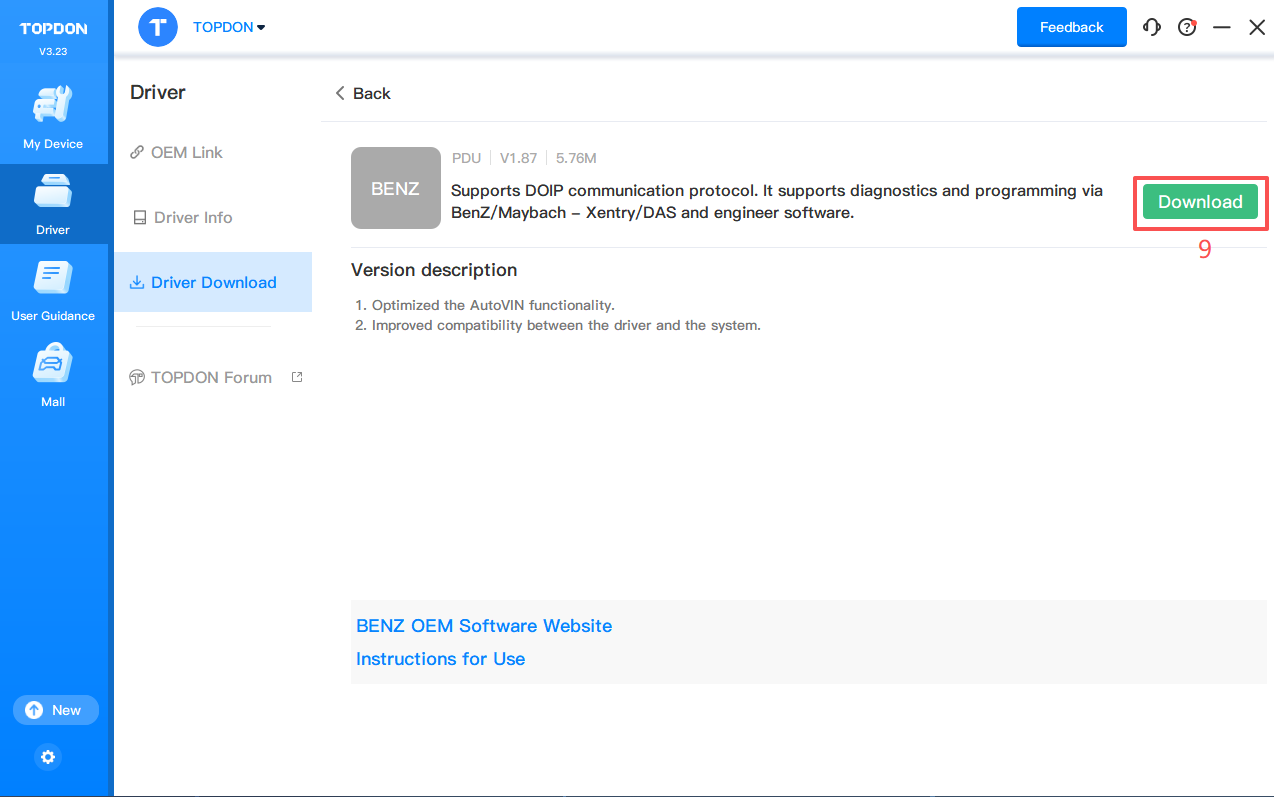
3. Click Driver> Driver Download. Click BENZ and click Download to download the driver.
Note: Download the corresponding driver according to the OEM software. Do not download drivers that are not related to the OEM software.
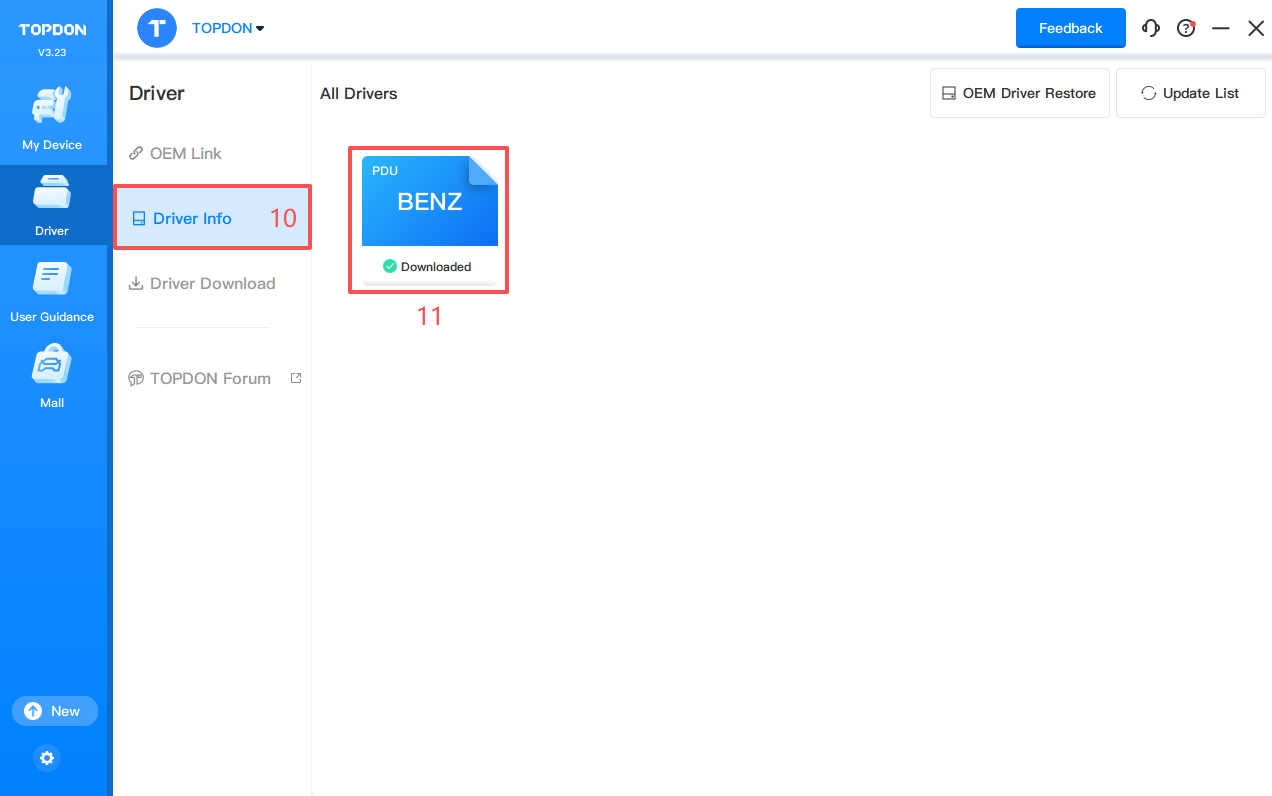
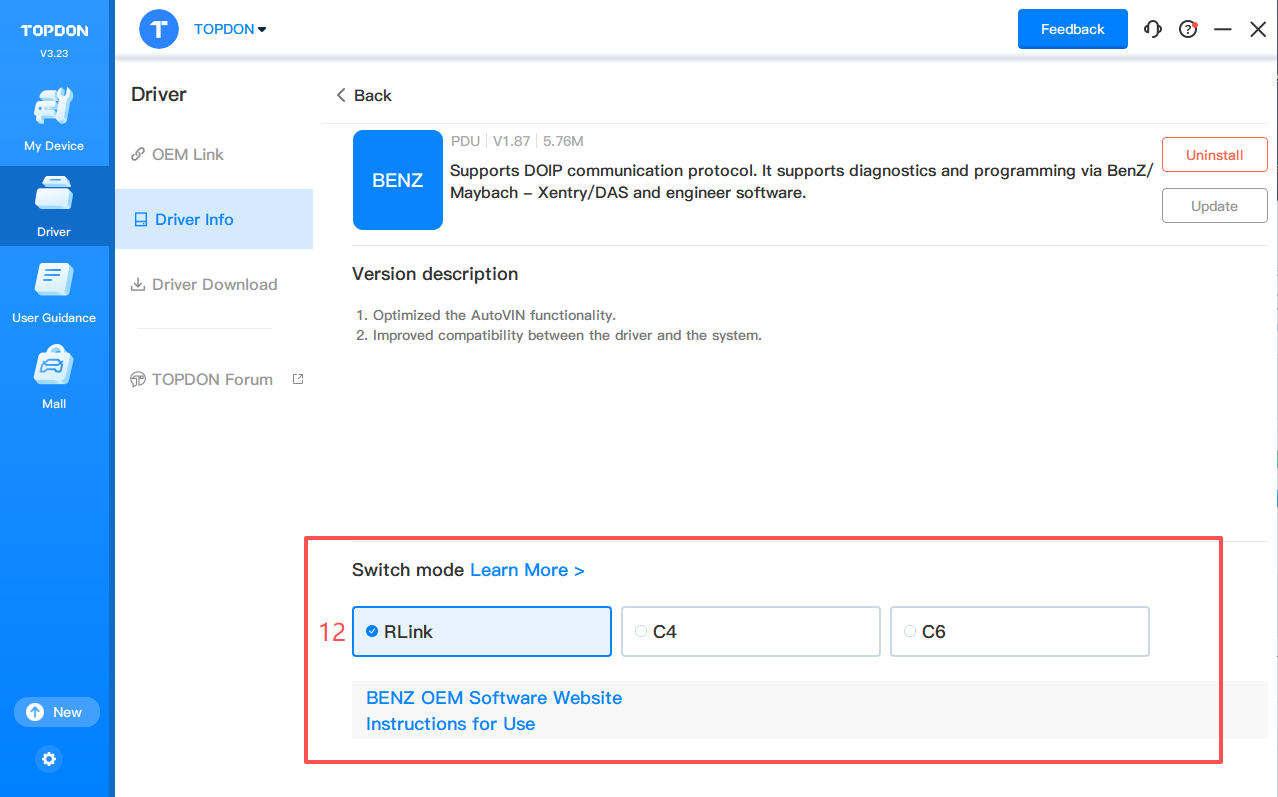
4. Click Driver> Driver Info. Then click BENZ to configure the driver mode.
5. There are two driver modes for BENZ.
To use RLink X7 device for diagnostics, select RLink mode.
To use the original C4 device for diagnostics, select C4 mode (restore the original C4 driver mode).
To use the original C6 device for diagnostics, select C6 mode (restore the original C6 driver mode).
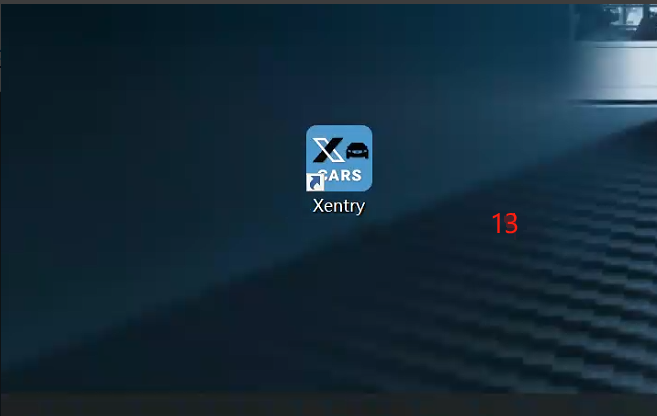
6. Double click the icon to open XENTRY for diagnostics.
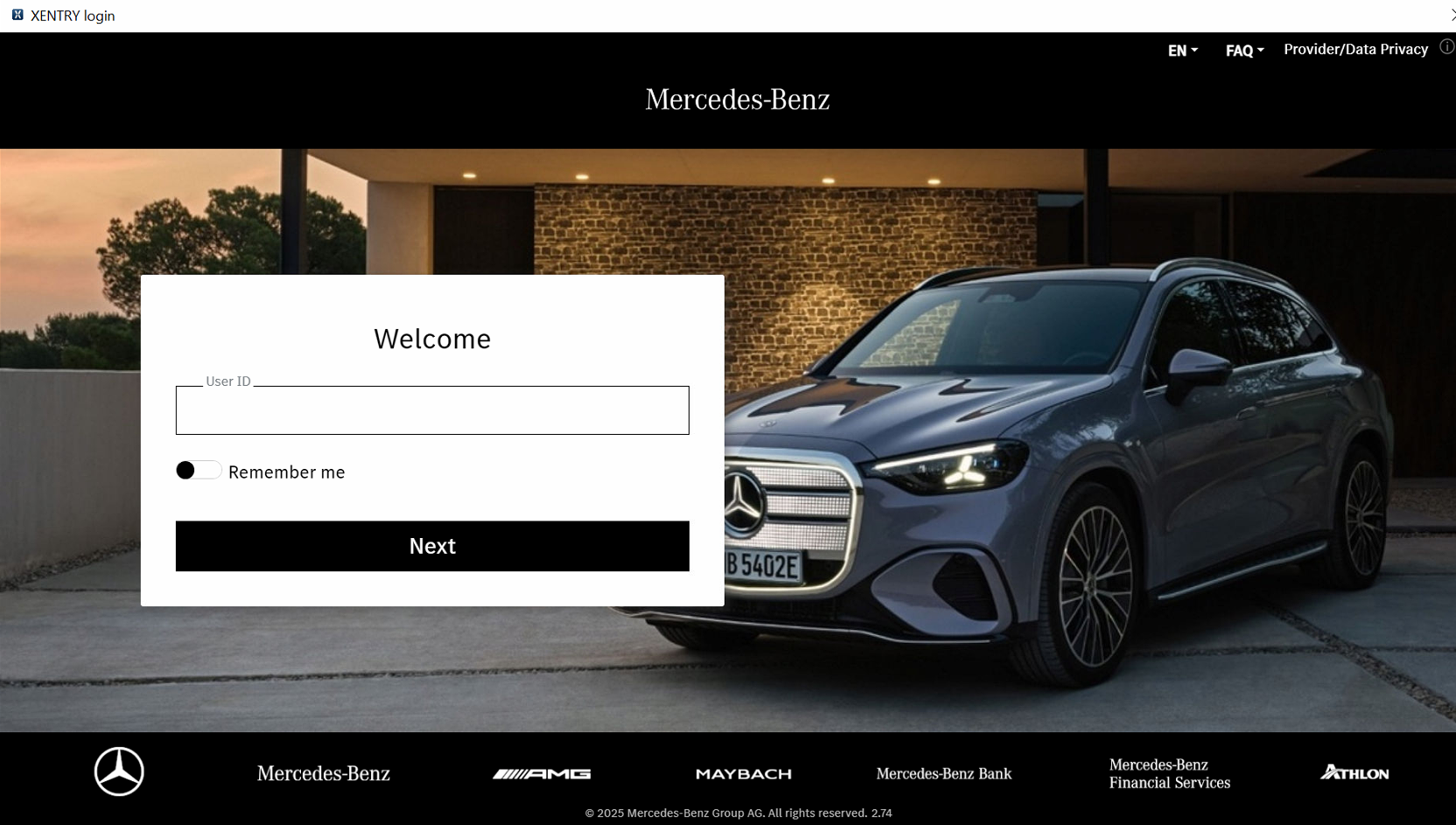
7. Log in to the Benz account.
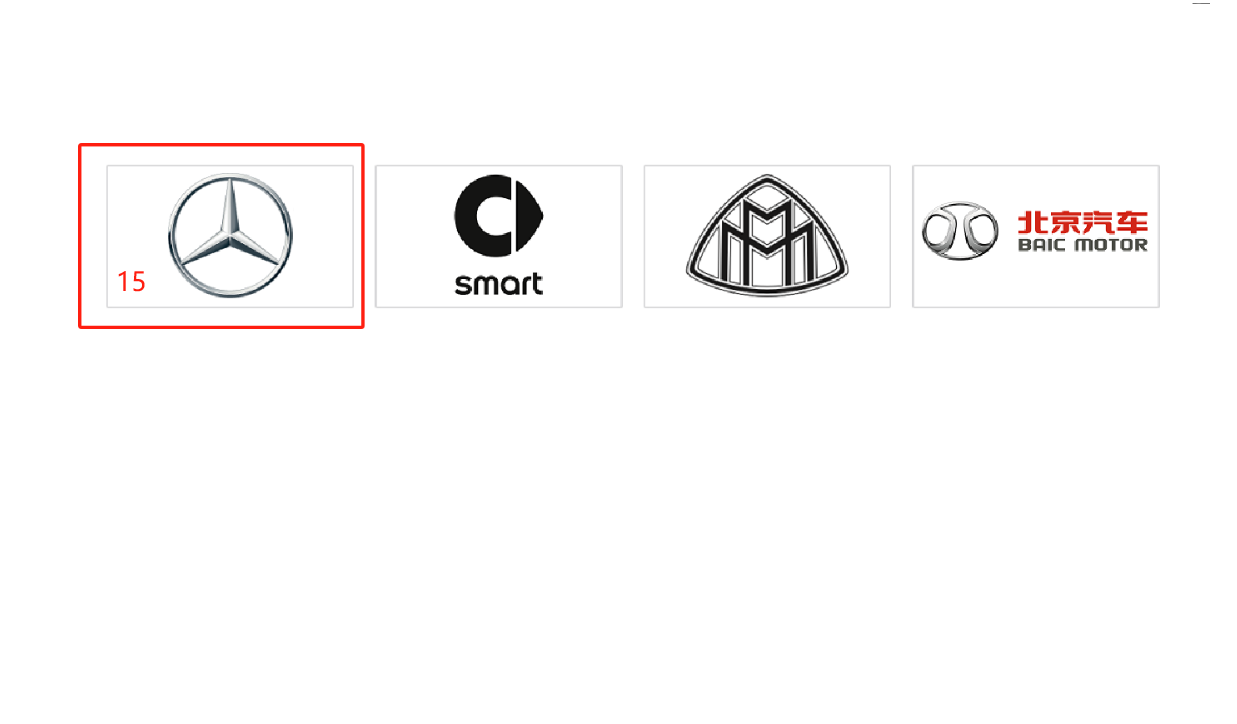
8. Choose the Benz logo.
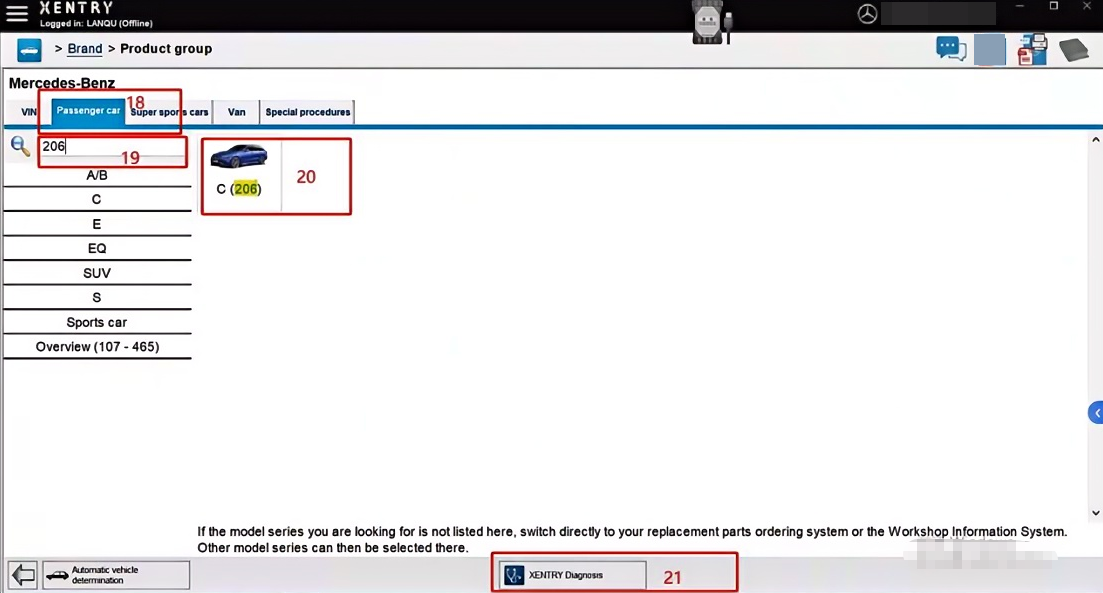
9. Click Passenger car and click XENTRY Diagnosis. If the system fails to detect the vehicle, enter the vehicle model in the search bar.