





Problem:
Received a new Topdon Phoenix Plus 2 diagnostic scanner, unit will not proceed past “agree to terms” screen. Have tried 2 different WIFI networks with same result and have tried hard reset.
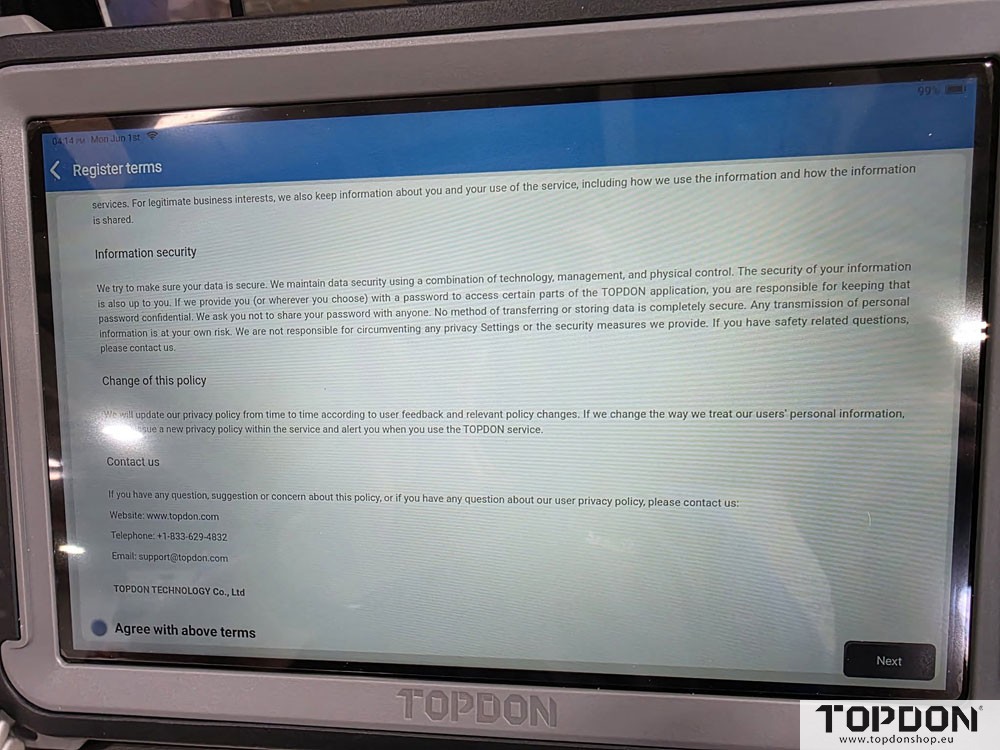
Solution:
Try connecting the device to a mobile hotspot instead of Wi-Fi. Sometimes testing with a different network source can help identify whether the issue is network-related.
If not working, provide a short video showing the issue. Topdon engineer would like to see what happens after you tap “Agree to Terms” and try to continue.
Updated:
He tried his mobile hotspot it still did not work because the his phone was connected to the dealership wifi. Disconnected WIFI on the phone, connected the Phoenix plus 2 to his mobile hotspot and it worked perfectly. Then was able to connect the unit to dealership wifi and now updates are downloading through that.
www.topdonshop.eu