

Problem:
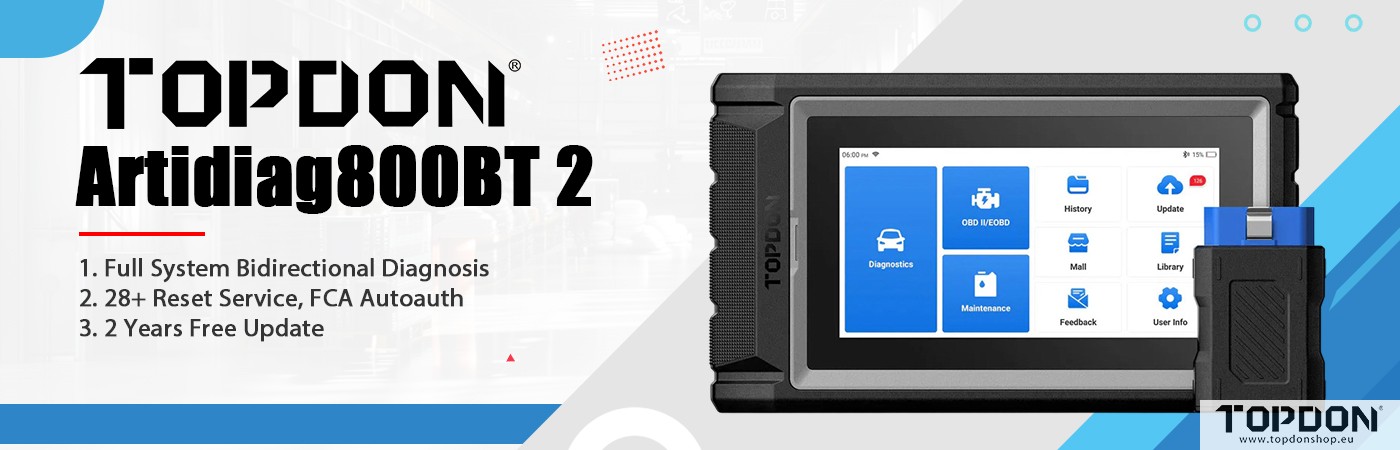
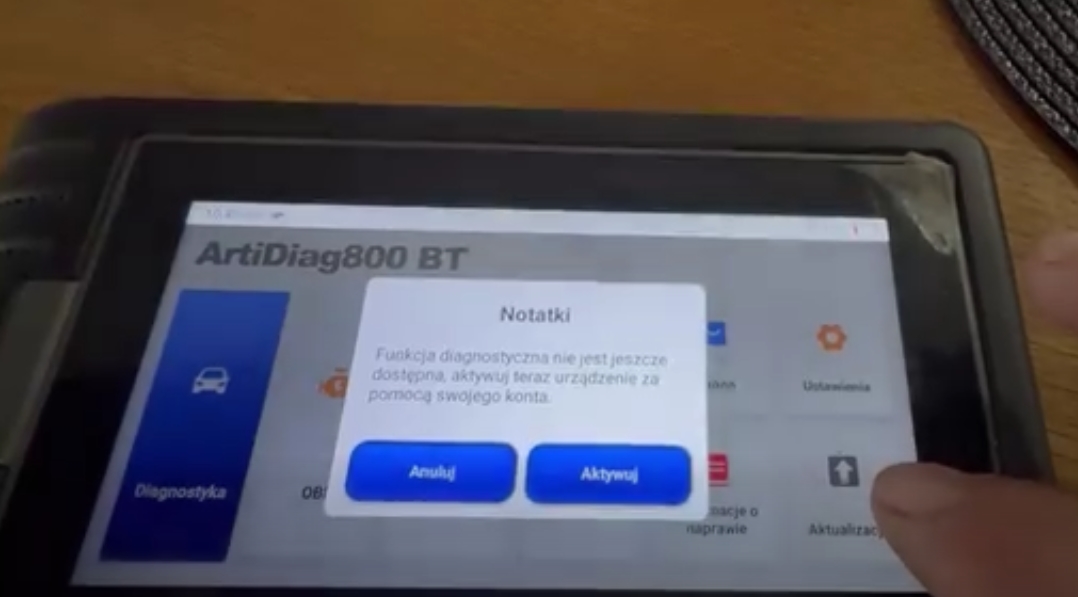
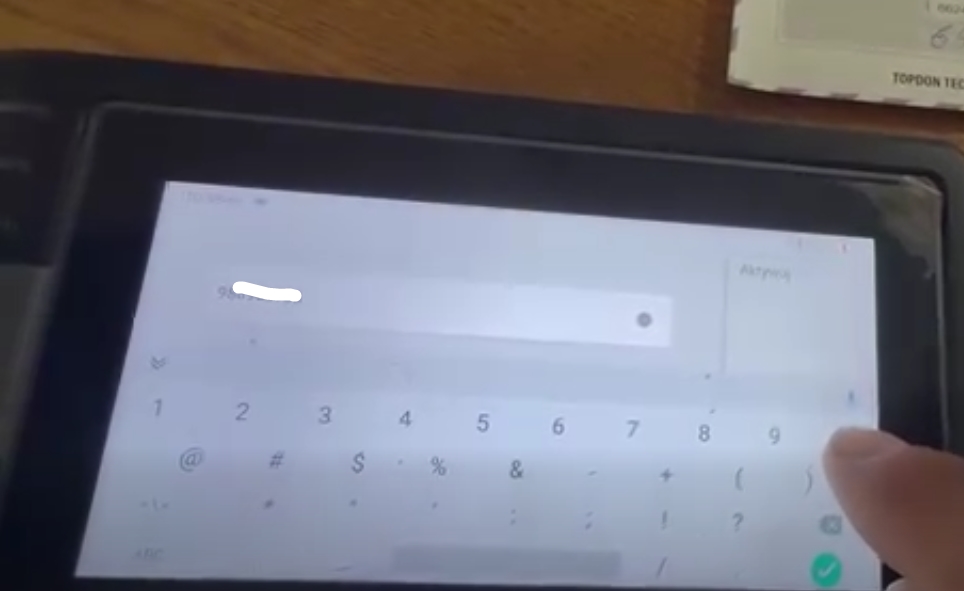
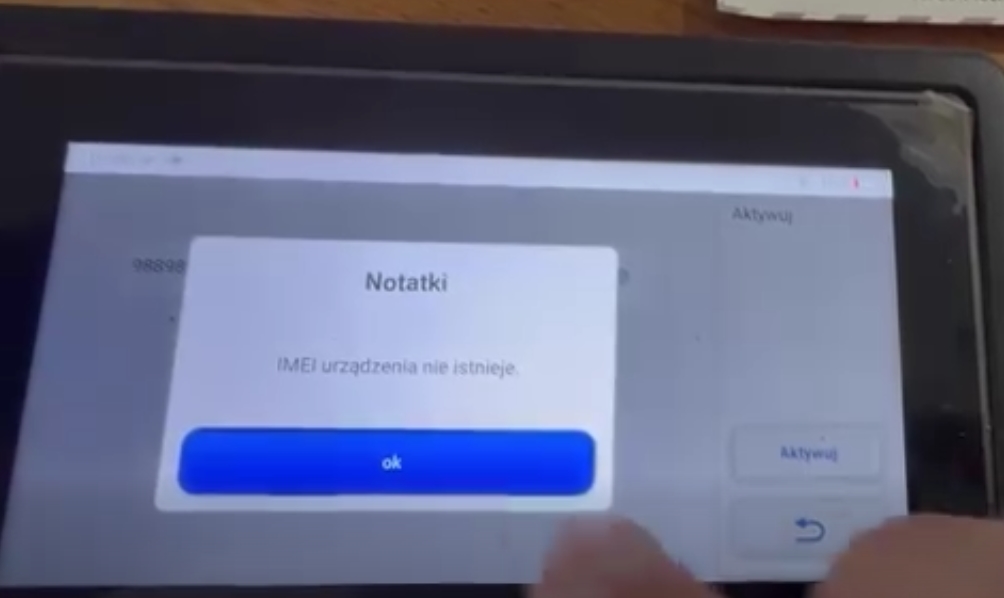
After replacing the VCI for the Topdon Artidiag800 BT scanner, the device does not activate. Any solution?
Solution:
If the AD800 BT or AD800 BT2 scanner activation failed after replacing VCI, clear your cache and try again.
Click User Information -> Click Clear Data -> Choose Clear Data.
If the problem still exists, contact Topdon technical support by providing serial number.